Tripo

Generate detailed 3D models from text or images quickly and intuitively.
Tripo3d.ai
Is this your tool?
Follow for updates & deals
Get alerts for Tripo discounts, feature releases & pricing changes
Similar Tools

Auralume AI
Generate professional-quality videos from text prompts and images effortlessly with Auralume AI.

Runway
Create and edit videos using AI-driven tools for text-to-video, background removal, and collaborative projects.

PicWish
AI-powered tool for batch background removal and image enhancement

Dzine
An AI design tool for creating and editing images and videos with intuitive controls.

Kling AI
AI-powered platform for creating images and videos with advanced editing tools and community features.

Tripo Media Gallery

Tripo (review) video
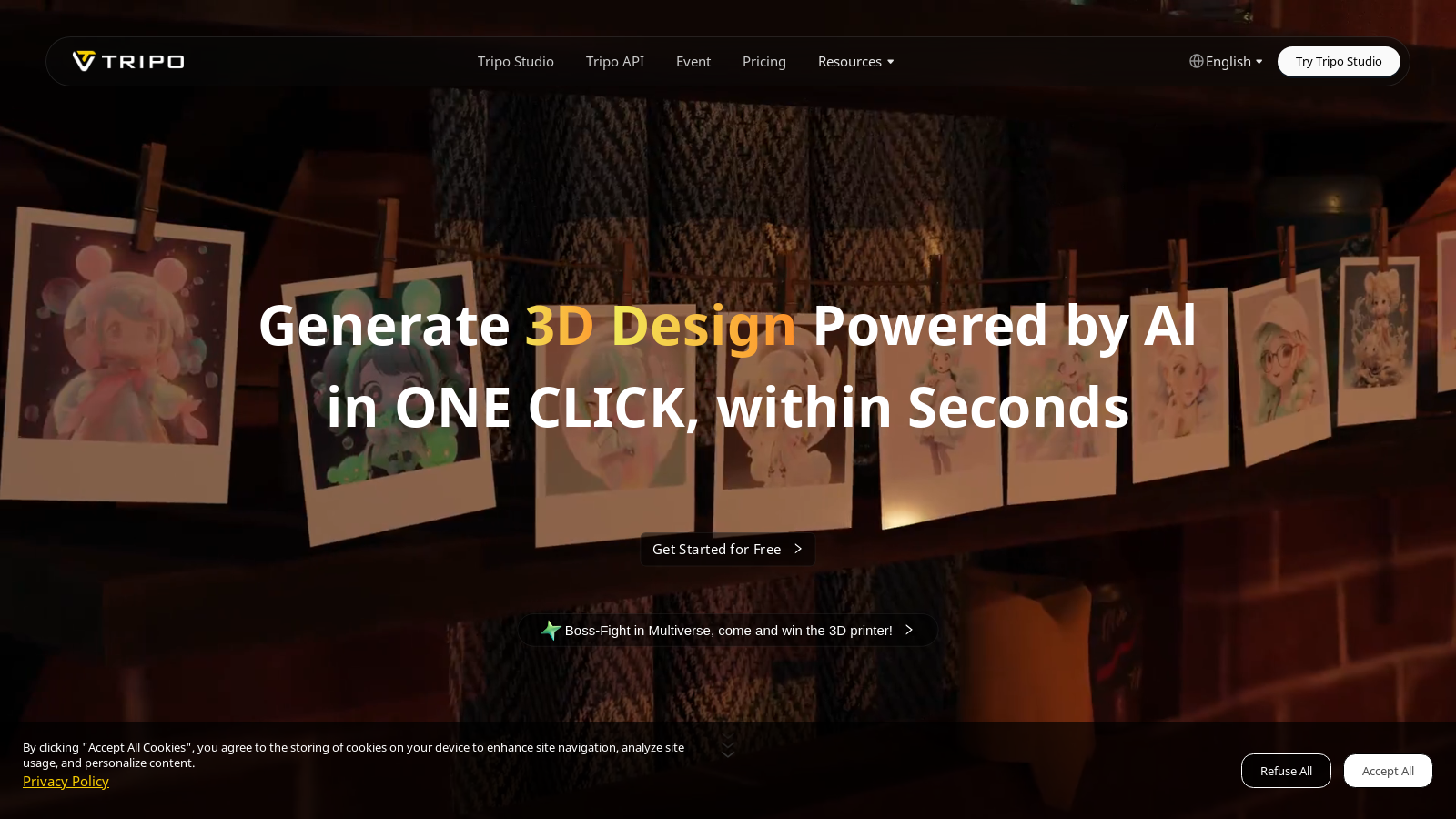
Screenshot of Tripo
What is Tripo?
Tripo is an innovative platform that seamlessly integrates the power of AI with advanced 3D modeling technology, revolutionizing the way creators of all skill levels design and generate 3D content. Now with Tripo Studio, which has reached full public release, the platform offers the world's first AI-native 3D workspace, combining generation and export capabilities all in one interface. This makes Tripo essential for hobbyists and professionals alike.
Users can create stunning 3D models in seconds using simple text prompts, single images, or multiple images. The ability to even use sketches and doodles highlights Tripo's intuitive design, catering to experienced designers and newcomers eager to explore their creativity. One of the standout features of the platform is its exceptional quality in generating professional-grade models that showcase detailed geometry and utilize PBR (Physically Based Rendering) materials, ensuring outputs that are visually striking.
Key Features
A compelling aspect of Tripo is its rapid model generation capability. Within approximately ten seconds, users can see their ideas transformed into realistic 3D representations. This swift process is coupled with a robust library that supports several file formats, including GLB, FBX, OBJ, USD, and STL. Such versatility makes Tripo suitable for a variety of applications, from game development to 3D printing and metaverse designs.
Tripo is consistently evolving to enhance the creative experience, with upcoming features like the 3D Scenario Generator and 3D Video Generator, both promising to enable users to create entire interactive environments from their models. This significant expansion of creative boundaries is set to redefine how users interact with their 3D content.
Advanced Auto-Rigging and Animation Tools
In addition to its model generation capabilities, Tripo offers advanced features such as auto-rigging, which prepares 3D characters for animation seamlessly. This tool simplifies the animation process, allowing creators to bring their models to life with ease. Following the rigging process, characters can be automatically animated for various media projects, enhancing workflow efficiency and reducing the time required for animation setup.
Tailored Industry-Specific Templates
Tripo enhances the creative process further by providing over 100 industry-specific templates. These templates are designed for sectors such as e-commerce, animation, and education, enabling users to quickly produce relevant content tailored to diverse target audiences.
A New Pricing Structure
Tripo operates on a freemium model, now offering enhanced pricing tiers designed for different user needs. The free plan still grants creators 300 credits per month, making it perfect for trial runs and smaller projects. Advanced plans are now available starting at NULL.90 per month, designed for users with larger scale needs, providing a significant boost in available credits and features. The Professional plan includes 3,000 credits, ten concurrent tasks, and supports multi-view and batch generation, among other enhancements.
The Advanced plan pushes the limit with 8,000 monthly credits, allowing for greater task concurrency and a myriad of exclusive features, including HD textures and private model utilization for commercial purposes. The Premium plan, ideal for businesses or heavy users, offers an impressive 25,000 credits per month, ensuring that even the most demanding projects are well-supported with tools necessary for success.
A Vibrant Community and Robust Support
Tripo boasts a vibrant community of creators from over 50 countries, fostering engagement and collaboration. This dynamic environment promotes sharing and learning opportunities, enabling users to hone their skills through interaction with fellow creators.
For those facing challenges or seeking guidance, Tripo's dedicated support team is always on hand to assist users in maximizing the potential of the platform's robust features.
In summary, Tripo is reshaping the landscape of 3D content creation, making sophisticated modeling techniques accessible to a broader audience. By integrating cutting-edge AI technology with a user-friendly interface, Tripo is laying the foundation for the future of 3D modeling and creative expression.
Pros & Cons
Pros
- Generates high-quality 3D models from text and images in just 10 seconds.
- Offers extensive export options for various applications including gaming and 3D printing.
- Includes innovative features like auto-rigging and downloadable industry-specific templates.
Cons
- Limited export formats in the basic plan restrict usage for some professional applications.
Frequently Asked Questions
Tripo is free to start, with paid plans from 0 to 139.9 USD per month.
According to our latest information, this tool does not seem to have a lifetime deal at the moment, unfortunately.
With Tripo, generating 3D models is incredibly simple and quick. You can create models using text prompts, single images, multiple images, or even doodles. The platform enables you to produce high-quality models in approximately 10 seconds. For tailored results, you can specify styles during the generation process. After creating your models, they can be exported in various formats such as GLB, FBX, OBJ, USD, STL, and more, making them suitable for game design, 3D printing, and other applications.
Tripo is versatile and can be utilized for a wide range of projects, including 3D modeling for video games, product design, virtual reality, and augmented reality applications. It suits various industries like e-commerce, animation, museums, and education. You can also create stylized 3D worlds, interactive environments, and auto-animated characters, making it a powerful tool for both casual creators and professional developers.
The Tripo API serves as an advanced tool that enables developers to integrate 3D model generation capabilities directly into their applications. It supports functions like draft model generation, model refinement, animation, and model stylization. To get started, developers can sign up and obtain API keys through the Tripo website. The API documentation provides comprehensive guidance on setup, capabilities, and best practices for implementing the API.
When using Tripo's free plan, you are granted 300 credits monthly, which limits the number of models you can generate. Additionally, you will have only one concurrent task and are restricted in terms of export formats and queue priority. This plan is ideal for trying out the platform and small projects, but users with larger model generation needs should consider upgrading to one of the paid plans for additional credits and features.
Tripod enables users to export 3D models in several widely used formats, including GLB, FBX, OBJ, USD, STL, and others. This flexibility ensures that the generated models are compatible with various applications such as game engines (like Unity and Unreal Engine), 3D printing, and virtual immersive environments. Users can select the appropriate format based on their project's requirements.
Tripo offers auto-rigging and auto-animation features that significantly simplify the animation process for humanoid characters and avatars. Users can generate rigged models ready for automatic animation pipelines, such as Mixamo, allowing for quick and efficient animation without requiring extensive manual setup. This feature is especially valuable for developers creating animated content or games.
Yes, Tripo provides over 100 industry-specific templates for various purposes, including e-commerce, animation, and museum displays. These templates can be customized to efficiently generate videos or 3D scenes. By using these templates, creators can streamline their workflow and create professional-quality outputs tailored to their specific fields.
For assistance, Tripo offers multiple support resources. Users can refer to the comprehensive FAQ and documentation available on the Tripo website, which covers common issues and provides guidance on usage. Additionally, joining the Tripo Discord community allows you to connect with other users and support staff for real-time assistance and collaboration. If you have specific concerns, you can also reach out through the contact options provided on their website.