Videotowords
Transcribe audio and video files into text quickly and accurately, supporting over 98 languages.
Videotowords.ai
Is this your tool?
Follow for updates & deals
Get alerts for Videotowords discounts, feature releases & pricing changes
Similar Tools

Wispr Flow
Transcribes speech into text for seamless communication across various applications

Dream Story
A journaling app that enhances personal growth through guided self-reflection and AI-assisted insights.

LazyTyper
Voice typing app with multiple AI models for accurate transcription in various languages.

MyAudioJournal
Capture your thoughts through voice with an audio journaling app that aids personal growth.

BlabbyAI
Convert spoken words into text for efficient voice typing across apps and platforms.

Videotowords Media Gallery
What is Videotowords?
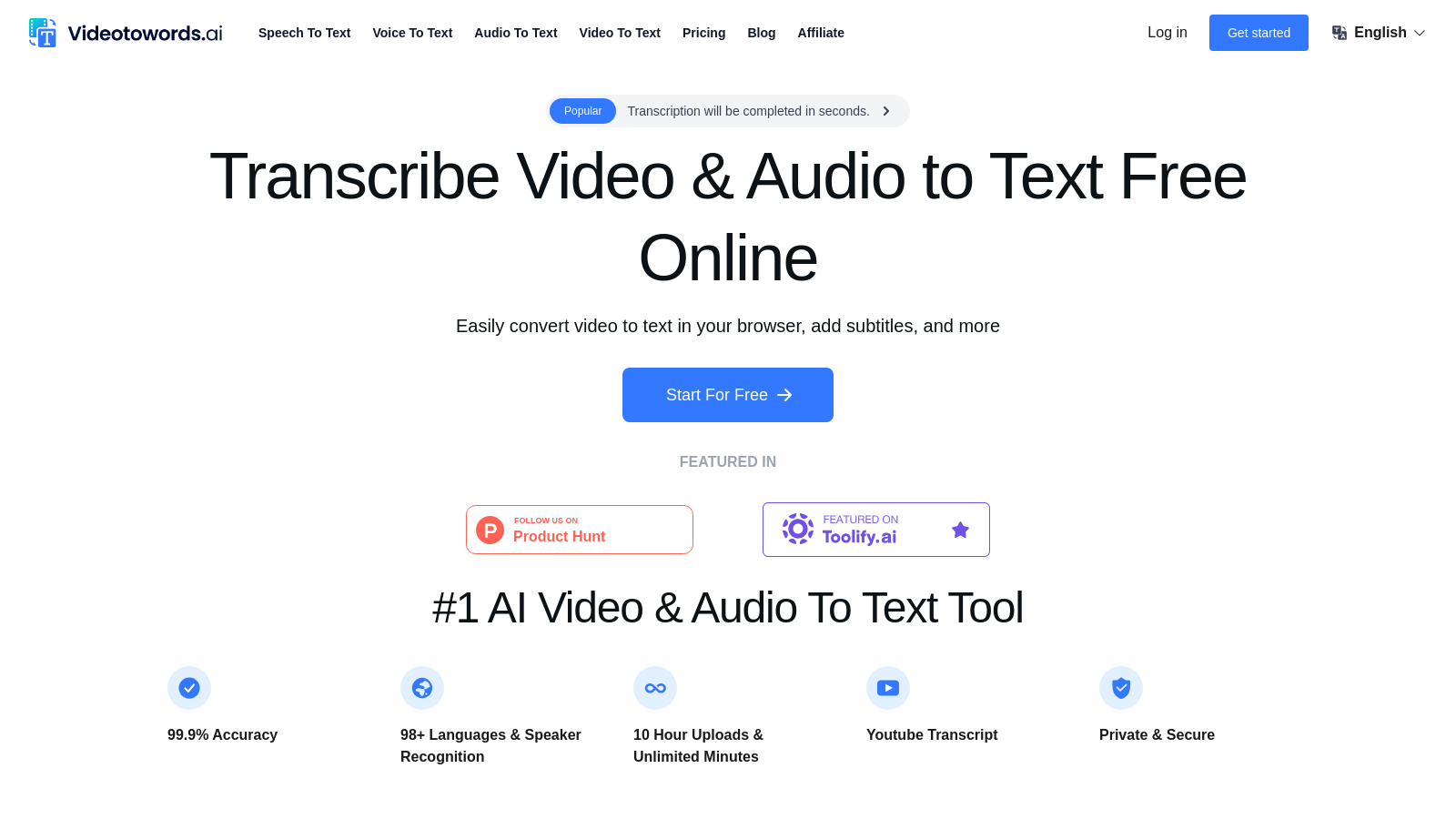
VideoToWords.ai is a cutting-edge tool that harnesses powerful AI technology to transcribe audio and video files into accurate text, making it perfect for a wide range of users, including students, journalists, and content creators. The platform offers a user-friendly experience, with features allowing users to upload videos or audio files and receive transcriptions in under minutes. The tool boasts an impressive 99.9% accuracy and supports over 98 languages, catering to users worldwide.
How to Get Started
Getting started with VideoToWords.ai is elementary. Users simply need to:
- Upload their video or audio file.
- Select the desired language for transcription.
- Receive the automated text transcription in just a few minutes.
This streamlined process makes it ideal for busy professionals who need quick results without the hassle of manual transcription.
Key Features
VideoToWords.ai offers multiple features designed for efficiency and productivity:
- High Accuracy: With a 99.9% precision rate, users can trust that the transcriptions will reflect the spoken content accurately.
- Multilingual Support: The platform supports transcription in over 98 languages, making it a global tool.
- File Compatibility: Users can upload videos in common formats like MP4, AVI, and more, accommodating a variety of media.
- Text Editing: After transcription, users can easily edit the text, fine-tuning it for their needs.
- Quick Turnaround: Transcriptions are delivered in minutes, significantly faster compared to manual transcription services.
Who Can Benefit?
VideoToWords.ai is versatile and serves many user types:
- Students: Gain quick access to lecture transcripts for better study and review.
- Journalists: Accurately transcribe interviews and news clips swiftly, improving efficiency in reporting.
- Researchers: Transcribe focus group discussions and interviews for easier data analysis.
- Content Creators: Convert video content to text for blogs and social media with ease.
- Marketers: Turn video marketing materials into text for diverse application in campaigns.
Each of these groups can save significant time and effort by utilizing VideoToWords.ai's capabilities.
Plans and Pricing
VideoToWords.ai offers a free tier allowing users to transcribe three files daily, up to a total of 30 minutes each. For those needing more extensive capabilities, a paid plan is available, starting at $19.90 for unlimited transcription. This allows users to take advantage of the platform without worrying about limits or running out of credits.
Security and Privacy
Data security is a priority at VideoToWords.ai. All uploaded files are encrypted, ensuring that user data remains confidential and private. Users can trust that their sensitive information is secure throughout the transcription process.
Final Thoughts
In a fast-paced digital world, VideoToWords.ai stands out as an essential tool for anyone needing quick, reliable, and accurate transcription services. By harnessing advanced AI technology, it simplifies the process of transforming spoken content into text while providing various features that enhance user experience.
Pros & Cons
Pros
- Achieves 99.9% accuracy in transcriptions across 98+ languages.
- Supports a variety of audio and video formats without conversion.
- Offers rapid transcription results, typically in just minutes.
Frequently Asked Questions
Videotowords is free to start, with paid plans from 0 to 19.9 USD per month.
According to our latest information, this tool does not seem to have a lifetime deal at the moment, unfortunately.
Videotowords supports a wide range of audio and video file formats, including MP3, WAV, MP4, AVI, MPEG, and M4A. You can easily upload your files directly for transcription without needing to convert them to a specific format.
The transcription process on Videotowords is simple: First, upload your audio or video file. The platform then automatically begins transcribing the content using advanced AI speech recognition technology. Finally, you can view, edit, and export the completed transcript in various formats, such as TXT, DOCX, or SRT.
Yes! Videotowords provides a user-friendly online editor that allows you to review and make changes to your transcripts. You can easily correct any errors, add punctuation, or format the text to suit your needs before exporting.
Absolutely! Videotowords supports transcription in over 98 languages, including English, Spanish, French, German, Chinese, and Japanese, among others. This allows you to transcribe audio or video content regardless of the original language.
Videotowords prioritizes user data security and privacy. All uploaded files are encrypted and securely stored, and your data will not be shared with third parties without your explicit consent.
Users can upload audio or video files with a maximum length of up to 10 hours and a size of up to 5 GB per file. This is especially useful for lengthy lectures, interviews, or events, as there is no limit to how much you can transcribe using the service.
Videotowords is ideal for a variety of users, including journalists needing quick interview transcriptions, students looking for class notes, podcasters wanting to make their content accessible, researchers handling interview data, filmmakers for subtitle creation, and marketers repurposing video content. Its versatility makes it suitable for anyone who deals with audio or video files.
Yes, the free version allows you to transcribe up to 3 files daily, with each file limited to 30 minutes long. For users needing more transcripts or longer file uploads, a paid plan is available, offering unlimited access and additional features.