Vmake AI

Create and edit talking head videos with AI-driven features for improved quality and engagement.
Vmake.ai
Is this your tool?
Follow for updates & deals
Get alerts for Vmake AI discounts, feature releases & pricing changes
Similar Tools

Luma AI
Generate high-quality videos from text and images with an intuitive AI platform.

Winmov
Generate videos from text and images using a prepaid credit system for flexible, pay-as-you-go access.

Dreamlux
Generate high-quality videos from text and images without watermarks using an easy-to-use AI platform.

Kaiber
Generate unique audio-visual content by transforming text prompts into animations and music-driven visuals.

Clipyard
Generate high-quality AI videos with custom avatars and batch processing features.

Vmake AI Media Gallery

Vmake AI (review) video
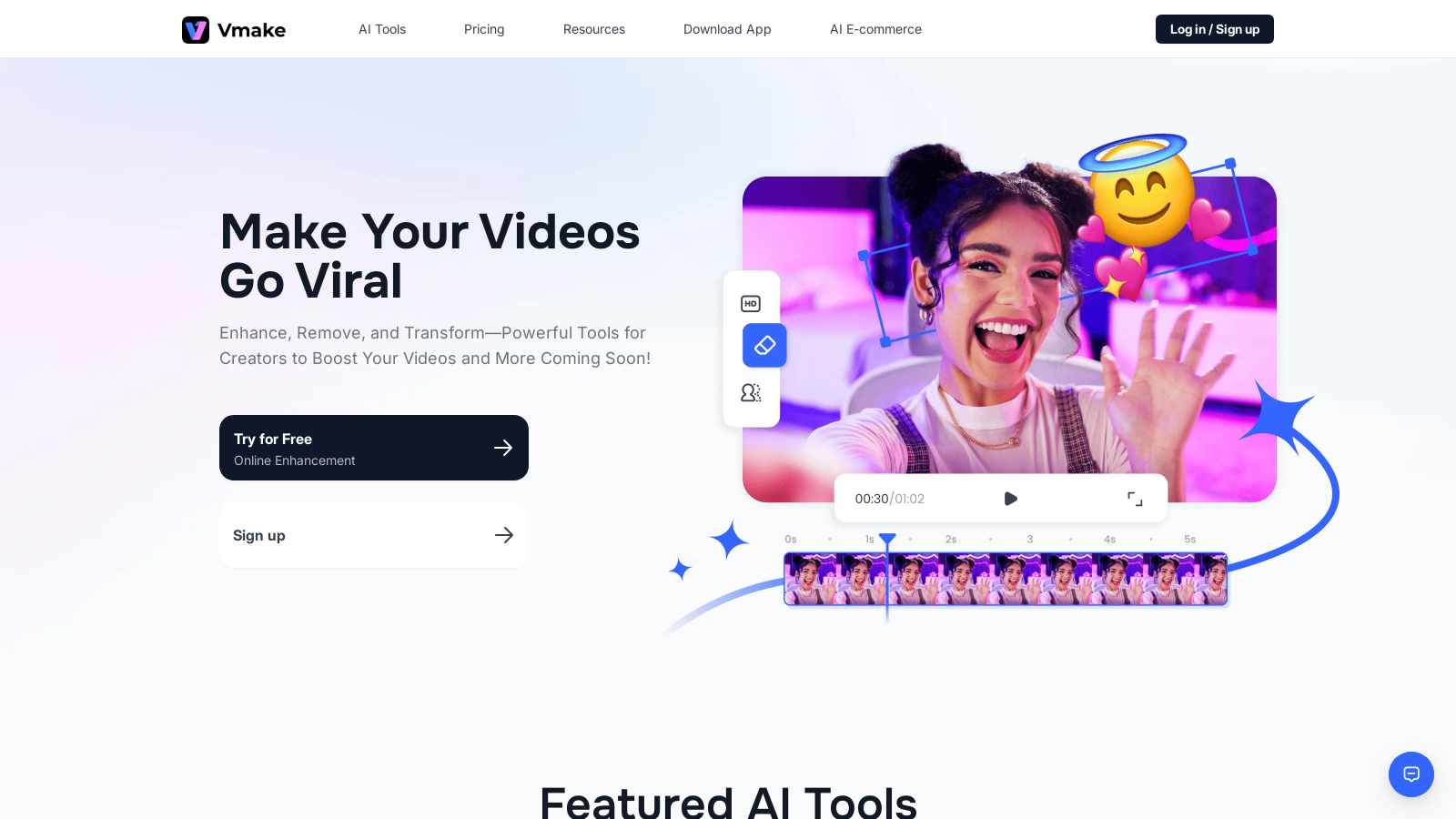
Screenshot of Vmake AI
What is Vmake AI?
Vmake AI is a powerful and innovative video editing tool specifically designed for creating engaging talking head videos, offering unparalleled versatility for content creators. This cutting-edge platform streamlines the video production process, enabling users to enhance, remove, and transform their videos with ease. With its robust suite of features, Vmake significantly elevates the quality of video content, allowing creators to produce polished and captivating materials quickly.
One of Vmake's standout features is its advanced video quality enhancer, capable of transforming low-resolution clips into stunning high-definition videos, including 4K resolution and 30 FPS. This tool is particularly beneficial for marketers, educators, and influencers who desire to make a memorable impact with their video messaging, ensuring that even the simplest footage looks professional and engaging.
The platform utilizes several AI-driven tools that facilitate seamless video creation and editing. Among these tools is a video background remover that allows users to replace distracting backgrounds with a green or fully transparent layer with just a single click. Additionally, the intuitive video watermark remover enables effortless eradication of logos and other branding assets from clips, making them cleaner and more visually appealing. Furthermore, noise reduction technologies enhance audio clarity, significantly improving the overall viewer experience.
Vmake AI is crafted for flexibility, extending its capabilities to both desktop and mobile users. The mobile application puts the power of video creation and editing right at users' fingertips, allowing them to manage their projects on the go. This mobile support ensures that content creators can capture, edit, and post their engaging spoken videos from anywhere, turning their smartphones into professional-grade video editing studios.
Built for users of all skill levels, Vmake offers a user-friendly interface that simplifies the video production process. With features such as automatic caption generation, dynamic captions, and intelligent editing tools, anyone can create professional-quality videos without needing extensive technical knowledge. For instance, Vmake can automatically identify and eliminate silent segments of video clips, helping creators enhance viewer engagement while saving time.
Testimonies from successful users consistently highlight the platform's effectiveness and reliability. Influencers have expressed appreciation for how Vmake boosts viewer engagement through its easy-to-use interface, while educators have found it indispensable for producing high-quality educational video content. Features like TrimSub allow for intelligent trimming of videos, effectively generating subtitles in mere moments. Meanwhile, the innovative Talking Photos function empowers creators to animate images using AI, resulting in captivating visual storytelling.
Vmake AI operates on a freemium model, enabling new users to explore a wide range of Vmake's core features for free while offering a more robust paid plan known as Vmake Pro. This subscription service, available for just NULL.99 per month or approximately NULL.99 yearly, provides access to advanced features, including heightened resolution outputs, commercial usage capabilities, and increased usage limits for a more versatile experience. Notably, Vmake Pro members also receive 100 credits monthly, allowing greater flexibility in their video production workflows.
In an increasingly visual digital landscape, high-quality video content is essential for capturing audience attention. Vmake AI is setting new standards in video editing by empowering content creators around the globe to produce stunning, engaging videos effortlessly. As the platform continues to evolve—with exciting advancements in AI capabilities and planned feature enhancements—Vmake remains an invaluable partner for any creator aiming to elevate their video projects. Whether for personal expression, business marketing, or educational initiatives, Vmake AI helps unleash the full potential of video content.
Pros & Cons
Pros
- Offers powerful tools like video background and watermark removers for hassle-free editing.
- Supports mobile users with a dedicated app for creating and editing videos on-the-go.
- AI features such as dynamic captions and video generation simplify content creation.
Cons
- Limited customization options compared to more comprehensive editing software.
Frequently Asked Questions
Vmake AI is free to start, with paid plans from 0 to 9.99 USD per month.
According to our latest information, this tool does not seem to have a lifetime deal at the moment, unfortunately.
Make AI allows you to create videos using various methods: text-to-video, image-to-video, and video-to-video. You can transform text descriptions into engaging videos, convert images into dynamic clips, or enhance existing videos to create a more engaging experience. The generator supports a variety of styles, including manga and traditional aesthetics, enabling creative flexibility for diverse projects, such as promotional and educational content.
Vmake AI features a powerful Video Quality Enhancer designed to upscale low-resolution videos to higher qualities, such as 4K. The tool automatically analyzes your footage, enhancing sharpness, color, and details to give your videos a professional finish without requiring advanced editing skills. Upload your video, and the AI takes care of the rest, ensuring your content is visually stunning.
Yes, Vmake AI is designed for mobile users, offering an intuitive mobile solution for creating spoken videos. You can edit and manage your videos on the go, using features like dynamic captions, automated editing templates, and AI-powered effects. This mobile flexibility enables you to generate and share engaging content wherever you are, making video creation accessible and convenient.
With the Vmake Pro plan, users enjoy significantly enhanced features, including a daily limit on certain functionalities. Each feature, like video quality enhancement and background removal, can be used up to 30 times per day. Additionally, commercial use of generated content requires a subscription. Users should refer to the pricing details for specific limits and conditions associated with the use of each feature.
Absolutely! Vmake AI offers a Noise Reducer tool that removes unwanted background noise from your video and audio files. It works intuitively, isolating and eliminating disturbances like hums or external sounds to enhance the clarity of your main audio. This feature is excellent for content creators aiming to deliver high audio standards in their videos, ensuring a professional quality.
Vmake AI provides a dedicated video watermark remover, allowing users to eliminate distracting watermarks or logos from their videos. The process is simple: upload your video, and the AI will automatically remove the watermarks without requiring any manual adjustments. This feature enhances the professionalism of your content, making it visually appealing and free from unnecessary distractions.
The AI Animation feature transforms your ideas into captivating videos in just three easy steps. You input your concept, and the AI generates dynamic animations based on your directions. This tool is especially beneficial for advertisers and social media marketers looking to create eye-catching content quickly and effectively, elevating their visual storytelling.
Yes, Vmake AI includes a feature for generating auto captions in multiple languages, which makes adding subtitles effortless. You can upload your video, and the AI will automatically create captions, ensuring accurate synchronization with the audio. This is particularly useful for enhancing accessibility and viewer engagement in your videos, making them suitable for a wider audience.