VoxDeck

Create professional presentations quickly with AI-driven slide design and seamless data integration.
Voxdeck.ai
Is this your tool?
Follow for updates & deals
Get alerts for VoxDeck discounts, feature releases & pricing changes
Similar Tools

Tome
Create and share multimedia presentations with AI-enhanced content and interactive features.

Magic Animator
Generate customizable animations for Figma designs with a single click, saving time and effort.

Dzine
An AI design tool for creating and editing images and videos with intuitive controls.

AudioToVideo
Convert audio files into animated videos with customizable expressions and dynamic visuals.

FunBlocks
Integrates mind mapping, document creation, and presentations to boost creativity and productivity.

VoxDeck Media Gallery

VoxDeck (review) video
Screenshot of VoxDeck
What is VoxDeck?
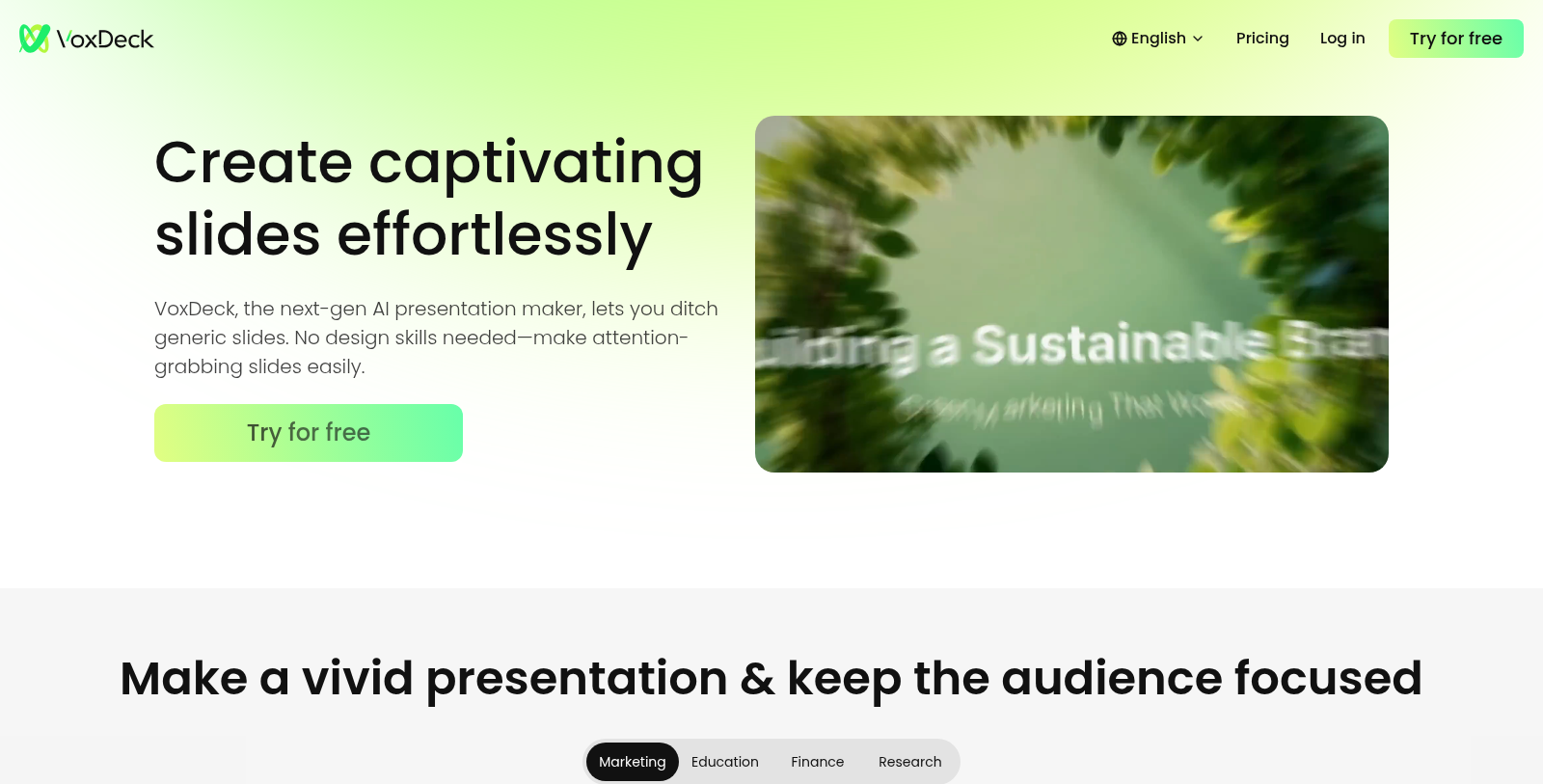
VoxDeck is an innovative AI-powered presentation maker that simplifies the process of creating visually appealing and engaging slides. With a focus on accessibility and ease of use, VoxDeck lets anyone create captivating presentations without extensive design skills.
This tool stands out with its one-click information integration and layout options, ensuring that users can easily turn raw data into professional-looking slides. The immersive presentation effect helps keep audiences engaged, which is essential in any setting, whether it be a classroom, business meeting, or marketing pitch.
Key Features of VoxDeck
VoxDeck ensures brand and style consistency across all slides. By allowing users to import their branding elements just once, the software automatically adjusts logos and colors to maintain a uniform look throughout the presentation. This feature is particularly beneficial for businesses that aim for a strong visual identity.
Dynamic Visuals and Customization
The tool offers a range of animations and visual effects, transforming abstract concepts into tangible representations. This functionality keeps audiences focused and enhances the storytelling aspect of presentations. Users can leverage diverse themes and layouts, easily switching styles to fit various presentation scenarios without reworking their content.
User Testimonials and Real-world Applications
Many educators and professionals have praised VoxDeck for its ability to save time and enhance the quality of presentations. Users have reported significant reductions in presentation preparation time, with some reporting that they can reduce their work from several hours to just a few minutes. The automated generation of slides from raw notes is described as a game-changer for academics and business leaders alike.
Impact on Education and Business
Educators find VoxDeck particularly useful for creating lesson plans and lecture slides, helping students grasp complex subjects through clear visuals and animated content. Meanwhile, business professionals use the tool to craft persuasive narratives that translate raw data into compelling presentations tailored for clients and investors.
Flexible Pricing Plans
VoxDeck operates on a freemium model, allowing users to start for free while offering subscription tiers for expanded features. The free plan includes up to 8 slides and limited capabilities, while the Plus plan offers substantial credits and additional presentation features for a monthly fee. Whether for an occasional user or a frequent presenter, VoxDeck accommodates different needs and budgets.
Conclusion
As an AI-driven tool, VoxDeck not only streamlines the presentation-making process but also elevates the overall quality and impact of each slide deck. By harnessing the capabilities of artificial intelligence, users can unleash their creative potential and focus on delivering powerful narratives that resonate with their audiences.
Pros & Cons
Pros
- One-click integration helps quickly turn messy notes into polished presentations.
- Offers diverse themes with matching styles for seamless presentation customization.
- Digital avatars aid in smooth presentation delivery, reducing presenter stress.
Cons
- The free version limits users to only 8 slides per presentation.
Frequently Asked Questions
VoxDeck is free to start, with paid plans from 0 to 192 USD per month.
According to our latest information, this tool does not seem to have a lifetime deal at the moment, unfortunately.
VoxDeck is designed for a variety of presentation needs, including marketing pitches, educational lectures, finance reports, and research briefings. Its flexible platform allows users to create visually appealing slides that captivate audiences regardless of subject matter, making it ideal for professionals across fields such as marketing, education, and analytics.
VoxDeck simplifies brand consistency by allowing users to import their branding elements just once. This feature ensures that your logo and visual identity are uniformly displayed across all slides, eliminating the need for manual adjustments. With its focus on brand cohesion, you'll maintain a professional and polished look throughout your presentations.
VoxDeck lets you automatically add context-matching animations to your core content, turning abstract ideas into engaging visuals. This is especially useful for making complex information more accessible and keeping audiences focused. Whether for corporate reports or educational content, the animations help bring your message to life.
Yes, VoxDeck supports multiple concurrent tasks for users on the Plus plans. This feature allows team members to work together on presentations simultaneously, facilitating collaboration and improving efficiency in creating high-quality slides that meet your group's needs.
If you run out of credits in VoxDeck, you have a few options. You can upgrade from the Free version to a Plus subscription, which provides you with more credits per month. Alternatively, Plus subscribers can purchase additional credit packs for more immediate needs. Keep in mind that unused credits do not carry over to the next billing period.
VoxDeck offers multiple subscription plans with varying advantages. The Free plan allows for creating up to 8 slides with limited functionality. In comparison, the Plus plan offers up to 40 slides, increased credit allocations, and priority access during peak times. Choosing the right strategy depends on your specific needs and how frequently you create presentations.
With VoxDeck, users can create a variety of visuals, including graphs, charts, and animations that effectively communicate data-driven insights. The tool allows you to transform raw numbers into persuasive narratives, making it perfect for client pitches, research presentations, or educational lectures where visual impact is essential.
VoxDeck is specifically designed for users without design skills, allowing anyone to create presentations easily. Its intuitive interface, one-click style switches, and built-in animations help streamline the process, ensuring that even users with limited experience can produce professional-looking slides quickly and effectively.