Follow for updates & deals
Get alerts for vui discounts, feature releases & pricing changes
Similar Tools

David AI
Provides curated audio datasets for training speech and conversational AI models.

Voicemod
Change your voice in real-time with various effects for gaming and live streaming.

Synthesia
Transform text into engaging AI-generated videos in over 140 languages without extensive production.

NoteWave
Transcribes and summarizes meetings in real time, capturing key decisions and action items.

Meeting.ai
Captures and organizes meeting notes with automated transcription for seamless collaboration

vui Media Gallery
What is vui?
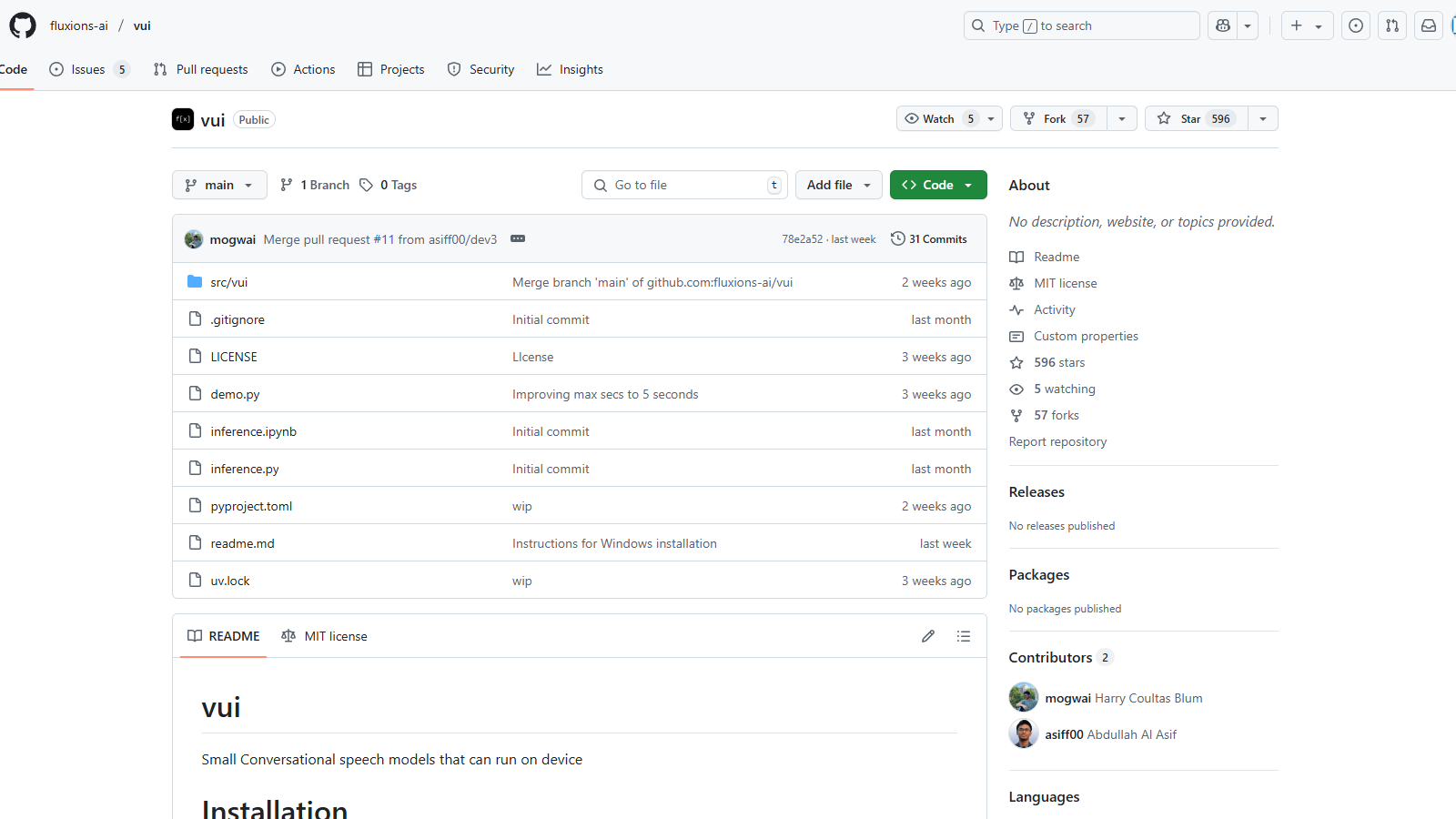
VUI is an innovative tool focused on conversational speech models designed to operate directly on devices, providing an efficient and user-friendly solution for speech-related tasks. The primary models available in the VUI toolkit are trained on extensive datasets, enabling them to process audio effectively and produce contextually relevant responses.
Updated Key Features:
- Multiple Models: Vui offers a variety of models including Vui.BASE, Vui.ABRAHAM, and Vui.COHOST, each optimized for different types of conversational interactions. Vui.BASE has been specifically trained on 40k hours of audio conversations, providing a robust foundation for various applications.
- Voice Cloning: Users can leverage the models for voice cloning capabilities, allowing them to replicate voices with reasonable accuracy based on the pre-trained datasets. The ability to clone voices is enhanced, but it is noted that the results may not be perfect due to limitations in training data.
- Efficiency: The models are designed to function effectively on devices without needing extensive cloud resources, making them ideal for applications requiring lower latency and high responsiveness. The VUI models utilize a llama-based transformer that predicts audio tokens, showcasing advancements in model architecture that improve their operational efficiency.
- Audio Tokenization: A significant feature is the fluac audio tokenizer, which effectively reduces the number of codes per second, enhancing the overall processing speed from 83.1hz to 21.53hz.
Installation and Usage:
To begin using VUI, users can easily install it via a package manager using the command pip install -e .. The installation process is straightforward, and a demo can be run by executing python demo.py. This flexibility enables developers to implement the models across various applications, enhancing user experiences with seamless speech recognition and generation functionalities.
Challenges and Considerations:
While the models show impressive capabilities, they are not without limitations. Users may experience some quirks, such as occasional hallucinations, which occur when the AI generates responses that are not based on its training data. This reality is acknowledged by the development team as they strive for continuous improvement and community engagement.
Despite these challenges, VUI models represent a significant advancement in conversational AI, particularly for projects aiming to enhance interactivity through voice. The development team emphasizes continuous improvement, sharing insights, and addressing issues based on community feedback. This commitment to development is backed by the use of cutting-edge technologies and collaborative efforts with other open-source projects.
Attributions:
The development of VUI acknowledges contributions from several open-source projects, including Whisper by OpenAI and Audiocraft by Facebook Research, showcasing a communal effort towards building robust tools for speech processing. Through these collaborations, VUI enhances its offerings and maintains relevance in the fast-evolving area of audio processing technology.
Pros & Cons
Pros
- Offers small conversational speech models that can run on-device without needing cloud support.
- Includes context-aware single speaker and dual speaker models for versatile applications.
- Utilizes a llama-based transformer for audio token prediction, enhancing performance.
Cons
- Voice cloning is not perfect due to limited training data and resources.
Frequently Asked Questions
vui is open source and free to use.
According to our latest information, this tool does not seem to have a lifetime deal at the moment, unfortunately.
{toolName} offers three primary models: Vui.BASE, which is the base checkpoint trained on 40k hours of audio conversations; Vui.ABRAHAM, designed as a single-speaker model capable of context-aware replies, and Vui.COHOST enables communication between two speakers. These models serve various use cases, ranging from fundamental conversational interactions to complex dialogues among multiple parties.
Yes, you can run {toolName} locally. To install it, use the pip command with the following syntax: 'pip install -e .' This will install the tool in editable mode. Ensure you have Python installed on your device for the setup. Follow the README documentation in the repository for detailed steps and requirements.
While {toolName} offers voice cloning capabilities, it's important to note that the base model may not produce perfect results due to a limited training dataset. The model has not received extensive audio inputs, resulting in inconsistencies when cloning specific voices. Users should manage their expectations and consider this aspect when using the voice cloning feature.
{toolName} utilizes a robust audio tokenization technique, developed in collaboration with Fluac, which is based on the Descript-Audio-Codec. This significantly reduces the number of audio codes processed, decreasing from 83.1 Hz to 21.53 Hz, enabling more efficient data handling during audio processing. This improvement allows for faster and more accurate voice predictions.
For optimal performance, {toolName} is best run on high-performance hardware, specifically setups equipped with NVIDIA 4090 GPUs, as indicated by its developer. The use of such powerful hardware reduces processing time and enhances the model's capability to handle intensive audio operations.
Yes, {toolName} does experience hallucinations, where the output may not align with reality. This is a common challenge in AI model performance, particularly when training with limited resources. Users should be aware of this and verify the accuracy of critical outputs.
Integrating {toolName} with other tools, such as Whisper and Audiocraft, can expand its capabilities. Whisper aids in robust speech recognition, while Audiocraft can enhance audio processing features. Exploring these partnerships can significantly elevate the user experience and functionality of {toolName}.
{toolName} is hosted on GitHub, where users can find community support through issues and discussions. For detailed usage guidance, users should refer to the README documentation provided in the repository. Engaging in the community can also yield valuable troubleshooting tips and insights from other users.