Wispr Flow

Transcribes speech into text for seamless communication across various applications
Wisprflow.ai
Is this your tool?
Follow for updates & deals
Get alerts for Wispr Flow discounts, feature releases & pricing changes
Similar Tools

BlabbyAI
Convert spoken words into text for efficient voice typing across apps and platforms.

Dia
An AI browser that acts as your writing partner and learning assistant while ensuring user privacy.

Evernote Web Clipper
Capture and save web content directly to your Evernote account for easy organization.

Typeless
Convert spoken words into formatted text, emails, and documents in real-time.

Saga
An AI workspace that combines notes, documents, and task management into a single streamlined interface.

Wispr Flow Media Gallery

Wispr Flow (review) video
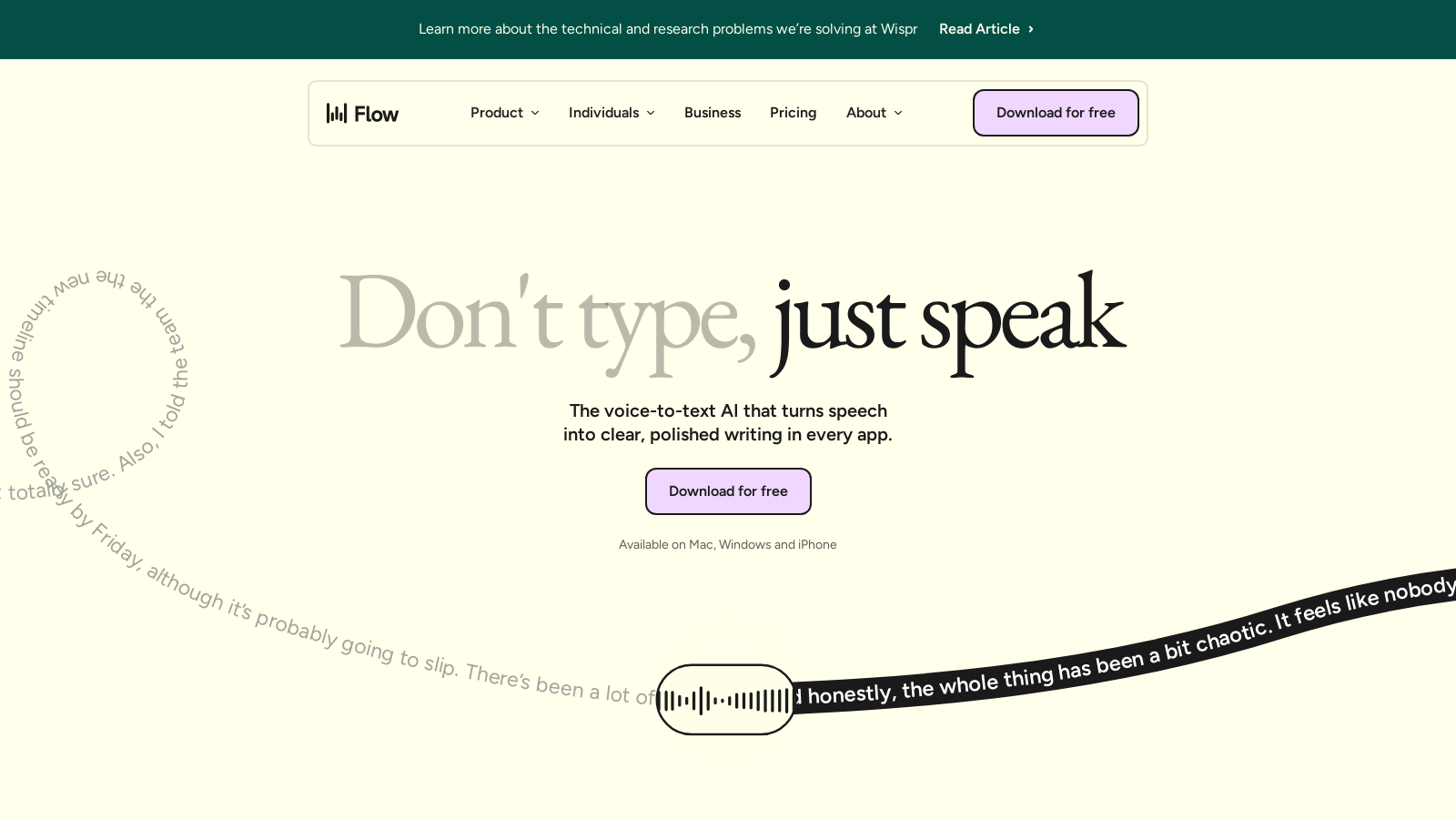
Screenshot of Wispr Flow
What is Wispr Flow?
In today's fast-paced digital landscape, efficient communication and productivity are essential. Wispr Flow emerges as a groundbreaking voice-to-text AI tool that converts speech into clear and polished writing across countless applications. Designed for users who prefer dictation over typing, Wispr Flow enhances productivity by allowing thoughts to be expressed verbally, harnessing the true power of voice.
Seamless Integration Across Platforms
What distinguishes Wispr Flow from other dictation tools is its ability to integrate seamlessly with virtually any application you use. Whether drafting emails, writing reports, or participating in virtual meetings, Wispr Flow’s intuitive speech-to-text functionality is available on important platforms such as Mac, Windows, and iOS. This versatility ensures all users can maximize productivity, no matter their device.
Advanced Real-Time Voice Recognition
Boasting state-of-the-art real-time voice recognition, Wispr Flow allows for instant transcription of spoken words. As you speak, Wispr Flow interprets your diction with remarkable accuracy, transforming it into skilled text formatting that captures the natural flow of your thoughts. Users report that they can communicate up to four times faster than traditional typing, demonstrating the tool's extraordinary efficiency.
Enhanced User Experience and Features
Wispr Flow is not just about transferring speech to text; it encompasses a comprehensive feature set designed to enrich user experience and increase performance. Users can customize their personal dictionaries, incorporating commonly used phrases, acronyms, or terminologies relevant to their context. The tool automatically learns your unique words and adds them to your personal dictionary, ensuring accuracy over time. Wispr Flow also adapts to different tones based on the application you're using, guaranteeing that the output aligns with your intended message, whether formal or casual. With support for over 100 languages, it caters to a diverse audience across the globe, allowing users to dictate in multiple languages effortlessly.
Optimized for Collaboration
For teams, Wispr Flow elevates collaborative work by enabling effortless sharing of dictionaries, templates, and snippets. This feature enhances consistency and coherence in communication, making it an invaluable tool across various sectors—from customer support to content creation—emphasizing its versatility in professional environments. Eliminating typing fatigue leads to faster decision-making processes and clearer, more effective teamwork.
Stringent Security and Compliance
In an era where data security is paramount, Wispr Flow takes users' privacy seriously. It adheres to industry standards such as SOC 2 Type II and HIPAA compliance, ensuring user data is protected and confidential. With a strict zero data retention policy, users maintain full control over how their data is managed, reassuring them about their digital footprints.
Student and Non-Profit Discounts
Understanding the needs of students and non-profit organizations, Wispr Flow offers special pricing structures that make its robust features accessible for financially conscious groups. Students can enjoy premium features at a significantly discounted rate, receiving benefits like three months free and a 50% discount thereafter, allowing them to optimize their academic productivity without breaking the bank. Non-profits also benefit from discounted offers, making it easier for them to manage communications and outreach during critical campaigns.
Conclusion
In conclusion, Wispr Flow is more than just a tool; it's a revolutionary method of communication that empowers users to articulate their thoughts efficiently and effectively. With its advanced AI capabilities, user-friendly design, and unwavering commitment to privacy, Wispr Flow is setting new benchmarks in the realm of speech-to-text technology. Experience the transformation of dictation—it’s time to speak your mind with Wispr Flow.
Pros & Cons
Pros
- Dictation speeds are 4x faster than typing, enhancing productivity significantly.
- AI edits create polished, context-relevant text across various applications effortlessly.
- Supports over 100 languages and adjusts tone according to the app being used.
Cons
- No support for transcription of audio or video files currently.
Frequently Asked Questions
Wispr Flow is free to start, with paid plans from 0 to 12 USD per month.
According to our latest information, this tool does not seem to have a lifetime deal at the moment, unfortunately.
Wispr Flow is incredibly versatile and can be used by a wide range of professionals, including writers, lawyers, educators, and customer support teams. Users can dictate emails in applications like Gmail and Apple Mail, create legal documents, respond to comments on social media like LinkedIn, manage tasks in Jira, and even dictate code in development environments such as Visual Studio Code and Replit. This broad applicability helps professionals save time and streamline their workflow across various tasks.
Wispr Flow includes a personalization feature that automatically learns and adapts to your unique language preferences. It builds a personal dictionary of terms you use frequently, which provides for unique phrases, jargon, and specialized vocabulary relevant to your work or interests. This means the AI becomes more accurate over time, improving your dictation experience by recognizing and correctly formatting these custom terms.
Wispr Flow prioritizes user privacy and data security. The platform is HIPAA-compliant and SOC 2 Type II certified, ensuring the protection of sensitive data. Users can enable a 'Privacy Mode' that ensures none of their dictation data, such as audio and transcripts, is stored or used for model training. This feature enables users to dictate without worrying about data exposure, making it ideal for professionals who handle confidential information.
Yes, Wispr Flow integrates seamlessly across multiple applications and platforms. It works flawlessly in browsers like Chrome, as well as in tools like Slack, Notion, Google Docs, Email clients, and many more. This means you can dictate and generate text without needing to switch applications or interrupt your workflow, providing a seamless and efficient experience.
The AI editing feature in Wispr Flow helps refine your spoken words into clear and polished text. As you dictate, Flow automatically formats your content, removes filler words, and enhances the clarity of your speech. This real-time editing capability allows you to produce high-quality written communication effortlessly, saving you time on revisions after dictation.
Yes, Wispr Flow offers a discounted plan specifically for students. Students can sign up to receive three months of Flow Pro for free, after which they can enjoy continued access for just $/month, which is 50% off the regular price. To avail of this discount, students must verify their status using their educational email or other forms of identification.
Command Mode is a feature available in the Flow Pro, Teams, and Enterprise plans that allows users to perform specific commands using their voice. This includes editing text, generating formatted responses, and interacting with AI tools like ChatGPT and Claude for refining text. Command Mode enhances productivity by eliminating the need for manual input and commands, enabling users to dictate not only text but also specific actions.
Wispr Flow is designed with accessibility in mind. It offers features that cater to individuals with different needs, making it easier for those who may struggle with traditional typing methods. Students and professionals with disabilities can utilize voice dictation to express their thoughts more freely and effectively. The platform supports multiple languages and contexts, enhancing its usability for a diverse range of users.