AI HomeDesign

AI toolkit for real estate listing photos: virtual staging, editing, enhancement and renovation
Aihomedesign.com
Is this your tool?
Follow for updates & deals
Get alerts for AI HomeDesign discounts, feature releases & pricing changes
Similar Tools

Drag Your GAN
Interactively reshape images by dragging points to adjust pose, expression, and layout with high precision.

Designs.ai
AI creative workspace where agents produce branding, images, video, audio, copy and slides

vivago
Generate AI-driven images and videos from text prompts with customizable editing tools.

Claid
Streamline product photography with AI tools for image generation, editing, and background removal.

Zawa AI
Generate logos and branding materials quickly with AI tools designed for small businesses.

AI HomeDesign Media Gallery
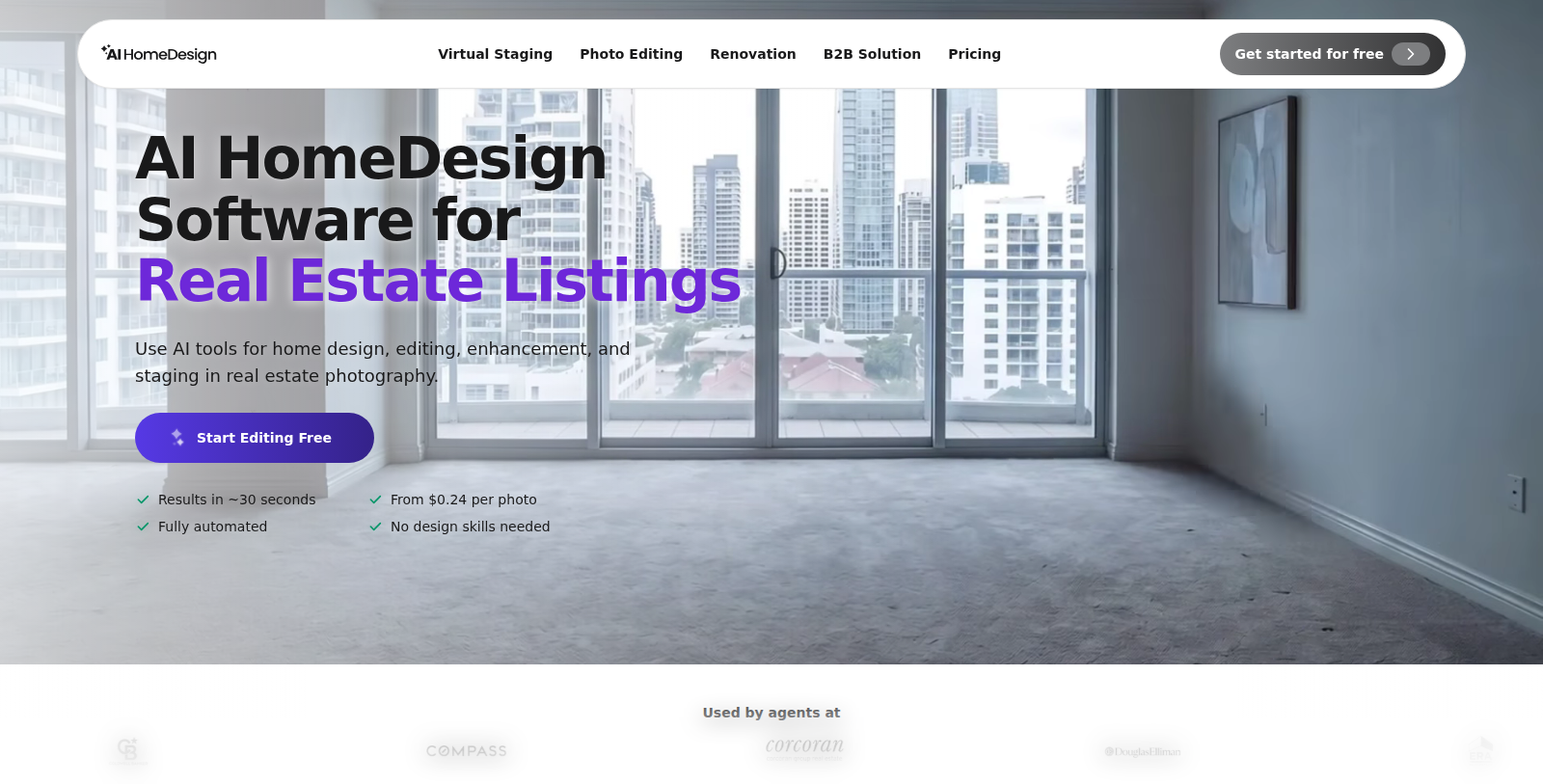
What is AI HomeDesign?
AI HomeDesign is a set of AI tools for real estate photography. Agents and photographers can stage empty rooms with virtual furniture, remove clutter, replace skies and enhance listing photos so they are ready for MLS use.
The site lists virtual staging, photo editing, renovation visualization and a B2B solution. It states that results arrive in about 30 seconds, the process is fully automated and no design skills are needed.
Users can start free. Paid plans shown on the pricing page are Pro at $35 per month for 30 photos, Pro Plus at $59 per month for 80 photos and Enterprise at $99 per month for larger volumes, with discounts for yearly billing. Paid plans include watermark-free downloads and backups, and Enterprise adds API access.
Pros & Cons
Pros
- Adds virtual furniture to empty rooms for listing photos.
- Results are stated to arrive in about 30 seconds.
- Fully automated process that needs no design skills, according to the site.
Cons
- Watermark-free downloads and backups depend on paid plans.
Frequently Asked Questions
AI HomeDesign is free to start, with paid plans from 35 to 99 USD per month.
According to our latest information, this tool does not seem to have a lifetime deal at the moment, unfortunately.
AI HomeDesign offers virtual staging, photo editing, item removal and renovation previews for property photos. Agents and photographers can stage empty rooms with virtual furniture, remove clutter, replace skies and enhance images for MLS use. Results are said to arrive in about 30 seconds.
According to the site, results arrive in about 30 seconds. The process is described as fully automated, so you do not need design skills to produce staged or edited photos. Check the official website for current details on turnaround and how it is measured.
Yes, the site lists renovation visualization among its tools, which lets you preview how a room could look after changes. It also offers a B2B solution for business users. The site gives limited detail on how these previews work, so check the official website for specifics.
The tools are built for real estate photography, so real estate agents and photographers preparing listing photos are the main audience. Paid plans add watermark-free downloads and backups, and the Enterprise tier adds API access. Check the official website to match features to your listing volume.
The site says the enhanced images are ready for MLS use, which is one of its main selling points for listing photography. MLS rules can vary by region and board, so confirm the requirements with your listing service before uploading any edited photos.