













Trupeer

AI-powered
AI tool that turns screen recordings into product videos and step-by-step documentation
Trupeer.aiOpens in new tabIs this your tool? Claim this page
Claim Your Tool Page
Free to claim • Premium features available
- Verified Badge – Show users your tool is legitimate with a verified checkmark that builds instant credibility.
- Edit Your Profile – Update descriptions, screenshots, pricing, and keep your listing accurate and up-to-date.
- Boost Visibility – Get featured placements, priority listing in categories, and promotional badges to stand out.
- Respond to Reviews – Engage with your users by responding to feedback and building trust with potential customers.
Follow for updates & deals
Get alerts for Trupeer discounts, feature releases & pricing changes
Similar Tools

Noty.ai
Meeting assistant that transcribes calls, summarizes them and tracks to-dos

YTScribe
Generate accurate YouTube transcripts, translations, and summaries instantly.

Wispr Flow
Transcribes speech into text for seamless communication across various applications

BlabbyAI
Convert spoken words into text for efficient voice typing across apps and platforms.

Typeless
Convert spoken words into formatted text, emails, and documents in real-time.

We Are Learning
Create 3D animated, interactive training stories and scenarios with AI help

Velozity
AI office workspace with AI Spaces that turn meetings and chats into tasks, plus an AI Co-Worker

SummYT
Summarize YouTube videos with transcripts, chat and a saved personal video library
New Tools

Nano Banana
Google's Gemini image generation and editing models, available in the Gemini app and API.

Hotpot AI
AI image, video and headshot generator with photo editing, restoration and design tools.

Vincent AI
AI legal assistant for research, drafting and litigation work, built on Clio's legal database.

Studley AI
AI study tool that builds notes, flashcards, quizzes and podcasts from your course material.

Gizmo
AI flashcards and quizzes from your notes, with spaced repetition and an AI tutor.

Chalkie
AI lesson planner that creates slides, worksheets, quizzes and activities for teachers.

Gauth
AI study companion with step-by-step explanations, a voice tutor and flashcard and quiz tools.

Zeta
Story-driven AI chat where you play out romance, fantasy and fandom scenarios with characters.

Trupeer Media Gallery
Screenshot of Trupeer
What is Trupeer?
Trupeer is an AI platform that captures workflows and standardizes them as documentation, product videos and training content. The pricing page describes starting with a screen recording and letting AI handle the editing, including script polishing, transcription and AI voices.
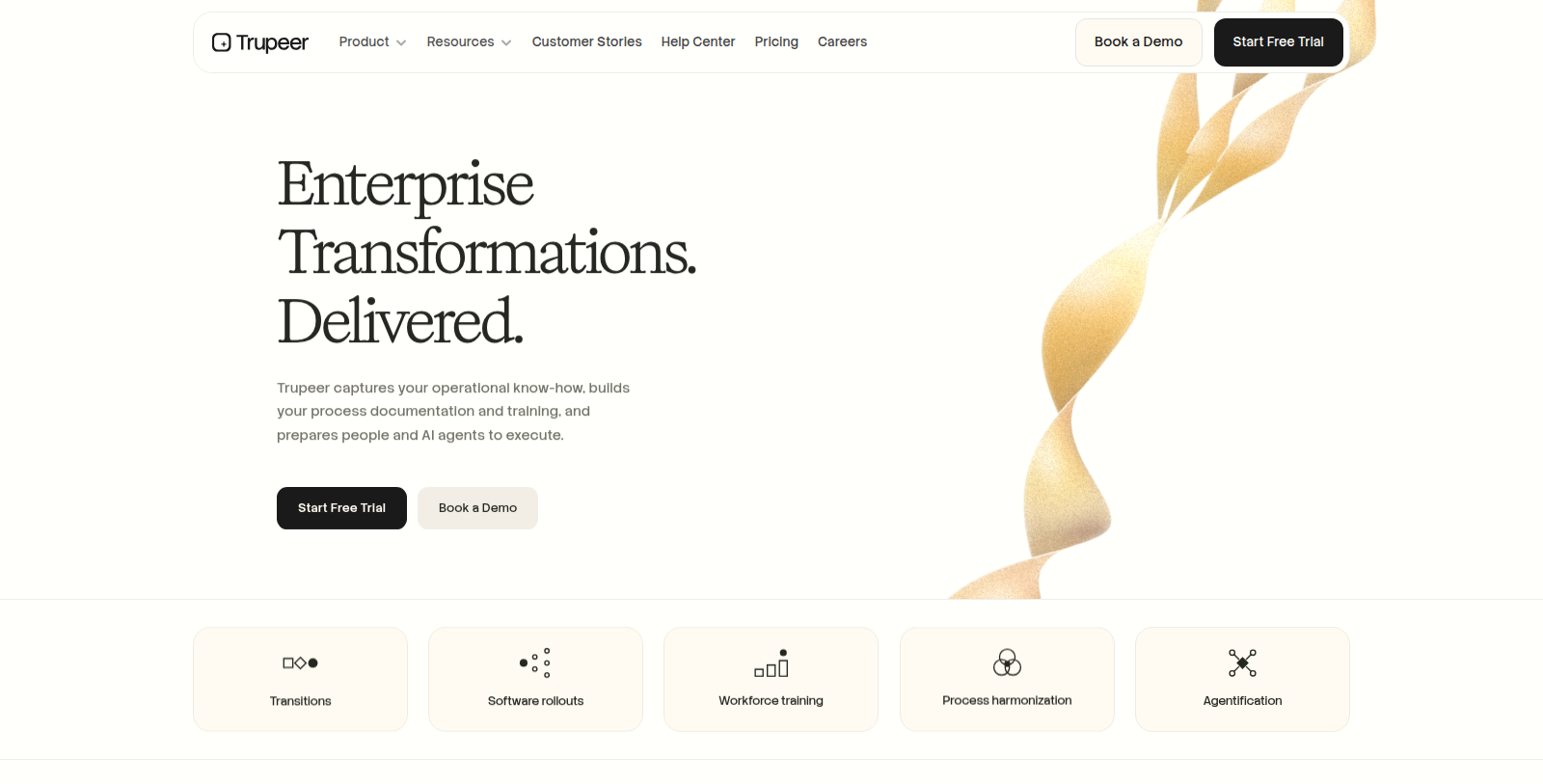
The homepage now positions the product for enterprise transformations: software rollouts, workforce training, process harmonization and making knowledge available to people and AI agents. Features mentioned include SOP generation, AI-led training and live process guidance.
Plans include a free plan with 1,000 AI credits per month, Pro and Scale plans billed monthly or yearly, and custom Enterprise contracts. Higher plans add exports, translation, brand kits and a knowledge base.
Trupeer also offers a browser extension and video upload for creating recordings.
Pros & Cons
Pros
- Turns a single screen recording into SOPs, product videos and training content.
- Includes a browser extension and video upload for creating recordings.
Cons
- Some features such as exports and translation are limited to higher-tier plans.
Frequently Asked Questions
How much does Trupeer cost?
Trupeer is free to start, with paid plans from 40 to 199 USD per month.
Does Trupeer have a lifetime deal?
According to our latest information, this tool does not seem to have a lifetime deal at the moment, unfortunately.
How does Trupeer create training content from a workflow?
You start with a screen recording of the process. Trupeer then uses AI to handle the editing, including polishing the script, transcribing the audio and adding AI voices. The same captured workflow can be turned into process documentation, product videos or training material, depending on what your team needs.
Which types of content can Trupeer generate?
According to the site, Trupeer can generate standard operating procedures, product videos and AI-led training material. It also mentions live process guidance. These outputs are aimed at teams rolling out software, training staff and standardizing how work is done. Check the official website for the current list of output formats.
Can I record workflows in a browser?
The site mentions a browser extension and video upload as ways to create recordings. The listing does not describe these options in detail, so check the official Trupeer website for current capture options and requirements before planning a rollout. Starting from a recording is the core step, since the AI editing and content generation build on it.
Who is Trupeer designed for?
Trupeer targets enterprises and teams that are rolling out software, running workforce training or harmonizing processes. Its homepage also describes making knowledge available to people and AI agents. Its messaging focuses on larger organizations, so teams with formal training or process documentation needs are the closest fit.
Trupeer Comparisons



Notice: This website uses affiliate links to earn commissions from sales. Please read their ToS when signing up somewhere.