







Backflip AI

AI-powered
AI copilot for CAD that creates parametric 3D models with editable feature trees
Backflip.aiOpens in new tabIs this your tool? Claim this page
Claim Your Tool Page
Free to claim • Premium features available
- Verified Badge – Show users your tool is legitimate with a verified checkmark that builds instant credibility.
- Edit Your Profile – Update descriptions, screenshots, pricing, and keep your listing accurate and up-to-date.
- Boost Visibility – Get featured placements, priority listing in categories, and promotional badges to stand out.
- Respond to Reviews – Engage with your users by responding to feedback and building trust with potential customers.
Follow for updates & deals
Get alerts for Backflip AI discounts, feature releases & pricing changes
Similar Tools

Polymet
AI product designer that turns prompts or images into production-ready interface designs and code

Kombai
AI design engineer that designs UIs and generates frontend code matching your repo and components

PageAI
AI website builder that generates a production-ready Next.js codebase from one prompt

Sprite Fusion
Free browser tilemap editor for 2D game levels, with pixel art tools and game engine export

Shyne
AI design workspace for presentations, social content and video, shared by teams and AI agents

MockFlow
Online whiteboard and wireframing tool with an AI assistant for diagrams and product design

MiriCanvas
Online design tool with templates, photo editing and AI presentation, image and video features

Unshift
AI website builder where you start from a template or chat and publish on an Unshift address
New Tools

Text Generator
OpenAI-compatible API giving access to many AI text, vision and speech models through one endpoint

RambleFix
Turns spoken voice notes into polished emails, notes and summaries on web, iPhone and Mac

QuickCreator
AI content team of agents that researches, writes and optimizes SEO articles in your brand voice

Linfo.ai
Summarizes articles, YouTube videos and documents into takeaways, outlines and mind maps

Brain Pod AI
AI platform for writing, images and chat, now evolving into Charigent with AI characters and workflows

AutoBlogging.Pro
Generates SEO-optimized blog articles with GPT models and publishes them to WordPress automatically

Vsub
Turns a script or voiceover into narrated, illustrated faceless videos using your own style template

VideoToPage
Turns YouTube videos, uploads and recordings into blog posts, articles and social posts

Backflip AI Media Gallery
Screenshot of Backflip AI
What is Backflip AI?
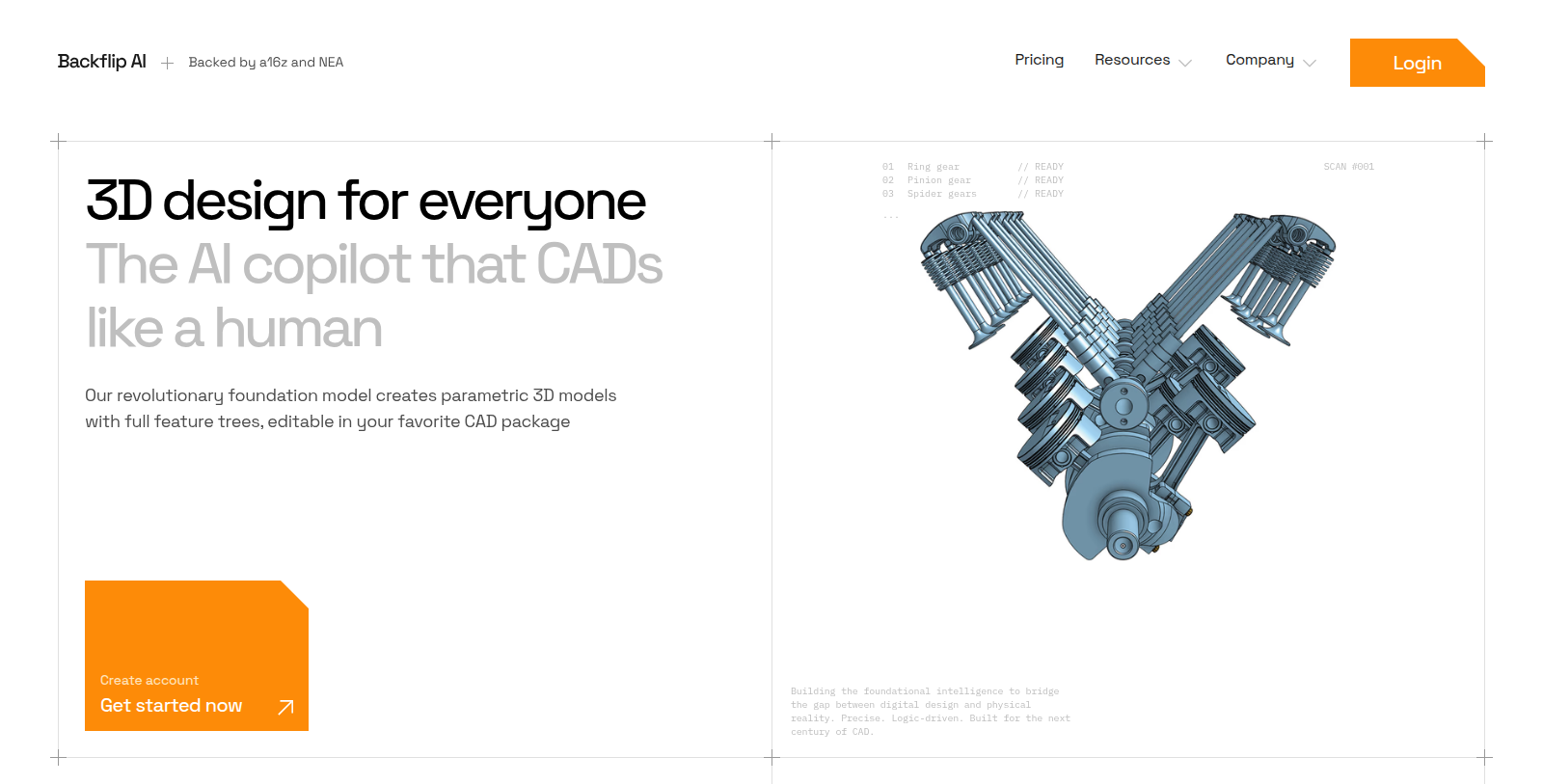
Backflip AI is an AI assistant for CAD and 3D modeling. Its foundation model generates parametric 3D models with full feature trees that can be edited in your preferred CAD package, aiming to cut manual CAD work and lower the learning curve.
The site highlights a drawing-to-CAD feature that transforms legacy engineering drawings into modern 3D CAD models, along with a copilot and AI library search. It targets engineers, makers and teams that design physical products.
The Free plan has limited weekly usage; paid plans raise the usage limits and add email support, and the Business plan adds early access to new features. Plans are Free (limited usage), Builder at 20 USD per month, Pro at 50 USD per month, Business at 380 USD per month and a custom Enterprise plan with a dedicated account team.
Pros & Cons
Pros
- Produces parametric 3D models with full feature trees that stay editable in CAD software.
- Converts legacy engineering drawings into modern 3D CAD models.
Cons
- The free tier has weekly usage limits that restrict heavier modeling sessions.
Frequently Asked Questions
How much does Backflip AI cost?
Backflip AI is available at no cost.
Does Backflip AI have a lifetime deal?
According to our latest information, this tool does not seem to have a lifetime deal at the moment, unfortunately.
How does Backflip AI generate a 3D model?
You describe what you need to the copilot, and its foundation model produces a parametric 3D model with a full feature tree. The result can be edited in your preferred CAD package. The aim is to cut down manual CAD work and make the learning curve gentler for newcomers.
Can Backflip AI convert old engineering drawings?
Yes, the drawing-to-CAD feature transforms legacy engineering drawings into modern 3D CAD models. This is useful when older designs exist only as drawings and need to be reworked. Check the official website for the file types it accepts before uploading important work.
Who should use Backflip AI?
Backflip AI targets engineers, makers and teams that design physical products. Its copilot and AI library search help when starting a new model, and the parametric output can be refined in standard CAD software. It fits when you want a quicker first draft of a part rather than building every feature by hand.
What do the usage limits mean on Backflip AI?
The Free plan has limited weekly usage, and paid plans raise those limits. The Business plan adds early access to new features, and Enterprise includes a dedicated account team. Look up the current allowances on the official website before committing, since the limits can change over time.
Notice: This website uses affiliate links to earn commissions from sales. Please read their ToS when signing up somewhere.