BLUF

Browser extension that summarizes and explains web pages, PDFs and YouTube videos
Bluf.ai
Is this your tool?
Follow for updates & deals
Get alerts for BLUF discounts, feature releases & pricing changes
Similar Tools

Simple Phones
AI phone agent that answers and makes business calls, books meetings and takes messages

Monica
Multifunctional AI assistant for chat, writing, searching, and programming across various platforms.

Voicebox
Local voice synthesis studio offering voice cloning and advanced editing tools for professional use.

Tasklet
Automate routine business tasks with AI agents that integrate with various applications.

Commitify
AI-driven tool for motivational phone calls that help you stay accountable to your personal goals.

BLUF Media Gallery
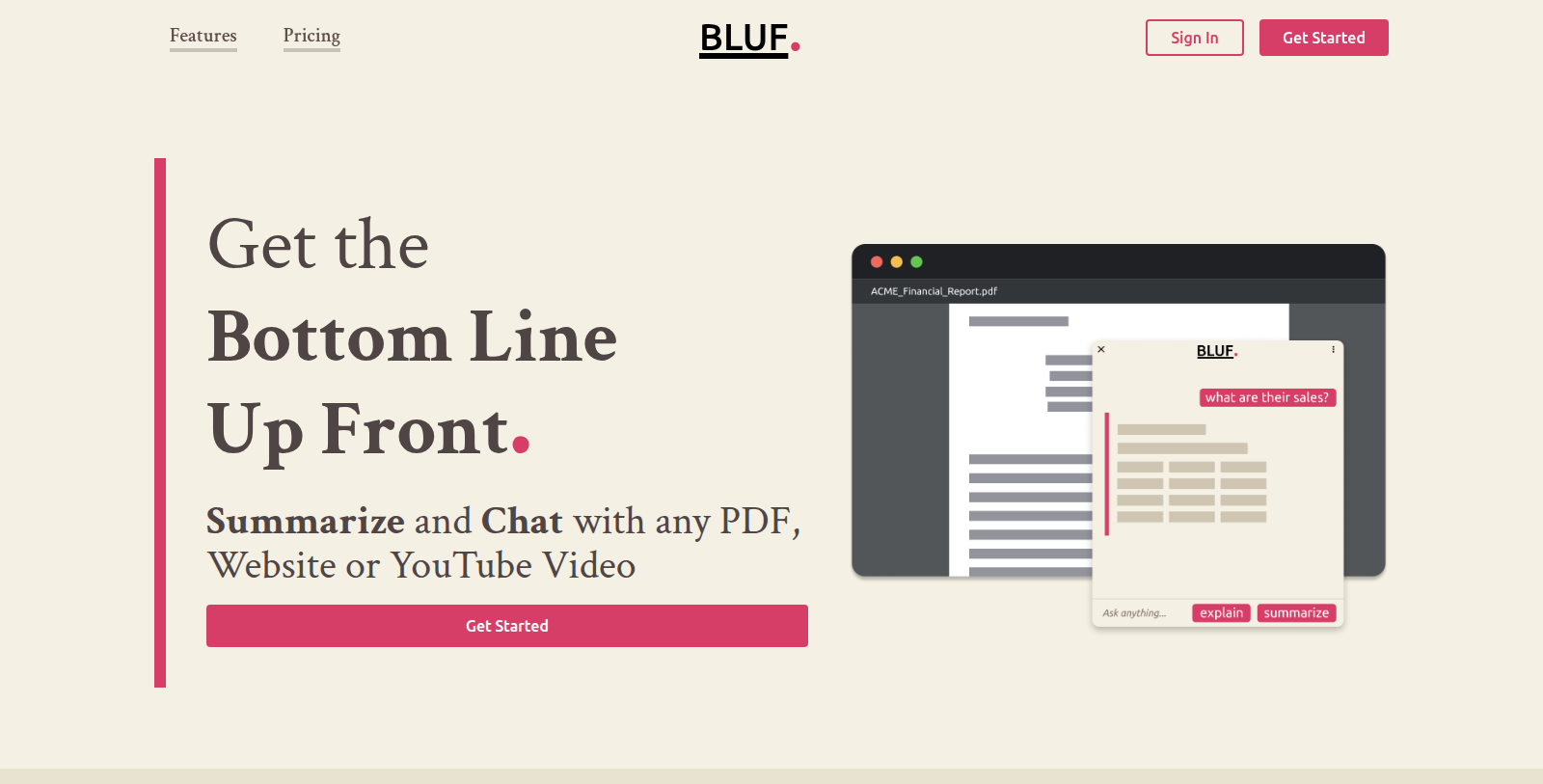
What is BLUF?
BLUF, short for Bottom Line Up Front, is an AI-powered browser extension that summarizes and explains content from websites, PDF documents, YouTube videos and local files. It is meant to help readers get the key points quickly without reading everything.
The main modes are Summarize, which extracts key highlights, Explain, which turns complex concepts and jargon into simpler language, and Ask, where users pose questions about the page. A keyboard shortcut, Shift + Alt + B, opens it quickly. The site lists researchers, students, journalists, social media managers, forum moderators and busy professionals as target users.
BLUF has a free plan with 25 prompts per month, a Standard plan at $4 per month with 200 prompts, and a Professional plan at $10 per month with unlimited prompts. It is available on Chrome and Firefox, with Edge and Opera also shown.
Pros & Cons
Pros
- Summarizes websites, PDFs, YouTube videos and local files in one extension.
- The Shift + Alt + B shortcut opens the extension quickly.
- Ask mode lets users pose follow-up questions about the current content.
Cons
- The listing does not state the length or accuracy limits of summaries.
- Monthly prompt quotas are set per plan, which may limit heavier use.
Frequently Asked Questions
BLUF is free to start, with paid plans from 4 to 10 USD per month.
According to our latest information, this tool does not seem to have a lifetime deal at the moment, unfortunately.
BLUF can summarize and explain content from websites, PDF documents, YouTube videos and local files. Its Summarize mode extracts key highlights, so you can get the main points without reading everything. The site describes it as a Bottom Line Up Front tool for quick understanding of long material. Check the official website for any format limits.
The Explain mode turns complex concepts and jargon into simpler language, according to the BLUF site. It is useful when a page uses technical terms you do not know. Alongside Summarize and Ask, it is one of the main modes in the extension. The listing does not describe the depth of explanations, so test it on a sample page first.
Yes, the Ask mode lets you pose questions about the content you are reading. This helps you dig into a specific point rather than rereading the whole page. The listing does not explain how much context the extension keeps across several questions, so check the official BLUF website for details on this behaviour.
BLUF can be opened with the keyboard shortcut Shift + Alt + B, according to the site. It is a browser extension listed for Chrome and Firefox, with Edge and Opera also shown. For setup steps and the latest supported browsers, check the official BLUF website before installing it.
The site lists researchers, students, journalists, social media managers, forum moderators and busy professionals as target users. Anyone who needs to scan long articles, reports or videos quickly may find it useful. The listing does not describe specific workflows for each group, so review the official website to see whether the features match your needs.