Claude Code

AI tool that enhances coding efficiency by searching codebases and streamlining debugging within IDEs.
Anthropic.com
Is this your tool?
Follow for updates & deals
Get alerts for Claude Code discounts, feature releases & pricing changes
Similar Tools

Zencoder
Automates coding tasks and enhances collaboration for developers with customizable AI agents.

Factory
AI platform that automates software development tasks, speeding up coding, documentation, and incident response.

Tabnine
AI tool that provides contextual code suggestions to enhance software development workflows.

Continue
Open-source AI code assistant for customizable autocomplete and dynamic coding interactions.

Roo Code
AI assistant for Visual Studio Code that enhances coding, refactoring, and debugging with project-wide context.

Claude Code Media Gallery

Claude Code (review) video
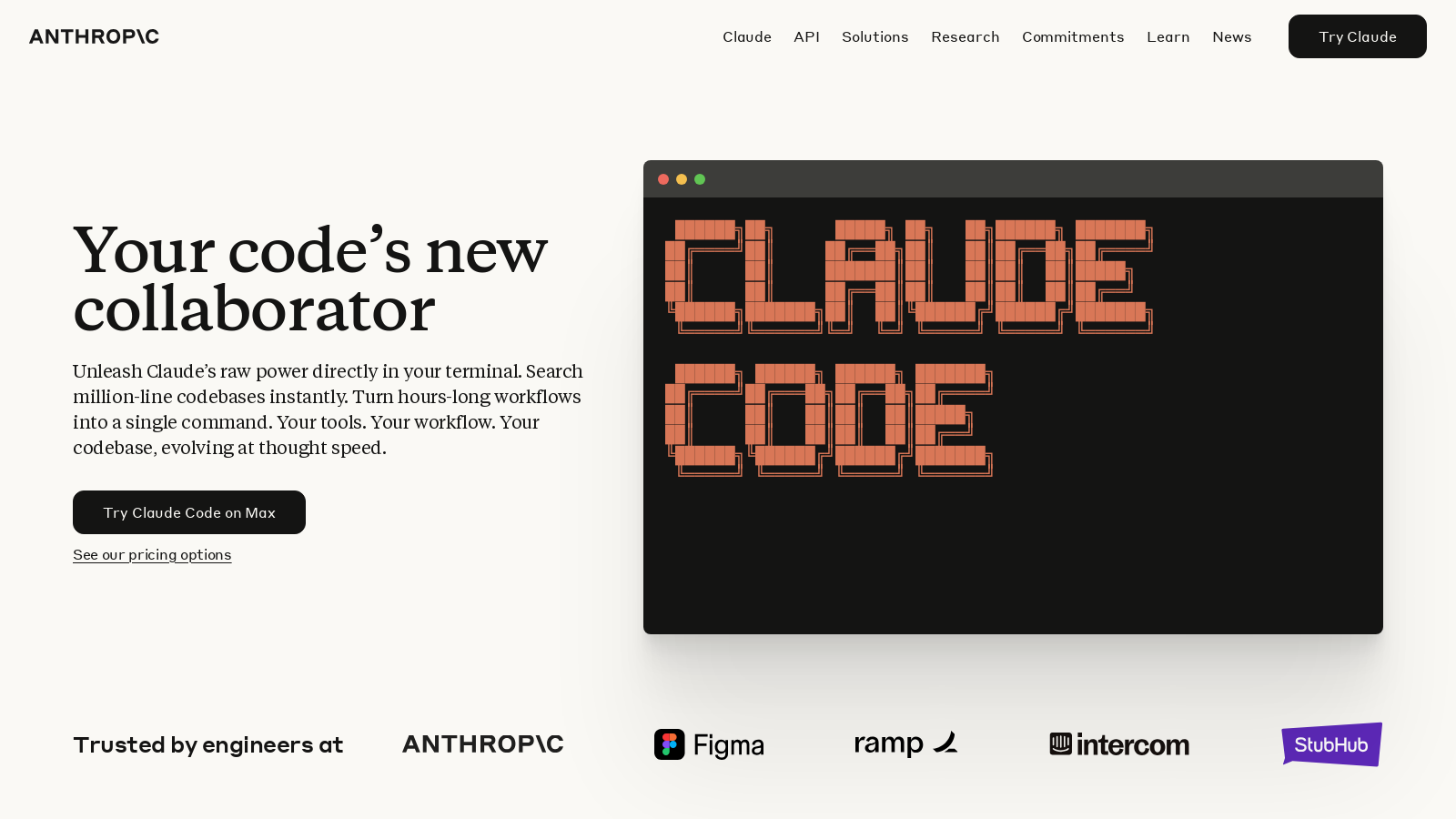
Screenshot of Claude Code
What is Claude Code?
Claude Code is an innovative AI tool designed to work seamlessly within your terminal environment, fundamentally transforming coding practices with its deep understanding of codebases. By integrating powerful AI capabilities directly into coding workflows, Claude Code enables developers to harness raw computational power effortlessly. The tool is built on Claude Opus 4, the latest AI model from Anthropic, ensuring it possesses advanced functionalities that support multi-stage tasks in coding effectively.
As a next-generation collaborator, Claude Code allows you to experience coding at the speed of thought. It effectively turns hours of debugging into mere seconds with a single command, providing a robust platform that enhances developer productivity.
How Claude Code Improves Coding Efficiency
Implementing Claude Code transforms how programmers engage with their code. With just a simple command, tasks that would typically consume significant time can now be executed nearly instantaneously. This change empowers software engineers to concentrate more on creativity and intricate problem-solving rather than getting tied down by lengthy debugging and searching processes.
Agentic Search Technology
Claude Code incorporates sophisticated agentic search technologies that allow it to gain a comprehensive understanding of an entire codebase. This innovation means programmers are not confined to isolated snippets anymore; instead, they can attain insights and suggest modifications in a contextually aware manner. Claude Code adeptly navigates through complex project structures and dependencies, eliminating the necessity for manual user input.
Integration with Existing Tools
Moreover, Claude Code integrates seamlessly with popular IDEs such as VS Code and JetBrains, enhancing each developer’s existing toolkit. By leveraging current test suites and build systems, it guarantees that developers can continue to utilize the tools they are already familiar with, making the transition to AI-assisted coding smooth and effortless. It lives directly inside your terminal—no context switching, ensuring that developers can focus entirely on coding.
Workflows Reimagined
Beyond mere coding assistance, Claude Code also triages issues and refactors code, significantly reducing the time it takes to switch from problem identification to a working solution. The AI can directly read issues from platforms like GitHub and GitLab, managing the entire flow from development to testing and pull requests, thereby streamlining the coding process to integrate seamlessly into the developer's routine.
Plans and Pricing
For individual developers, Claude Code is available through various pricing plans. The Pro plan starts at NULL per month when billed annually, with access to Claude Code directly in your terminal along with additional features. For those needing more extensive support, the Max plans provide up to 20x higher usage limits, catering to enterprise users looking for enhanced capabilities. The Max plans start at NULL and extend to NULL per person monthly, ensuring that users can tap into Claude's advanced features while managing their coding needs effectively.
User Experiences
Feedback from engineers who have utilized Claude Code is overwhelmingly positive, reflecting significant efficiencies and increased productivity. Reports indicate marked improvements in team collaboration on coding tasks, with many achieving results that were previously unattainable without substantial time investment. A notable satisfied user mentions how Claude Code enabled them to consolidate several days of routine work into mere moments, showcasing its impact as a transformative tool in the software development lifecycle.
In conclusion, Claude Code stands as a game-changer in the development landscape, aiding individuals and teams in optimizing their workflows, alleviating the burden of routine tasks, and emphasizing more creative components of software development.
Pros & Cons
Pros
- Enables deep coding with a powerful AI directly in your terminal.
- Reduces debugging time significantly using agentic search across large codebases.
- Integrates seamlessly with existing tools like VS Code and JetBrains, enhancing workflows.
Cons
- Requires Node.js installation, which may complicate the setup for some users.
Frequently Asked Questions
Claude Code is free to start, with paid plans from 17 to 200 USD per month.
According to our latest information, this tool does not seem to have a lifetime deal at the moment, unfortunately.
Claude Code can significantly streamline various tasks within your coding workflow. It excels at onboarding by mapping and explaining entire codebases in seconds, triaging issues, refactoring code, and generating pull requests directly from your terminal. This tool integrates with GitHub and GitLab, allowing you to manage the entire workflow—reading issues, writing code, running tests, and submitting pull requests—without switching between multiple interfaces.
Claude Code is designed to work seamlessly with your existing development ecosystem. It integrates directly into your terminal and is compatible with popular IDEs such as Visual Studio Code and JetBrains. This allows Claude Code to understand your entire codebase and project structure, making suggestions that align with your coding standards and patterns. It also enhances existing command-line tools for a cohesive workflow.
To run Claude Code, you'll need to have Node.js version 18 or higher installed on your machine. Once you have Node.js, you can easily install Claude Code using the command: npm install -g @anthropic-ai/claude-code. Additionally, ensure your system supports the necessary dependencies for efficient operation.
Claude Code prioritizes user control and does not modify files without explicit approval. It suggests edits based on its understanding of your codebase and dependencies, but your approval is required before any changes are made. This ensures that you maintain oversight and can review modifications before they are implemented.
Absolutely! Claude Code is optimized for handling large codebases, leveraging its deep codebase awareness to perform powerful, coordinated changes across multiple files. Its ability to understand project dependencies enables it to execute complex and multi-step coding tasks efficiently, making it an excellent choice for both small and large development projects.
Interacting with Claude Code via the command line allows for a conversational experience. You can issue commands and queries directly related to your coding tasks, such as searching through codebases, generating new functionalities, or debugging issues. Claude Code provides real-time feedback and suggestions, streamlining the development process from concept to execution.
Claude Code adheres to strict security protocols. It does not automatically make changes without user approval, ensuring that you have complete control over your codebase. Additionally, Anthropic focuses on responsible AI practices and includes compliance measures such as data encryption. Users are encouraged to review specific security documentation and compliance policies on the Anthropic website for detailed information.
To get started with Claude Code, first ensure that you have Node.js 18 or newer installed. Then, run the installation command: npm install -g @anthropic-ai/claude-code. After installation, explore the comprehensive documentation and tutorials provided by Anthropic to familiarize yourself with its features, capabilities, and integration options. Joining the community or support channels can also be beneficial for quick assistance and shared tips.