













ComfyUI

Create and manipulate multimedia content with a visual node-based interface for generative AI.
Comfy.org
Is this your tool?
Follow for updates & deals
Get alerts for ComfyUI discounts, feature releases & pricing changes
Similar Tools

Clipfly
Easily create and enhance videos and images with AI-driven editing tools.

Duck.ai
A private way to access popular AI chatbots.

Supawork AI
Generate personalized AI headshots and dynamic videos in seconds with customizable options.

Masonry
A collaborative platform for generating and customizing images and videos using AI models.

Twin AI
Convert still images into engaging videos with voice synchronization and customization options.

ComfyUI Media Gallery

ComfyUI (review) video
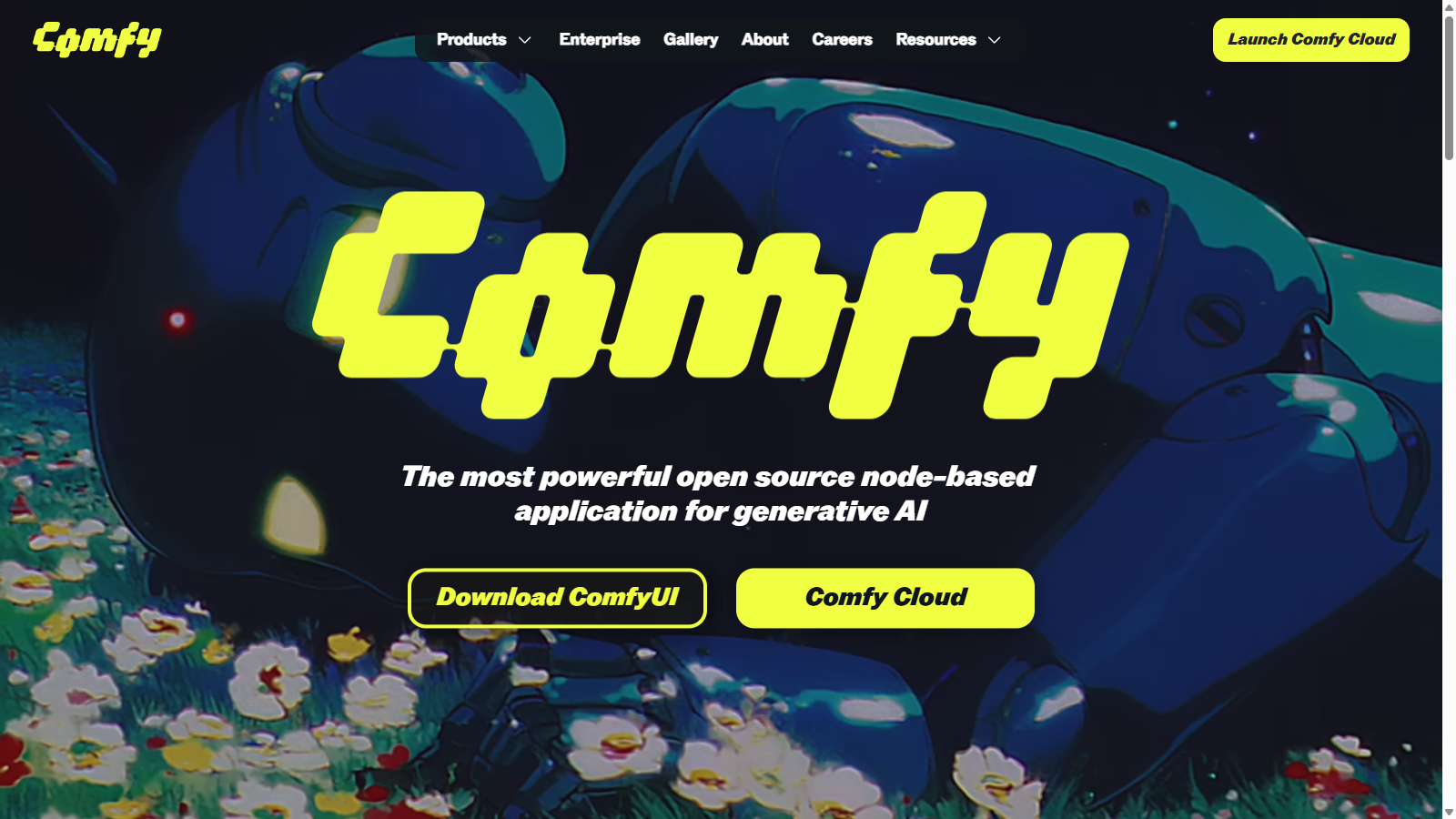
Screenshot of ComfyUI
What is ComfyUI?
ComfyUI is an innovative, open-source node-based interface designed to enhance the generative AI experience by allowing users to create and manipulate multimedia content. What sets ComfyUI apart is its unique workflow management, which allows users to visually build complex AI models by connecting various nodes on a canvas. This visual representation offers an intuitive way to control and adjust workflows dynamically, making it highly adaptable to the user's needs.
One of ComfyUI's standout features is its emphasis on full control over one's creative process. By enabling users to branch, remix, and adjust each part of their workflow, ComfyUI fosters an environment of creativity and experimentation. This node-based architecture empowers users to customize their AI models extensively, thus pushing the limits of what generative AI can achieve.
Reusable Workflows
Another significant advantage of using ComfyUI is the ability to save and share entire workflows with ease. Once a workflow is created, it can be conveniently exported, carrying all the necessary metadata. This makes it simple for others to import the workflow back into ComfyUI, allowing for instant collaboration and sharing of ideas within the community.
Real-time Feedback with Live Preview
ComfyUI includes a live preview feature, which allows users to see their results in real-time as they make adjustments. This instant visual feedback helps streamline the creative process, enabling faster iterations and ensuring users can refine their work with agility.
Build Custom Nodes
For users looking for an extra layer of customization, ComfyUI allows for the creation of custom nodes. This feature enables developers to extend ComfyUI further by building and integrating their nodes, thus adding new functionalities that cater specifically to their workflow requirements.
Run Locally for Enhanced Performance
Unlike many cloud-based applications, ComfyUI can run locally on a user's machine. This design choice not only speeds up workflow execution but also eliminates concerns about data privacy associated with cloud platforms, giving users complete control over their workflows and data.
ComfyUI naturally integrates various AI models and supports a range of media formats, including video, images, and 3D content generation. Whether you are a hobbyist or a professional developer, ComfyUI is equipped to adapt to your needs, helping you unleash your creativity in the world of generative AI
Conclusion
In summary, ComfyUI is not just a tool but a complete ecosystem for generative AI, characterized by its open-source nature, user-friendly design, and powerful functionalities. The vibrant community contributes continuously to its evolution, setting the stage for a future where the possibilities of AI-generated content are limitless.
Pros & Cons
Pros
- Features a modular node-based interface for custom AI workflows.
- Offers real-time visual feedback with live preview capabilities.
- Is completely free and open source, allowing full user control.
Cons
- May have a steeper learning curve for newcomers unfamiliar with node-based systems.
Frequently Asked Questions
ComfyUI is available at no cost.
According to our latest information, this tool does not seem to have a lifetime deal at the moment, unfortunately.
ComfyUI is a versatile tool that allows you to generate a variety of content, including images, videos, 3D models, and audio files with the power of AI. This flexibility makes it suitable for a wide range of creative projects, from visual art to multimedia presentations.
ComfyUI offers a unique node-based interface that enables users to build AI workflows visually. You can create workflows by connecting nodes on a canvas, enabling easy branching and real-time remapping of your project. Additionally, you can save, share, and reuse these workflows, carrying metadata for seamless integration with your projects.
Currently, Comfy Cloud, in its public beta, has a few usage limitations. Users can only run one workflow at a time, with a maximum duration of 30 minutes per workflow. As the team scales GPU capacity for stability, these limitations may evolve, so it's advisable to check for updates on the ComfyUI blog.
Yes, ComfyUI is designed for customization. You can extend its capabilities by creating your own custom nodes, tailoring workflows and functionality to your specific needs. Detailed guidance on developing custom nodes is available in the official documentation.
ComfyUI is designed to run on Windows, macOS, and Linux. This cross-compatibility ensures that you can utilize its powerful features regardless of your machine's operating system.
To help users get started with ComfyUI, the official documentation provides comprehensive tutorials and guides. It covers everything from installation to creating your first AI-generated content, along with detailed explanations of the interface and built-in nodes.
ComfyUI frequently receives updates to enhance its functionalities. Recently, the introduction of easier subgraph editing and a redesigned template library has improved the user experience. The tool also supports new models like LTX-2, which allows for high-quality video generation up to 4K resolution.
While ComfyUI offers robust generative AI features, you might explore alternatives such as RunwayML or Daz 3D, which provide different workflows and functionalities tailored to various creative needs. However, ComfyUI's open-source nature and community support make it a compelling option for users looking to build their own workflows.




