CoSupport AI

AI customer service platform that resolves repetitive support tickets and drafts replies
Cosupport.ai
Is this your tool?
Follow for updates & deals
Get alerts for CoSupport AI discounts, feature releases & pricing changes
Similar Tools

Watermelon
Create custom AI agents for automated customer support across multiple channels.

Monica
Multifunctional AI assistant for chat, writing, searching, and programming across various platforms.

Langotalk
AI language tutor that adapts lessons to your level and corrects speaking across 20+ languages

AskBlake
Build web applications quickly with minimal coding using a unique expert task distribution method.

Zhipu
Develops AI models that replicate human cognitive processes for improved machine interaction.

CoSupport AI Media Gallery
What is CoSupport AI?
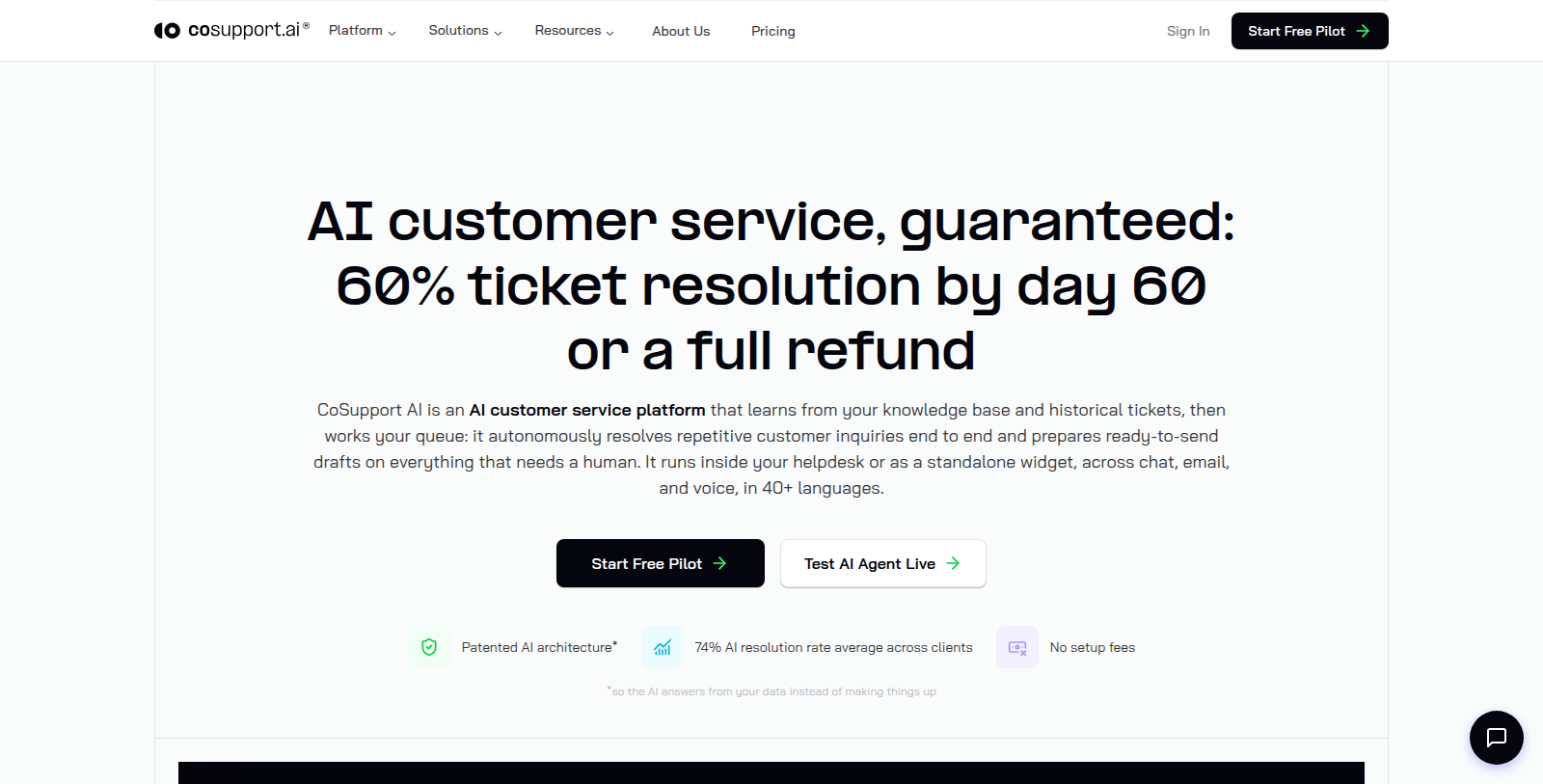
CoSupport AI is an AI customer service platform for support teams. It learns from a company's knowledge base and historical tickets, then handles the queue by resolving repetitive inquiries and preparing ready-to-send drafts for tickets that need a human.
It runs inside an existing helpdesk or as a standalone widget, across chat, email and voice, in more than 40 languages. Typical tickets covered include billing, account access, order status, subscription changes and product how-to questions.
Pricing is offered in three models: resolution-based from $0.19 per resolved ticket, a flat server-based fee from $99 per month, or response-based from $0.04 per response. Plans start with a 30-day pilot and a 60-day refund guarantee.
Pros & Cons
Pros
- Resolves repetitive customer inquiries and prepares drafts for tickets that need a human.
- Works inside an existing helpdesk or as a standalone widget.
- Covers chat, email and voice in more than 40 languages.
Frequently Asked Questions
We have no pricing information available now, so please check the CoSupport AI's website.
According to our latest information, this tool does not seem to have a lifetime deal at the moment, unfortunately.
It learns from your knowledge base and historical tickets, then resolves repetitive inquiries on its own. For tickets that need a person, it prepares ready-to-send drafts so an agent can review and send them. The result is that human agents spend their time on the more complex or unusual cases in the queue.
It works across chat, email and voice, in more than 40 languages. It can run inside an existing helpdesk or as a standalone widget, so teams do not have to replace their current support tools to use it. Check the official website for details on how each channel is set up.
Typical tickets it covers include billing questions, account access, order status, subscription changes and product how-to questions. These requests are often repetitive, which makes them a good fit for automatic resolution. Tickets that need a person receive a prepared draft instead.
The tool learns from your knowledge base and past tickets, so those are the main inputs it needs. The quality of its answers depends on how complete and current that material is. For the current setup steps and requirements, check the official website.