Cradl AI

Document AI that extracts structured data from documents with human review for exceptions
Cradl.ai
Is this your tool?
Follow for updates & deals
Get alerts for Cradl AI discounts, feature releases & pricing changes
Similar Tools

Activepieces
Open-source workspace for AI chat, agents, automation flows and tables with 760+ app integrations

Creem
Smooth payments for SaaS and Indie Hackers.

HumanLayer
Human-in-the-loop for AI Agents

Pabbly Connect
Connect and automate workflows between over 2,000 applications without coding.

Procys
AI document processing that extracts data from invoices, receipts and orders and syncs to ERPs

Cradl AI Media Gallery
What is Cradl AI?
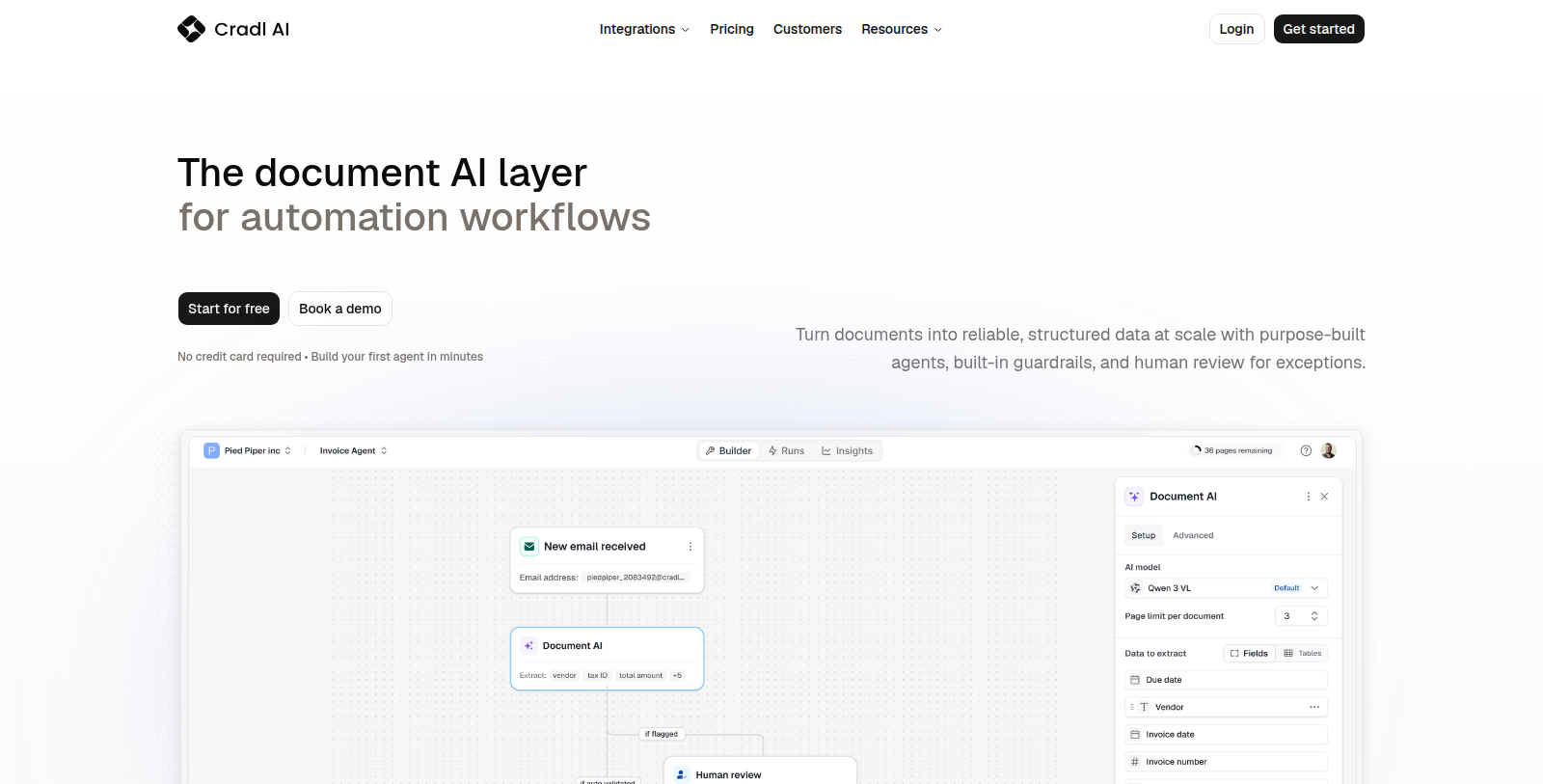
Cradl AI is a document AI layer for automation workflows. It extracts data from multi-page documents with any layout and language, can split and classify documents, and supports line-level extraction and table extraction.
Built-in guardrails and human-in-the-loop review handle exceptions, and the extracted data feeds downstream automation through integrations and a workflow builder. The product is aimed at automation teams in different industries.
A free plan covers up to 50 pages per month. Builder is $40 per month (500 pages) and Pro is $240 per month (5,000 pages), both billed yearly, and Enterprise is custom priced.
The site lists customers across industries and documentation for developers, and documents such as passports and bills of lading appear as examples of what the agents can read.
Pros & Cons
Pros
- Extracts data from multi-page documents with any layout and language.
- Built-in guardrails and human review handle extraction exceptions.
Cons
- Specific integration names are not listed in the available description.
Frequently Asked Questions
Cradl AI is free to start, with paid plans from 40 to 240 USD per month.
According to our latest information, this tool does not seem to have a lifetime deal at the moment, unfortunately.
Cradl AI extracts data from multi-page documents with any layout and language. It can also split and classify documents, and it supports line-level extraction and table extraction. Examples on the site include passports and bills of lading, which show the kinds of files its agents can read.
Cradl AI includes built-in guardrails and human-in-the-loop review to deal with exceptions. A person can check the cases that need attention, and the extracted data then feeds downstream automation through integrations and a workflow builder. The site also includes documentation for developers, so technical readers can review how the product is set up.
The extracted data can be passed on through integrations and a workflow builder. The available text does not name the specific integrations, so check the official website for the current list of connected tools before planning an automation around it.
The product is aimed at automation teams in different industries that work with documents. The site lists customers across industries and provides documentation for developers, so technical teams can review those resources before adopting it. The site also includes documentation for developers, so technical readers can review how the product is set up.