Cursor

AI-powered code editor that predicts edits and allows coding with natural language commands.
Cursor.com
Is this your tool?
Follow for updates & deals
Get alerts for Cursor discounts, feature releases & pricing changes
Similar Tools

Vellum
Facilitates AI development, testing, and deployment with a focus on collaboration and iteration.

PlayerZero
AI-driven platform for predictive monitoring and automated debugging in software development

Wayve
Automated driving solution utilizing AI for safe and adaptable navigation without reliance on HD maps.

CodeRabbit
Automates code reviews with AI, providing instant feedback and integration into existing workflows.

Mistral AI
Customizable AI solutions for developers and enterprises, focusing on privacy and flexible deployment options.

Cursor Media Gallery

Cursor (review) video
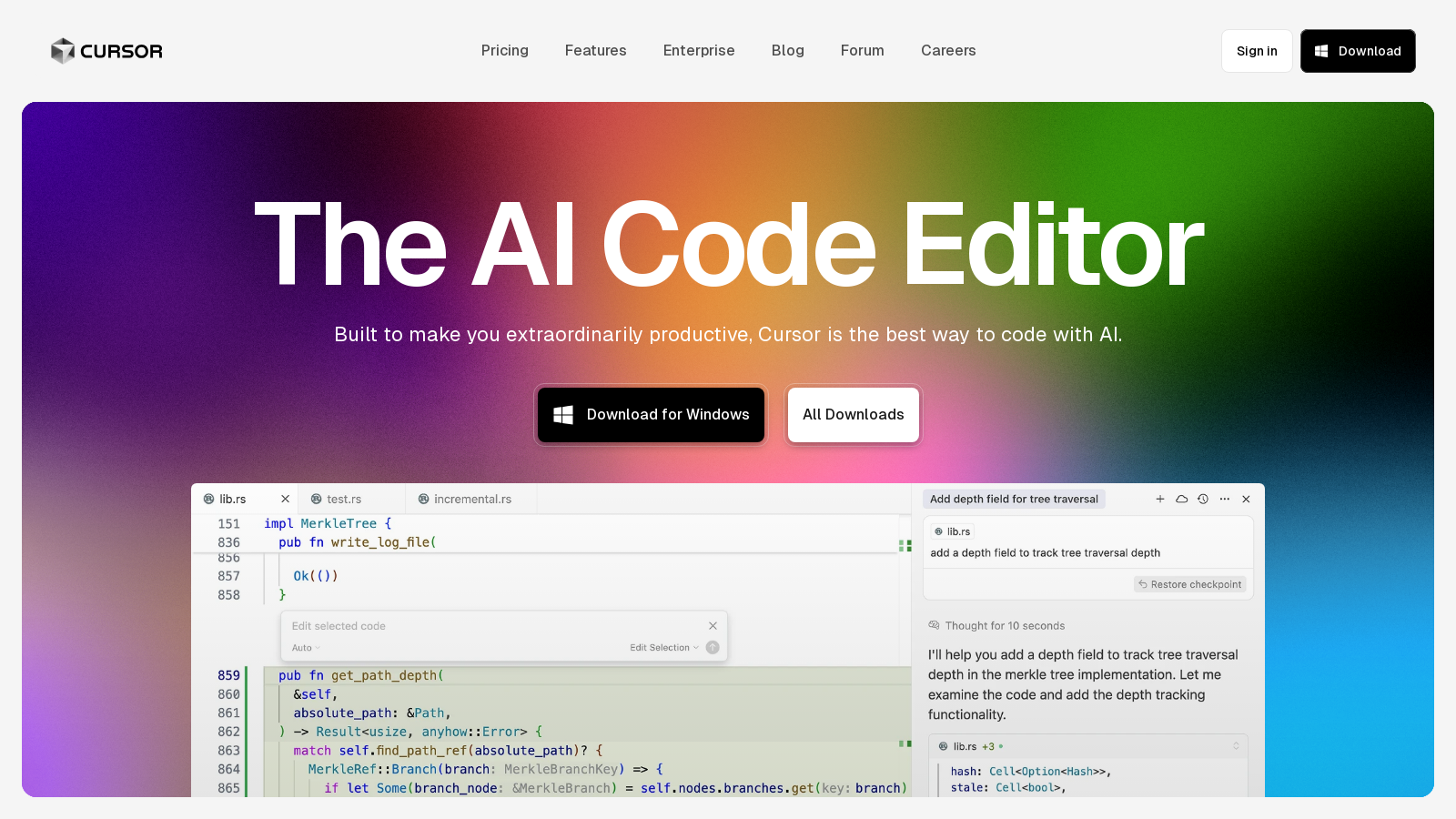
Screenshot of Cursor
What is Cursor?
Cursor is an innovative AI code editor designed to enhance your productivity while coding significantly. Building on the complexities of modern development environments, it enables you to interact with code in a smarter and faster manner. Cursor boasts a rich suite of features designed for developers seeking to streamline their workflows without compromising quality or control.
Predictive Edits
Cursor employs machine learning models that predict your next editing move based on your coding habits and recent changes. The autocomplete feature is versatile, supporting contextual predictions across multiple lines of code to help you complete tasks quickly. This is especially valuable when managing large codebases, where context-switching can slow down the coding process. Cursor's predictive capabilities have recently improved with sophisticated new models, making editing more intuitive than ever.
Natural Language Processing
One standout feature of Cursor is its ability to allow developers to write code using natural language commands. This functionality enables you to make broad updates to entire classes or functions just by instructing the software in plain English, which not only speeds up coding but also lowers the barrier for less experienced programmers. This feature has expanded, offering even greater flexibility in code modification while maintaining the integrity of complex programming languages.
Comprehensive Codebase Understanding
Cursor integrates sophisticated retrieval models that understand your codebase thoroughly, offering you insights and suggestions based on extensive indexing and analysis. This reduces the need for developers to search for context manually, achieving significant time savings during project completion. The recent updates have included enhanced context retrieval capabilities that make it easier to navigate large projects and retrieve relevant documentation quickly.
Efficient Task Automation
With its agent functionality, Cursor facilitates end-to-end task completion. Once activated, the agent can automatically run terminal commands, detect errors, and even suggest fixes in real-time, empowering developers to maintain focus on more strategic aspects of their projects. The agent mode has been fine-tuned for improved performance, making it faster and more reliable while executing tasks.
Privacy and Security
Cursor shines with its commitment to user privacy and code security. Features like Privacy Mode and SOC 2 compliance ensure that your code is kept safe and private. This is ideal for enterprises managing sensitive projects where data security is paramount. Recent additions include customizable privacy settings to better control how and when data may be shared or retained, reinforcing user trust and security compliance.
Team Collaboration
Cursor is not just a tool for individual developers; it also enhances collaboration within teams. With easy-to-use administrative controls and shared features, teams can work together more effectively, tracking usage and managing permissions seamlessly. The dashboard enables team leaders to monitor activity and productivity, allowing them to adapt workflows as necessary. New integrations with communication platforms like Slack and GitHub further simplify collaboration, making it easy to share insights and updates in real time.
Educational Discounts
Recognizing the need for academic support, Cursor offers free subscriptions to verified university students, which allows access to all Pro features for one year. This initiative aims to cultivate a new generation of developers by equipping them with the necessary tools to succeed in a competitive environment. Many students and educators have lauded this initiative, noting how it significantly enhances their learning experiences and fosters a deeper understanding of coding practices.
Conclusion
Overall, Cursor is more than just a tool; it's a revolutionary platform that transforms how software is built. The combination of predictive modeling, simple command inputs, and robust team features creates an exceptional coding environment that can dramatically improve productivity and enhance the coding experience. Whether you are a seasoned developer or just starting your coding journey, Cursor stands ready to support you in achieving your development goals faster and with greater efficiency.
Pros & Cons
Pros
- Intelligent autocomplete feature predicts edits across multiple lines for faster coding.
- Cursor maintains privacy with options to secure code and complies with SOC 2 certification.
- Integration with tools like Slack allows teams to streamline coding tasks directly in conversations.
Cons
- Some users report slow performance during certain operations, including loading chats and updates.
Frequently Asked Questions
Cursor is free to start, with paid plans from 0 to 200 USD per month.
According to our latest information, this tool does not seem to have a lifetime deal at the moment, unfortunately.
Cursor includes various intelligent features designed to enhance productivity for developers. These include predictive text editing through its 'Tab' feature, which suggests edits based on your recent changes, and 'Agent' mode, which can execute tasks end-to-end based on your instructions. Additional features include multi-line edits, smart rewrites to fix careless typing, and the ability to run terminal commands directly from the editor, making it a powerful tool for streamlined coding.
To get started with Cursor, download the appropriate version for your operating system from the website. Follow the installation instructions, then explore the features through the interactive tutorial available in the application. Familiarize yourself with key commands such as 'Tab' for autocomplete suggestions, and 'Command + K' for inline editing. You can also customize settings to tailor the experience to your workflow. For detailed guidance, refer to the documentation included with the tool.
Cursor offers several integrations designed to enhance its compatibility with existing workflows. Notably, it allows for integration with Slack, enabling Background Agents to operate directly within Slack conversations. This feature allows teams to utilize coding agents to understand the context of discussions and execute tasks without leaving the conversation. Furthermore, Cursor seamlessly integrates with version control systems, such as GitHub, for code reviews and pull requests, thereby enhancing collaboration among development teams.
While Cursor is a powerful tool, it does come with certain limitations. Usage is capped based on the subscription plan, affecting the number of agent requests and model access per month. Users may also encounter rate limits when making multiple requests rapidly. If you require higher limits or more advanced features, such as Background Agents, you may need to consider upgrading to a higher-tier subscription, like the Pro or Ultra plans.
Yes, Cursor is compatible with various operating systems. You can download versions for macOS, Windows, and Linux. Each version is designed to ensure a seamless user experience, regardless of the platform you use. Choose the appropriate download link from the Cursor website, ensuring that it matches your operating system to avoid compatibility issues.
To maximize productivity when using Cursor, leverage its advanced features, such as Tab for instant code suggestions and intelligent error resolution, to debug your code quickly. Utilize Multi-Line Edits to apply changes across multiple lines simultaneously. Additionally, integrate Cursor with your team's existing communication tools, such as Slack, to streamline tasks. Regularly check the changelog for updates to stay informed about new features and improvements.
Cursor offers Privacy Mode, which ensures that your code is not stored remotely without your consent. When Privacy Mode is enabled, your code will not be used for model training, providing an extra layer of security. Users can check the settings within the application to enable Privacy Mode and understand the extent of data usage and storage practices to maintain code confidentiality.
Cursor positions itself as a leading AI-powered coding tool that offers sophisticated autocomplete features and integrates more seamlessly with team communication platforms compared to traditional IDEs. Users report higher productivity levels and a more collaborative environment through Cursor's agent features, which encourage pairing with AI rather than a strictly delegative model. For developers focusing on advanced coding tasks, Cursor's smart contextual understanding and ability to manage complex codebases set it apart from other coding tools.