Descript

Edit audio and video content using text-based editing for intuitive production.
Descript.com
Is this your tool?
Follow for updates & deals
Get alerts for Descript discounts, feature releases & pricing changes
Similar Tools

VEED
AI-driven video editor that simplifies video creation and enhances content with automatic features.

DALL·E 2
Generates detailed images from textual descriptions with features for editing and style variations.

Otter
Automates transcription and summarizes key points during meetings and conversations.

Meeting.ai
Captures and organizes meeting notes with automated transcription for seamless collaboration

Beautiful.ai
Create professional presentations quickly with AI-powered templates and real-time collaboration features.

Descript Media Gallery
Descript (review) video
Screenshot of Descript
What is Descript?
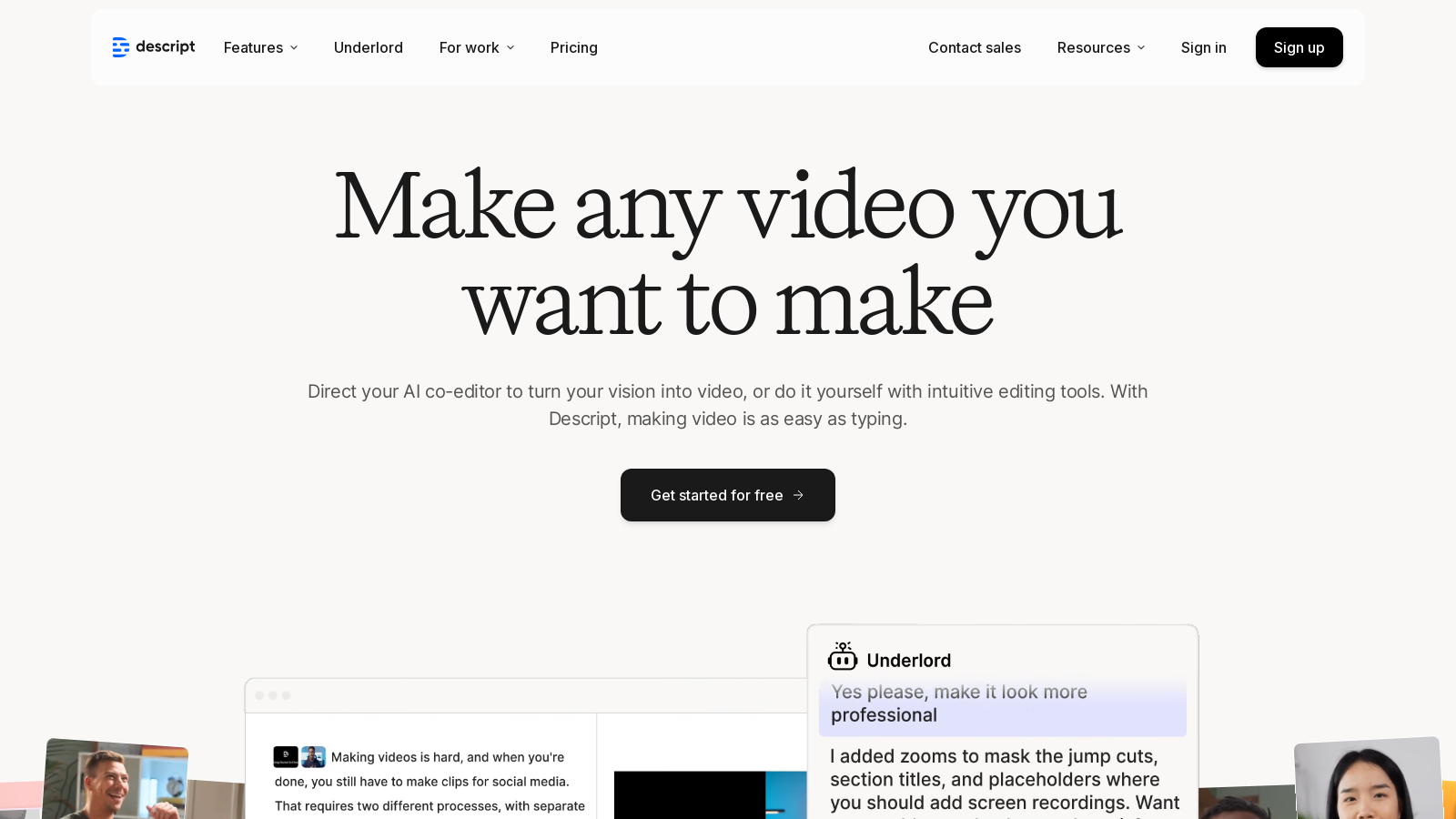
Descript is a revolutionary audio and video editing platform that harnesses the power of artificial intelligence to transform how creators produce and edit content. Whether you're a professional filmmaker or a casual podcaster, Descript offers a comprehensive, user-friendly experience that simplifies video and podcast production.
One of the most notable innovations of Descript is its text-based editing feature. This allows users to edit audio and video content simply by modifying the text transcript. With this intuitive method, even those who may not consider themselves tech-savvy can easily navigate and utilize the tool's capabilities. Tasks like eliminating filler words, improving audio quality, or generating content with AI are streamlined, making complex editing tasks feel effortless.
Getting Started with Descript
Descript provides new users with a free plan, empowering them to explore its rich features without the need to commit immediately to a paid subscription. The free tier includes one hour of transcription per month, the ability to export videos in 720p with watermarks, and limited access to basic AI actions, offering a great introduction to the platform.
For creators seeking to enhance their projects further, upgrading to the Hobbyist or Creator plans introduces significant benefits. The Hobbyist plan, priced at NULL per month when billed annually, grants 10 transcription hours monthly and allows for watermark-free exports, ideal for smaller projects. The most popular Creator plan, available for NULL per month (billed annually), accommodates serious content creators by offering 30 transcription hours per month, high-quality 4K exports, and unrestricted access to both basic and advanced AI tools.
Advanced Features of Descript
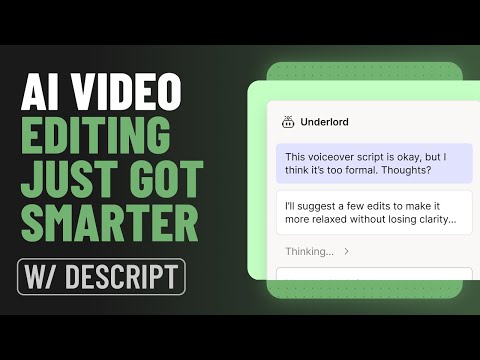
Descript distinguishes itself with a suite of powerful AI-driven features that enhance creativity and simplify the editing process. Its AI co-editor, Underlord, provides not only feedback on your scripts but can also generate scripts based on initial ideas. This feature facilitates brainstorming sessions, opening avenues for unique and engaging content creation.
Additional video editing tools, such as green screen capabilities, enable users to remove backgrounds easily, creating professional-quality videos without the need for expensive equipment. The 'Eye Contact' feature auto-adjusts video portrayals so that presenters appear to be making eye contact with viewers, helping to maintain a more engaging interaction.
Collaboration and Team Use
While Descript serves individual creators well, it truly excels in collaborative settings. With features that facilitate real-time collaboration, multiple users can contribute to the same project simultaneously, making this tool an excellent fit for teams striving for cohesion and swift progress.
Descript offers dedicated plans for business and enterprise users. These options include enhanced functionalities like priority support, substantial transcription hours, and customizable features tailored to meet the specific needs of larger organizations.
The Tools You Need All in One Place
Descript encapsulates all necessary tools for content creation—from fundamental video editing to advanced podcast production and AI-generated clip crafting. With built-in functionalities such as screen recording and efficient media management, Descript streamlines your workflow and boosts productivity.
Export options are easily accessible, enabling creators to share their work across various social media platforms flawlessly. Whether producing high-quality videos for YouTube or engaging podcasts, Descript equips creators with everything needed to realize their creative visions.
In conclusion, Descript signifies a revolutionary shift in audio and video editing processes. With its intuitive interface, robust AI capabilities, and flexible pricing structure, it is an invaluable asset for anyone serious about crafting video or podcast content.
Pros & Cons
Pros
- Text-based editing allows for quick video and podcast creation through typing.
- Advanced AI tools enhance audio quality and automate design processes.
- Collaborative features streamline teamwork, improving productivity and communication.
Cons
- AI features may require a learning curve for users unfamiliar with technology.
Frequently Asked Questions
Descript is free to start, with paid plans from 0 to 24 USD per month.
According to our latest information, this tool does not seem to have a lifetime deal at the moment, unfortunately.
Descript is versatile and allows you to create various types of content, including videos, podcasts, and promotional clips. Whether you're doing product demos, tutorials, screen recordings, or educational videos, Descript provides the necessary tools to make the process intuitive and efficient.
Descript offers a unique text-based editing feature where you can edit video and audio by modifying the text transcript of your recordings. You simply upload your audio or video files, and it automatically generates a transcript. By editing the text, you can seamlessly edit your media, making it accessible for everyone, regardless of their video editing expertise.
Descript includes various AI-powered tools to optimize your content creation. For example, the AI can remove filler words and background noise, adjust eye contact in videos, provide transcription in multiple languages, and even generate scripts or video content based on your prompts. These tools help streamline your workflow and enhance your final product without needing extensive expertise.
Yes! Descript's collaboration features allow multiple users to work on projects simultaneously. You can add teammates who can view, comment, and contribute to the projects. The platform encourages teamwork, making it an excellent choice for businesses and educational environments where collaboration is crucial.
The free version offers limited features, including a single transcription hour per month and the ability to export videos in 720p with watermarks. While it allows you to explore the basic functionalities of Descript, users seeking advanced tools and higher-quality exports may benefit from upgrading to a paid plan.
Descript allows you to create custom visuals and avatars. You can select from a gallery or upload your images. By describing what you want, Descript can generate unique images using its AI capabilities, giving you the flexibility to enhance your video content with personalized graphics.
Descript offers multiple support options, including a self-serve knowledge base for troubleshooting and FAQs. Additionally, users can access email support and an in-app live chat feature for real-time assistance during business hours. Premium plans also include priority support with guaranteed response times.
Absolutely! Descript features powerful audio enhancement tools within its AI suite, including 'Studio Sound' to improve audio quality instantly by removing background noise and enhancing voice clarity. This ensures that your recordings sound professional without requiring expensive equipment or complicated setups.