DocuWriter.ai

AI platform that generates and maintains structured documentation for entire codebases
Docuwriter.ai
Is this your tool?
Follow for updates & deals
Get alerts for DocuWriter.ai discounts, feature releases & pricing changes
Similar Tools

AgentQL
Automate web data extraction and interactions using a natural language query language.

Bubble
Build web and mobile applications visually without writing code using a drag-and-drop interface.

Text2SQL.ai
AI query generator that turns plain-language questions into SQL

Replit
Simplify app and website development using AI, with support for collaboration and easy deployment.

URL to Any
Convert any webpage into formats like PDF, Markdown, and HTML for easy saving and sharing.

DocuWriter.ai Media Gallery
What is DocuWriter.ai?
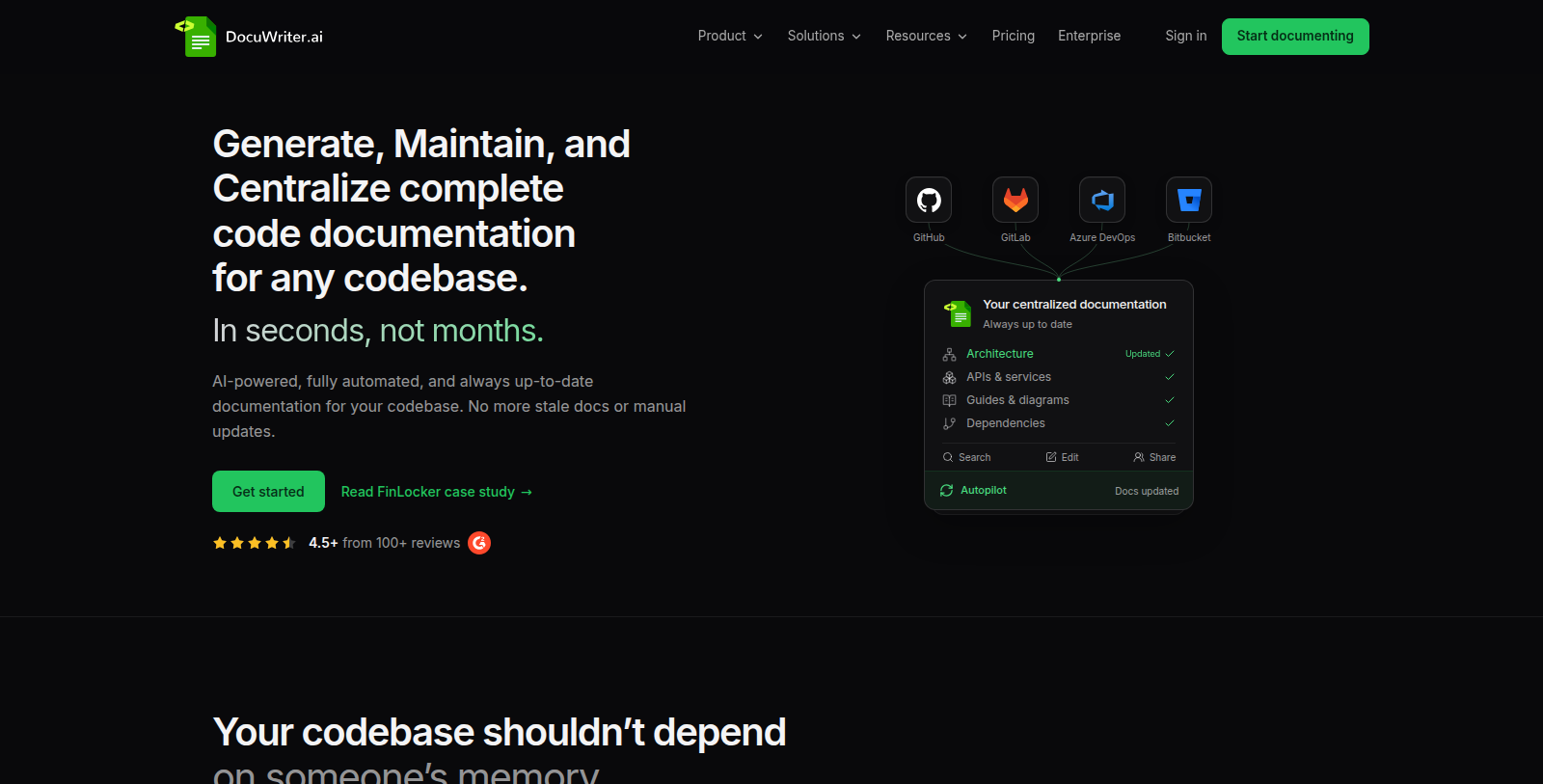
DocuWriter.ai is an AI documentation platform for software teams. Users connect repositories and the platform creates structured documentation for the whole system, organised in Spaces where knowledge can be searched, edited and shared.
The Autopilot feature reviews documentation updates as code changes, and the site lists AI assistants such as chat with codebase and a Slack AI agent, plus MCP and API access. Solution pages cover developer onboarding, legacy codebases, engineering teams and self-hosted deployment for teams with data-boundary requirements.
Pricing is based on AI-generated pages per month, with each generated page using one credit while manually created pages are unlimited. The pricing page lists Starter, Professional, Enterprise, Unlimited and custom self-hosted options, a 7-day Professional trial without a credit card, and discounted yearly billing.
Pros & Cons
Pros
- Generates structured documentation for a whole codebase from connected repositories.
- Autopilot reviews documentation updates as code changes.
- Offers a self-hosted deployment option for teams with data-boundary requirements.
Frequently Asked Questions
DocuWriter.ai costs 20 to 499 USD per month.
According to our latest information, this tool does not seem to have a lifetime deal at the moment, unfortunately.
DocuWriter.ai connects to your code repositories and generates complete, structured documentation for the whole codebase. The generated pages are organised in Spaces, where your team can search, edit and share them. Manually created pages can be added alongside the generated ones, so the documentation can grow with your project.
Autopilot reviews documentation updates as code changes, which helps keep DocuWriter.ai documentation current without rewriting every page by hand. Your team can still search and edit the Spaces at any time. Check the official website for details on how reviews are carried out in your setup.
Yes, the site lists a chat with codebase assistant among its AI assistants, along with a Slack AI agent. MCP and API access are also mentioned, so the documentation can be used from other tools. Check the official website for exact availability on your plan.
The site lists a self-hosted deployment option for teams with data-boundary requirements, which keeps the documentation under the team's own control. Solution pages also cover developer onboarding, legacy codebases and engineering teams. Check the official website to confirm which deployment options are available for your organisation.