Figma

A cloud-based design platform that enables real-time collaboration among designers and teams.
Figma.com
Is this your tool?
Follow for updates & deals
Get alerts for Figma discounts, feature releases & pricing changes
Similar Tools

Fuser
A visual workspace for connecting AI models and streamlining creative projects across various media.

Image Prompt
Generate detailed visual art from written prompts quickly and efficiently.

Imagen 3
Transforms text prompts into high-resolution images, making digital content creation accessible for all.

OpenArt
Enhance and transform images with an array of AI tools for quality and creativity.
DALL·E 2
Generates detailed images from textual descriptions with features for editing and style variations.

Figma Media Gallery

Figma (review) video
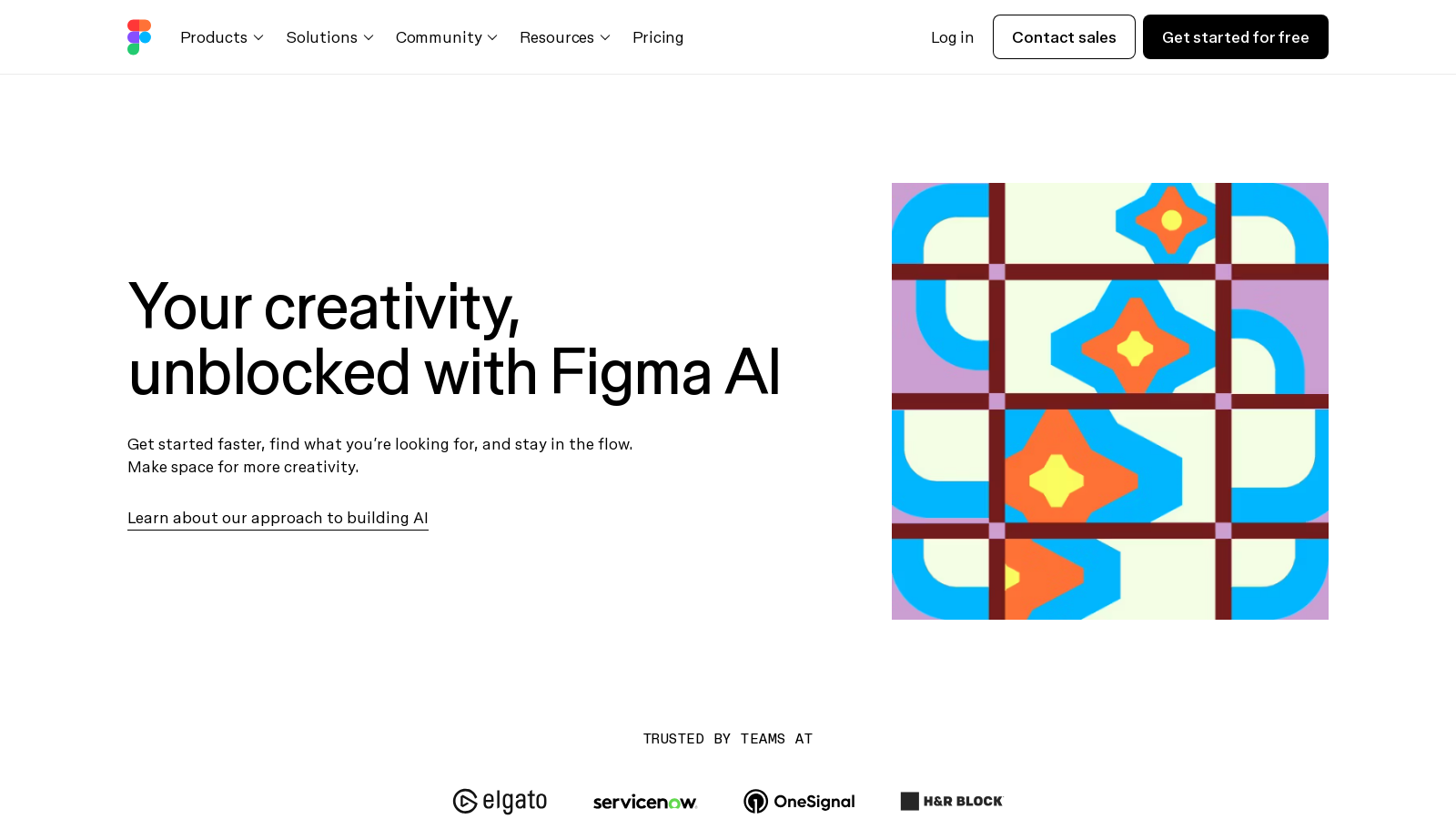
Screenshot of Figma
What is Figma?
Figma is revolutionizing the design landscape with its powerful, collaborative interface design tool that continues to evolve. It remains an essential platform where teams can seamlessly build meaningful products together through real-time collaboration. Whether you're a designer, developer, or product manager, Figma fosters an environment where creativity and productivity thrive, ensuring that everyone involved in a project is on the same page.
Getting Started: At the heart of Figma's capabilities is its user-friendly, cloud-based platform. This allows users to access their work from any device with an internet connection, making it easy to begin designing. Creating an account is simple, and the intuitive interface helps significantly reduce the learning curve for new users. Figma provides a variety of templates and tools tailored to different design needs, enabling smooth project initiation.
What Makes Figma Stand Out: Among Figma's celebrated features is its real-time collaboration capability, empowering multiple users to work on the same design simultaneously, with live updates visible to all. This aspect is invaluable for teams spread across various locations, as it bridges the gap between remote work and collaborative sessions, transforming the dynamics of design teamwork.
A Suite of Features: Figma provides an extensive array of design tools that include vector editing, prototyping functionalities, and a robust design system that promotes consistency across various projects. The platform's prototyping tools enable designers to create interactive mockups, allowing stakeholders to visualize the final product without any coding requirement. Recent updates have introduced AI-powered features, enhancing users' creative workflows by generating components from simple prompts and offering other productivity enhancements.
Latest Innovations with Figma AI: Figma's leap into the AI space with Figma AI is a game changer, described as a creative collaborator that accelerates results and boosts creativity. Users can now explore AI capabilities, such as prompt-driven prototyping and improved workflows. Tasks like renaming layers, generating relevant content, and even creating and refining images have been automated, allowing designers to focus more on what they do best: creating. The AI-powered tools support everything from image background removal to text translation, making Figma a comprehensive solution for modern design needs.
Integrations and Plugins: Figma's functionality is further enhanced through integrations with various tools, including Slack, Trello, and JIRA, streamlining workflows. The platform boasts a rich library of plugins and community resources that users can tap into to expand its capabilities. From accessibility checks to comprehensive design systems, there's a suitable plugin for virtually any requirement users may encounter.
Pricing Plans: Figma utilizes a freemium model, providing users with a basic starter plan free of charge, alongside premium subscriptions that offer advanced features and increased storage. The Starter plan is ideal for individual users and small teams, featuring essential tools for basic design projects. Professional and Organization plans are designed for larger teams requiring enhanced collaborative tools and more extensive administrative controls, with starting prices now reflecting updated tiers that cater to various needs.
Community and Support: Figma nurtures a vibrant user community where feedback, collaboration, and openness reign supreme. This community environment is a valuable resource, fostering connections among design professionals and enabling shared learning. Comprehensive documentation, user forums, and educational resources ensure that all users can maximize their experience with the platform.
Pros & Cons
Pros
- AI features enhance creativity by streamlining design tasks and improving workflows.
- Instantly transform static designs into interactive prototypes with a single click.
- Visual and asset search functionalities make it easier to find and utilize existing designs.
Cons
- Some users may experience AI feature fatigue due to a saturation of AI tools.
Frequently Asked Questions
Figma is free to start, with paid plans from 0 to 90 EUR per month.
According to our latest information, this tool does not seem to have a lifetime deal at the moment, unfortunately.
Figma offers a suite of AI-powered features designed to improve productivity and creativity. Key features include visual search for assets, automatic layer renaming, intelligent content generation, and the ability to prototype with a click. Users can also utilize tools to rewrite and translate text, generate realistic images, and instantly remove image backgrounds. These features collectively aim to streamline design tasks, reduce tedious manual work, and allow designers to focus on their creative process.
Integrating Figma AI into your design process is simple. Once you're a user, you can access AI features directly from the design interface. For instance, use the visual search tool by uploading an image to find similar designs, or employ the content generation features to create text and imagery that fits your design. To get started, navigate to the Figma blog or Help Center for tutorials and guides on maximizing AI capabilities within your projects.
While Figma's AI features are powerful, they do come with some limitations. During the beta period, these tools are available free of charge, but usage limits may be imposed in the future. The AI capabilities rely on existing design systems and may not ideally generate designs outside of standard frameworks. Also, features like content generation are enhanced via crowdsourced community data, meaning their effectiveness can vary based on the quality and diversity of that input.
Figma prioritizes user data privacy with stringent security measures. All customer content is encrypted both at rest and in transit, and tailored permissions are in place to control access. Admins can manage whether their team's content is used for AI training, ensuring that participation is optional. This model enables users to leverage AI advancements without compromising their confidential designs or concepts.
Yes, Figma is designed to work seamlessly within existing workflows. It offers a variety of integrations with popular tools, such as Asana and Microsoft Teams, which enable users to manage projects more efficiently. Additionally, Figma supports plugins that expand its functionality, allowing teams to automate tasks, enhance collaboration, and maintain a cohesive design environment.
Figma Make utilizes AI to enable users to create high-fidelity prototypes from text prompts quickly. By entering a description of the design, you can generate and iterate on UI layouts and components. This feature helps eliminate the blank canvas problem, enabling designers to visualize ideas in a collaborative setting efficiently and fostering faster development cycles from concept to prototype.
Figma's AI features facilitate team collaboration by automating mundane tasks and improving design consistency. Tools like AI-assisted text rewriting and automatic layer renaming save time, allowing teams to focus on creative discussions. Moreover, real-time collaboration features enable multiple users to work on designs simultaneously, ensuring that feedback and contributions are efficiently integrated into the design process.
To maximize the benefits of Figma's AI tools, users should become familiar with the platform's available functionalities. Best practices include using the visual search to quickly locate assets, experimenting with text generation to avoid placeholder content, and leveraging prototyping features to visualize ideas. Regularly reviewing the Figma blog and tutorials will also help users stay updated on new features and tips for optimizing their design process.