Filo

Organizes emails by summarizing threads and filtering low-priority messages for better productivity.
Filomail.com
Is this your tool?
Follow for updates & deals
Get alerts for Filo discounts, feature releases & pricing changes
Similar Tools

Spike
Email management tool that organizes messages like a chat for improved collaboration and productivity.

Blink
Research code and collaborate within Slack for seamless team interactions and efficient project management.

Notion
A collaborative workspace that integrates AI for project management, notes, and task automation.

Meeting.ai
Captures and organizes meeting notes with automated transcription for seamless collaboration

Superhuman
An email app designed to enhance productivity with AI tools for efficient inbox management.

Filo Media Gallery

Filo (review) video
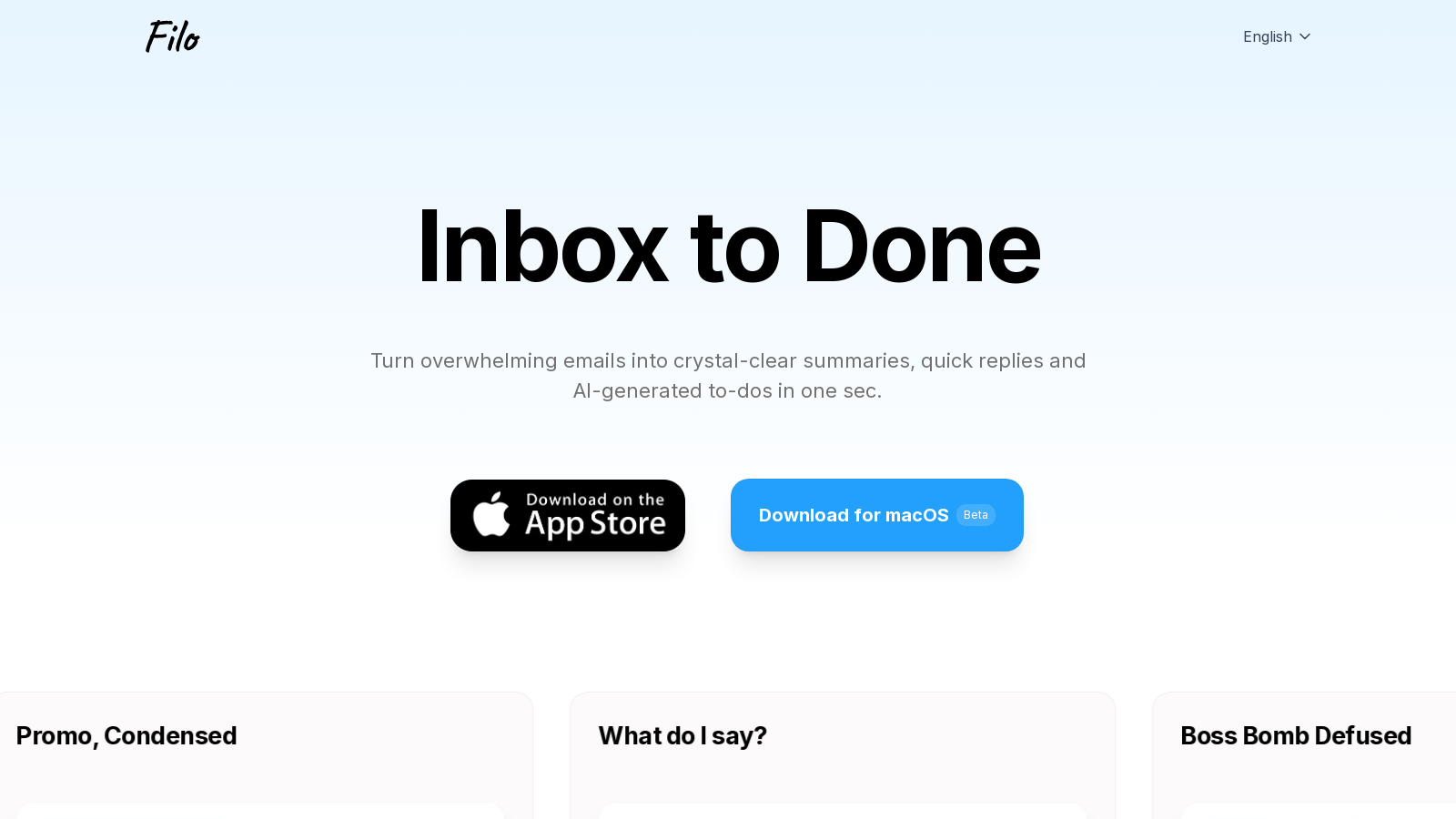
Screenshot of Filo
What is Filo?
Filo Mail is an innovative AI-powered email client, designed to redefine how we manage emails, particularly for users of Gmail. In a digital landscape where inboxes often overflow with communications ranging from essential messages to promotional content, Filo emerges as a revolutionary personal email assistant.
With Filo, the power of artificial intelligence is leveraged to dramatically enhance email interactions. Utilizing state-of-the-art AI technology, including renowned models like ChatGPT, Gemini, and Claude, the tool transfigures every email into actionable insights. Whether generating swift replies, summarizing lengthy threads, or identifying tasks concealed within your messages, Filo minimizes the time spent sorting through your inbox.
Among its exceptional features is the Smart Filter, an AI-driven tool that intelligently screens incoming emails. This capability doesn’t treat each message equally; instead, Filo categorizes emails based on their priority, enabling you to focus on what truly matters while substantially minimizing the noise from unimportant promotions and notifications.
Key Features
Filo's robust functionalities make it an essential tool for anyone grappling with a heavy email load.
AI Summaries
The AI-generated summaries central to Filo offer a quick grasp of lengthy communications, aiding in making informed decisions swiftly. Users can customize the length of these summaries to suit their needs, ensuring clarity and relevance.
Quick Reply and AI Drafting
Filo’s AI drafting capabilities enable users to generate full replies within seconds. By analyzing the context of conversations, the tool crafts responses that align closely with your unique voice. Furthermore, the Quick Reply feature provides context-aware suggestions that can be sent with just a tap, streamlining your communications.
To-Do Integration
A unique aspect of Filo is its ability to capture actionable requests from your emails, transforming them into To-Do items seamlessly. This functionality integrates effortlessly into your daily workflow, keeping you organized and ensuring important tasks are not overlooked.
Smart Labels and Writing Styles
Filo allows users to create custom Smart Labels and Writing Styles, enhancing personalization and organizational capabilities. Users can categorize emails and dictate how their responses are framed, ensuring their emails reflect their individual tone and style.
Thinking Mode and Advanced AI Models
The Plus plan introduces the Thinking Mode, enabling deeper replies and enhancing overall engagement with email content. This premium level includes access to advanced AI models that facilitate more nuanced interactions with your inbox.
Why Choose Filo?
Filo goes beyond merely easing the burden of email management; it's designed to amplify productivity. Its combination of advanced AI technology with an intuitive interface significantly minimizes time wasted on routine email tasks. Users can expect a streamlined experience tailored to modern work demands.
Furthermore, Filo prioritizes data security. Every feature is built on robust privacy measures, ensuring that your information remains confidential. Filo’s infrastructure meets stringent security standards, having passed Google’s Cloud Application Security Assessment (CASA) Tier 3, ensuring that user data is never used for unauthorized purposes.
Utilizing Amazon Web Services (AWS), Filo employs advanced encryption techniques to safeguard your emails and personal data. Users can easily delete their account data with a straightforward one-click feature, guaranteeing personal control over their information.
In today's fast-paced world, where time is a precious commodity, Filo presents a smart solution aimed at conserving both time and mental energy. Say goodbye to email clutter and welcome a more organized, efficient workflow with Filo Mail, transforming your inbox into a productivity-enhancing space.
Pros & Cons
Pros
- Utilizes industry-leading AI for summarizing emails and generating quick replies.
- Automatically extracts to-dos from emails, keeping tasks organized in one place.
- Offers real-time sorting and filtering, ensuring important emails are prioritized.
Cons
- Currently limited to macOS and iOS, with no active development for Android or Windows.
Frequently Asked Questions
Filo is available at no cost.
According to our latest information, this tool does not seem to have a lifetime deal at the moment, unfortunately.
Filo provides several powerful features to streamline email management. These include Smart Filtering, which automatically prioritizes important emails while filtering out distractions; AI Summaries that condense long threads into quick reads; Quick Drafts for fast replies; and built-in To-dos that convert actionable emails into tasks. Users can also customize their experience with Smart Labels and specific AI prompting for tailored responses.
Filo prioritizes data security by implementing advanced encryption and a segmented cloud architecture. All emails and data are processed under strict privacy controls and are never used for training AI models. Filo is also compliant with Google's Cloud Application Security Assessment (CASA) Tier 3, assuring users of safe access and data handling. Users have the option to delete their account and all associated data instantly at any time.
Currently, Filo primarily supports Gmail accounts. However, plans to support additional email platforms, such as iCloud, Outlook, and Hotmail, are on the roadmap for future development. Currently, users can connect their personal or delegated Gmail accounts, taking advantage of features tailored to that service.
If you experience problems with Filo, the first step is to consult the built-in help feature, which provides troubleshooting guidance and FAQs. For direct assistance, you can join the Filo Discord server to connect with support staff and other users. You can also report bugs or feedback through the feedback icon on Filo's homepage.
To set up Filo, start by downloading the application compatible with your macOS system. After installing, launch Filo and sign in with your Gmail account via Google OAuth. The first sync will import your last 100 emails, enabling Filo to summarize and categorize them, streamlining your inbox promptly.
Yes, Filo supports a variety of keyboard shortcuts designed to enhance productivity and streamline your email management. For instance, users can easily navigate to the next or previous email, quickly archive emails, or compose new messages without using a mouse. These shortcuts help users navigate through their inbox more efficiently.
Filo allows you to customize how its AI interacts by defining specific prompts. You can instruct the AI to summarize emails in specific formats, draft replies with a particular tone, or categorize messages based on sender or keywords. These custom prompts ensure that Filo generates responses aligned with your communication style.
While Filo offers extensive features, it currently only supports Gmail accounts and does not provide a web-based client, Windows, or Android versions. Additionally, some functionalities, such as manual task creation and snoozing To-dos, are anticipated for future updates. Users should also be aware that Filo is in beta and may experience occasional glitches as it continues to evolve.