Flowjin

AI clip maker that turns long videos and audio into short clips with social copy
Flowjin.com
Is this your tool?
Follow for updates & deals
Get alerts for Flowjin discounts, feature releases & pricing changes
Similar Tools

2short.ai
AI YouTube Shorts generator

Vidnoz
Easily create professional-quality videos using customizable templates and AI avatars.

Syllaby
Create personalized videos using AI avatars and automated content generation for marketing and education.

Creatify
Simplifies video ad creation with multiple variations for effective marketing campaigns.

Mirage
Generate engaging short-form videos quickly using text prompts with AI-powered tools.

Flowjin Media Gallery
What is Flowjin?
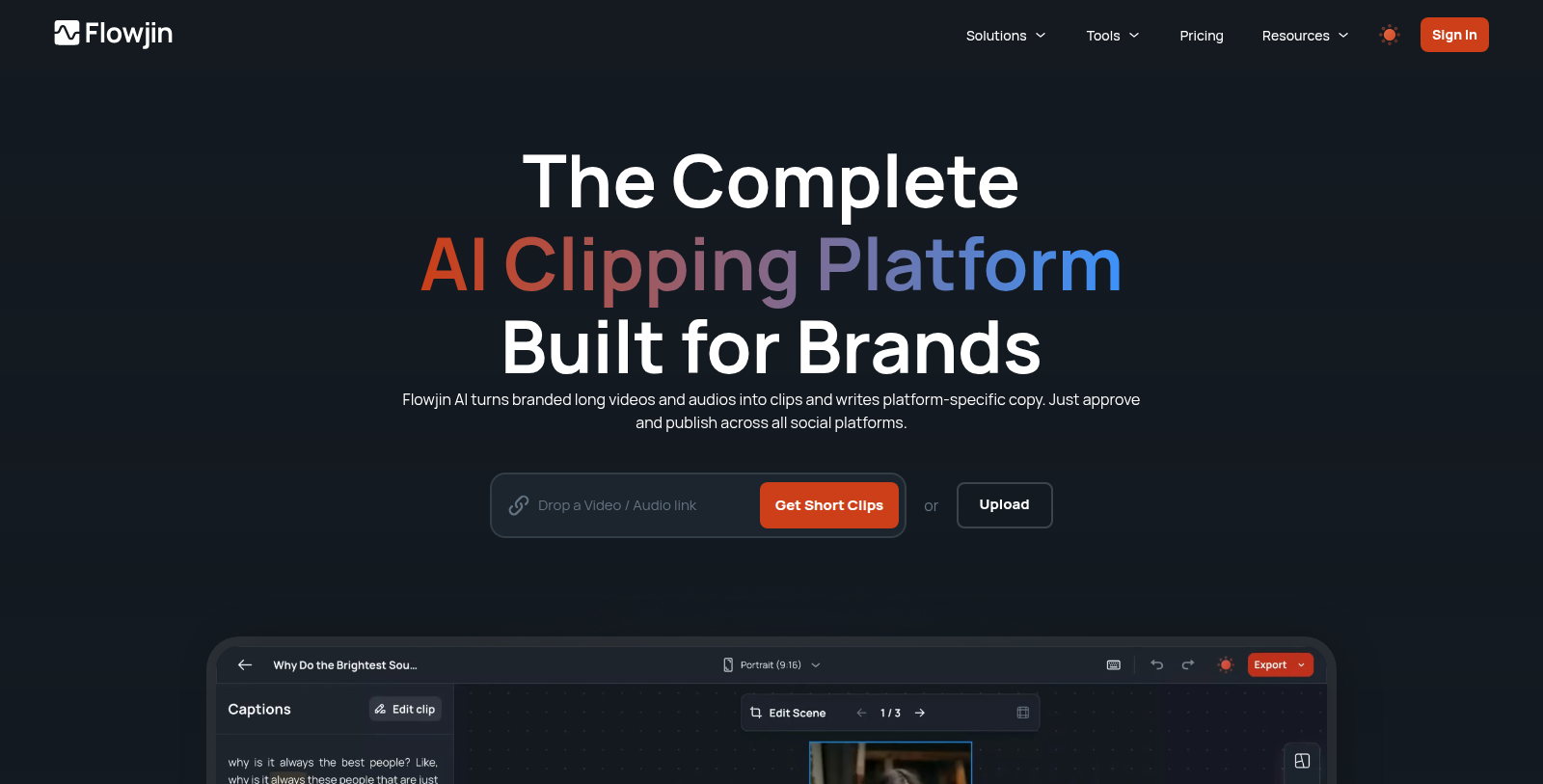
Flowjin is an AI clipping platform for content repurposing. Users upload long videos or audio, and the AI finds moments worth sharing and drafts captioned short clips with automatic reframing and transcription.
It also writes platform-specific copy such as titles, descriptions, hashtags and calls to action for LinkedIn, YouTube and X, and offers scheduling from a single calendar. A built-in video editor and several aspect ratios are included.
The site targets content marketers, social media managers, creators and agencies. A free plan gives 60 minutes of one-time processing, and the Starter plan is listed at $19 per month, with a yearly discount.
Additional tools on the site include a podcast clip maker, audio waveform generator, YouTube Shorts and Instagram Reels generators, and Twitter Space downloader and transcriber utilities, as well as webinars and learning resources.
Pros & Cons
Pros
- Turns long videos and audio into captioned short clips with automatic reframing and transcription.
- Writes platform-specific titles, hashtags and calls to action for LinkedIn, YouTube and X.
Cons
- Named copy support covers LinkedIn, YouTube and X, so other networks need checking.
Frequently Asked Questions
Flowjin is free to start, with paid plans from 19 to 0 USD per month.
According to our latest information, this tool does not seem to have a lifetime deal at the moment, unfortunately.
Users upload a long video or audio file, and the AI finds moments worth sharing. It then drafts captioned short clips with automatic reframing and transcription. A built-in video editor and several aspect ratios let users adjust the result. The workflow suits podcasts and webinars that need repurposing for social channels.
Flowjin writes platform-specific copy for LinkedIn, YouTube and X. Output includes titles, descriptions, hashtags and calls to action. Scheduling is available from a single calendar, so posts can be planned across channels. Users who need other networks should confirm support on the official site before relying on them.
Yes, the platform accepts long videos or audio as input. The site also lists a podcast clip maker and an audio waveform generator. Transcription is part of the clipping workflow. Utilities for YouTube Shorts, Instagram Reels and Twitter Space are listed as well, so teams can explore them on the site.
The site targets content marketers, social media managers, creators and agencies. Teams repurposing podcasts and webinars are a particular focus of the listing. The site also offers webinars and learning resources to help users get started. Anyone evaluating the tool should review the official website for the latest features and supported workflows.