Gemini CLI

Integrates Gemini AI into the terminal for efficient code interaction and workflow automation.
Github.com
Is this your tool?
Follow for updates & deals
Get alerts for Gemini CLI discounts, feature releases & pricing changes
Similar Tools

Vellum
Facilitates AI development, testing, and deployment with a focus on collaboration and iteration.

AgentQL
Automate web data extraction and interactions using a natural language query language.

Kiro
Streamlines coding from specifications to structured implementation with AI-driven support.

Zams
Automates repetitive tasks for B2B sales teams, integrating with 100+ tools for streamlined workflows.

Wayve
Automated driving solution utilizing AI for safe and adaptable navigation without reliance on HD maps.

Gemini CLI Media Gallery

Gemini CLI (review) video
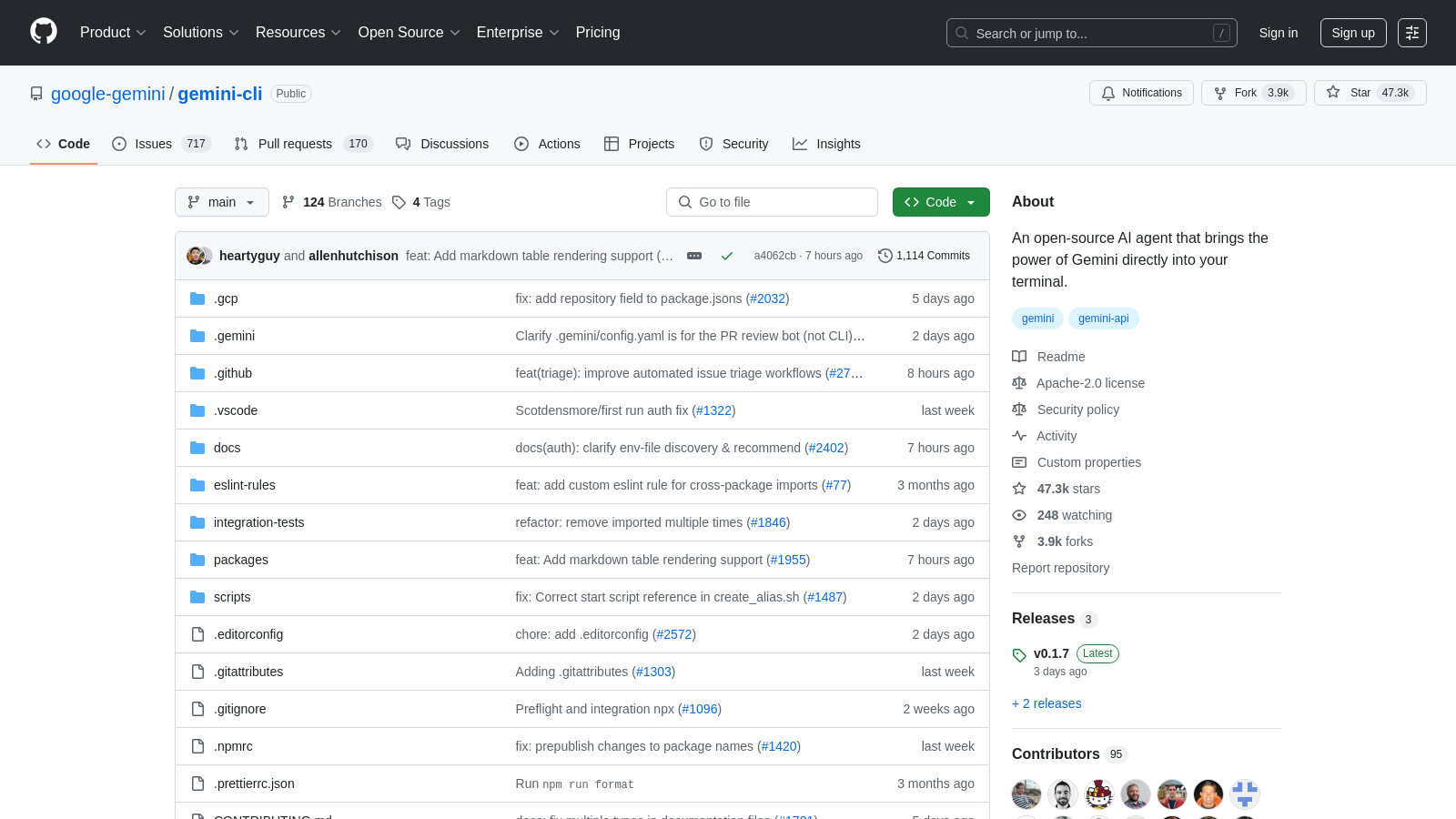
Screenshot of Gemini CLI
What is Gemini CLI?
Gemini CLI is an innovative open-source command-line interface (CLI) tool that integrates the capabilities of the Gemini AI directly into your terminal, empowering developers to enhance their coding and workflow efficiency. As a modern solution for software developers, Gemini CLI brings unparalleled AI assistance to the command line, where many developers feel most comfortable and productive.
Key Features of Gemini CLI:
AI-Powered Code Interaction
Gemini CLI allows you to perform extensive queries and edits on large codebases, all utilizing Gemini's powerful AI capabilities. This tool supports tasks such as code generation from visual designs, debugging, and troubleshooting with natural language. With Gemini 3 models, developers can benefit from improved reasoning and a 1 million token context window, bringing a new level of depth to code interactions that was previously unavailable in command-line interfaces.
Optimized Workflow
This tool allows for seamless integration of various tools via the Model Context Protocol (MCP), enabling developers to tap into advanced functionalities like media generation, file operations, and shell commands directly from their terminal. Additionally, built-in features such as Google Search grounding help ground your queries in real-time information, providing the context needed for more effective coding.
Usage Limits and Requirements
To use Gemini CLI free-of-charge, simply log in with a personal Google account to access the free tier, which allows up to 60 model requests per minute and a maximum of 1,000 requests per day. For developers needing higher usage, a Google AI Studio or Vertex AI key can be employed for usage-based billing. This flexibility caters to solo developers and larger teams alike, ensuring that everyone can leverage Gemini's capabilities to fit their needs.
Getting Started
Installing Gemini CLI is straightforward. Ensure you have Node.js version 20 or higher installed, and you can quickly get started by running the CLI command provided in the official documentation. It can be installed globally using npm or through package managers like Homebrew for macOS/Linux users. This ease of installation allows developers to get up and running with the tool in no time.
Examples of Usage
Once installed, you can utilize Gemini CLI to carry out a variety of tasks, such as:
- Starting new projects effortlessly from existing directories
- Generating summaries and insights from previous commits
- Automating responses for repetitive tasks like code reviews and issue triaging
- Fetching and grounding information directly from the web during development
- Running non-interactively in scripts for continuous workflow automation
These functionalities illustrate how Gemini CLI can significantly improve your coding experience, driving productivity and enhancing the overall software development process.
Advanced Capabilities
Gemini CLI isn't just a coding companion; it's designed to be extensible. By supporting custom integrations through MCP servers and providing options for conversational checkpointing and custom context files, developers can tailor the tool to fit their unique workflows. The built-in capabilities mean that Gemini CLI can be part of a larger toolset, enhancing code quality while shortening development cycles.
Open Source Community
As an open-source project under the Apache 2.0 license, Gemini CLI encourages contributions from developers worldwide. Users can inspect the source code, contribute to its development, suggest new features, or report issues through its GitHub repository. This collaborative spirit helps improve the tool while fostering a robust community where developers can share ideas and best practices.
Join the community of developers utilizing the Gemini CLI for a modern and more integrated coding experience, where AI facilitates and simplifies development tasks, pushing the boundaries of what can be achieved directly from the terminal.
Pros & Cons
Pros
- Integrates Gemini's powerful AI capabilities directly into the terminal for enhanced productivity.
- Offers extensive automation options for operational tasks, from code querying to content generation.
- Free usage allows for high request limits, with 60 model requests per minute without charges.
Cons
- Requires Node.js version 18 or higher, which may limit some user installations.
Frequently Asked Questions
Gemini CLI is free to start, with paid plans from 0 to 0 Unknown per Translation not found for 'time_period_unknown'.
According to our latest information, this tool does not seem to have a lifetime deal at the moment, unfortunately.
Gemini CLI enhances your development workflow by allowing you to query and edit large codebases, generate applications from design sketches or PDFs, automate operational tasks such as querying pull requests, and perform complex code operations like rebasing. Its multimodal capabilities enable diverse applications ranging from task automation to content generation, making it a versatile tool for developers.
To install Gemini CLI, ensure you have Node.js version 18 or higher installed. You can run it directly using the command: `npx https://github.com/google-gemini/gemini-cli` or install it globally via npm using `npm install -g @google/gemini-cli`. After installation, authenticate using your personal Google account to access the model limits. For additional requests, generate an API key from Google AI Studio and set it in your environment.
Gemini CLI offers notable free usage limits, including 60 model requests per minute and 1,000 requests per day, when using a personal Google account. Without a paid subscription or an API key from Google AI Studio, users may encounter restrictions on advanced model usage and higher request limits, which can impact their ability to run multiple instances simultaneously.
Yes, Gemini CLI is designed to be extensible. You can integrate it with additional tools and servers via built-in support for the Model Context Protocol (MCP). Moreover, by utilizing Gemini's API, you can automate tasks or build custom commands tailored to your workflow, enhancing its functionalities beyond the basic command set.
Gemini CLI includes a built-in Google Search tool, allowing you to ground queries with real-time external information. This integration enhances the model's contextual understanding and enables it to provide more relevant responses based on current web data. Additionally, you can connect with various tools and services to automate workflows, such as media generation with existing Google tools.
If you encounter issues with the Gemini CLI, it's best to consult the troubleshooting guide available in the documentation. Common troubleshooting steps include verifying your Node.js installation, re-authenticating your Google account, ensuring you have the proper access limits, and checking the command syntax you are using. You can also look for reported issues on the GitHub repository for community support.
Gemini CLI sets itself apart from other AI programming tools by providing a direct command-line interface that integrates seamlessly within developers' existing workflows. Unlike many IDE-based solutions, Gemini CLI operates directly in the terminal, providing a lightweight and versatile AI agent that can handle a wide range of tasks, from code generation to debugging, making it a unique tool for developers who prefer command-line interfaces.
With Gemini CLI, you can automate a variety of tasks such as generating code drafts based on descriptions, querying databases, updating code structures, and even creating documentation or presentations based on software history. Its capabilities allow you to streamline repetitive tasks, manage pull requests, and process bulk file operations, enhancing productivity in your development environment.