Gemini Notebook

Generates personalized research summaries and insights from your uploaded sources.
Notebook.google
Is this your tool?
Follow for updates & deals
Get alerts for Gemini Notebook discounts, feature releases & pricing changes
Similar Tools

Kael
Streamlines research by organizing findings and generating presentation-ready slides from academic papers.

Nodejam
An integrated office suite that merges documents, spreadsheets, and presentations for enhanced collaboration.

Happy Coder
Manage coding sessions and control Claude Code from your mobile device with voice commands.

Anara
Streamlines research workflows by providing citation management, document organization, and AI-generated study aids.

Dex
Transform your Chrome browser into an integrated AI workspace for managing tasks and improving workflow.

Gemini Notebook Media Gallery

Gemini Notebook (review) video
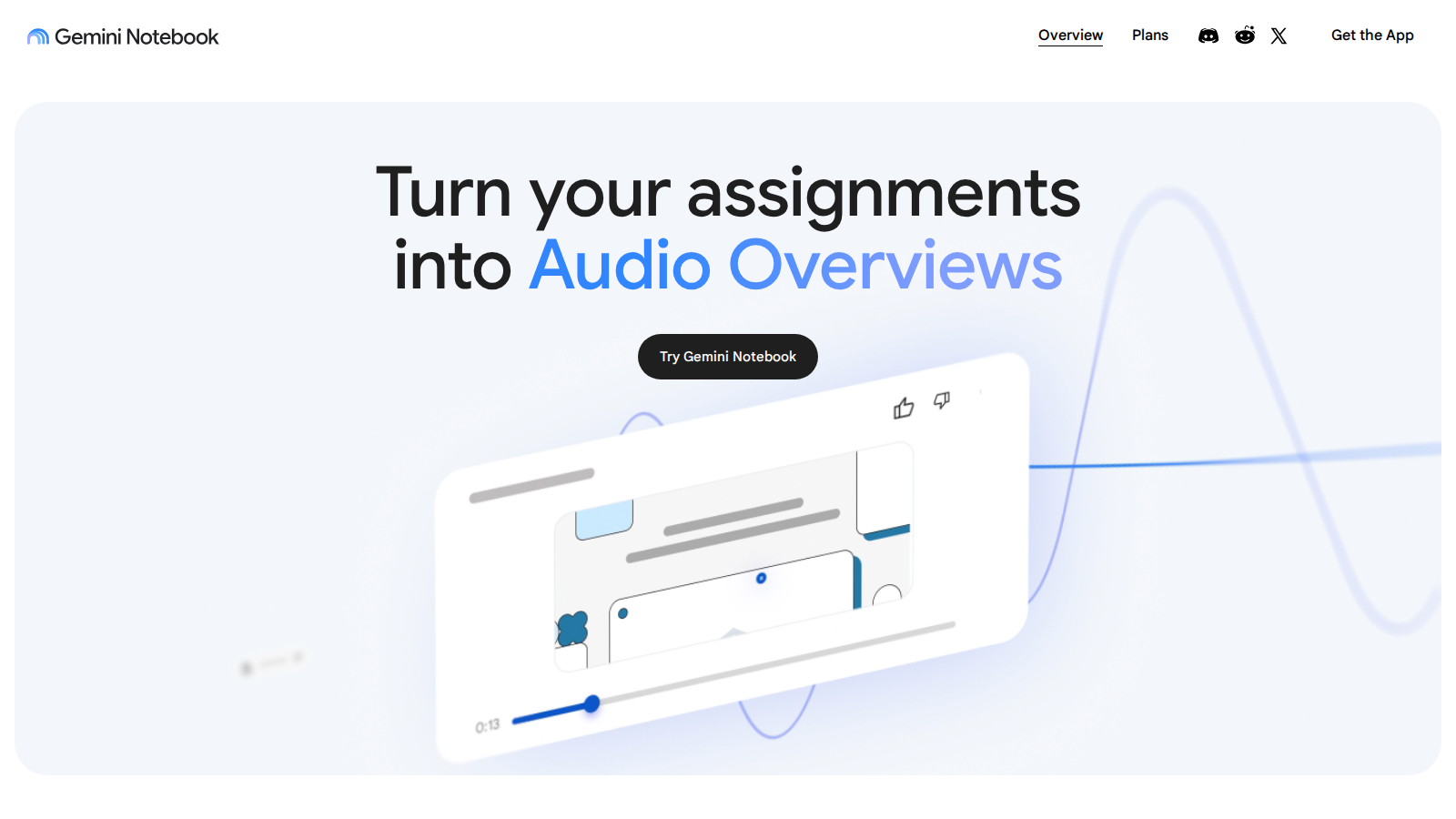
Screenshot of Gemini Notebook
What is Gemini Notebook?
Gemini Notebook is your ideal research and thinking partner, designed to help you understand information grounded in the materials you trust. Fueled by the latest Gemini models, Gemini Notebook redefines the conventional note-taking experience by delivering a highly interactive and insightful research framework. This innovative tool allows users to upload a diverse array of sources, including PDFs, websites, YouTube videos, audio files, and even Google Docs and Slides. It goes beyond just summarizing content by offering personalized insights tailored to the information you provide, making your research process not only faster but also significantly deeper.
Unlocking Knowledge with AI
In an era saturated with information, Gemini Notebook stands out by empowering users to leverage their sources effectively. After uploading your material, Gemini Notebook rapidly summarizes and links themes, giving you immediate insights that transform your engagement with the content. You operate much like a personalized AI expert, finely tuned to the subjects that matter most to you.
Transparency and Trust
A defining feature of Gemini Notebook is its commitment to transparency. Users can view clear citations alongside every answer, clearly stating where information originates. This not only builds confidence in the accuracy of responses but also sets Gemini Notebook apart from other applications that may lack credibility in their sources. In a time when misinformation is rampant, such transparency is more valuable than ever.
Features Tailored for Learning
Gemini Notebook is designed to enhance your learning experience with a range of powerful functionalities that support various applications:
- Power Study: Seamlessly upload lecture recordings and textbook chapters, then ask Gemini Notebook to distill complex concepts into straightforward explanations, complete with real-world examples to reinforce understanding.
- Organized Thinking: Not only can you upload source material, but Gemini Notebook will also create polished presentation outlines, equipping you with key talking points and supporting evidence to present with confidence.
- Idea Generation: Use Gemini Notebook to ignite your creativity by analyzing brainstorming notes and market research, allowing you to identify trends, generate innovative ideas, and uncover hidden opportunities.
Continuous Development and Integration
As Gemini Notebook continues to evolve, exciting new features and enhancements are on the horizon. The integration of Gemini AI has improved its capacity for nuanced interpretation, enabling deeper connections across your documents and providing more insightful summaries. Future updates and integrations with other AI tools and note-taking apps are also in the pipeline, which will greatly enhance Gemini Notebook's utility.
Versatile Uses Across Different Fields
Gemini Notebook has applications for a wide array of professionals, including:
- Academic Support: Students can leverage Gemini Notebook to upload lecture notes and synthesize information for exams or presentations efficiently.
- Research Facilitation: Researchers can simplify the literature review process, making it easy to synthesize extensive volumes of information effortlessly.
- Creative Processes: Creative professionals can utilize Gemini Notebook to streamline their narratives and ideas, offering a pathway from initial concept to final presentation seamlessly.
Privacy and Data Security
Data privacy is a top priority for Gemini Notebook. Users can rest assured that their content remains secure and is not utilized to train generative AI models unless feedback is provided. This dedication to privacy ensures that sensitive information stays confidential, giving users peace of mind as they engage with the platform.
Conclusion
In conclusion, Gemini Notebook presents a groundbreaking approach to research and learning. By leveraging state-of-the-art AI technology, it delivers personalized insights and streamlines your workflow. With features built for effective learning and a steadfast commitment to data privacy, Gemini Notebook positions itself as an indispensable tool for anyone aiming to deepen their understanding and manage their research in a rapidly evolving landscape.
Pros & Cons
Pros
- Supports various file types including PDFs, videos, and audio for comprehensive research.
- Provides clear citations, enhancing trust in generated content and reducing misinformation.
- Can create engaging audio overviews and summaries for easy on-the-go learning.
Cons
- Currently lacks a recovery option for deleted notes making data loss possible.
Frequently Asked Questions
Gemini Notebook is available at no cost.
According to our latest information, this tool does not seem to have a lifetime deal at the moment, unfortunately.
Gemini Notebook supports a variety of file types, allowing users to upload PDFs, websites, YouTube videos, audio files, Google Docs, Google Slides, and more. This capability enables you to centralize your research materials and gain insights by summarizing and connecting disparate sources.
Gemini Notebook is designed to be source-grounded, meaning it uses the specific documents and information you upload to generate responses. This approach significantly reduces the likelihood of AI errors and 'hallucinations', ensuring that the insights and answers you get are closely tied to your actual source material.
Absolutely! You can upload your source material to Gemini Notebook, which can then create a polished presentation outline for you. It will include key talking points and supporting evidence, allowing you to present your findings with confidence and clarity.
Yes, Gemini Notebook implements strong security measures to protect your data. Google does not access or use your content for training generative AI foundational models unless you provide explicit consent. Whether you are an individual user or an organization, your data remains private and is not shared with third parties.
Gemini Notebook is well-suited for creative tasks such as podcast creation. It can generate a podcast-style Audio Overview of your materials, help organize your research, and assist in brainstorming and drafting scripts. This makes it a versatile tool for writers, marketers, and content creators.
To effectively use Gemini Notebook in your daily workflow, start by uploading relevant materials each day. Utilize it to summarize readings, generate outlines for meetings or projects, and create audio overviews that you can listen to on the go. This can help streamline your learning and enhance your productivity.
The free version of Gemini Notebook has usage limits, such as the number of sources you can upload per notebook and the amount of content you can generate. Limitations increase with paid plans, which offer more features and higher capacity for active users or organizations, enhancing overall functionality.
Integrating with Gemini AI enhances Gemini Notebook's ability to provide nuanced understanding and insightful summaries of your sources. This connection helps identify deeper associations between documents and improves the accuracy of your responses, making your research process more efficient.