







Goldfish
AI-powered
Desktop AI assistant that remembers your work and drafts replies in your tone in any text field
Goldfish.shOpens in new tabIs this your tool? Claim this page
Claim Your Tool Page
Free to claim • Premium features available
- Verified Badge – Show users your tool is legitimate with a verified checkmark that builds instant credibility.
- Edit Your Profile – Update descriptions, screenshots, pricing, and keep your listing accurate and up-to-date.
- Boost Visibility – Get featured placements, priority listing in categories, and promotional badges to stand out.
- Respond to Reviews – Engage with your users by responding to feedback and building trust with potential customers.
Follow for updates & deals
Get alerts for Goldfish discounts, feature releases & pricing changes
Similar Tools

Brain Pod AI
AI platform for writing, images and chat, now evolving into Charigent with AI characters and workflows

Voilà
AI assistant that works on any website to write, summarize, research and reply to emails

WriteMage
Use ChatGPT in any macOS app through a floating, context-aware assistant with an iOS keyboard

Textbuddy
Collection of AI writing tools for blog posts, rewriting, proofreading and social posts

PaletteBrain
macOS app that brings ChatGPT to any app through shortcuts and custom commands

Linguix
AI grammar checker and writing assistant with a browser extension and rewriting tools

applai.me
AI job application helper with interview questions, cover letters and CV checks

RentAHuman.ai
Connects AI agents with humans for tasks like deliveries, errands, and field research.
New Tools

Text Generator
OpenAI-compatible API giving access to many AI text, vision and speech models through one endpoint

RambleFix
Turns spoken voice notes into polished emails, notes and summaries on web, iPhone and Mac

QuickCreator
AI content team of agents that researches, writes and optimizes SEO articles in your brand voice

Linfo.ai
Summarizes articles, YouTube videos and documents into takeaways, outlines and mind maps

AutoBlogging.Pro
Generates SEO-optimized blog articles with GPT models and publishes them to WordPress automatically

Vsub
Turns a script or voiceover into narrated, illustrated faceless videos using your own style template

VideoToPage
Turns YouTube videos, uploads and recordings into blog posts, articles and social posts

Goldfish Media Gallery
Screenshot of Goldfish
What is Goldfish?
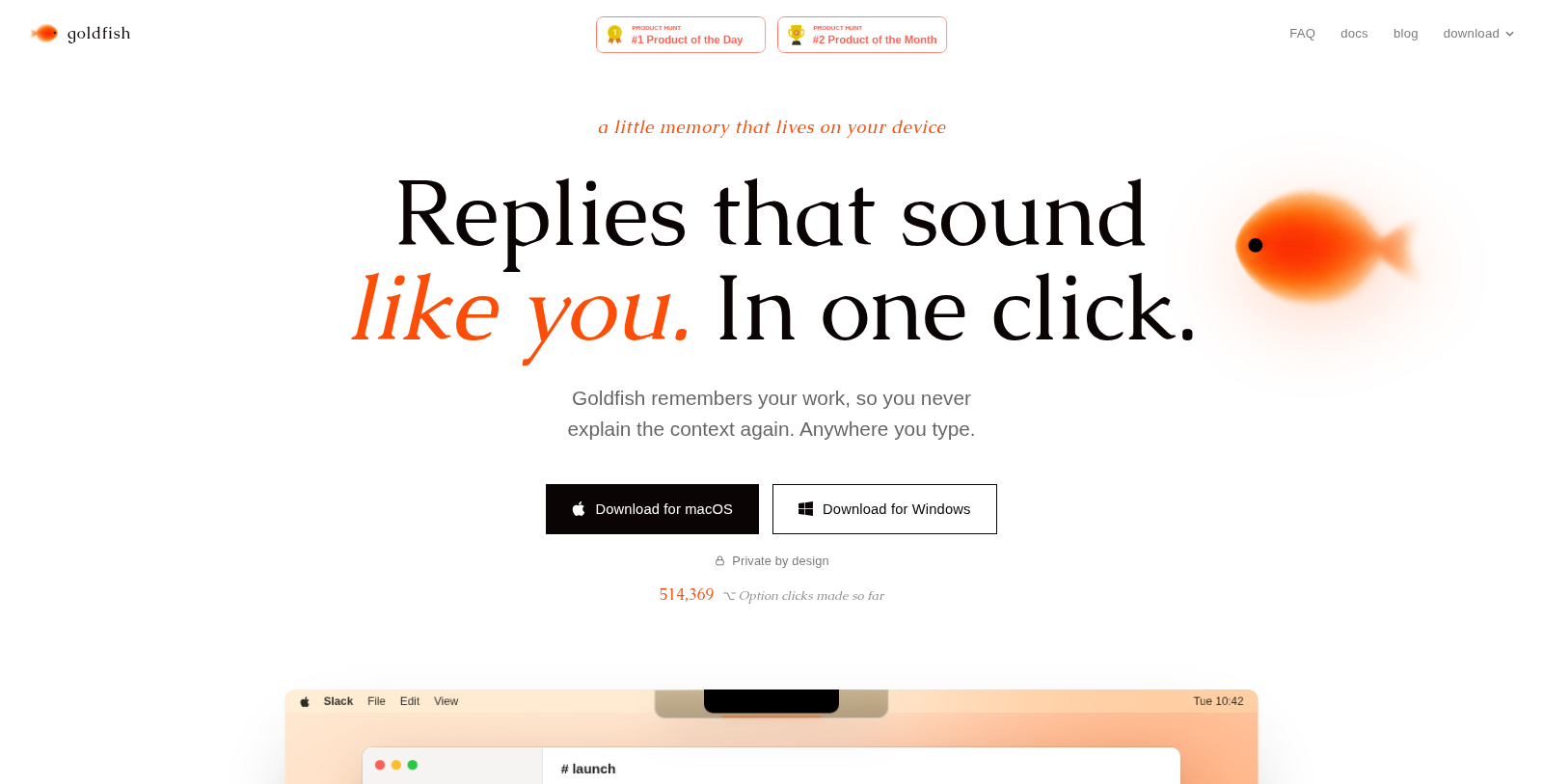
Goldfish is an AI assistant for macOS and Windows that stores a searchable memory of your work on your own device. Pressing the Option key on Mac, or right Shift on Windows, in any text box lets it help you reply, write, summarize or continue, using the context already on screen.
It learns your writing style across apps and people, supports chatting with your memory, and can generate a browsable wiki from what it has seen. It connects to AI tools such as Claude, Claude Code, Cursor and Codex through a local MCP server.
The company states that memory stays on the device, AI requests have zero data retention and nothing is used for training. Goldfish is free while in beta. The site lists a FAQ, documentation and a blog.
Pros & Cons
Pros
- Memory is stored on the device, according to the company.
- Connects to Claude, Claude Code, Cursor and Codex through a local MCP server.
- Works in any text box using a keyboard shortcut on macOS and Windows.
Cons
- Available only as a desktop app for macOS and Windows.
Frequently Asked Questions
How much does Goldfish cost?
Goldfish is available at no cost.
Does Goldfish have a lifetime deal?
According to our latest information, this tool does not seem to have a lifetime deal at the moment, unfortunately.
Where is my memory of work actually stored?
Goldfish keeps its searchable memory of your work on your own device, according to the company. The company also states that AI requests have zero data retention and that nothing is used for training. These are the company's own statements, so verify the current privacy terms on the official website.
How do I bring Goldfish into a conversation in another app?
Press the Option key on a Mac, or the right Shift key on Windows, while the cursor is in any text box. Goldfish can then help you reply, write, summarize or continue, using the context already on screen. Over time it learns your writing style across apps and people.
Can Goldfish connect to coding and AI assistants?
Goldfish supports this through a local MCP server that connects to Claude, Claude Code, Cursor and Codex. Because the server is local, the connection runs on your own machine. Setup steps for each connection are not described in the listing, so check the official documentation before you begin.
What can I do with the memory Goldfish builds?
You can chat with your memory and ask about things you have seen or worked on. Goldfish can also turn what it has seen into a browsable wiki. The memory is searchable, which makes it easier to find earlier material. The official site has a FAQ, documentation and a blog for further details.
Which operating systems is Goldfish available for?
Goldfish is a desktop app for macOS and Windows. The listing does not mention Linux or mobile versions. Its keyboard shortcut differs by system, using Option on a Mac and right Shift on Windows. Because availability can change during beta, the official website is the place to check current platform support.
Notice: This website uses affiliate links to earn commissions from sales. Please read their ToS when signing up somewhere.