













Google Antigravity
An IDE that integrates AI to enhance coding workflows and facilitate collaboration with intelligent agents.
Antigravity.google
Is this your tool?
Follow for updates & deals
Get alerts for Google Antigravity discounts, feature releases & pricing changes
Similar Tools

Continue
Open-source AI code assistant for customizable autocomplete and dynamic coding interactions.

Zenflow
Automates software development workflows with AI-driven orchestration and built-in code verification.
Roo Code
AI assistant for Visual Studio Code that enhances coding, refactoring, and debugging with project-wide context.

Zencoder
Automates coding tasks and enhances collaboration for developers with customizable AI agents.

Claude Chrome Extension
Automates tasks and manages workflows directly within your browser for enhanced productivity.

Google Antigravity Media Gallery
Google Antigravity (review) video
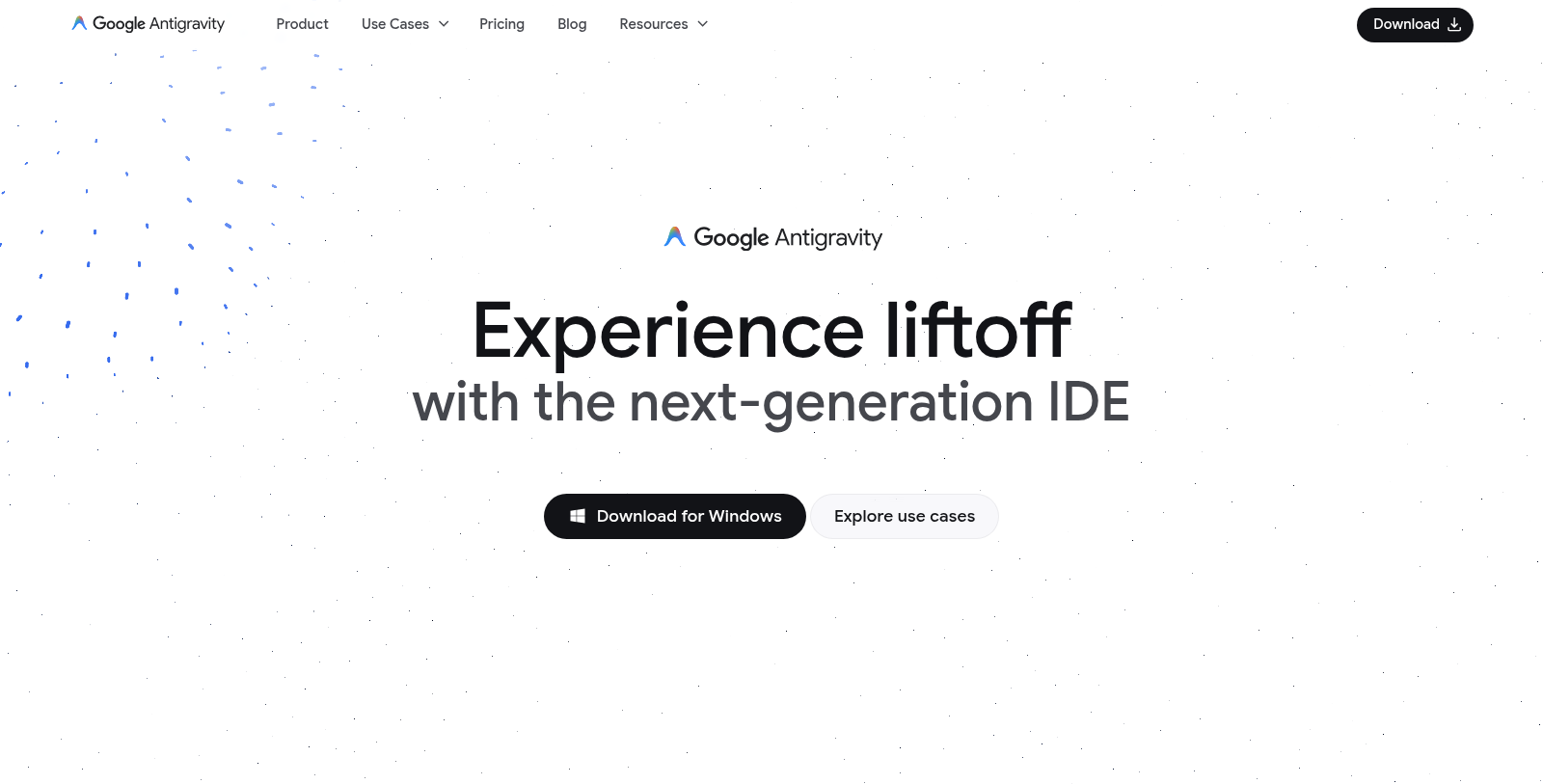
Screenshot of Google Antigravity
What is Google Antigravity?
Google Antigravity is a revolutionary Integrated Development Environment (IDE) that evolves traditional coding into an agent-first approach. This cutting-edge platform empowers developers by leveraging artificial intelligence to streamline workflows and enhance productivity. With an emphasis on collaborative development, Google Antigravity allows users to interact with intelligent agents that can handle a range of programming tasks, transforming the way coding is approached in the modern landscape.
Core Features
AI-Driven Development
The foundation of Google Antigravity is its AI-powered editor, which offers advanced capabilities such as tab autocompletion and natural language code commands. This powerful editor allows developers to maintain focus on creative tasks while automating routine coding activities, making the development process more efficient.
Agent Manager
With the introduction of the Agent Manager, Google Antigravity provides enhanced control over the development process. Users can seamlessly manage multiple agents across various workspaces from one central interface, minimizing context switching and promoting multitasking. This feature enables developers to assign complex tasks to agents, allowing them to work independently and efficiently.
Higher-level Task Abstractions
The platform adopts a task-based approach to facilitate effortless monitoring of agent activities. Essential artifacts and verification results are presented to enhance user trust and guidance in the development process, allowing for more intuitive management of complex tasks.
Cross-Surface Agents
Google Antigravity allows for synchronized control of agents across the editor, terminal, and browser. This capability empowers developers to build sophisticated workflows that can navigate between different surfaces without losing continuity, thereby increasing productivity significantly.
User Feedback Integration
User engagement is vital in the agentic development process. Antigravity incorporates intuitive feedback mechanisms that allow developers to provide comments and guidance directly on artifacts produced by agents. This iterative feedback loop fosters transparency and encourages continuous improvement in the agents' output.
Use Cases
Google Antigravity supports a wide array of user needs, catering to professional developers, casual coders, and large organizations alike. Its versatile capabilities span from frontend development to full-stack applications, adapting to the unique demands of various coding tasks. With enhanced features like browser integration, agents can assist in UI development and offer visual feedback through screenshots and videos, facilitating asynchronous collaboration.
Professional Development
In professional settings, Antigravity streamlines workflows by enabling parallelization and efficient knowledge management, helping developers tackle complex codebases more effectively.
Frontend Development
Frontend developers can benefit from Antigravity's capabilities for browser-in-the-loop testing and visual artifact generation, ensuring the creation of responsive and visually appealing interfaces.
Full-stack Development
Full-stack developers can take advantage of advanced verification and cross-agent activity, using Antigravity to establish trust in their code through intuitive feedback and task management.
Accessibility and Pricing
As of now, Google Antigravity is available at no cost for individual users, allowing them to explore its vast potential without any financial obligation. This public preview includes access to robust AI models and generous rate limits for agent activities. Future pricing tiers will be tailored to teams and organizations looking for more advanced features and higher limits, including a Developer plan via Google One and an Organization plan via Google Cloud.
With the recent addition of advanced models like Gemini 3 Flash and Nano Banana Pro, Antigravity continuously pushes the envelope in AI-assisted software development, enabling users to achieve unprecedented levels of productivity and creativity.
Pros & Cons
Pros
- Offers an agent-first development platform with synchronized control across multiple surfaces.
- Provides intuitive user feedback integration for refining agent outputs and improving trust.
- Features advanced verification and task management capabilities to streamline complex workflows.
Frequently Asked Questions
Google Antigravity is available at no cost.
According to our latest information, this tool does not seem to have a lifetime deal at the moment, unfortunately.
Google Antigravity is designed for a range of developer needs, including professional, frontend, and full-stack development. For experienced developers, it streamlines workflows by using background agents to automate routine tasks, such as backlog handling and code research, which minimizes context switching. Frontend developers benefit from advanced browser integration, allowing agents to perform browser-in-the-loop testing and capture visual artifacts for feedback. Full-stack developers can utilize enhanced verification processes to ensure code trustworthiness, providing seamless handoffs between agents and the code editor.
The agent management feature in Google Antigravity functions as a mission control for managing multiple agents across various workspaces. This allows developers to spawn agents that operate in parallel, each handling different tasks. You can monitor their progress through the Agent Manager view, which supports asynchronous interactions, enabling a more fluid workflow. This optimizes multitasking and reduces the need for constant context switching, allowing developers to focus on more complex or critical tasks.
The AI IDE in Google Antigravity offers several key benefits, including intuitive tab autocompletion, natural-language code commands, and configurable agents that enhance coding efficiency. The editor also provides a task-based approach to monitoring agent activity, presenting verification results and project artifacts to help build user trust. Additionally, its integration with browser controls enables tasks to be tested directly in the development environment, streamlining the coding and testing process.
Yes, Google Antigravity allows users to provide intuitive feedback to agents during their operation. You can leave comments directly on visual artifacts, implementation plans, and other generated outputs without interrupting the agent's process. This feature ensures that feedback is seamlessly integrated into the agent's execution, enhancing its ability to iterate and refine its work in real-time based on user input.
Google Antigravity is compatible with multiple operating systems, including Windows 10 (64-bit), macOS versions with Apple security updates (specifically versions 12 and later), and Linux distributions that meet specific requirements (glibc >= 2.28 and glibcxx >= 3.4.25). This broad compatibility allows a diverse range of developers to utilize the platform regardless of their preferred operating system.
Google Antigravity enhances agent communication by leveraging Artifacts, tangible deliverables produced by agents. These include task lists, implementation plans, and walkthroughs that facilitate verification by presenting the necessary context. Users can monitor the agent's progress and view grouped tool calls within tasks, which helps them understand the agent's workflow and verify the accuracy of its outputs.
While Google Antigravity offers a robust suite of tools, there are some limitations to consider. Users may experience rate limits based on agent activity, which refresh every five hours. Additionally, the platform is currently in public preview, so there may be ongoing developments and updates that could affect performance. It's suggested to check the official documentation and changelog frequently for the latest updates and features.
Google Antigravity provides a range of resources to assist users, including comprehensive documentation covering getting started, model settings, and specific tool functionalities. There is also a support page with community discussions, documentation, and video tutorials available on platforms like YouTube. Keeping up with the Blog can also provide insights into new features and updates to help you maximize your experience with the tool.



