Happy Coder

Manage coding sessions and control Claude Code from your mobile device with voice commands.
Happy.engineering
Is this your tool?
Follow for updates & deals
Get alerts for Happy Coder discounts, feature releases & pricing changes
Similar Tools

Continue
Open-source AI code assistant for customizable autocomplete and dynamic coding interactions.

Warp
AI-powered development environment that integrates agents for efficient coding, debugging, and deployment.

Roo Code
AI assistant for Visual Studio Code that enhances coding, refactoring, and debugging with project-wide context.

Google Antigravity
An IDE that integrates AI to enhance coding workflows and facilitate collaboration with intelligent agents.

RED
Automates workflows and provides real-time assistance to enhance productivity across various roles.

Happy Coder Media Gallery
What is Happy Coder?
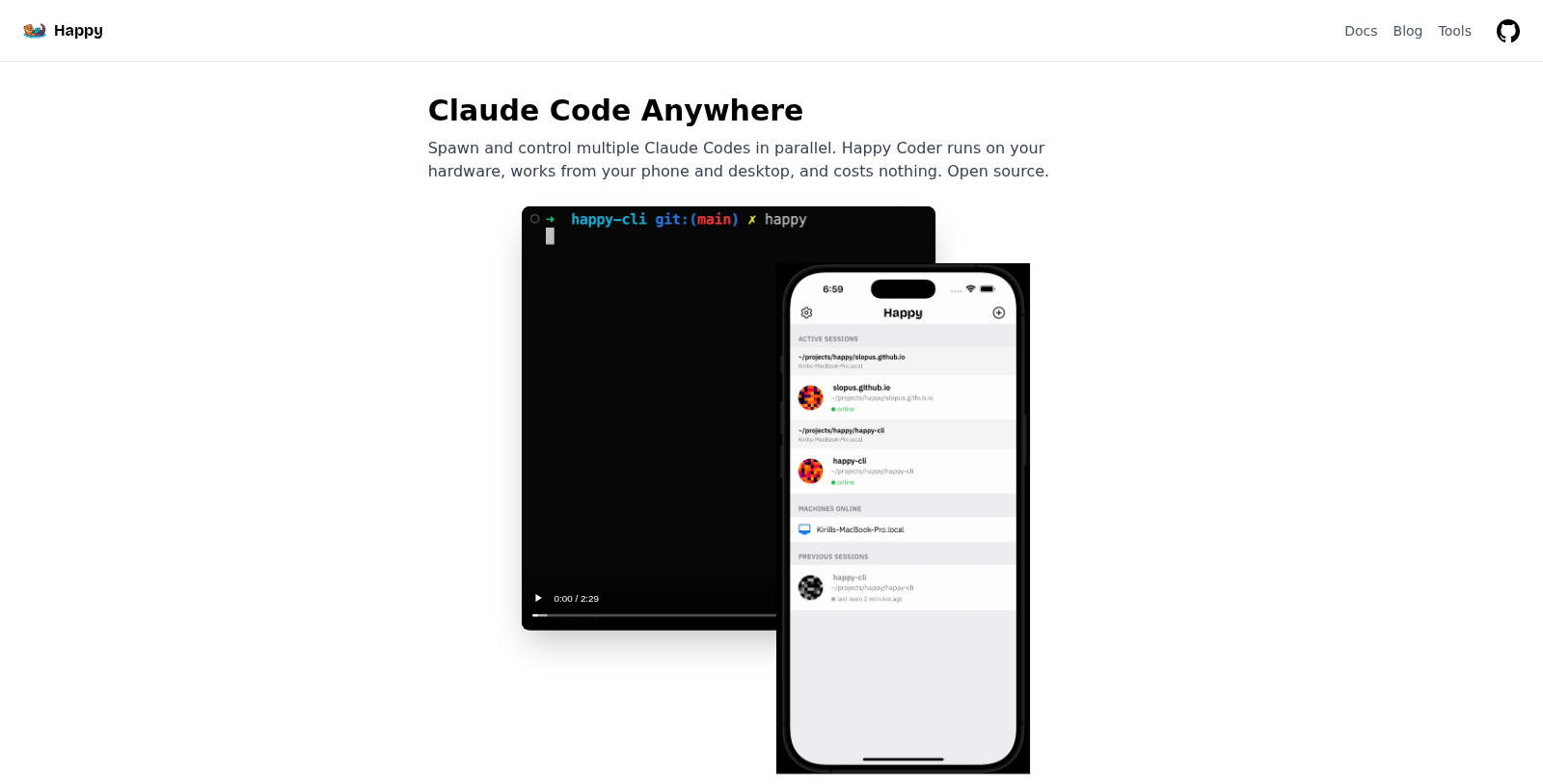
Happy Coder is a revolutionary open-source mobile application specifically designed for developers who utilize Claude Code, enabling them to control their coding environments directly from their smartphones. This innovative tool bridges the gap between the traditional desktop coding experience and the growing need for mobility in today's fast-paced development landscape. With Happy Coder, developers can easily manage multiple coding sessions across various devices, including desktops and mobile devices, all without the frustration of constantly switching between them.
Emphasizing security, Happy Coder is built with end-to-end encryption, ensuring that coding data and communications remain private and secure. This application is designed to give users full control over their information, ensuring that only they can access their coding projects and data. A user-friendly interface, combined with voice command capabilities, enhances usability, making coding not only more accessible but also significantly more efficient.
Key Features of Happy Coder
- Multiple Active Sessions: Users can run several instances of Claude Code simultaneously, allowing developers to effortlessly juggle multiple projects and maintain context across front-end, back-end, and DevOps tasks.
- Hands-free Control: The app provides real-time voice execution, enabling users to dictate commands and seamlessly execute them. This feature empowers hands-free coding, allowing for a more natural workflow.
- Seamless Integration: Happy Coder is designed to integrate smoothly with existing tools and workflows, ensuring that users can continue using their preferred editors and development environments without any disruptions.
- Smart Push Notifications: Users receive timely alerts, keeping them informed when their input is required, when code reviews are ready, or when issues arise.
- Offline Capabilities: In scenarios where internet connectivity is unreliable, Happy Coder queues messages and tasks, maintaining functionality until connectivity is restored.
The inspiration behind Happy Coder stems from the need for a dedicated tool capable of enhancing developer productivity while coding on the go. As today's developers increasingly seek efficiency and flexibility, Happy Coder provides a platform tailored to meet the demands of modern coding practices.
How Happy Coder Works
Setting up Happy Coder is straightforward: simply install the app on your mobile device and connect it to your computer's Claude Code environment. The installation process is quick and does not require complex setups or account creations; just download the app and start coding. Once paired, users can execute commands, inspect code, receive updates, and manage their projects directly from their phones.
Community and Support
As an open-source application, Happy Coder boasts a vibrant developer community dedicated to continuous improvement. Users are encouraged to contribute by sharing feedback, suggestions, and enhancements to the codebase. Comprehensive support documentation is also available, helping newcomers to quickly get acclimated and start leveraging the app’s features for greater productivity.
Conclusion
In summary, Happy Coder is an indispensable tool for anyone utilizing Claude Code, providing a seamless blend of productivity and mobility. Its open-source nature not only fosters a collaborative development environment but also ensures that users have a reliable and adaptable tool capable of evolving with their changing coding needs.
Pros & Cons
Pros
- Supports multiple active sessions on different machines for seamless multitasking.
- Offers voice interaction for hands-free coding and real-time execution of commands.
- Built with end-to-end encryption to ensure user privacy and data security.
Frequently Asked Questions
Happy Coder is open source and free to use.
According to our latest information, this tool does not seem to have a lifetime deal at the moment, unfortunately.
Happy Coder allows you to control coding agents from your phone with a primary focus on ease of use and functionality. It supports real-time voice commands, enabling accurate hands-free coding and management. You can run multiple instances of Claude Code in parallel across different devices, ensuring that you maintain context and momentum no matter what tasks you're switching between. Also, it integrates seamlessly with your existing development tools and editors without requiring significant changes to your workflow.
Security is a top priority for Happy Coder, which employs end-to-end encryption to guarantee the privacy of your messages and code. This means that only your devices can decrypt the communications; the relay server handles only encrypted data and cannot access your code or any sensitive information. This level of security is ideal for individual developers and organizations alike, allowing you to work confidently without the risk of unauthorized access.
Absolutely! One of Happy Coder's main benefits is its ability to integrate smoothly with your existing coding environment. It doesn't require you to change the tools or editors you currently use. Whether you're on a desktop machine or using your mobile device, you can implement Happy Coder without any disruption to your workflow, allowing you to maintain productivity while accessing Claude Code from anywhere.
Happy Coder is designed to be cross-platform. You can use it on any computer running Mac, Windows, or Linux, and control it from mobile devices running iOS or Android. Installation is straightforward: run 'npm install -g happy-coder' on your preferred machine to get started, then connect it to the mobile app.
If you experience connectivity issues, Happy Coder is resilient and handles disconnections gracefully. Messages will queue on your device until the connection is restored, allowing you to pick up right where you left off. If your connection drops, it will also attempt to reconnect automatically when the network becomes available again. Ensure that your firewall or security settings don't block the relay server for a smoother experience.
To maximize your productivity with Happy Coder, consider using voice commands for hands-free control, especially when multitasking. Set up custom agents tailored to your workflow, such as a bedtime agent that identifies tasks before you sleep. This way, you can quickly review potential coding challenges without time-consuming setups. Additionally, utilize push notifications to stay updated on critical tasks and code changes even when you're away from your desk.
Getting started with Happy Coder is simple. First, download the mobile app from the App Store or Google Play. Then, on your computer, install the necessary package using 'npm install -g happy-coder'. After installation, run the 'happy' command to start the service, then use the mobile app to scan the provided QR code to establish a secure connection. This will sync your devices for real-time collaboration.
While Happy Coder stands out for its integration and mobile functionalities, there are alternatives such as CodeRemote, YoloCode, and Cursor Agents. Each of these has unique features but may not offer the same level of customization or hands-free interaction as Happy Coder. If you're considering other options, it may be beneficial to evaluate their engagement in real-time collaboration and user privacy features.