HitPaw

Enhance videos, photos, and audio with easy-to-use multimedia editing tools.
Hitpaw.com
Is this your tool?
Follow for updates & deals
Get alerts for HitPaw discounts, feature releases & pricing changes
Similar Tools

cutout.pro
Automates background removal and enhances images and videos using AI-driven technology.

remove.bg
Automatically remove image backgrounds in seconds.

LuminaBrush
Interactive tool for precise lighting adjustments using intuitive brush strokes.

Cleanup.pictures
Remove unwanted objects and blemishes from photos using AI-powered image retouching.

Pixlio AI
Create and edit professional images using advanced AI models and intuitive editing tools.

HitPaw Media Gallery

HitPaw (review) video
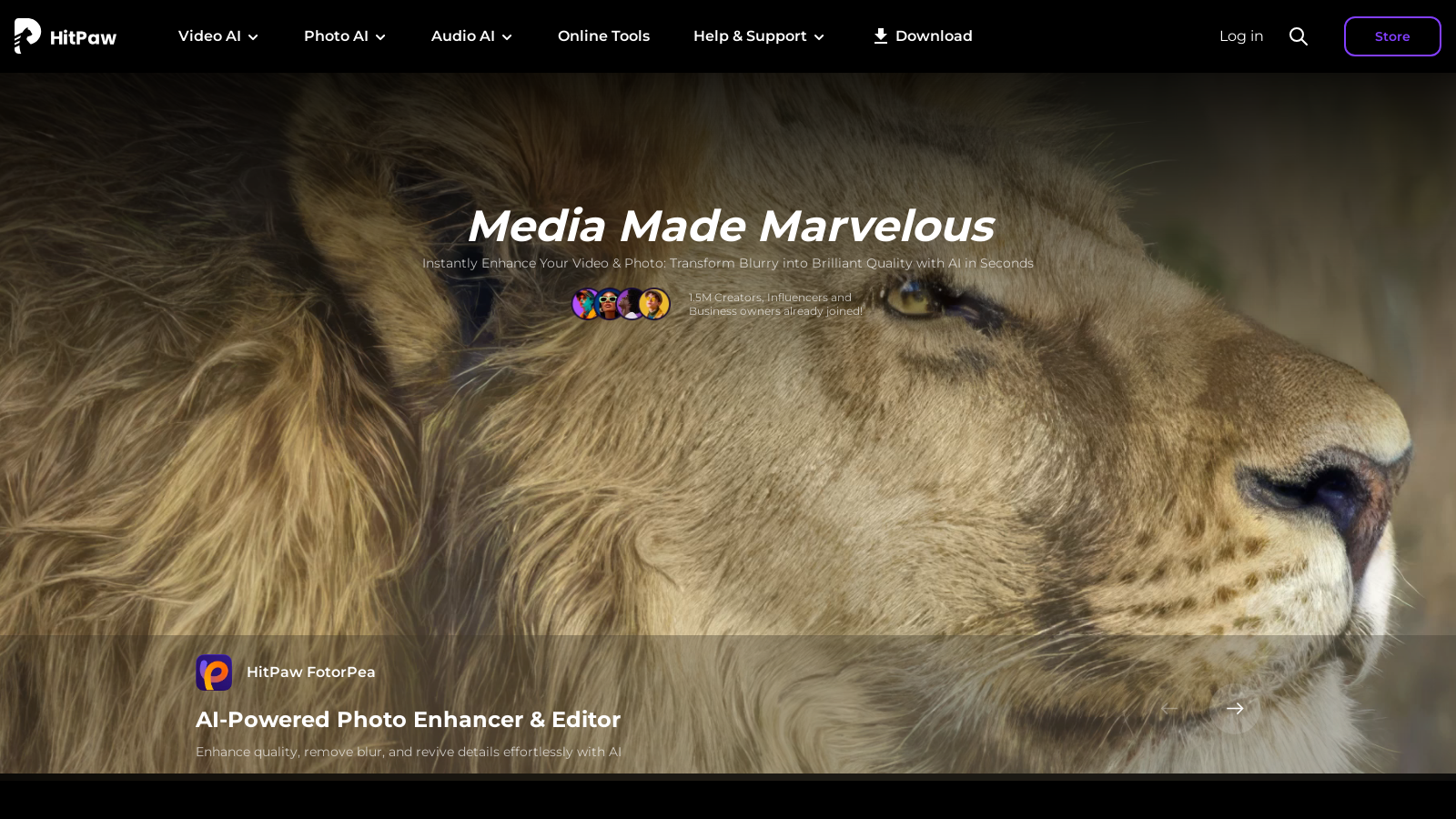
Screenshot of HitPaw
What is HitPaw?
HitPaw offers an expansive suite of AI-driven multimedia enhancement tools designed for creators, marketers, and everyday users. As the digital world continually evolves, the demand for high-quality multimedia content increases, and HitPaw is well-equipped to meet this demand with its intuitive and powerful tools that utilize advanced AI technology.
What is HitPawNULL
Established in 2019, HitPaw has evolved to provide user-friendly multimedia solutions to cater to diverse needs—be it personal, educational, or professional content creation. With a user base exceeding 23 million downloads and over 7.3 million satisfied customers globally, HitPaw now stands as a leading name in the multimedia editing industry.
Key Features of HitPaw's Tools
HitPaw encompasses a wide array of tools, including video editors, photo enhancers, and audio processing solutions. For instance, the newly upgraded HitPaw VikPea enhances video quality instantly and effectively through features like noise reduction, resolution upscaling, and background removal. The HitPaw FotorPea specializes in photo enhancement and editing, providing users the capability to effortlessly improve image quality, eliminate blur, and restore intricate details using intelligent AI algorithms. Notably, HitPaw VoicePea empowers users with real-time voice-changing capabilities, ideal for gamers, streamers, and content creators. Users can select from over 200 unique character voices, providing unlimited creativity and engagement during gaming or streaming sessions.
Additionally, HitPaw Univd, now boasting a 170x faster video processing speed, is designed for efficient video conversion, compression, and editing. This powerful tool allows users to handle multiple video formats rapidly while maintaining the utmost quality, facilitating seamless content development for platforms like YouTube and TikTok.
Ease of Use
One of the hallmark features of HitPaw is its user-friendly interface, which simplifies multimedia editing for both novices and seasoned professionals. The software is designed for immediate accessibility, with many features requiring just a few clicks, showcasing the enhanced processing speeds powered by AI technologies. This greatly minimizes the learning curve typically encountered with sophisticated multimedia editing software.
Cost Structure
HitPaw operates on a subscription-based pricing model, providing a variety of tiered pricing options to accommodate different users. For example, HitPaw VikPea is available at ?.99 per month, alongside annual plans that present considerable savings opportunities. Users may opt for monthly or yearly subscriptions depending on their needs. HitPaw also provides some products for one-time purchase as perpetual licenses, accommodating those preferring to avoid recurring costs.
Furthermore, new promotional offerings include discounts during special events; for instance, users can enjoy significant savings during Father's Day or Spring sales. Customers engaged in content creation are particularly drawn to HitPaw's pricing structure, given the flexibility and value it provides.
Customer Feedback
Reviewers consistently praise HitPaw’s effectiveness in not only enhancing the aesthetic quality of their content but also streamlining their workflows. Customers frequently mention how swiftly videos transform in quality and how easily they can restore old photos. With an impressive Trustpilot score, it's clear that HitPaw has adeptly fulfilled the requirements of its user base.
Conclusion
As digital content continues to dominate the landscape, HitPaw equips users with essential tools to create, enhance, and share high-quality multimedia easily and efficiently. With continuous technological innovations on its horizon, HitPaw remains a frontrunner in delivering user-friendly, cutting-edge solutions for all multimedia editing demands.
Pros & Cons
Pros
- AI technology enhances video, photo, and audio quality in seconds.
- Supports batch processing, saving significant time for content creators.
- Offers extensive tools for diverse needs, including voice changing and video enhancement.
Frequently Asked Questions
HitPaw costs 0 to 0 USD per month.
According to our latest information, this tool does not seem to have a lifetime deal at the moment, unfortunately.
HitPaw offers a variety of tools tailored to different user needs. For photographers, HitPaw FotorPea enhances and restores image quality effortlessly, making it ideal for preserving wedding and event memories. Content creators can optimize videos for platforms like TikTok and YouTube using HitPaw VikPea, which quickly enhances and edits videos. E-commerce sellers can improve product images to increase clicks and sales, while educators can utilize HitPaw's video translation and dubbing features for diverse classrooms. Additionally, film enthusiasts can upscale old films to 4K HDR for home viewing. Each tool is designed to simplify and enhance the creative process across different domains.
To enhance your videos using HitPaw VikPea, simply launch the software and upload your video files. The tool utilizes advanced AI technology to automatically upscale video resolution, improve clarity, and repair any defects. You can apply various editing features like auto-cut, filters, and effects to elevate your video quality. After making adjustments, export your enhanced video for a polished, professional result, all without needing extensive editing skills.
Yes! HitPaw tools support batch processing for both images and videos. With HitPaw FotorPea, you can enhance or edit multiple photos simultaneously, saving significant time on tedious adjustments. Similarly, HitPaw Univd allows you to convert and compress several video files at once, optimizing your workflow and boosting productivity. This feature is especially beneficial for professionals managing large quantities of media.
HitPaw products include a range of AI features designed to enhance multimedia content. For instance, HitPaw FotorPea uses AI to improve photo quality, remove backgrounds, and restore old images. On the video side, HitPaw VikPea leverages AI to upscale footage, remove unwanted elements, and apply color grading. Similarly, HitPaw VoicePea offers real-time voice changes with over 200 character voices. These AI capabilities streamline the creative process, enabling users to achieve high-quality results with minimal effort.
HitPaw applications are compatible with multiple platforms, including Windows, macOS, iOS, and Android. This cross-platform availability ensures that users can access HitPaw tools on their preferred device, whether they are using a laptop or a mobile device. The consistent user-friendly interface across these platforms makes it easy for users to navigate and utilize the tools effectively.
HitPaw offers a Photo Enhancer API for developers looking to integrate their AI image enhancement capabilities into applications, websites, or software. This API allows you to easily upscale images, fix colors, and improve image resolution through a seamless integration process. Developers can access API documentation and try a demo before implementation, ensuring it fits their application requirements.
HitPaw provides comprehensive support options for users. If you face challenges with their products, you can consult the 'Help' section on their website, which includes FAQs and detailed troubleshooting guides. Additionally, you can submit an online support form for personalized assistance from the HitPaw support team, who typically respond within one working day. This helps ensure that users can effectively resolve any issues they might encounter.
While HitPaw offers a robust suite of AI-powered tools, there are alternatives in the marketplace. Competitors like Adobe Premiere Pro for video editing, GIMP for photo editing, and other specialized tools like Topaz Labs for image enhancement may serve similar functionalities. However, HitPaw stands out with its user-friendly interface and seamless AI integrations, making it accessible for users of all levels without complex learning curves.