ImageToCartoon
Browser-based converter that turns photos into cartoon, anime and comic-style images
Imagetocartoon.com
Is this your tool?
Follow for updates & deals
Get alerts for ImageToCartoon discounts, feature releases & pricing changes
Similar Tools

PicWish
AI-powered tool for batch background removal and image enhancement
Supawork AI
Generate personalized AI headshots and dynamic videos in seconds with customizable options.

Pebblely
Generate product photos quickly by removing backgrounds and customizing images with AI.
PixNova AI
Generate and edit images with AI, including headshots, face swaps, and baby predictions.

LetsEnhance
Enhance and upscale images effortlessly with AI-driven tools for photographers and businesses.

ImageToCartoon Media Gallery
What is ImageToCartoon?
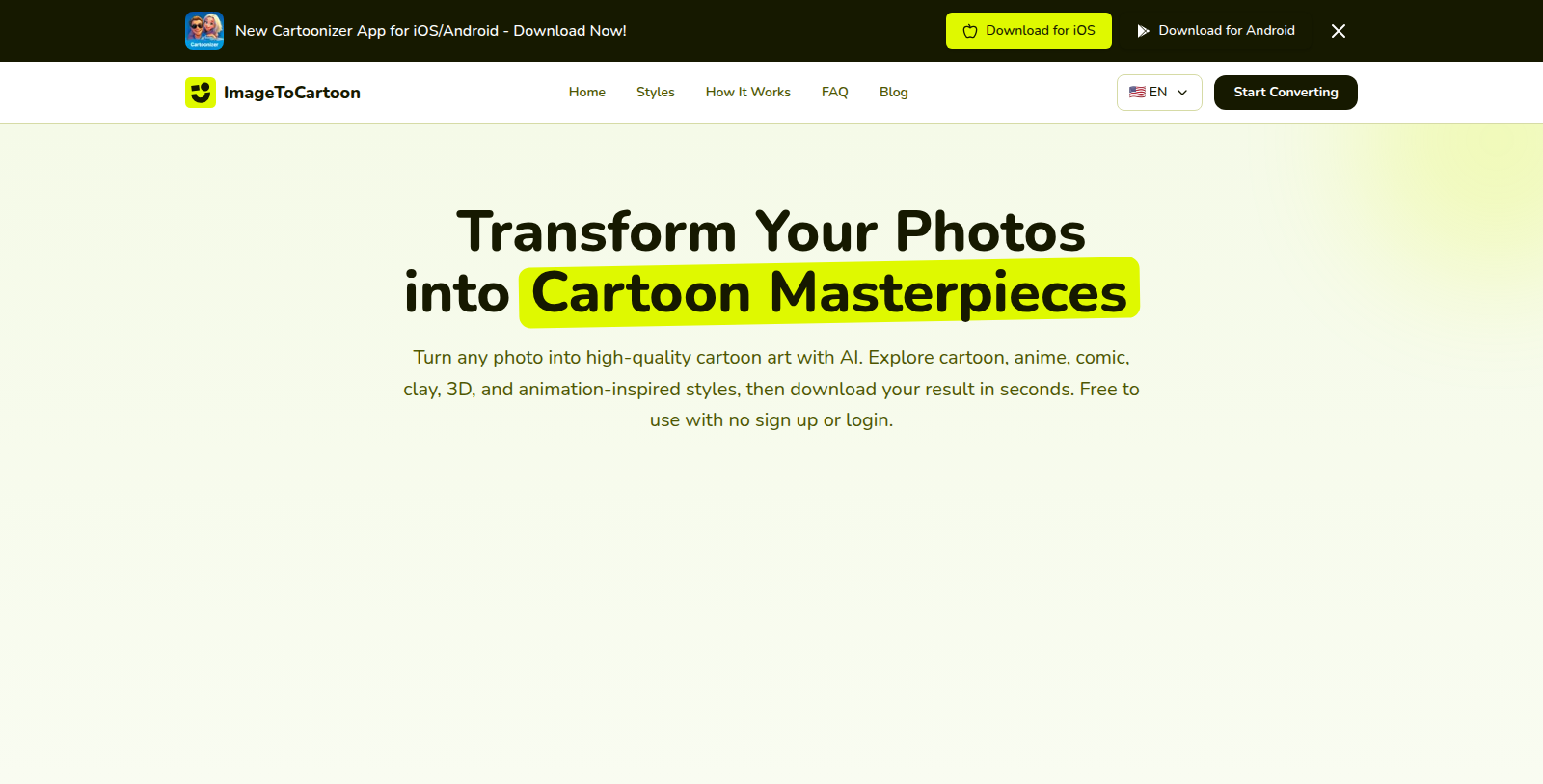
ImageToCartoon is a web tool that turns a photo into cartoon-style artwork using AI. You upload an image, paste it from the clipboard or provide an image URL, choose a style and download the result.
The style library includes looks inspired by Studio Ghibli, Disney Pixar, Pixel Art, Marvel and DC comics, Japanese anime, manga, claymation and flat illustration. Users can also pick an aspect ratio, either matching the input image or a fixed ratio such as 1:1 or 16:9.
The site says it is free to use with no sign-up or login, accepts JPEG, PNG and WebP files, and is available in several languages. The company also promotes a companion Cartoonizer app for iOS and Android. It suits people who want cartoon avatars or stylised portraits without design skills.
Pros & Cons
Pros
- Requires no sign-up or login, so a photo can be converted and downloaded immediately.
- Offers around 20 selectable styles, including anime, manga, pixel art and claymation.
Cons
- The listing does not state file size or output resolution limits.
Frequently Asked Questions
ImageToCartoon is available at no cost.
According to our latest information, this tool does not seem to have a lifetime deal at the moment, unfortunately.
Upload an image, paste one from your clipboard, or provide an image URL. Then choose a style and download the result. The style library includes looks inspired by Studio Ghibli, Disney Pixar, Pixel Art, Marvel and DC comics, Japanese anime, manga, claymation and flat illustration.
ImageToCartoon accepts JPEG, PNG and WebP files. You can upload from your device, paste from the clipboard, or supply an image URL. If your photo is in another format, convert it to one of these three types first. The listing does not mention a maximum file size, so check the official website at imagetocartoon.com for upload limits.
No. The site says the tool works without sign-up or login, so you can upload a photo and download the result straight away. The service is also available in several languages. The company promotes a companion Cartoonizer app for iOS and Android, which is a separate download.
It suits people who want cartoon avatars or stylised portraits without needing design skills. Because the output is driven by the chosen style, it works well for profile pictures and playful artwork. The style list is broad enough to cover anime, comic and 3D-style looks. For licensing of generated images, check the official website for its terms.
Yes, in part. You can pick an aspect ratio that matches the input image or a fixed ratio such as 1:1 or 16:9. The listing does not describe resolution options or how large the downloaded file will be, so confirm those details on the official website at imagetocartoon.com before relying on a specific output size.