Kiro

Streamlines coding from specifications to structured implementation with AI-driven support.
Kiro.dev
Is this your tool?
Follow for updates & deals
Get alerts for Kiro discounts, feature releases & pricing changes
Similar Tools
Gemini CLI
Integrates Gemini AI into the terminal for efficient code interaction and workflow automation.

AgentQL
Automate web data extraction and interactions using a natural language query language.

Vellum
Facilitates AI development, testing, and deployment with a focus on collaboration and iteration.

Archimyst
Create and test complex system architectures using AI-driven simulations and visual design tools.

Forefront
Fine-tune and deploy open-source language models with customizable options for various AI applications.

Kiro Media Gallery
Kiro (review) video
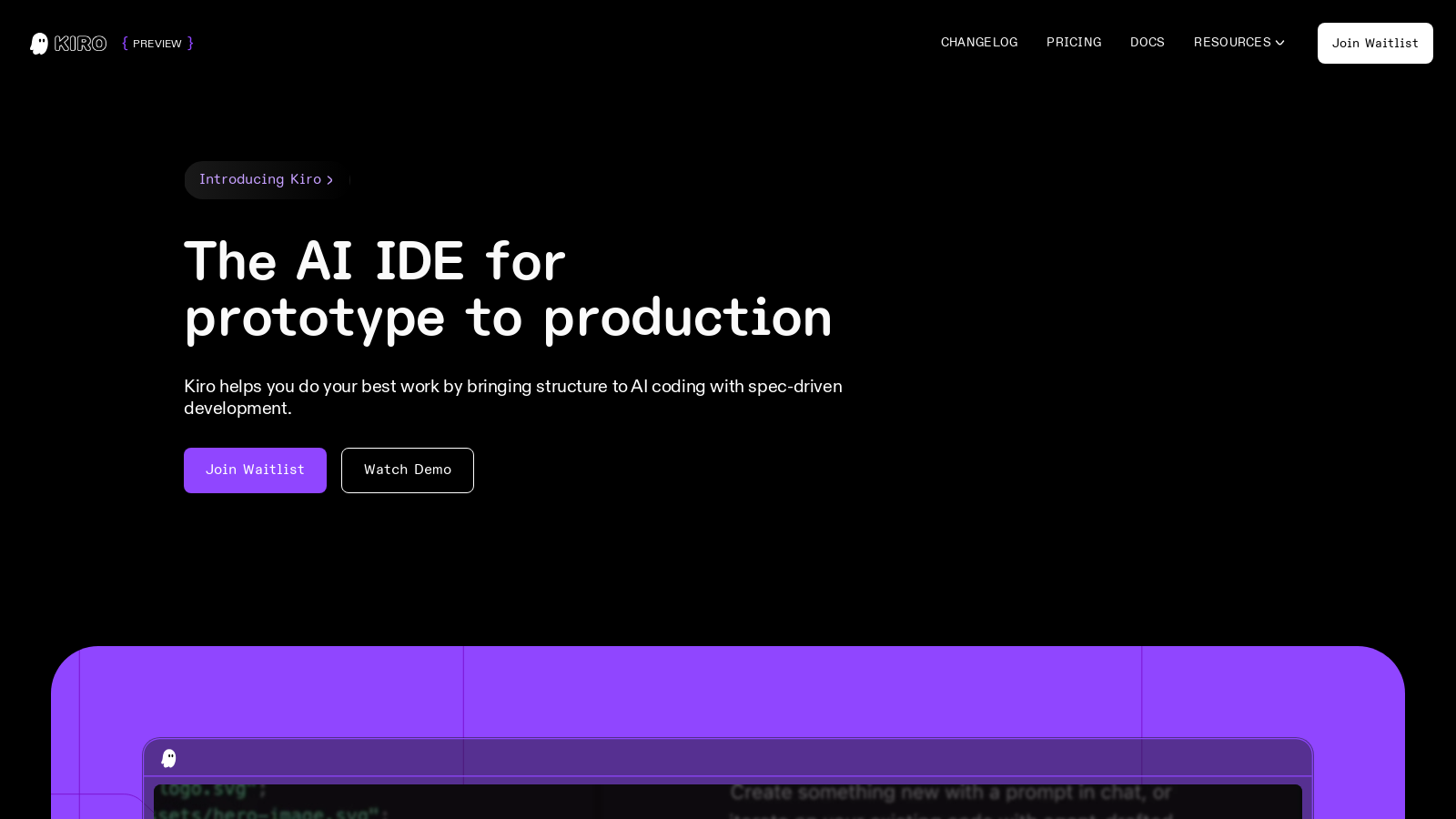
Screenshot of Kiro
What is Kiro?
Introducing Kiro, the AI-powered Integrated Development Environment (IDE) that redefines the development workflow from prototype to production. Kiro excels at transforming complexity into clarity with its innovative spec-driven development approach. By simply entering natural language prompts, Kiro converts them into well-structured, actionable requirements with definitive system designs and implementation tasks. This ensures that developers can engage deeply with creative coding while Kiro manages the more intricate aspects of project execution.
At the heart of Kiro's functionality is its ability to help developers navigate from vague ideas to concrete implementations. The platform starts with a user prompt, intelligently breaking it down into clear, executable tasks that can be seamlessly handled by Kiro's AI agents. This methodology is designed to eliminate common issues in software development, such as misunderstandings and unfocused requirements, ultimately positioning teams for success.
The Power of Spec-Driven Development
Kiro's unique spec-driven development model sets it apart from traditional IDEs. By prioritizing specifications, Kiro enables users to clearly define project needs, significantly reducing the ambiguities often encountered in feature development. It encourages the formulation of precise user stories and integrates acceptance testing seamlessly into the workflow, guaranteeing that each component of the application accurately meets user expectations. This disciplined approach not only streamlines the development process but also elevates the quality of the resultant code.
A Collaborative Environment with AI Agents
What distinguishes Kiro is its collaborative ecosystem powered by AI agents. These agents are adept at managing repetitive tasks, generating documentation, and optimizing code performance in real-time as developers progress through their projects. By offloading routine responsibilities to these intelligent partners, developers can devote their time to more challenging and creative coding pursuits, allowing for effective management and real-time updates directly within the IDE.
Designed for Modern Development Needs
Kiro is crafted to meet the demands of contemporary software development practices. It integrates smoothly with a diverse array of tools, databases, and APIs, enhancing workflows across the board. A standout feature is the agent hooks, which allow for automation of routine tasks activated by specific events in the development lifecycle. For example, developers can set up agent hooks that automatically update documentation upon saving changes or creating new files, thereby maintaining up-to-date project documentation without additional manual effort.
Rich Functionality and Enhanced Features
Recently, Kiro introduced the Claude Opus 4.6 model, significantly enhancing its capabilities. This SoTA model not only improves coding performance but also empowers the execution of sophisticated tasks with minimal user intervention. Kiro now allows for prompts that guide project architecture and design while also ensuring that implementations adhere to high standards through enhanced diagnostics and intelligent error handling. Furthermore, Kiro supports modern programming languages and can intelligently suggest coding fixes based on real-time data analysis during development.
Enterprise-Grade Security
In a world where security is paramount, Kiro does not compromise. The tool features robust measures designed to safeguard the integrity and confidentiality of your codebase. Engineered on a secure platform, Kiro reassures developers across various sectors that sensitive information and proprietary code are well protected.
A Free Preview and Subscription Options
Kiro is currently available in a preview phase, granting users access to its core features free of charge with certain limitations. After the preview period, flexible subscription options will be introduced:
- Kiro Free: Now available at NULL per month, users can benefit from essential features with a cap of 50 agent interactions per month.
- Kiro Pro: Available at NULL per month, this plan increases the interaction limit to 1,000 per month, allowing for more intensive development needs.
- Kiro Pro+: At NULL per month, this tier provides a higher interaction allowance of up to 3,000, accommodating extensive projects and team requirements.
This structured pricing model caters to diverse user requirements, making it easier for developers to select a plan that aligns with their specific needs.
Conclusion
In conclusion, Kiro transcends the conventional role of an IDE; it fundamentally reshapes the way developers engage with technology through its integration of AI. By anchoring its processes in spec-driven development, Kiro makes coding not only more intuitive but also closely aligned with modern engineering practices. For those ready to enhance their coding experience and produce superior applications efficiently, Kiro is the tool that delivers. Join the waitlist today and discover how Kiro can revolutionize your development workflow.
Pros & Cons
Pros
- Spec-driven development transforms prompts into structured requirements for better clarity.
- Agent hooks automate tasks like documentation and testing, enhancing workflow efficiency.
- Multimodal chat capabilities allow for contextual conversations and code generation.
Frequently Asked Questions
Kiro is free to start, with paid plans from 0 to 39 USD per month.
According to our latest information, this tool does not seem to have a lifetime deal at the moment, unfortunately.
Kiro's spec-driven development transforms your high-level ideas into structured technical specifications. It involves generating three key documents: requirements, design, and tasks. When you input a feature idea into Kiro, it automatically writes user stories with acceptance criteria in EARS notation, documents the technical architecture, and breaks down the implementation into manageable tasks. This structured approach greatly enhances clarity, traceability, and reduces development iterations, ensuring that complex features are well-documented and implemented correctly.
Agent hooks in Kiro are event-driven automation tools that allow predefined actions to be triggered by specific events, such as saving files or creating new ones. By setting up hooks, you can eliminate repetitive tasks like updating documentation or generating unit tests, thereby maintaining consistent code quality. Hooks streamline your workflow by handling routine tasks in the background, allowing you to focus on building and coding effectively while ensuring that best practices are followed automatically.
Yes, Kiro allows extensive customization through 'steering files.' These markdown files provide Kiro with persistent knowledge about your project, including coding standards, library preferences, and architectural conventions. By defining your project's context through these files, Kiro consistently adheres to your established patterns and reduces the need for repetitive instructions during each coding session. You can easily create custom steering files or edit existing ones to suit your specific workflows.
Kiro supports a variety of programming languages, similar to Visual Studio Code, since it is built on the same open-source foundation. While specific language support can vary, Kiro is designed to work well with many popular programming languages. For the most accurate and detailed list of supported languages, users should check Kiro's official documentation or updates from the development team.
Kiro offers a powerful change management feature that allows you to track modifications in your codebase effectively. As Kiro executes tasks, it provides a visual diff view of all changes made, allowing you to review, approve, or revert changes easily. This gives you control over the development process, enabling you to maintain oversight while benefiting from Kiro's autonomous capabilities, ensuring that you remain aware of every code alteration.
Autopilot mode in Kiro enables the AI to operate with minimal intervention, allowing it to perform tasks end-to-end without needing your approval at each step. This mode is ideal for experienced users who are familiar with Kiro's functionalities and seek to improve efficiency during repetitive tasks or when working on well-defined projects. However, for critical tasks or when you're new to Kiro, it's recommended to use Supervised mode, which requires your approval on proposed actions.
To get started with Kiro, first, you need to join the waitlist on their website, as Kiro is currently in a preview phase. Once you gain access, download and install Kiro on your machine. Inside the IDE, you can initiate a new project, use steering files for project context, and start building features through Kiro's chat for interactive assistance. The official documentation includes comprehensive guides to help you set up and navigate Kiro's features effectively.
The Model Context Protocol (MCP) extends Kiro's capabilities by allowing it to connect with external servers, providing access to specialized tools, APIs, and information databases. This integration helps Kiro utilize domain-specific resources to enhance your development experience. For instance, MCP can facilitate connections to AWS documentation or other relevant services, allowing you to retrieve contextual knowledge and streamline your coding processes within the Kiro IDE.