Motiff
Generate custom user interfaces using text prompts or reference images for efficient design workflows.
Motiff.com
Is this your tool?
Follow for updates & deals
Get alerts for Motiff discounts, feature releases & pricing changes
Similar Tools

Sketchflow
Generate web and app designs with AI-powered code from your ideas and input images.

Uizard
Simplifies UI design by generating components from text descriptions for quick prototyping.

Loki.Build
Build and customize landing pages quickly using AI-driven design tools.
Dora
Easily design customizable websites using AI with a drag-and-connect layout system.

Paraflow
Streamlines the product design process with an AI assistant for drafting specifications and creating UI designs.

Motiff Media Gallery

Motiff (review) video
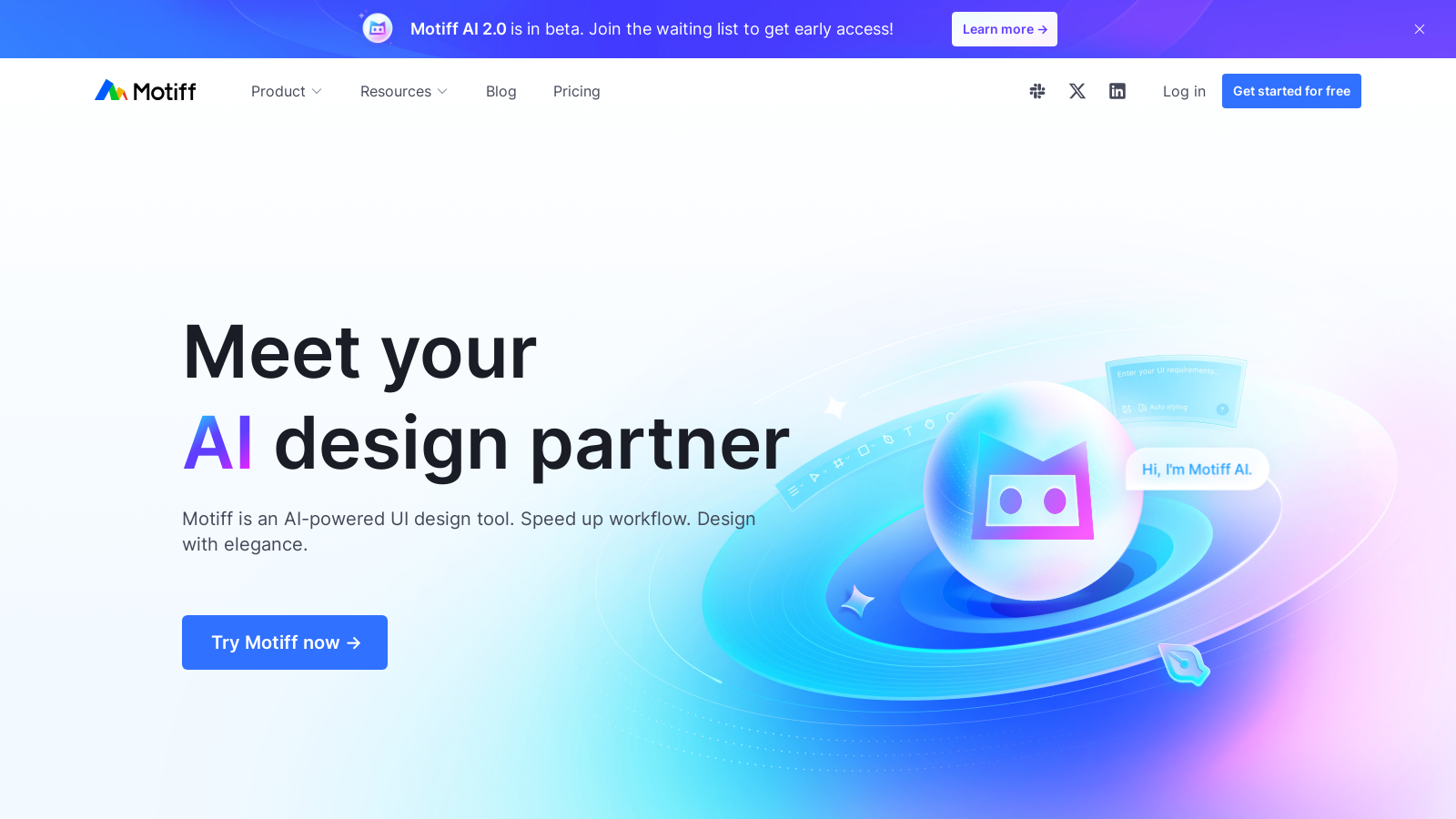
Screenshot of Motiff
What is Motiff?
Motiff is an innovative AI-powered UI design tool that has progressed significantly since its inception, and it is now fully operational following its beta phase. This cutting-edge platform is designed to streamline and elevate the design process for users, allowing designers to create stunning user interfaces quickly and efficiently. Motiff utilizes straightforward text prompts, reference images, or even PDFs and markdown, transforming traditional workflows into a more dynamic and creative process.
One of the standout features of Motiff is its AI Generates UI capability. This function streamlines the design process by providing a user-friendly interface where users can input their desired specifications through intuitive prompts. Whether it's a simple text description or an uploaded reference image, Motiff interprets the full context behind each input, enabling the generation of versatile user interfaces tailored to individual requirements. This capability not only saves time but enhances productivity, allowing designers to focus on their creative endeavors rather than navigating tedious manual tasks.
How to Use AI Generates UI
Using Motiff’s AI Generates UI feature is straightforward and intuitive. Users start by selecting 'AI.svg' in the toolbar and then choosing the 'AI Generates UI' option. They can enter prompts, upload reference images, or even work from wireframes, all while choosing from various styling presets suitable for mobile and web designs. To ensure optimal results, users are encouraged to craft detailed prompts that provide clarity on the UI layout, content, and intended audience.
Preset and Remix Stylings
Motiff offers a broad selection of styling presets such as Minimalist, Material Design, and Ant Design. This variety allows users to easily determine the overall aesthetic of their designs. Additionally, users can remix these styles to customize their designs further by adjusting parameters such as contrast and theme colors to achieve their desired appearance and functionality. This adaptability ensures that Motiff can cater to diverse preferences and project needs.
Real-time Collaboration Features
Collaboration is a core focus of the Motiff platform. It provides various sharing permissions, allowing teams to manage access levels based on roles effectively. The tool enables multiple users to work simultaneously, fostering a collaborative environment where feedback and ideas can be quickly exchanged. On-canvas commenting and observation modes enhance this collaboration, making it easier for teams to iterate on designs together. Furthermore, Motiff's project management capabilities help streamline workflows, ensuring everyone remains aligned and productive.
Integration with Existing Workflows
Motiff's designs export seamlessly, fitting right into existing workflows. Users can produce clean React or HTML code effortlessly with just a click. This integration reduces friction between design and development phases, making the transition from conceptualization to implementation smooth and efficient. Motiff serves as a vital complement to various development tools and platforms, making it highly versatile for design teams.
Plans and Pricing
Motiff operates under a freemium model, allowing users to explore its features without upfront costs while offering tiered subscriptions for those requiring enhanced functionalities. The Starter plan remains free and ideal for hobby projects or first-time AI designers, providing up to 100 credits per month with capabilities for generating a limited number of user interfaces.
The more comprehensive Pro plan, priced at NULL per month, unlocks additional features necessary for professionals and teams looking to ship real product UIs rather than just concepts. This tier includes perks such as 1000 credits monthly, the ability to export production-ready code, and the option to copy generated UIs to Figma.
Motiff’s pricing structure reflects its commitment to making high-quality UI design accessible and efficient for users at all levels. With its ongoing evolution, Motiff AI continuously enhances its platform, promising a bright future for UI design by adapting to the needs of its community and emerging design trends.
Pros & Cons
Pros
- AI generates user interfaces quickly from text prompts and reference images.
- Multiple styling presets allow for customizable design styles between mobile and web.
- Remix stylings enable precise control over design details for consistency.
Cons
- Currently, AI-generated UI does not support multi-turn conversations for continuous design.
Frequently Asked Questions
Motiff is free to start, with paid plans from 0 to 16 USD per month.
According to our latest information, this tool does not seem to have a lifetime deal at the moment, unfortunately.
To generate user interfaces with Motiff, click 'AI.svg' in the toolbar and select 'AI Generates UI'. You can input a text prompt describing your desired interface or upload reference images to help guide the design. Select a styling preset for Mobile or Web before clicking 'Generate'. Ensure your prompts are detailed for better results.
Effective prompts should include a clear description of the page's function, target users, and detailed layout requirements. For instance, instead of just saying 'e-commerce homepage', provide specifics like 'a homepage for an e-commerce app aimed at young people, featuring a search bar, carousel ad space, and product recommendations'. More detail helps Motiff generate more accurate designs.
Yes, Motiff allows you to remix styling presets for more control over your designs. Hover over a styling preset and click on the remix icon to modify style parameters. This means you can adjust elements such as theme color, contrast, and corner radius to create a consistent look across your designs.
Currently, Motiff does not support multi-turn conversations for generating a complete set of interfaces. You will need to create interfaces for each page step by step. Additionally, ensure that your prompts specify the desired styles and functional modules for optimal outcomes. Continuous generation features are expected in future updates.
To ensure consistency, use preset stylings or remix stylings before generating your designs. By keeping your styling parameters aligned across multiple generations, you can achieve a more uniform appearance. If the generated results differ between attempts, reviewing the styling options might help produce more cohesive designs.
Motiff supports exporting selected layers in various formats, including PNG, JPG, SVG, and PDF. You can set specific export settings for each layer and select the appropriate file type according to your needs. This helps streamline the transition from design to implementation.
To toggle between Design Mode and Develop Mode in Motiff, open your design file and use the Develop Mode switch located in the right sidebar, or press ⇧ Shift + D. This allows you to access detailed design views and code previews for a smoother handoff process between designers and developers.
Motiff's Develop Mode offers features that enhance collaboration between designers and developers, such as detailed design views, code previews, annotations, unit scaling, and asset exports. You can configure language preferences (like CSS or SwiftUI) and export selected designs as images, which enhances the efficiency of handoff processes.