NVIDIA Studio
Optimize creative projects using NVIDIA RTX GPUs for faster rendering and enhanced editing capabilities.
Nvidia.com
Is this your tool?
Follow for updates & deals
Get alerts for NVIDIA Studio discounts, feature releases & pricing changes
Similar Tools

Malloy
Generate custom animations by typing prompts without needing prior animation skills.

LTX Studio
Create storyboards and manage video production with AI tools for filmmakers and content creators.

Higgsfield
Create high-quality videos with advanced AI-controlled camera movements and dynamic visual effects.

cutout.pro
Automates background removal and enhances images and videos using AI-driven technology.

Dzine
An AI design tool for creating and editing images and videos with intuitive controls.

NVIDIA Studio Media Gallery
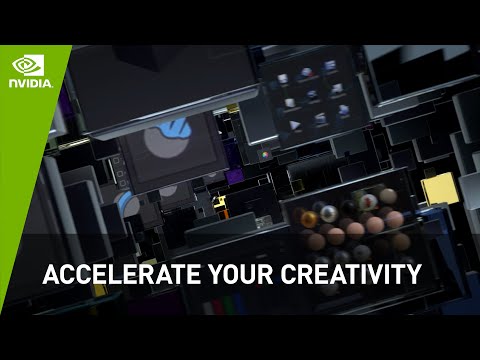
NVIDIA Studio (review) video
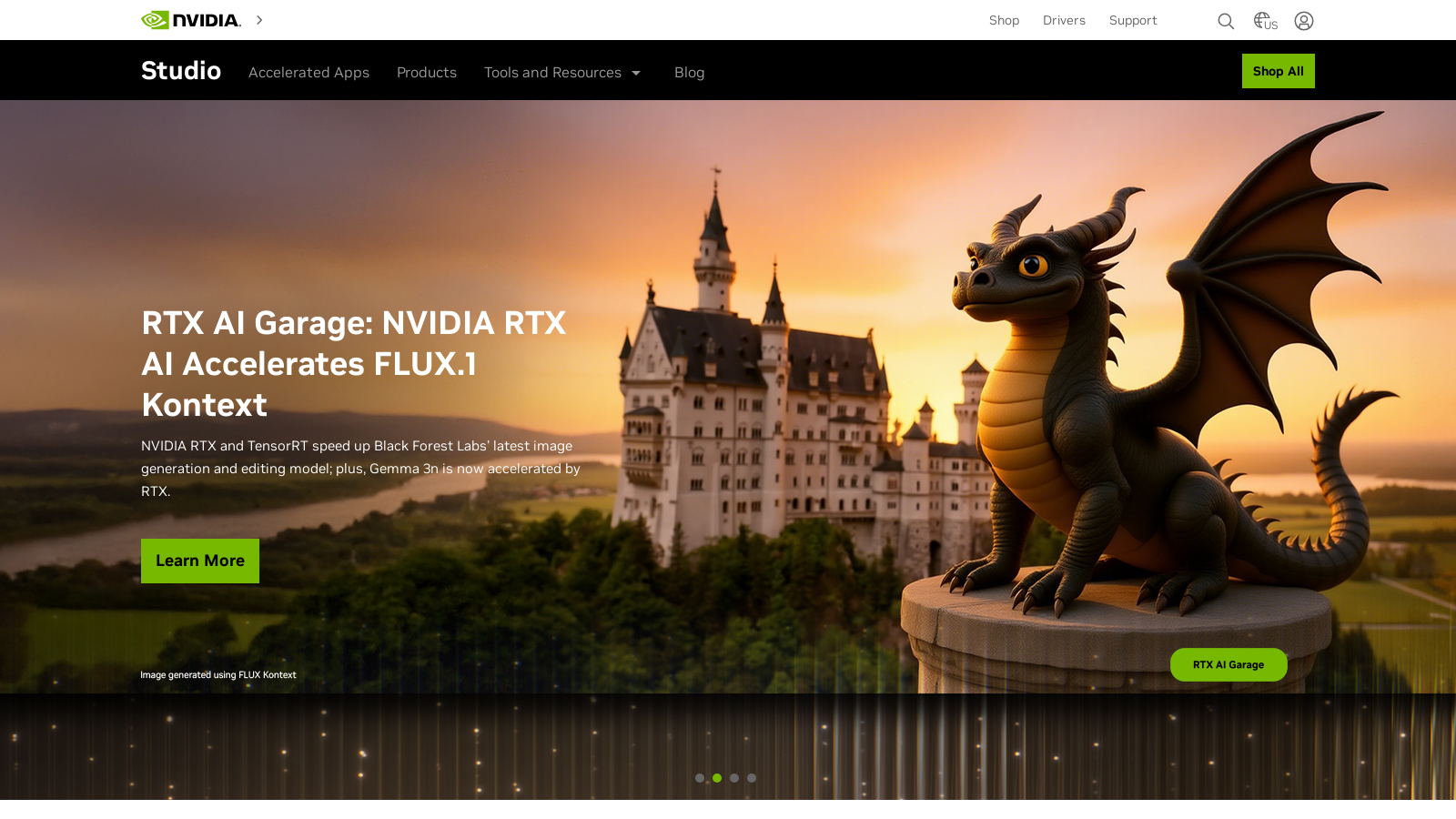
Screenshot of NVIDIA Studio
What is NVIDIA Studio?
NVIDIA Studio is an innovative platform meticulously designed to enhance creative workflows across various domains, including video editing, 3D rendering, and design. Featuring advanced RTX technology, it empowers artists and creators to unlock their full potential by providing powerful tools and optimized hardware. Whether you are a designer, filmmaker, or animator, NVIDIA Studio caters to the unique needs of creators, enabling the production of high-quality content with remarkable speed and efficiency.
The GPU Advantage
NVIDIA Studio leverages the cutting-edge capabilities of RTX GPUs, which are specifically engineered for demanding creative applications. With real-time ray tracing, AI-enhanced video tools, and advanced rendering engines like DLSS (Deep Learning Super Sampling), users can concentrate more on their creative processes while the hardware efficiently manages intensive computations. This translates to significant reductions in waiting times for tasks such as modeling and rendering rich virtual environments, editing videos, and animating complex scenes.
Exclusive Creative Tools
The platform not only provides robust hardware but also a suite of exclusive software tools crafted for creative professionals. Features such as NVIDIA Broadcast transform basic webcams, microphones, and speakers into professional-grade equipment, significantly enhancing the quality of video calls and livestreams. The introduction of NVIDIA RTX Remix allows modders to elegantly remaster classic games using powerful AI algorithms for material enhancement and ray tracing, making game graphics richer and more immersive.
Performance Across Various Creative Fields
Performance testing consistently demonstrates impressive speed improvements across a multitude of applications. For example, Blender users can render 3D models up to 35% faster with NVIDIA hardware, while with Autodesk Arnold and Maya, rendering can occur up to 5.6 times faster. These enhancements make complex tasks like animation, video editing, and graphic design significantly more efficient.
Advanced AI Video Tools
NVIDIA Studio also incorporates AI-enhanced video capabilities through tools like RTX Video Super Resolution and RTX Video HDR. These features automatically sharpen videos played in popular web browsers, improving visual clarity by removing blocky and distracting compression artifacts while supporting stunning HDR content at resolutions up to 4K. This ensures a visually compelling viewer experience across the board.
Learning and Resources
NVIDIA Studio fosters a vibrant creative community. Users gain access to an abundance of tutorials, artist showcases, and exclusive offers via the NVIDIA Creator Community, providing creators the chance to learn from industry leaders, share their projects, and continuously enhance their skills through ongoing engagement within the creative technology sphere.
Product Range
The NVIDIA Studio platform hosts a diverse array of laptops and desktops outfitted with high-performance RTX GPUs tailored for creators at all levels. From lightweight laptops ideal for on-the-go editing to powerful desktop systems built for demanding animation and rendering tasks, NVIDIA Studio products cover a wide spectrum of creative requirements. Innovations in the latest GeForce RTX 50 Series GPUs have been highlighted as offering double the creative performance for 3D, video, and generative AI workflows, further reinforcing NVIDIA's commitment to enhancing the creative toolkit for users.
Moreover, NVIDIA Studio Drivers provide exceptional stability and performance for creative applications, ensuring that creators can rely on their hardware to perform optimally when it matters most. With ongoing support for advanced features in popular software, the NVIDIA Studio environment continues to evolve, pushing the boundaries of what's possible in content creation.
In conclusion, NVIDIA Studio stands at the cutting edge of technology and creativity, providing essential tools and resources for modern creators to excel in their fields. With relentless improvements and updates, it continues to deliver state-of-the-art solutions tailored for the next generation of content creation enthusiasts.
Pros & Cons
Pros
- NVIDIA Studio provides significant acceleration in video editing and 3D rendering workflows.
- AI-enhanced tools like NVIDIA Broadcast improve video quality and streamline creative processes.
- Studio Drivers offer exceptional stability and performance optimizations for creative applications.
Frequently Asked Questions
NVIDIA Studio is free to start, with paid plans from 0 to 0 USD per Translation not found for 'time_period_unknown'.
According to our latest information, this tool does not seem to have a lifetime deal at the moment, unfortunately.
NVIDIA Studio offers AI-enhanced video tools, including RTX Video Super Resolution and RTX Video HDR. These tools automatically enhance videos played in browsers like Chrome, Firefox, or Edge, using advanced AI algorithms to sharpen images and remove blocky artifacts. This ensures a clearer viewing experience in HDR up to 4K resolution, significantly enhancing the quality of video playback for both creators and viewers.
NVIDIA Broadcast transforms your environment into a home studio by upgrading your microphone, camera, and speakers using AI. It offers features such as noise removal, virtual backgrounds, and auto-framing. To maximize its benefits, ensure you have a compatible NVIDIA RTX GPU and install the latest version of NVIDIA Broadcast. This can significantly enhance the audio and video quality of your livestreams, voice chats, and video conference calls.
NVIDIA Studio drivers are designed to optimize the performance of creative applications, such as Adobe Premiere Pro, Blender, and others. These drivers undergo extensive testing to ensure compatibility and reliability. They enhance the performance of your NVIDIA GPU, providing quicker rendering times, better frame rates, and overall reliability during demanding creative workflows, allowing you to work without interruptions or crashes.
Yes, NVIDIA Studio is optimized explicitly for 3D animation and game design. Utilizing the power of RTX GPUs, it provides capabilities such as real-time ray tracing, faster rendering times, and advanced AI features like denoising and DLSS. This makes it an ideal choice for artists and developers working in 3D modeling and animations, allowing for complex and visually stunning projects to be realized more efficiently.
NVIDIA Studio supports users through a variety of resources, including tutorials, community showcases, and an official YouTube channel offering step-by-step guides. These resources cover best practices, tips, and tools to use NVIDIA's suite of applications and drivers effectively. Whether you're a beginner in digital creation or an experienced professional, these materials can help enhance your workflow and creative output.
To maximize performance with NVIDIA Studio, it is recommended to have a system equipped with an NVIDIA GeForce RTX GPU. For video editing, a powerful CPU and at least 16GB of RAM are advisable, while 32GB or more is ideal for larger projects. SSD storage is also recommended for its faster read/write speeds, and using a monitor that supports 4K resolution will allow you to appreciate the output quality of your creative tasks fully.
NVIDIA Studio supports a range of popular creative applications by providing optimizations and enhancements tailored for specific programs such as Adobe Creative Cloud, DaVinci Resolve, and Blender. This integration enables users to leverage GPU acceleration for rendering, editing, and processing tasks, ensuring their workflows are efficient and they harness the full power of their hardware.
NVIDIA RTX Remix is designed to enhance the game modding experience by enabling users to capture game assets and enhance materials using AI tools easily. It allows for quick remastering of classic games with the addition of full ray tracing and DLSS. This means modders can create visually stunning remasters that not only retain the game's original charm but also significantly improve performance and graphics.