
Follow for updates & deals
Get alerts for OneTab discounts, feature releases & pricing changes
Similar Tools

WAVE Evaluation Tool
Assess web content accessibility directly in your browser with visual feedback and human evaluation.

FileFaker
Quickly generate various realistic test files for development and testing needs.

Nova
An adaptable workspace allowing users to organize ideas with customizable grids and privacy features.

Komo
Streamlines research by providing instant, reliable answers and organizing data from extensive documents.

Granola
AI-powered notepad that transcribes meetings into actionable notes and insights.

OneTab Media Gallery

OneTab (review) video
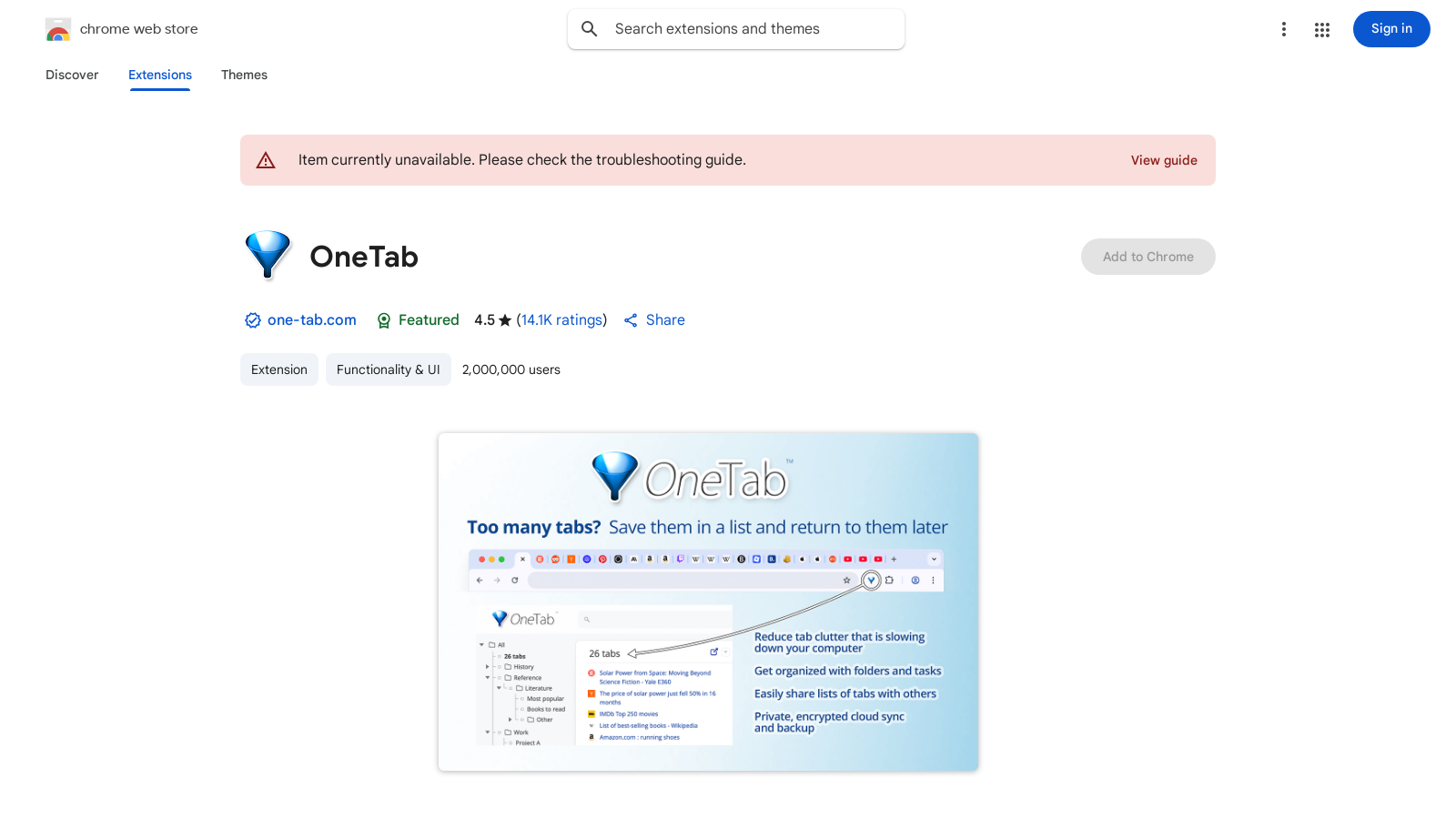
Screenshot of OneTab
What is OneTab?
OneTab is a powerful browser extension designed to help users save memory and reduce tab clutter, especially for those overwhelmed by multiple tabs. With over 2 million users and an impressive rating of 4.5 based on 14.3K ratings, it has become an essential tool for a smoother browsing experience.
At its core, OneTab offers a simple yet effective solution for tab management - users need only to click the OneTab icon when they find their browser filled with too many open tabs. This action converts all open tabs into a single list, allowing for easy access without the significant memory drain associated with having multiple tabs open.
One of the standout benefits of using OneTab is its capability to save up to 95% of your browser's memory. This dramatic reduction happens because the extension manages your tabs by only keeping active those that are necessary, resulting in lower resource consumption. Users on high-performance computers also experience smoother operations, as the heavy memory load from excessive tabs is alleviated.
In today’s digital landscape, privacy is a significant concern for users, and OneTab addresses this by ensuring that tab URLs are never transmitted to the developers or any third party. The only instance where data sharing occurs is if users actively utilize the 'share as a web page' feature, which allows them to upload their list of tabs for sharing purposes.
Beyond memory savings, OneTab enhances overall computer speed by decreasing the CPU load and memory (RAM) usage of the browser. Users have noted that even powerful systems can lag when numerous browser windows are open, making OneTab an invaluable tool in boosting performance.
Features of OneTab
OneTab comes packed with several notable features designed to meet the needs of modern web users. For instance, users can easily export and import tab lists as plain URLs, allowing seamless control over their browsing experience. This feature is particularly useful for sharing among various devices, such as smartphones and tablets.
Additionally, in the event of accidentally closing the OneTab page or if the browser crashes, users will be relieved to know their tabs remain intact. This resilience ensures that crucial links are never lost, providing peace of mind even during technical difficulties.
How to Install
Installation of OneTab is straightforward and quick, taking less than five seconds. Users simply need to click the appropriate link for their specific browser (including Chrome, Firefox, Edge, Safari, and more) and pin the OneTab icon to their browser toolbar for quicker access. This hassle-free installation encourages rapid adoption of this productivity tool.
Troubleshooting
If users encounter loading issues with OneTab, it is recommended to avoid uninstalling and reinstalling the extension, as doing so will remove stored tabs. Instead, most issues can be resolved by quitting and restarting the browser, which helps to maintain the integrity of the tab data.
As of September 2025, a major new version of OneTab has been rolled out, enhancing its functionality even further. It’s important to note that users should not uninstall OneTab to force an upgrade; doing so would result in the loss of existing tab data. With these updates, OneTab continues to lead as an effective utility for managing browser tabs and enhancing productivity while maintaining user privacy.
In summary, OneTab is not just a utility for decluttering your browser. It is a comprehensive solution that intelligently manages browsing habits while safeguarding user privacy. With its easy installation process, memory-saving features, and robust privacy protections, OneTab remains a must-have tool for anyone looking to streamline their online experience.
Pros & Cons
Pros
- Reduces memory usage by up to 95%, improving browser performance.
- Ensures user privacy by not transmitting tab URLs without consent.
- Allows easy export and sharing of tab lists as a web page.
Cons
- There is a risk of losing stored tabs if the extension is uninstalled.
Frequently Asked Questions
OneTab is available at no cost.
According to our latest information, this tool does not seem to have a lifetime deal at the moment, unfortunately.
OneTab is designed with user privacy in mind. It does not transmit or disclose your tab URLs to either the developers or any third parties. The only exception is if you actively use the 'share as a web page' feature, which allows you to share your tabs by uploading them as a web page. Your tabs remain private unless you choose to share them with others.
Yes, using OneTab can significantly improve your computer's performance. Converting open tabs into a list reduces the memory usage by up to 95%. This also reduces the CPU load, making your computer operate more smoothly, especially if you frequently work with multiple browser windows.
Getting started with OneTab is easy. First, install the extension from the Chrome Web Store. After installation, pin the OneTab icon to your browser toolbar to make it easily accessible. When you have too many open tabs, click on the OneTab icon to convert them into a manageable list.
Restoring tabs in OneTab is simple. Once your tabs have been converted into a list, you can restore them individually by clicking on the specific tab, or you can restore all tabs at once by selecting the option provided in the OneTab interface. This makes it convenient to access your previously opened tabs at any time.
Yes, OneTab is compatible with multiple web browsers, including Firefox, Edge, and Safari. This allows users to enjoy its memory-saving features regardless of their preferred browser, making it a versatile tool for improving productivity.
If OneTab fails to load, avoid uninstalling and reinstalling it to prevent losing your stored tabs. Instead, try quitting and restarting your browser, which often resolves loading issues. For persistent problems, consult OneTab's troubleshooting page for more specific guidance.
Yes, OneTab allows you to share your stored tabs through its 'share as a web page' feature. This option enables you to upload your list of tabs publicly as a web page, making it easy to share with others. Just remember, tabs are kept private unless you actively choose to share them.
Yes, uninstalling OneTab poses a risk of losing your stored tabs. If you need to troubleshoot the extension, it's recommended to restart your browser instead of uninstalling it. To preserve your tab data, do not uninstall OneTab casually.