







Pig

AI-powered
API and chat interface for launching and automating Windows apps with computer-use AI
Pig.devOpens in new tabIs this your tool? Claim this page
Claim Your Tool Page
Free to claim • Premium features available
- Verified Badge – Show users your tool is legitimate with a verified checkmark that builds instant credibility.
- Edit Your Profile – Update descriptions, screenshots, pricing, and keep your listing accurate and up-to-date.
- Boost Visibility – Get featured placements, priority listing in categories, and promotional badges to stand out.
- Respond to Reviews – Engage with your users by responding to feedback and building trust with potential customers.
Follow for updates & deals
Get alerts for Pig discounts, feature releases & pricing changes
Similar Tools

Agenta
Open-source workspace for building AI agents and coworkers, self-hosted or in the cloud

Text Generator
OpenAI-compatible API giving access to many AI text, vision and speech models through one endpoint

Runware
One API for image, video, audio, language and 3D AI models, plus serverless and reserved GPUs

Blotato
Social media API and MCP server to create, schedule and publish posts from AI agents and ChatGPT or Claude

Respan
Open-source AI gateway with built-in observability, prompt management and evaluations
Luxand.cloud
Cloud face recognition API for detecting, matching and searching faces in web and mobile apps

Promptmetheus
Prompt engineering IDE for composing, testing and optimizing prompts across 150+ LLMs
Novita AI
AI cloud offering model APIs, agent sandboxes and GPU instances for developers
New Tools

RambleFix
Turns spoken voice notes into polished emails, notes and summaries on web, iPhone and Mac

QuickCreator
AI content team of agents that researches, writes and optimizes SEO articles in your brand voice

Linfo.ai
Summarizes articles, YouTube videos and documents into takeaways, outlines and mind maps

Brain Pod AI
AI platform for writing, images and chat, now evolving into Charigent with AI characters and workflows

AutoBlogging.Pro
Generates SEO-optimized blog articles with GPT models and publishes them to WordPress automatically

Vsub
Turns a script or voiceover into narrated, illustrated faceless videos using your own style template

VideoToPage
Turns YouTube videos, uploads and recordings into blog posts, articles and social posts

Pig Media Gallery
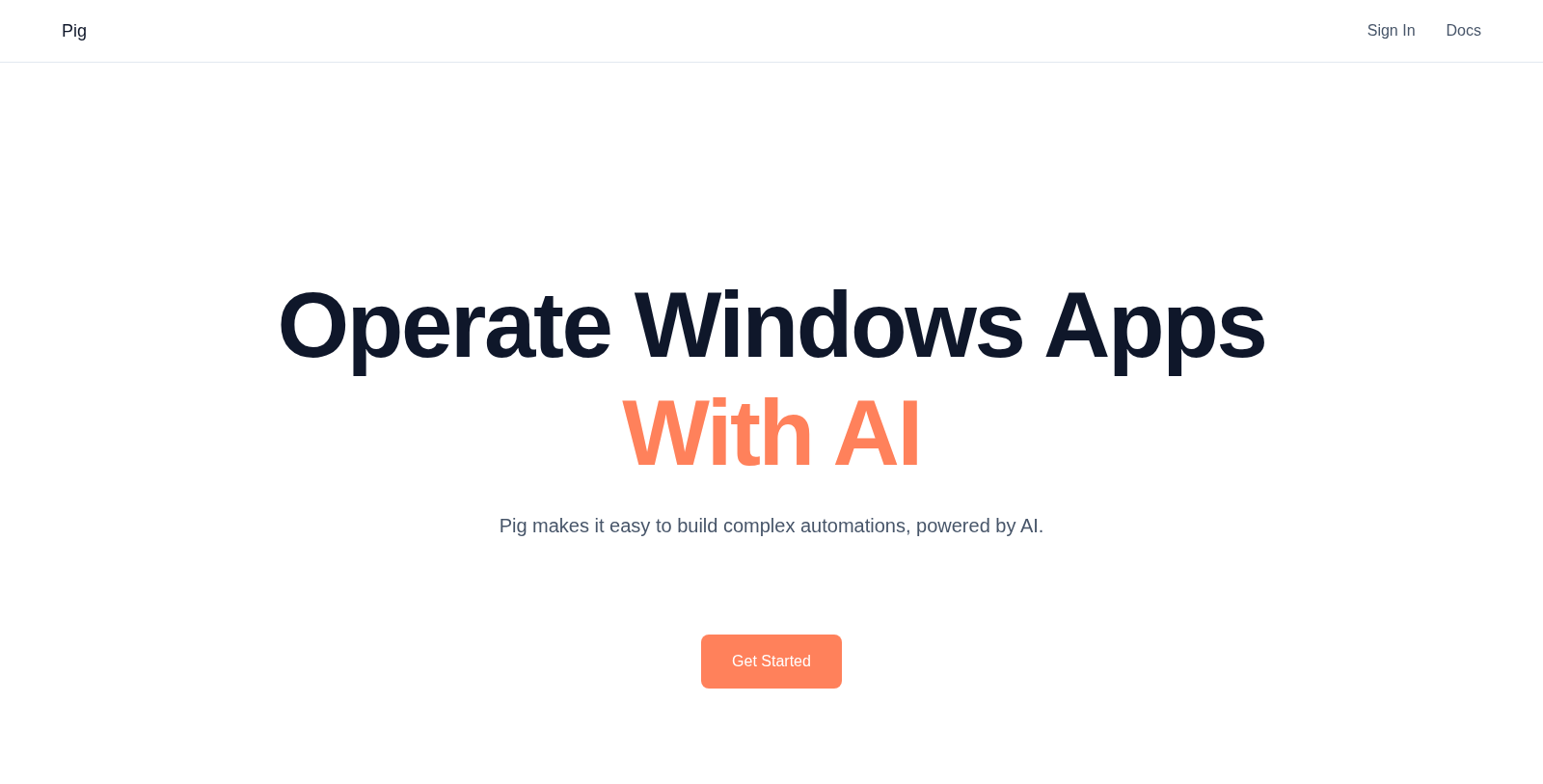
Screenshot of Pig
What is Pig?
Pig is a Windows app automation API that lets AI operate desktop applications. It offers a chat interface where you connect your machines and prototype workflows without writing code, an Agent API that exposes the same computer-use AI, and a low-level SDK for teams that want to build their own agents.
Agents use natural computer tools such as click, type and screenshot to control Windows apps. Automations are self-hosted by default, so you securely subscribe your own machines as workers, and control can be handed to a human operator when a critical step needs oversight.
The site documents a Python client and SDK aimed at developers and AI teams. No pricing page was found at the time of research, so pricing should be checked with the vendor.
Pros & Cons
Pros
- Automations run on self-hosted machines you connect yourself by default.
- The chat interface lets you prototype workflows without writing code.
- An Agent API and a lower-level SDK are available for developers.
Cons
- The available text does not name the specific Windows applications supported.
Frequently Asked Questions
How much does Pig cost?
We have no pricing information available now, so please check the Pig's website.
Does Pig have a lifetime deal?
According to our latest information, this tool does not seem to have a lifetime deal at the moment, unfortunately.
Do Pig automations run on my own computers or on Pig's servers?
Automations are self-hosted by default. You securely subscribe your own machines as workers, so Windows apps run on hardware you control. The chat interface lets you connect those machines and prototype a workflow without writing code. Teams that need more flexibility can use the Agent API or the lower-level SDK to build their own agents on the same setup.
Can a person take over if the AI agent reaches a critical step?
Yes. Control can be handed to a human operator when a critical step needs oversight. Agents work through computer tools such as click, type and screenshot to operate Windows apps. Handover is useful for steps where a person should review what happens before the workflow continues.
Which options does Pig offer for developers who build agents?
Developers can use a Python client and an SDK that the site describes as aimed at developers and AI teams. The Agent API exposes the same computer-use AI found in the chat interface, so your own code can call it. Teams that want full control can use the low-level SDK to build custom agents. Check the official website for current documentation details.
Which Windows applications can Pig automate?
Pig is described as an API for launching and automating Windows apps. The available text does not name specific applications, so check the official website for the current list. Agents use click, type and screenshot actions to control those apps on a machine you have connected to the platform.
Notice: This website uses affiliate links to earn commissions from sales. Please read their ToS when signing up somewhere.