RED

Automates workflows and provides real-time assistance to enhance productivity across various roles.
Red-ai.app
Is this your tool?
Follow for updates & deals
Get alerts for RED discounts, feature releases & pricing changes
Similar Tools

2-b.ai
AI-powered To-Do list that creates tasks directly from web content in your browser.

Nova
An adaptable workspace allowing users to organize ideas with customizable grids and privacy features.

Roo Code
AI assistant for Visual Studio Code that enhances coding, refactoring, and debugging with project-wide context.

Dex
Transform your Chrome browser into an integrated AI workspace for managing tasks and improving workflow.

Komo
Streamlines research by providing instant, reliable answers and organizing data from extensive documents.

RED Media Gallery
What is RED?
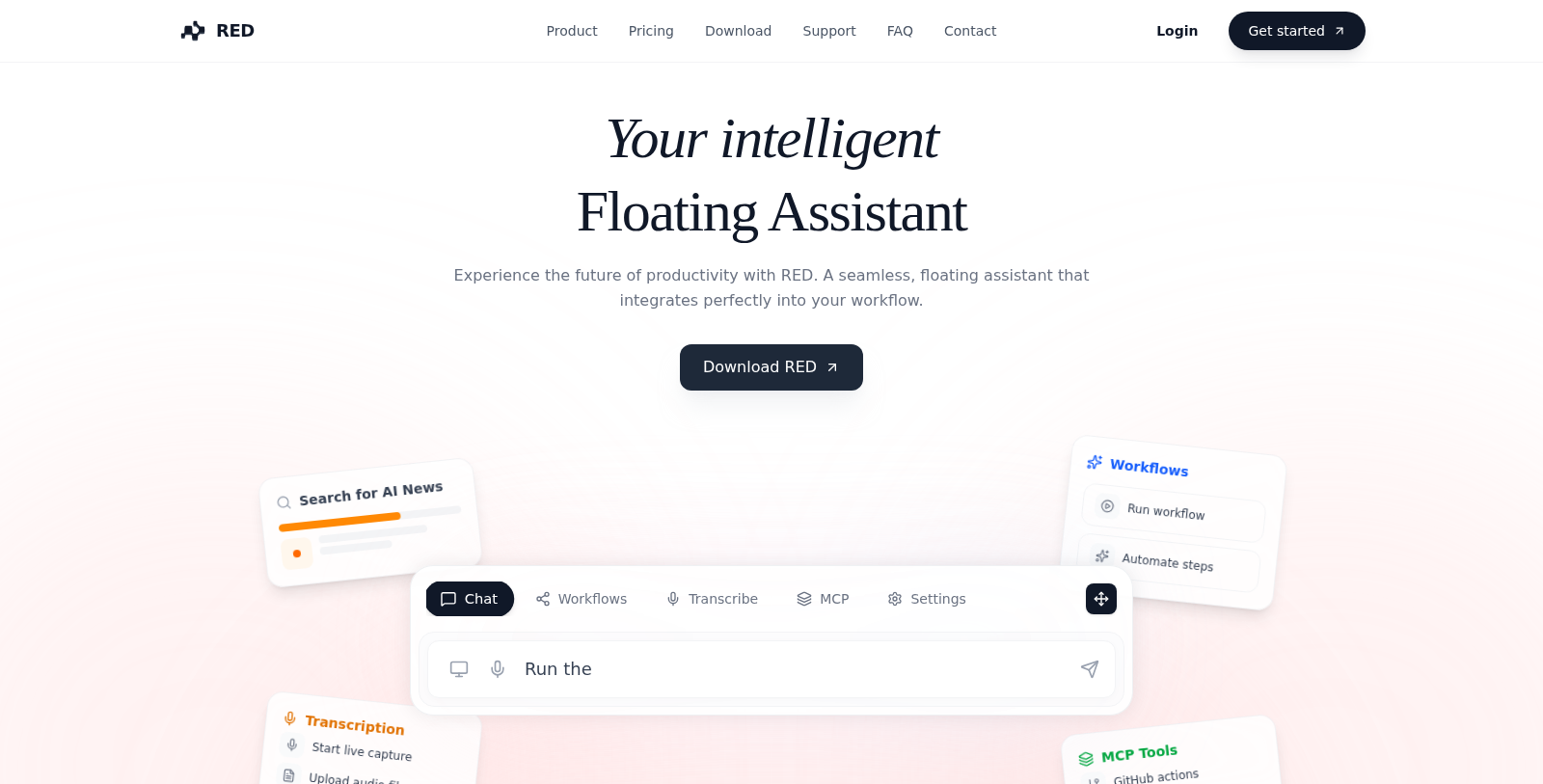
Experience the future of productivity with RED, an intelligent floating assistant designed to integrate seamlessly into your workflow. It offers a wide range of features that can be tailored to meet the needs of various roles, including students, HR teams, business professionals, developers, and creatives. This innovative tool is perfect for anyone looking to enhance their productivity through automation and intelligent assistance.
Features of RED
RED is packed with features aimed at streamlining tasks and improving efficiency:
- Automated Workflows: Trigger complex sequences with a single command, allowing you to orchestrate your tools automatically.
- Live Transcription: Capture meetings in real-time, summarizing and extracting action items so you can focus on the conversation.
- Deep Context (MCP): Connect securely to your local repository, documents, and databases with read-write access, ensuring you have all the information you need at your fingertips.
- Screen Context: RED sees what you see, providing you with instant help based on the applications on your screen.
- Chat with Audio: Ask questions about your meetings and get instant answers and summaries from transcripts, making follow-up easier than ever.
- MCP Ecosystem: Connect to hundreds of tools or build your custom connections, making the capabilities of RED limitless.
Integrations
RED is designed to work with a multitude of platforms, enhancing its utility:
- GitHub: Manage repositories, issues, and pull requests directly from the application.
- Google Drive: Effortlessly search, read, and manage your documents and files.
- Slack: Stay updated with your team by sending messages and managing channels.
- Notion: Access your knowledge base quickly and efficiently.
- Google Calendar: Schedule meetings and check availability using natural language.
Pricing Options
RED offers a straightforward pricing structure to meet users' varied needs:
- Free: Perfect for trying out RED with limited access to chats, basic workflows, and transcription capabilities.
- Super: Targeted at professionals and small teams, featuring everything in Free plus extended features.
- Ultra: Geared for power users and growing teams, includes custom servers and maximum message limits.
Privacy and Security
RED emphasizes privacy with its architecture, ensuring that personal data processing happens locally as much as possible. Any data transmission to the cloud is end-to-end encrypted. RED does not train its models on private data without explicit consent, allowing users peace of mind.
Conclusion
Ready to transform your workflow? Join the thousands of developers and professionals who rely on RED to reclaim their time and focus on what really matters.
Frequently Asked Questions
RED is free to start, with paid plans from 0 to 0 USD per month.
According to our latest information, this tool does not seem to have a lifetime deal at the moment, unfortunately.
RED is designed for content creators and marketers who want to optimize their writing processes. It can be used to generate content ideas, enhance existing text, and automate repetitive writing tasks. Whether you're crafting blog posts, social media updates, or marketing copy, RED streamlines these processes to increase efficiency and creativity.
With RED, you can create various types of content, including articles, social media posts, marketing emails, and product descriptions. The tool is versatile and adaptable to different content formats, making it suitable for bloggers, businesses, and digital marketers looking to enhance their content strategy.
While specific integrations are not detailed on the website, RED is designed to work seamlessly with a variety of content management systems and marketing platforms. For specific integration options, consult the official documentation or contact support for more details.
RED is a web-based application, meaning you can access it from any device with an internet connection and a compatible web browser. For optimal performance, use the latest versions of browsers such as Chrome, Firefox, or Safari. Ensure you have a stable internet connection to enjoy uninterrupted service.
To make the most of RED, utilize its content generation and enhancement tools. Start by entering your ideas or prompts into the platform, and RED will suggest improvements or expansions. Regularly experimenting with different content prompts can help you uncover unique angles and insights that enhance your writing quality.
Yes, RED offers support for users encountering issues. You can typically reach out via a dedicated support page or help center on their website. It's recommended to check the knowledge base or FAQ for common questions and troubleshooting steps.
Since RED is a web-based tool, it is accessible on mobile devices, provided you have an internet connection and a modern web browser. This enables users to create and manage content on the go, making it convenient for busy professionals who need to stay productive outside the office.
If RED does not fully meet your content creation needs, consider exploring alternative tools. There are many options available, each offering different features, such as specialized writing assistants or platforms focused on SEO. Evaluate your specific requirements and compare features before choosing an alternative.