Roo Code

AI assistant for Visual Studio Code that enhances coding, refactoring, and debugging with project-wide context.
Roocode.com
Is this your tool?
Follow for updates & deals
Get alerts for Roo Code discounts, feature releases & pricing changes
Similar Tools

Zencoder
Automates coding tasks and enhances collaboration for developers with customizable AI agents.

Factory
AI platform that automates software development tasks, speeding up coding, documentation, and incident response.

Tabnine
AI tool that provides contextual code suggestions to enhance software development workflows.

Continue
Open-source AI code assistant for customizable autocomplete and dynamic coding interactions.

Claude Code
AI tool that enhances coding efficiency by searching codebases and streamlining debugging within IDEs.

Roo Code Media Gallery

Roo Code (review) video
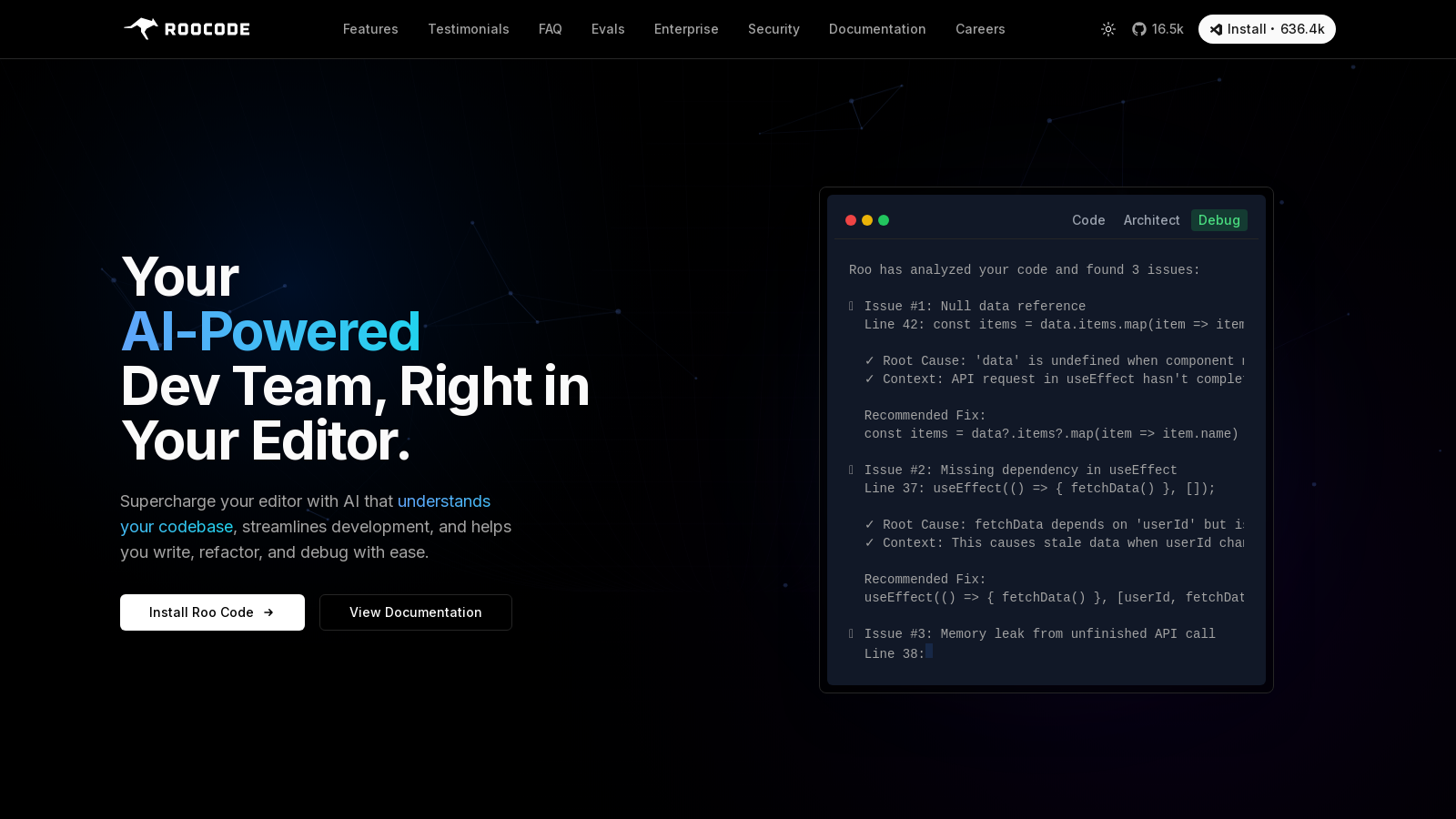
Screenshot of Roo Code
What is Roo Code?
Roo Code is an innovative open-source, AI-powered coding assistant designed to seamlessly integrate into Visual Studio Code. This advanced tool places a virtual team of intelligent AI assistants right in your code editor, empowering developers to dramatically enhance their coding experience. With Roo Code, you are equipped to write, refactor, and debug code efficiently using sophisticated capabilities, all from a single user-friendly interface.
Powerful AI Features
Roo Code enhances the development process with a wide array of powerful features. It excels at deep project-wide context understanding, generating code that comprehends the relationships across an entire codebase, rather than just handling isolated files. This functionality ensures that complex refactoring tasks and multi-file edits are executed smoothly and effectively, streamlining the development process significantly. The tool supports multiple specialized modes, allowing users to switch between tasks such as coding, debugging, architecture proposals, and documentation generation, maximizing productivity without disrupting workflow.
Customization and Flexibility
Being open-source and model-agnostic, Roo Code offers unparalleled flexibility. Developers can integrate their preferred AI models—from renowned providers like OpenAI, Anthropic, and Google’s Gemini, to even local models—thereby allowing for increased personalization based on specific project requirements. This model flexibility eliminates the risk of vendor lock-in, making Roo Code a preferred choice for teams looking to customize their development tools.
Moreover, Roo Code is built with user privacy as a priority. Operating as an extension within VS Code means that your code generally remains on your local machine, with data only sent to external AI APIs when necessary. Users can utilize the .rooignore tool to exclude sensitive files or opt for local models to ensure complete privacy.
Enterprise Solutions
For enterprises seeking comprehensive control over their AI coding initiatives, Roo Code offers an enterprise solution known as Roo Code Cloud. This platform provides centralized management for Roo Code instances across various teams, real-time visibility of usage, and stringent enforcement of AI governance policies. Enterprises benefit from tracking token consumption, implementing robust security measures, and ensuring compliance without sacrificing developers’ productivity.
Roo Code empowers teams not just to expedite coding tasks but also to enhance the quality and precision of their software development workflows. Users frequently report substantial time savings, allowing them to complete projects in record times. The autonomous capabilities of Roo Code Cloud allow tasks to be kicked off from platforms like GitHub or Slack, transforming the development process into a cohesive, integrated workflow.
Community and Collaboration
As an open-source project, Roo Code draws significant strength from community contributions. Users are encouraged to share custom modes and innovative project ideas, fostering a rich environment for collaboration and innovation among developers. The dedicated community sections within Roo Code documentation highlight user-generated modes, amplifying the tool’s power and personalization. From specialized testing to intricate architectural planning, community members actively contribute to enhancing the Roo Code ecosystem.
From individual developers embarking on their coding journey to seasoned professionals, Roo Code delivers value across the board. Its intuitive user interface, combined with cutting-edge AI capabilities, opens the door to a new realm of software development possibilities. Experience the transformation in your coding workflow today with Roo Code, the all-in-one AI coding assistant designed for modern development needs!
Pros & Cons
Pros
- Integrates a full AI dev team directly into VS Code for seamless coding assistance.
- Offers deep project-wide context, allowing multi-file edits and holistic changes.
- Completely open-source and model-agnostic, enabling custom integrations without vendor lock-in.
Frequently Asked Questions
Roo Code is available at no cost.
According to our latest information, this tool does not seem to have a lifetime deal at the moment, unfortunately.
Roo Code features multiple specialized modes tailored to different development scenarios. These include Code Mode for general coding tasks, Architect Mode for planning and technical leadership, Ask Mode for answering questions about your codebase, Debug Mode for systematic problem diagnosis, and Orchestrator Mode for managing complex tasks. Additionally, you can create custom modes to fit specific needs, such as security audits or documentation, allowing you to adapt Roo Code to any project requirement.
To get started with Roo Code, install it from the VS Code Marketplace or directly through GitHub. After installation, you'll need to connect your chosen AI models by adding your API keys within the extension settings. Once that's done, open the Roo panel in VS Code by clicking the rocket icon, and you can begin issuing commands in plain English. For detailed guidance, you can refer to the official documentation.
Yes, Roo Code is designed to manage large enterprise-scale projects efficiently. It employs strategies like partial-file analysis and user-defined context to handle extensive codebases effectively. Additionally, businesses have the option to self-host models, ensuring compliance and meeting security needs. This makes Roo Code a robust choice for organizations looking to integrate AI into their development workflows.
Roo Code offers extensive customization capabilities to enhance your development experience. You can create personalized instructions, define custom modes for specialized tasks, and utilize local models for offline functionality. Furthermore, there's an auto-approval setting for streamlined workflows. This level of customization enables Roo Code to function precisely as needed, making it adaptable to various project requirements.
Roo Code prioritizes user privacy by operating as a local VS Code extension, meaning your code remains on your machine unless you choose to connect with an external AI API. You have complete control over what information is shared. Additionally, tools like .rooignore can be used to exclude sensitive files from being processed, and the option to run local or offline models further enhances security.
Roo Code has an active community that can provide support and resources. Users can join the Roo Code Discord server for real-time help and discussions, visit the subreddit for sharing experiences, or contribute to GitHub by reporting issues and suggesting features. Furthermore, tutorial videos and detailed documentation are available to help users maximize their experience with Roo Code.
Roo Code is model-agnostic, meaning it can work with a variety of AI models, including OpenAI's GPT series, Anthropic's Claude, and even local LLMs through APIs. This flexibility enables users to select the most suitable model for their needs, ensuring that Roo Code can be adapted as new models are developed, thereby enhancing its capabilities over time.
Absolutely! One of the powerful features of Roo Code is its ability to execute commands and run tests automatically. With your permission, Roo Code can handle tasks such as running npm installs, executing test suites, and opening a web browser for integration tests, which helps streamline your development workflow and reduce manual overhead.