Sharly AI

AI research assistant that summarizes, compares and cites documents with source-backed answers
Sharly.ai
Is this your tool?
Follow for updates & deals
Get alerts for Sharly AI discounts, feature releases & pricing changes
Similar Tools

Socrat
Personalizes learning experiences for educators and students with customizable tools and real-time feedback.

HARPA AI
Chrome extension that adds AI chat, page summaries and web automation to any site

Perfect Essay Writer
Generate high-quality essays quickly by inputting your topic and requirements.

Blackbox
Utilizes multiple AI agents for parallel coding, debugging, and automation tasks for developers.

Androidify
Design personalized Android bots using images or prompts with AI-driven customization features.

Sharly AI Media Gallery
What is Sharly AI?
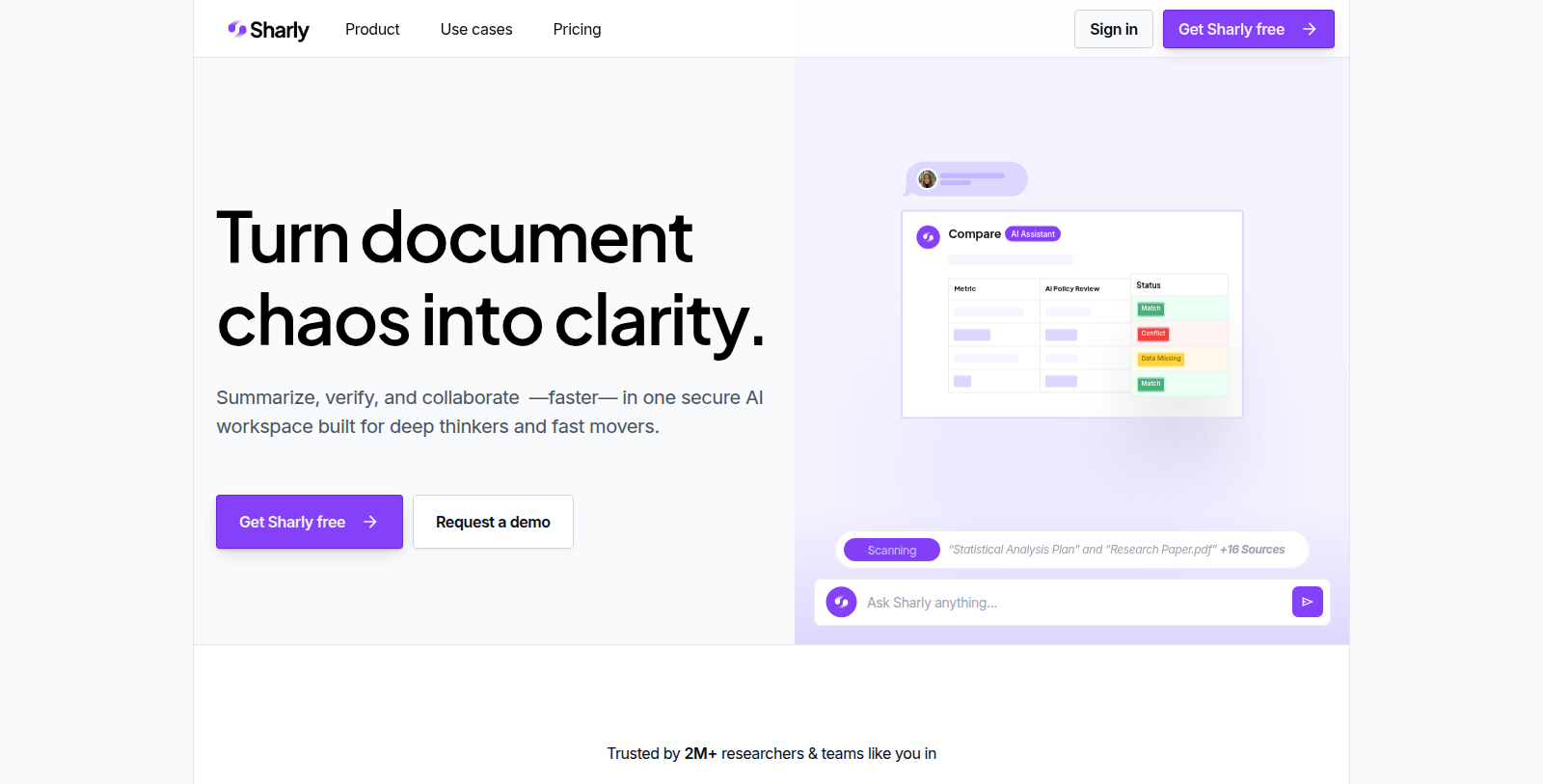
Sharly AI is an AI workspace for working with documents. Users upload files such as PDF, DOCX or Notion content and get summaries, key insights and answers to questions, with each insight linked back to its source.
Citations can be produced in APA, MLA and Chicago formats, and users can hover or click to verify a claim against the original. Teams can share documents, leave inline feedback and annotate together.
Sharly is aimed at researchers, analysts and labs. The Free plan allows 5 documents per day, Pro adds unlimited uploads and reasoning capabilities, Team adds shared annotations for up to 100 seats, and Business adds SSO, audit logs and private deployments.
The site says it is trusted by more than 2 million researchers and teams, which is the vendor's own claim.
Pros & Cons
Pros
- Links each summarized insight back to its source so claims can be checked against the original.
- Generates citations in APA, MLA and Chicago formats for referencing research material.
Cons
- Its figure of more than 2 million researchers and teams is the vendor's own claim.
Frequently Asked Questions
Sharly AI is free to start, with paid plans from 12.5 to 24 USD per month.
According to our latest information, this tool does not seem to have a lifetime deal at the moment, unfortunately.
Sharly AI is aimed at researchers, analysts and labs that work through large volumes of documents. Individuals and teams upload files such as PDF, DOCX or Notion content and get summaries, key insights and answers to questions. It is built to turn complex material into clear, source-backed insights.
Every insight in Sharly AI links back to its source, and you can hover or click to check a claim against the original text. Citations can be generated in APA, MLA and Chicago formats, which helps when you reference material in academic or professional writing. Verifying claims this way keeps your research grounded.
Yes. Teams can share documents, leave inline feedback and annotate together, according to the listing. Shared annotations are part of the Team tier, which covers up to 100 seats. Organizations with stricter requirements can look at the Business tier, which adds SSO, audit logs and private deployments.
The listing names PDF, DOCX and Notion content as supported inputs. Once uploaded, documents produce summaries, insights and answers tied to the source material. The listing does not give a complete list of formats or size limits, so check the official website for current file support before uploading large or unusual documents.