Spike

Email management tool that organizes messages like a chat for improved collaboration and productivity.
Spikenow.com
Is this your tool?
Follow for updates & deals
Get alerts for Spike discounts, feature releases & pricing changes
Similar Tools

Filo
Organizes emails by summarizing threads and filtering low-priority messages for better productivity.

Otter
Automates transcription and summarizes key points during meetings and conversations.

Auron
Transforms your desktop into a smart assistant that manages tasks through natural language interaction.

Conversica
Automates customer engagement and lead nurturing through intelligent conversations

Comet
An AI-integrated browser that assists with tasks and enhances productivity while you browse.

Spike Media Gallery

Spike (review) video
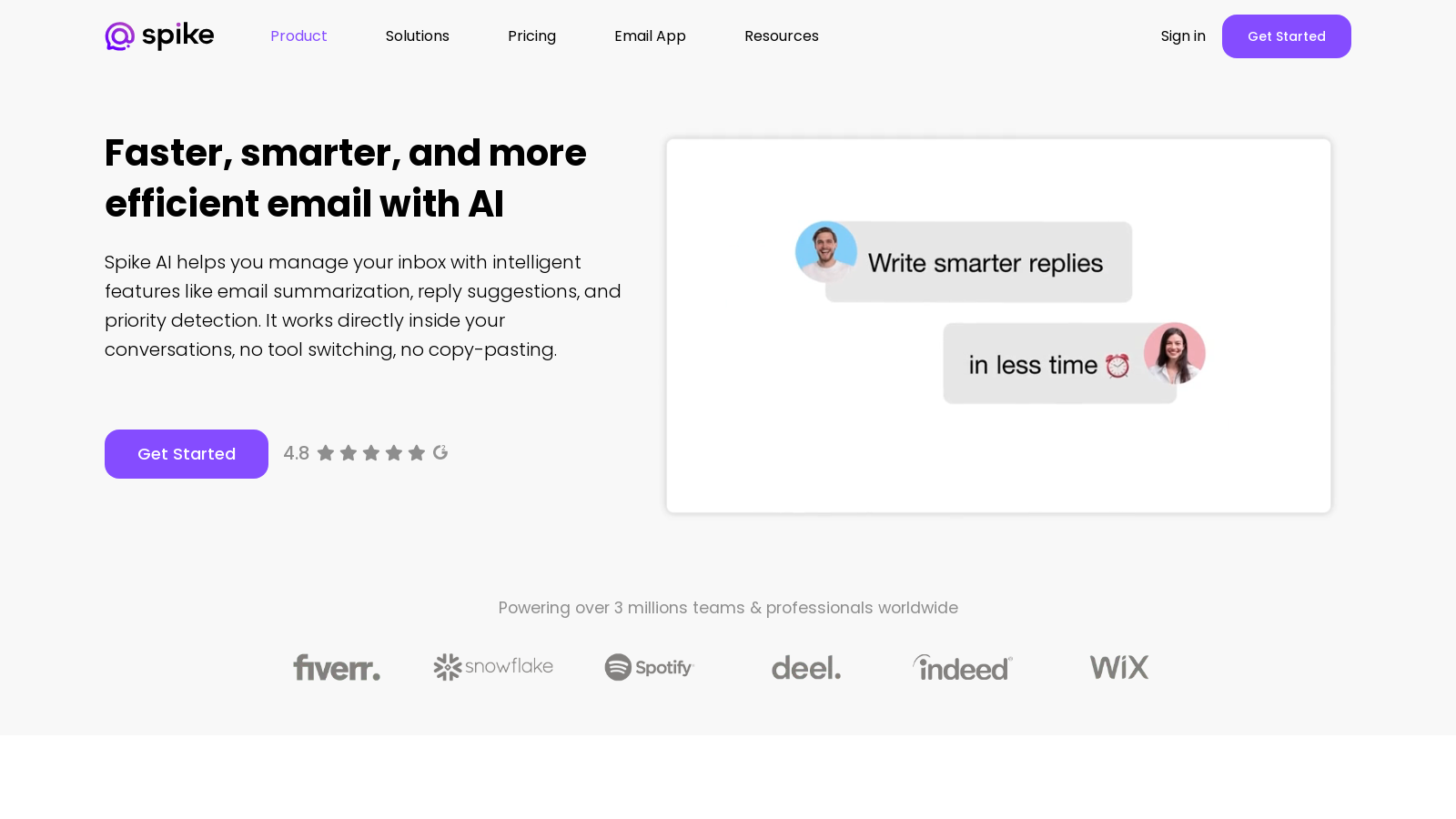
Screenshot of Spike
What is Spike?
Spike is a revolutionary email platform that transforms traditional email communication into a seamless chat-like experience. With its powerful AI integration, Spike enhances productivity by streamlining the way you manage your inbox, enabling faster email responses, summarization, and prioritization of threads. In a world where efficient communication is key to success, Spike stands out by offering a unified workspace where teams can converse, collaborate, and access all essential tools without the need to switch between multiple applications.
One of the core problems with traditional email communication is its fragmented nature. Emails are often lost in long threads that can become cumbersome and confusing. Spike addresses this by presenting emails in a flowing chronological order, allowing users to grasp the conversation context at a glance. This evolution in design minimizes cognitive load and improves clarity for users, fostering better collaboration within teams.
AI-Powered Features
Spike leverages AI to enhance productivity and streamline daily tasks. The AI tools integrated into Spike include:
- Magic Reply: Automatically generates context-aware replies, allowing users to respond quickly without losing touch with the conversation thread.
- Magic Summarize: Quickly condenses lengthy email threads, making it easy to catch up on key points and updates without reading through every message.
- Magic Compose: Draft full responses with one click, using the thread's context to ensure messages are clear and relevant.
- Your Personal AI Assistant: An integrated AI bot is available for users to ask questions, generate content, and receive suggestions tailored to their needs.
- AI-Powered Inbox: Manage your inbox with an AI-powered feed that lets you preview summaries, act instantly, archive, mark as read, or respond directly from the feed.
Streamlined Workflow
Spike is designed not only for individual users but also for entire teams, making it ideal for organizations looking to enhance communication and collaboration. Features such as shared inboxes, video calling, and collaborative document editing are incorporated into the platform. This holistic approach enables seamless management of tasks and communication all in one place.
Moreover, Spike's unified platform reduces the need for multiple communication tools, helping teams stay organized and connected. By replacing various applications with a single interface, Spike allows users to focus on their work without the constant interruptions caused by switching tools.
User-Friendly Experience
The platform is intuitively built, catering to users of all technological backgrounds. Familiarity with traditional email systems facilitates a smooth transition, and the added functionality of AI tools further enhances their usability. Spike is accessible across devices, ensuring users can stay productive whether on their desktop or mobile devices.
Emphasis on Security
Recognizing the importance of data privacy and security, Spike employs robust measures to protect user information. With end-to-end encryption and stringent data handling protocols, users can communicate with confidence, knowing their information is protected from unauthorized access.
The Future of Email Evolution
Email had to evolve, and Spike leads the way by rethinking communication structures. Rather than managing clutter through optimized search functions or advanced AI tools, Spike eliminates the clutter altogether. The chat-like email format maintains the context and flow of conversations, ensuring that decisions and discussions are easily traceable. This transformation not only enhances personal productivity but also empowers teams to collaborate more effectively.
In summary, Spike sets a new standard for email communication by integrating AI capabilities and a user-centric design to foster collaboration and enhance productivity. Its focus on transforming traditional email into a flowing, conversational format paves the way for more efficient work environments.
Pros & Cons
Pros
- AI-powered features streamline inbox management with summaries, replies, and prioritization.
- Conversational email design groups messages in a single timeline for easier comprehension.
- Centralized platform integrates email, chat, and meetings, reducing the need for multiple apps.
Cons
- Transitioning from traditional email interfaces may present an adjustment period for users.
Frequently Asked Questions
Spike is available at no cost.
According to our latest information, this tool does not seem to have a lifetime deal at the moment, unfortunately.
Spike AI transforms your email experience by providing features like email summarization, context-aware reply suggestions, and priority detection. This means you can quickly catch up on lengthy email threads without sifting through every message, draft replies in seconds using smart context, and focus on essential communications, making your email management faster and more efficient.
Yes, Spike AI is designed to be accessible across various platforms. It supports Windows, macOS, Android, and iOS, allowing you to manage your email and communications seamlessly from any device. Your messages will sync across all devices in real-time, ensuring you have access to your inbox wherever you are.
The 'Magic Reply' feature uses AI to generate context-aware responses to your emails. By analyzing the thread context, Spike can suggest replies that are relevant and tailored to the conversation. This feature not only saves time but also ensures your replies are coherent and polished, helping you maintain professional communication.
Yes! Spike includes a unique unsend feature that allows you to retract an email after sending it. This is particularly useful if you accidentally send an email too soon or to the wrong recipient. You can unsend your emails across various platforms, including Gmail, Outlook, and Yahoo, giving you peace of mind after hitting 'send.'
Spike AI offers tools for content generation through features such as AI notes and content creation. You can turn ideas into polished emails, blog posts, meeting summaries, and other written content efficiently. By simply providing a prompt, Spike AI helps you draft and refine your content quickly, enhancing your productivity.
Spike integrates with various email providers and productivity tools to centralize your communications. You can connect your existing email accounts, such as Gmail, Outlook, and Yahoo, and utilize built-in tools for collaborative notes, tasks, and video meetings. This integration minimizes the need to switch between multiple applications, streamlining your workflow.
While Spike AI offers numerous productivity features, users should be aware that it may take some time to adjust to its conversational email format if they are accustomed to traditional email clients. Additionally, while Spike integrates with various email platforms, some third-party integrations may be more limited compared to established players like Microsoft Outlook.
Getting started with Spike AI is easy! You can sign up for a free account on the Spike website and download the app for your preferred device. Once registered, you can integrate your existing email accounts, explore features like Magic Compose and Magic Summarize, and start managing your email and communications more efficiently.