Steve AI

AI video maker that turns text, audio, blogs or prompts into animated or live-action videos
Steve.ai
Is this your tool?
Follow for updates & deals
Get alerts for Steve AI discounts, feature releases & pricing changes
Similar Tools

Sora
Convert text and images into engaging videos with customizable styles and AI-enhanced features.

genmo
Create realistic videos from text prompts using an open-source video generation model.

Runway
Create and edit videos using AI-driven tools for text-to-video, background removal, and collaborative projects.

Dreamlux
Generate high-quality videos from text and images without watermarks using an easy-to-use AI platform.

Kaiber
Generate unique audio-visual content by transforming text prompts into animations and music-driven visuals.

Steve AI Media Gallery
What is Steve AI?
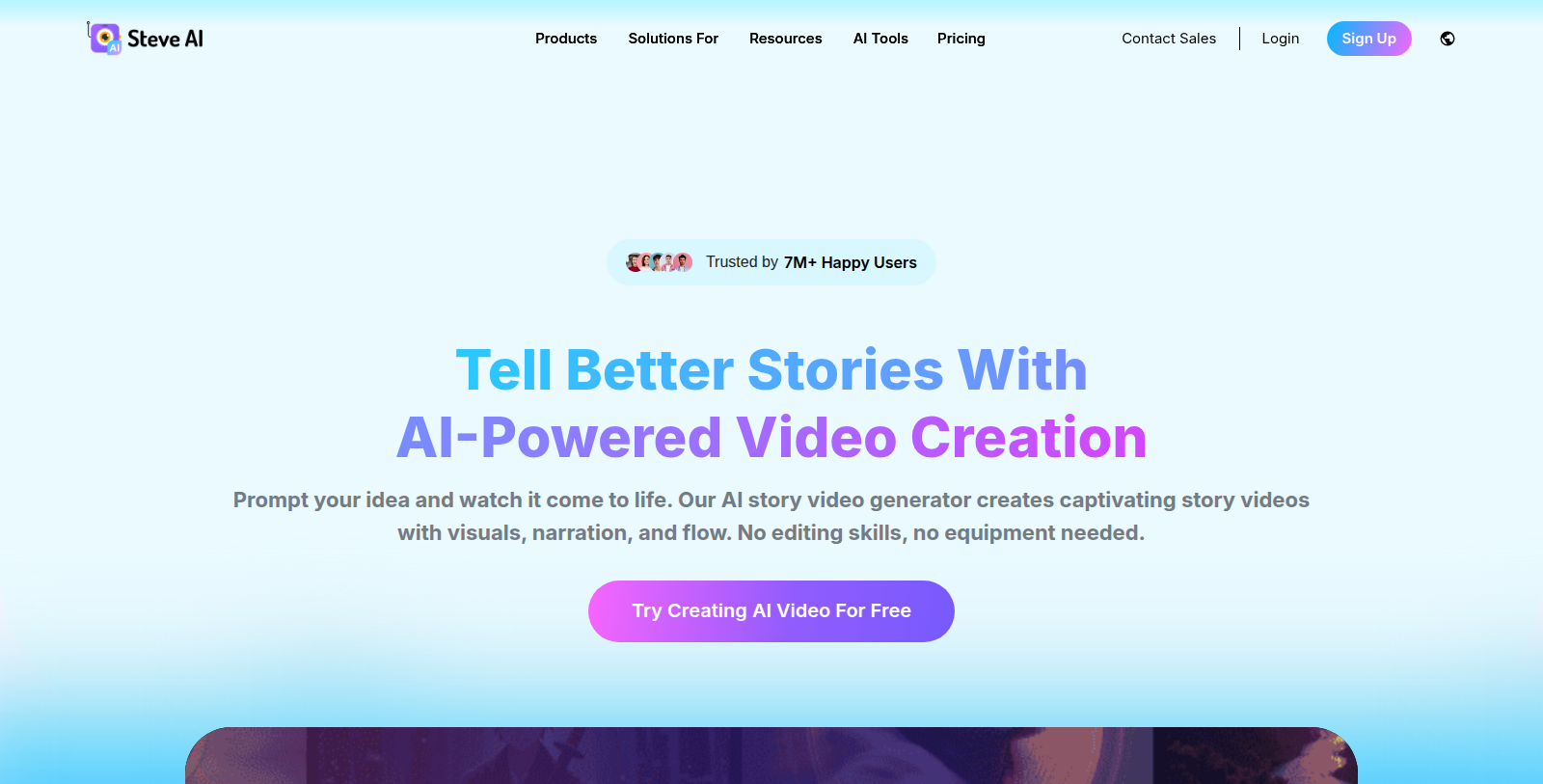
Steve AI is an online AI video maker. Users can go from a prompt, script, audio file, image or blog post to a finished video with visuals, narration and flow, without editing skills or equipment.
The site describes support for several output styles, including animation, generative AI and live-action videos, and an advanced prompter that builds a script from a short idea. Use cases listed include social media, ads, YouTube channels, training and L&D content, and kids' storybooks. An iOS app is also available.
The company says it is trusted by more than 7 million users and holds patents, which are its own claims. Users can start free. Paid plans are shown at $60 per month billed monthly or $45 per month billed yearly for the Starter plan, with extra video downloads at $5 per export.
Pros & Cons
Pros
- Turns prompts, scripts, audio, images and blog posts into finished videos.
- Offers animated, generative AI and live-action video styles.
- Includes an iOS app alongside the online video maker.
Cons
- User numbers and patent claims are self-reported and not independently verified.
Frequently Asked Questions
Steve AI is free to start, with paid plans from 45 to 0 USD per month.
According to our latest information, this tool does not seem to have a lifetime deal at the moment, unfortunately.
Steve AI converts prompts, scripts, audio files, images and blog posts into finished videos. The site describes animated, generative AI and live-action styles. An advanced prompter can also build a script from a short idea, so narration and visuals come together without editing skills or equipment.
The site lists social media, ads, YouTube channels, training and learning-and-development content, and kids' storybooks as use cases. It is aimed at people who need video without editing experience or equipment. Teams with existing blog posts or scripts may find it useful for turning that text into video.
An iOS app is available according to the site. The main product is an online video maker, so the web version is the primary way to create videos. Check the official website for the current list of supported platforms and app features before planning your workflow around mobile use.
You can start from a prompt, a script, an audio file, an image or a blog post. The platform then produces visuals, narration and flow for the finished video. The listing does not list every supported file format, so check the official website for details on accepted inputs and export limits.
The company says it is trusted by more than 7 million users and holds patents. These figures are the company's own claims and were not independently verified for this listing. Check the official website for current numbers and details about its patents before relying on them.