Studio.Design

No-code website builder for portfolios, landing pages and other sites
Studio.design
Is this your tool?
Follow for updates & deals
Get alerts for Studio.Design discounts, feature releases & pricing changes
Similar Tools

Sketchflow
Generate web and app designs with AI-powered code from your ideas and input images.

Framer
Easily design and launch custom websites with no coding required.

iipmaps
Easily create custom data maps with a user-friendly drag-and-drop interface.

Modul.page
Design and customize presentations quickly with pre-defined blocks and easy style adjustments.
Visily
Create wireframes and prototypes with AI-assisted design tools for collaborative user interface projects.

Studio.Design Media Gallery
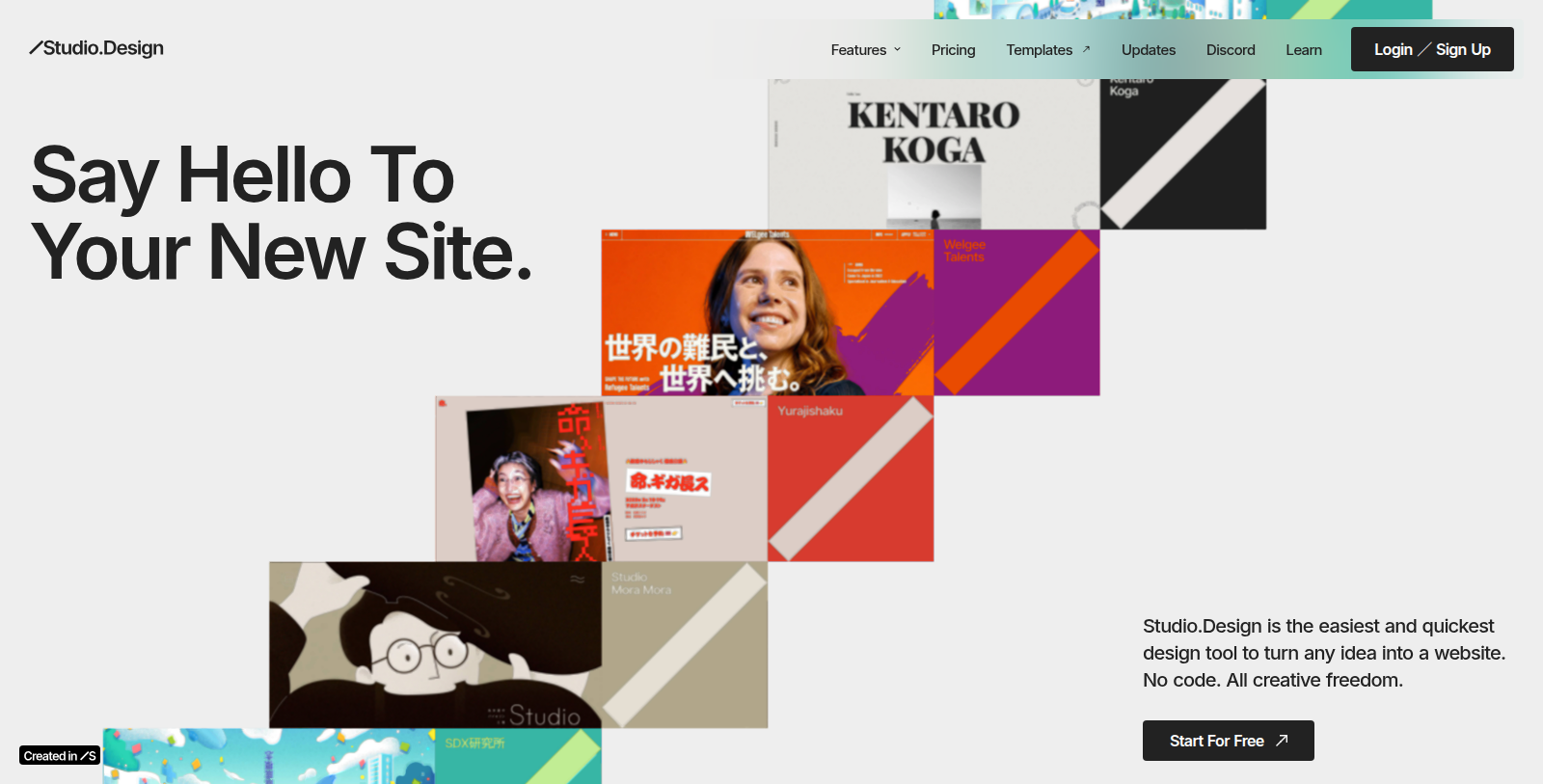
What is Studio.Design?
Studio.Design is a design tool that lets people build websites without writing code. The site describes it as the quickest way to create a portfolio website, landing page or similar page while keeping creative freedom over the design.
The product offers a feature overview, a template library, regular update notes, a Discord community and learning resources. Users can sign up and start for free, and paid plans are listed on a separate pricing page.
It is suited to designers, freelancers and small teams who want to publish a custom-looking site without a developer. The homepage does not describe specific AI features, so the AI aspect is unclear.
Further resources on the site include a Discord community, template examples and learning material for new users.
Pros & Cons
Pros
- Lets you build a custom-looking website in the browser without writing code.
- Includes a template library, learning resources and a Discord community.
Cons
- The homepage does not describe specific AI features, so AI capabilities are unclear.
Frequently Asked Questions
Studio.Design is free to start, with paid plans from 0 to 0 Unknown per Translation not found for 'time_period_unknown'.
According to our latest information, this tool does not seem to have a lifetime deal at the moment, unfortunately.
Studio.Design is a no-code design tool that runs in the browser. You design your site visually without writing code. The site describes it as a quick way to create a portfolio website or landing page while keeping creative control over the design. A template library gives you a starting point for new projects.
The site positions Studio.Design for designers, freelancers and small teams who want to publish a custom-looking site without a developer. Portfolios and landing pages are the main examples the listing mentions. The tool suits people who want to control the look of their site directly rather than hand the work to someone else.
Yes. The site lists learning resources for new users, a Discord community, template examples and regular update notes. A feature overview also summarizes what the tool can do. These resources are a good place to find guidance and see how other people use the editor before starting your own project.
The homepage does not describe specific AI features, so the role of AI in the product is unclear from the listing text. If AI-assisted design matters for your project, check the official feature overview and update notes before you start building on the platform.
You can sign up directly on the Studio.Design website and begin with the available starter option. Paid plans are listed on a separate pricing page, which is the best source for current plan details. If you run into questions while getting started, the Discord community is a useful place to ask other users.