







Tabbit

AI-powered
AI-native desktop browser with page chat, agent task automation, custom skills and tab organization
Tabbit.aiOpens in new tabIs this your tool? Claim this page
Claim Your Tool Page
Free to claim • Premium features available
- Verified Badge – Show users your tool is legitimate with a verified checkmark that builds instant credibility.
- Edit Your Profile – Update descriptions, screenshots, pricing, and keep your listing accurate and up-to-date.
- Boost Visibility – Get featured placements, priority listing in categories, and promotional badges to stand out.
- Respond to Reviews – Engage with your users by responding to feedback and building trust with potential customers.
Follow for updates & deals
Get alerts for Tabbit discounts, feature releases & pricing changes
Similar Tools

Text Generator
OpenAI-compatible API giving access to many AI text, vision and speech models through one endpoint

ZeroTwo
AI agent that plans a goal, works across your files, apps and the web, and returns finished work

Kroolo
AI workspace for projects, docs, chat and enterprise search with role-based AI agents

Cedric
AI employee that lives in Slack, Telegram or Discord, joins meetings and does work across your tools

Ajelix
Agentic AI chat for work that turns spreadsheets and business data into reports and results

todo.is
Personal AI agent in WhatsApp, Telegram or Slack that carries out to-dos you text it

Bika.ai
AI organizer that combines agents, automations, databases, dashboards and documents in one workspace

MindPal
No-code platform to turn your expertise into AI agents and multi-agent workflows for clients
New Tools

RambleFix
Turns spoken voice notes into polished emails, notes and summaries on web, iPhone and Mac

QuickCreator
AI content team of agents that researches, writes and optimizes SEO articles in your brand voice

Linfo.ai
Summarizes articles, YouTube videos and documents into takeaways, outlines and mind maps

Brain Pod AI
AI platform for writing, images and chat, now evolving into Charigent with AI characters and workflows

AutoBlogging.Pro
Generates SEO-optimized blog articles with GPT models and publishes them to WordPress automatically

Vsub
Turns a script or voiceover into narrated, illustrated faceless videos using your own style template

VideoToPage
Turns YouTube videos, uploads and recordings into blog posts, articles and social posts

Tabbit Media Gallery
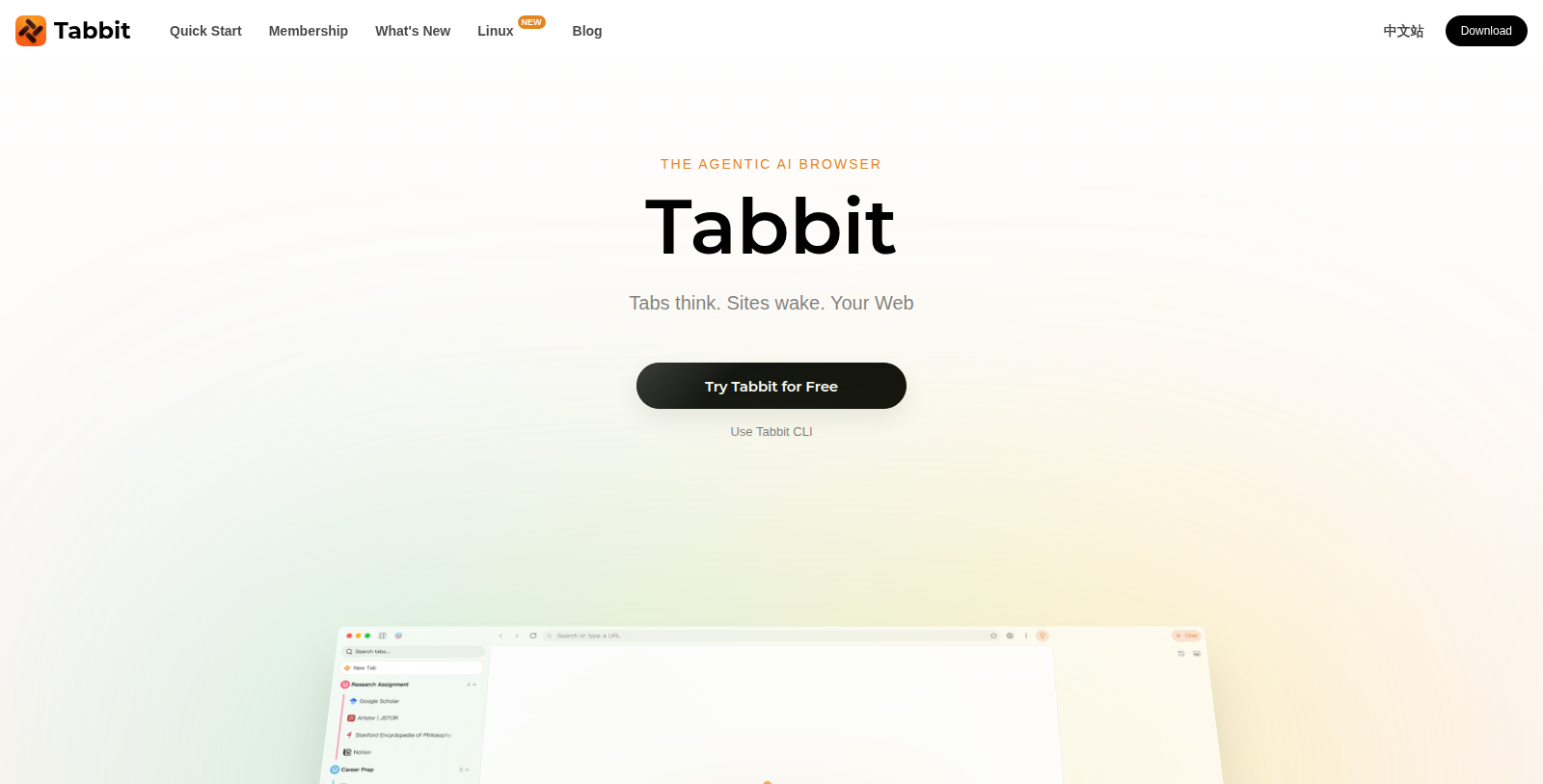
Screenshot of Tabbit
What is Tabbit?
Tabbit is an AI-native browser that uses the context of your open tabs, files, screenshots and highlights. You can chat with webpages, run an agent that reads, plans and executes tasks, and build custom Skills.
It lets you choose among several AI models from different providers, and also offers features such as vertical tabs, translation, smart tab grouping, memory and synced favorites. A command-line tool, Tabbit CLI, is mentioned too.
Downloads are listed for macOS and Windows, with a Linux version marked as new. There is a free tier, and a Pro plan at US$30 per month adds higher usage and access to top models.
It is aimed at people who spend much of their work in the browser and want an AI assistant built into it.
Pros & Cons
Pros
- Chat with webpages and run an agent that reads, plans and executes tasks.
- Lets you choose among several AI models from different providers.
Cons
Frequently Asked Questions
How much does Tabbit cost?
Tabbit is available at no cost.
Does Tabbit have a lifetime deal?
According to our latest information, this tool does not seem to have a lifetime deal at the moment, unfortunately.
What context does Tabbit use while I work?
Tabbit draws on the context of your open tabs, files, screenshots and highlights. You can chat with webpages, and an agent can read, plan and carry out tasks for you. You can also build custom Skills to repeat the workflows you use most, which saves setup time over the long run.
Which operating systems does Tabbit support?
Downloads are listed for macOS and Windows, and the site marks a Linux version as new. Tabbit lets you choose among several AI models from different providers, so you can pick the model that suits each task. Confirm current platform availability on the official website.
Which browsing features does Tabbit offer?
Features include vertical tabs, page translation, smart tab grouping, memory and synced favorites. A command-line tool called Tabbit CLI is also mentioned on the site, although its details are not described in the listing text, so check the vendor's documentation before relying on it.
Who gets the most value from Tabbit?
Tabbit suits people who spend much of their working day inside the browser and want an AI assistant built into it. Heavy browser users can use the agent to handle repetitive page-level work. Test it on a typical day of research before you switch your main browser.
Notice: This website uses affiliate links to earn commissions from sales. Please read their ToS when signing up somewhere.