







The Drive AI

AI-powered
AI file assistant that organises, searches and creates documents across Drive, OneDrive and Dropbox
Thedrive.aiOpens in new tabIs this your tool? Claim this page
Claim Your Tool Page
Free to claim • Premium features available
- Verified Badge – Show users your tool is legitimate with a verified checkmark that builds instant credibility.
- Edit Your Profile – Update descriptions, screenshots, pricing, and keep your listing accurate and up-to-date.
- Boost Visibility – Get featured placements, priority listing in categories, and promotional badges to stand out.
- Respond to Reviews – Engage with your users by responding to feedback and building trust with potential customers.
Follow for updates & deals
Get alerts for The Drive AI discounts, feature releases & pricing changes
Similar Tools

Blotato
Social media API and MCP server to create, schedule and publish posts from AI agents and ChatGPT or Claude

ZeroTwo
AI agent that plans a goal, works across your files, apps and the web, and returns finished work

Kroolo
AI workspace for projects, docs, chat and enterprise search with role-based AI agents

Cedric
AI employee that lives in Slack, Telegram or Discord, joins meetings and does work across your tools

Zite
AI builder for custom business apps, databases and automations with unlimited users

Type.com
Managed agent platform that runs Claude Code and Codex automations on cloud machines for teams

todo.is
Personal AI agent in WhatsApp, Telegram or Slack that carries out to-dos you text it

Retriever AI
AI browser agent for Chrome and cloud that works across websites and brings back finished results
New Tools

Text Generator
OpenAI-compatible API giving access to many AI text, vision and speech models through one endpoint

RambleFix
Turns spoken voice notes into polished emails, notes and summaries on web, iPhone and Mac

QuickCreator
AI content team of agents that researches, writes and optimizes SEO articles in your brand voice

Linfo.ai
Summarizes articles, YouTube videos and documents into takeaways, outlines and mind maps

Brain Pod AI
AI platform for writing, images and chat, now evolving into Charigent with AI characters and workflows

AutoBlogging.Pro
Generates SEO-optimized blog articles with GPT models and publishes them to WordPress automatically

Vsub
Turns a script or voiceover into narrated, illustrated faceless videos using your own style template

VideoToPage
Turns YouTube videos, uploads and recordings into blog posts, articles and social posts

The Drive AI Media Gallery
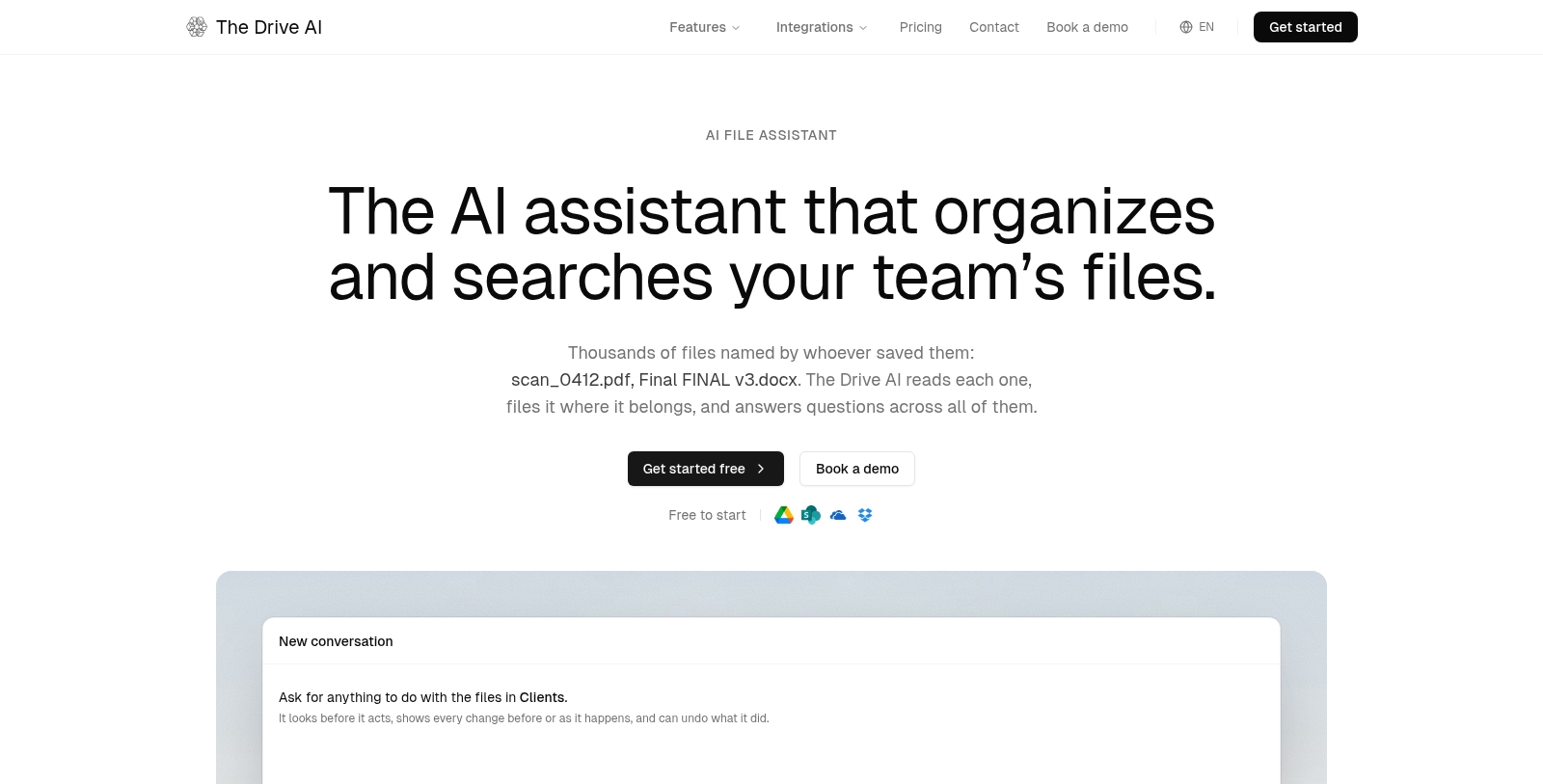
Screenshot of The Drive AI
What is The Drive AI?
The Drive AI is an AI document management assistant. It reads each file by its content rather than its name, then organises, renames, searches and answers questions across thousands of files from a plain-English request.
You connect Google Drive, SharePoint, OneDrive or Dropbox, or upload files. The assistant shows a plan before acting, applies small changes at once, waits for approval on large ones, and can undo what it did. Workflows let you describe a job once so every new file is read and filed automatically, and the site lists actions such as sharing, merging PDFs and sending documents for e-signature.
It is aimed at teams that struggle with messy folders. The Free plan includes 20 tasks a month; Premium is $199.99 per year and Max $999.99 per year on annual billing, with the higher plans working directly in connected drives.
Pros & Cons
Pros
- Reads files by their content, not their names, before renaming, filing or searching them.
- Shows a plan before acting, applies small changes at once and can undo what it did.
Cons
- Large changes wait for your approval before they run, which adds a step to big reorganizations.
Frequently Asked Questions
How much does The Drive AI cost?
The Drive AI is available at no cost.
Does The Drive AI have a lifetime deal?
According to our latest information, this tool does not seem to have a lifetime deal at the moment, unfortunately.
How does The Drive AI tidy up a messy folder?
The Drive AI reads each file by its content rather than its name, then proposes how to organise, rename and file it. It shows the plan before acting, applies small changes straight away and waits for your approval on large ones. If a result is wrong, you can undo the change.
Which storage services can The Drive AI work with?
You can connect Google Drive, SharePoint, OneDrive or Dropbox, or upload files into the assistant's own workspace. Work done in the connected drives happens in place, which keeps your existing folder structure in use. The higher plans are the ones that operate directly inside those drives.
What are Workflows in The Drive AI?
Workflows let you describe a recurring job once, for example how invoices should be read and filed. After that, every new file that arrives is read and handled the same way automatically. This is useful for teams that receive similar documents every week and want consistent naming.
What actions can The Drive AI take besides filing?
The site lists actions such as sharing files, merging PDFs and sending documents for e-signature. It can also search across thousands of files and answer questions about their contents in plain English. Check the official website for the full list of actions available on your plan.
Notice: This website uses affiliate links to earn commissions from sales. Please read their ToS when signing up somewhere.