TypingMind

Chat interface for ChatGPT, Claude, Gemini and other models using your own API keys
Typingmind.com
Is this your tool?
Follow for updates & deals
Get alerts for TypingMind discounts, feature releases & pricing changes
Similar Tools

Context Link
Share personal links with AI for contextual understanding of your existing content

01.AI
AI platform enabling enterprises to deploy customized solutions and integrate deep learning into existing workflows.

AI Lawyer
An AI-driven legal assistant that simplifies document creation and provides instant legal information.

Chat Data
Build custom AI chatbots from your own data and deploy them to websites and messengers

Inworld
Real-time text-to-speech solutions for interactive applications and user engagement.

TypingMind Media Gallery
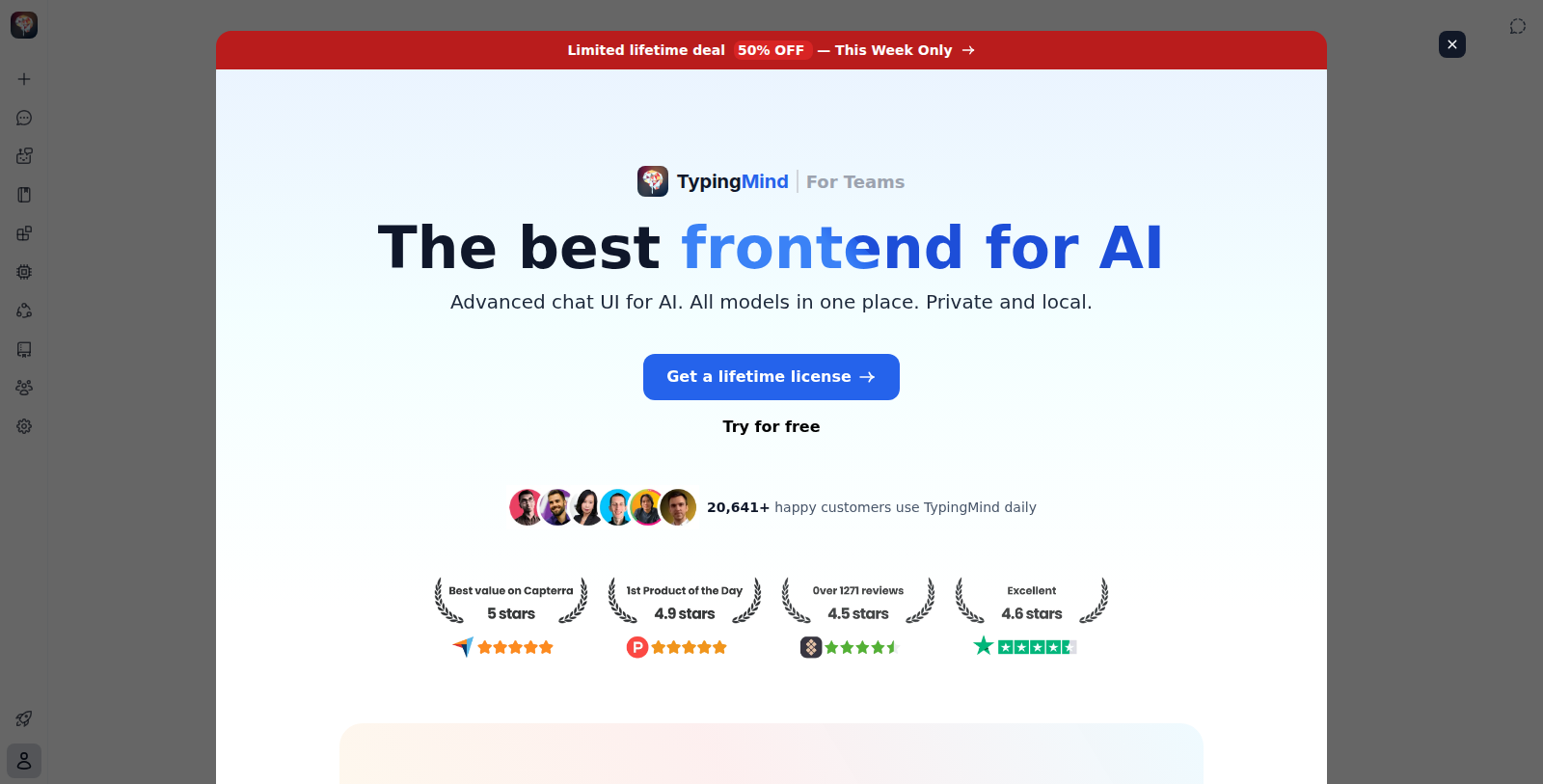
What is TypingMind?
TypingMind is an advanced chat interface for AI models. Users bring their own API keys for providers such as OpenAI, Anthropic and Google and pay only for the usage, with the ability to switch between models in one place.
The site lists features including project settings, a canvas editor, artifacts, data visualization and chart rendering, an AI agent builder, custom prompts, a knowledge base and plugins for connecting other tools. Data is said to be stored locally on the user's device.
Instead of a subscription, the site sells a lifetime license as a one-time payment, with a 14-day money-back guarantee.
Because requests go directly to the model providers through your own keys, usage costs depend on the provider you choose.
Pros & Cons
Pros
- Works with your own API keys for providers such as OpenAI, Anthropic and Google.
- Chats are said to be stored locally on the user's device.
Cons
- Requires your own API keys from each model provider you want to use.
Frequently Asked Questions
TypingMind costs 0 Unknown as a one-time purchase.
This tool offers a lifetime deal.
You bring your own API keys for providers such as OpenAI, Anthropic and Google. Requests go directly to the model providers, and you can switch between models in one place. This lets you work with several models from a single chat interface.
According to the site, chats are stored locally on your device. Because requests go directly to the model providers through your own keys, you should also check the privacy terms of each provider you use, since they handle the content you send them.
Yes. The site lists an AI agent builder, custom prompts, a knowledge base and plugins for connecting other tools. It also includes project settings and a canvas editor, which help you organize your work around specific tasks. These features let you tailor the interface to the way you normally work.
Yes. The site lists data visualization and chart rendering as features, alongside artifacts and a canvas editor. These tools are useful when you want to turn model output into charts or other visual material inside the interface. The exact chart types and options are described on the official website.
You need your own API keys from the model providers you plan to use, since TypingMind does not include model access by itself. Once those are set up, you can chat with several models, build agents and connect plugins from one interface.