Uizard

Simplifies UI design by generating components from text descriptions for quick prototyping.
Uizard.io
Is this your tool?
Follow for updates & deals
Get alerts for Uizard discounts, feature releases & pricing changes
Similar Tools

Sketchflow
Generate web and app designs with AI-powered code from your ideas and input images.

Motiff
Generate custom user interfaces using text prompts or reference images for efficient design workflows.

Synthoframe
Transforms text and images into interactive user interfaces for efficient prototyping.

Dora
Easily design customizable websites using AI with a drag-and-connect layout system.

Loki.Build
Build and customize landing pages quickly using AI-driven design tools.

Uizard Media Gallery

Uizard (review) video
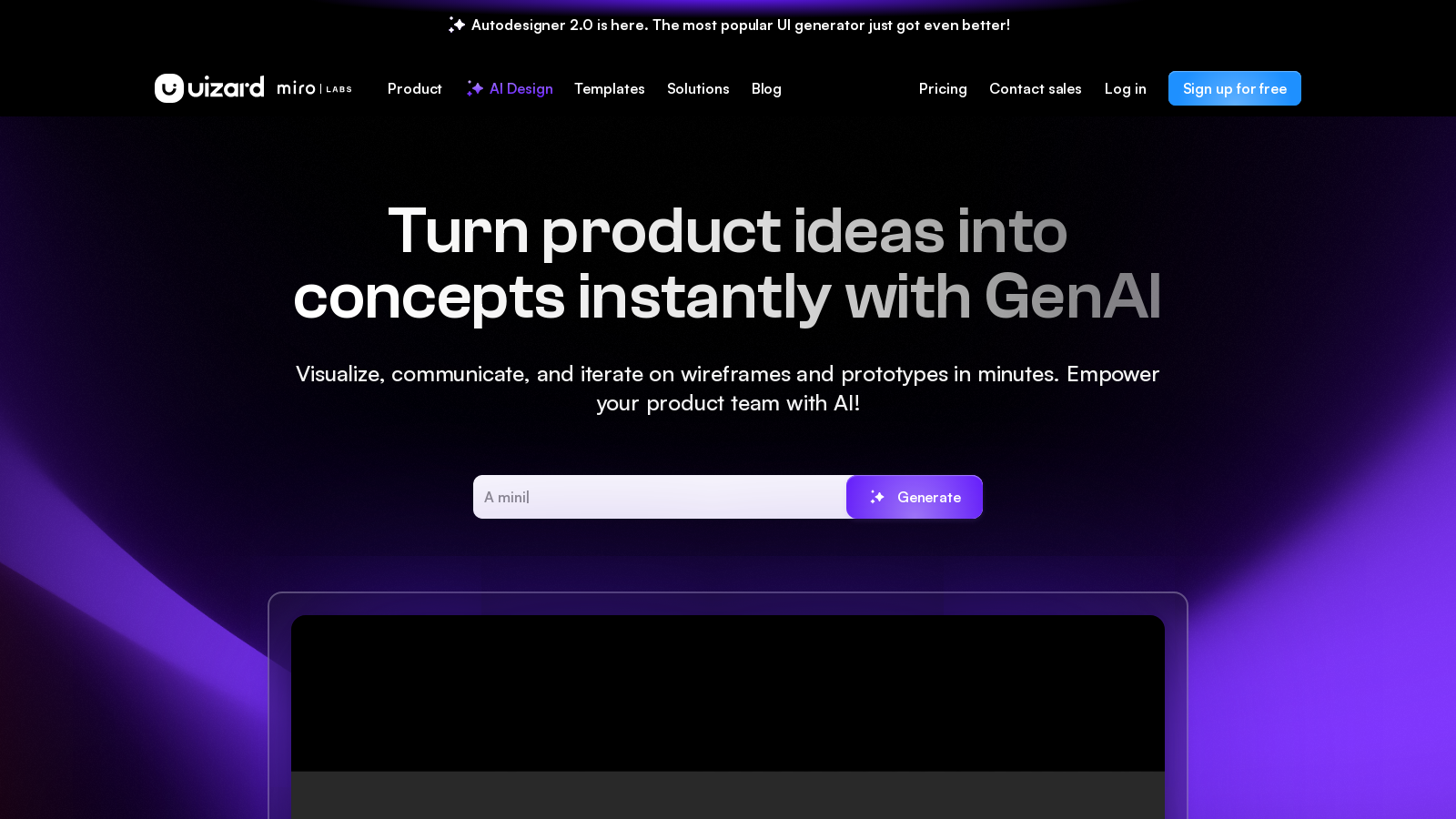
Screenshot of Uizard
What is Uizard?
Uizard is an innovative UI design tool that harnesses the power of artificial intelligence to simplify the design process for apps, websites, and desktop software. Whether you are a product manager, designer, or a startup founder, Uizard enables you to transform your ideas into functional prototypes in mere minutes. This broad accessibility is particularly important in today's fast-paced development environment, where the ability to communicate and visualize ideas quickly can be a game changer.
Introducing Autodesigner 2.0:
Uizard's core feature is the Autodesigner, now upgraded to version 2.0, which allows users to instantly generate UI components by typing simple text descriptions. This not only streamlines the design workflow but also dramatically reduces the time required to go from concept to prototype. Imagine being able to describe your idea in a sentence and watching as Uizard crafts a professional-quality design around it. This capability positions Uizard as an invaluable tool not only for designers but also for anyone with a great idea that needs to be communicated visually.
Key Features:
- AI-Powered Generation: The updated Autodesigner 2.0 enables users to create UI designs from text prompts or existing screenshots, facilitating rapid iterations and optimized design processes.
- Screenshot Scanner: This feature turns existing designs into editable mockups simply by uploading screenshots, making it easier than ever to iterate on established visuals.
- Wireframe Scanner: Users can digitize hand-drawn sketches rapidly with the Wireframe Scanner, transforming ideas from sketch to high-fidelity mockup in seconds.
- Multiscreen Prototyping: Generate multi-screen, editable prototypes in just a few clicks. This significantly reduces the effort and time associated with prototyping.
- Real-Time Collaboration: Uizard encourages teamwork through features that allow multiple users to work on a project simultaneously, which is excellent for gathering instant feedback from stakeholders and team members.
- Templates and Themes: The platform also offers an extensive library of customizable templates and themes that cater to different types of applications, whether mobile, web, or desktop.
- User-Friendly Interface: Designed with a drag-and-drop editor, Uizard ensures that anyone can create designs without needing extensive training or prior experience.
- Attention Heatmaps: This new feature provides insights into user focus areas, allowing designers to make data-driven decisions for better user experiences.
Who is Uizard For?
Uizard serves a diverse audience, including product managers, designers, startup founders, marketers, and large development teams. Its versatility means that each group can leverage Uizard’s powerful tools to enhance their ability to visualize concepts and accelerate time-to-market. Real-time collaboration capabilities further enhance productivity within design teams, facilitating smoother workflows during design sprints and product development sessions.
Conclusion:
The evolution of Uizard, particularly with the introduction of Autodesigner 2.0, represents a significant leap forward in the democratization of design. With its intuitive setup and robust AI features, the platform enables not only experienced designers but also novices to bring their ideas to life. Whether you’re looking to quickly prototype an MVP, gather stakeholder feedback, or finalize a design, Uizard’s enhanced features make it one of the leading tools in the market for modern digital design. As we move toward a design trend that emphasizes accessibility and speed, Uizard is at the forefront, empowering creativity for everyone.
Pros & Cons
Pros
- Generates UI designs from text prompts within seconds, making design accessible to non-designers.
- Transforms hand-drawn sketches and screenshots into editable mockups effortlessly.
- Supports real-time collaboration, enabling teams to work together seamlessly on design projects.
Frequently Asked Questions
Uizard is available at no cost.
According to our latest information, this tool does not seem to have a lifetime deal at the moment, unfortunately.
Autodesigner 2.0 is an AI-driven feature in Uizard that allows users to generate multi-screen, editable prototypes in seconds. Users can easily create UI designs from simple text prompts, which empowers non-designers to visualize their ideas rapidly. Additionally, it can generate different themes for projects and analyze attention heatmaps to gauge where users are likely to focus in their designs.
Uizard offers various tools that facilitate rapid iteration. You can use the Screenshot Scanner to convert app and web screenshots into editable mockups, allowing you to refine existing designs. Furthermore, the Wireframe Scanner enables you to digitize hand-drawn wireframes quickly. With Uizard's drag-and-drop editor, you can also modify components based on feedback and immediately see the results.
Yes, Uizard excels in collaborative design workflows. It enables multiple users to work on a project simultaneously, allowing for real-time collaboration without the need for additional software installations. You can easily share project links with external stakeholders to review, comment on, and provide feedback quickly, thereby enhancing communication within teams.
Uizard offers a comprehensive library of templates for various projects, including mobile apps, websites, web applications, and tablet applications. Each template is designed to include all necessary components and user journeys, making it easy for users to start their projects without having to build from scratch. This resource significantly accelerates the design process for users at all skill levels.
Absolutely! Uizard is specifically designed to be accessible for users without prior design experience. Its intuitive interface mimics familiar tools like Google Slides or PowerPoint, allowing users to create digital products quickly. The AI-powered features assist in automating complex design tasks, making it viable for anyone to bring their ideas to life effortlessly.
Uizard serves as an effective design launchpad for developers by allowing them to visualize their projects before coding begins. Features such as the Developer Handoff, which provides CSS and React components directly from Uizard, streamline the transition from design to development. This efficient workflow minimizes back-and-forth communication, thereby accelerating project timelines.
Attention heatmaps in Uizard help designers and product teams identify potential areas of focus within their UI designs. By analyzing these heatmaps, users can determine which parts of their designs are most likely to capture user attention. This insight enables more informed design decisions and optimizations before user testing.
Yes, Uizard offers a Wireframe Scanner feature that allows users to scan hand-drawn sketches and convert them into editable digital designs. This functionality significantly reduces the time needed to transition from initial concepts to high-fidelity prototypes, thus facilitating a more efficient design process.