







Vectr

AI-powered
Cloud vector graphics editor with AI logo maker, background remover and SVG converter
Vectr.comOpens in new tabIs this your tool? Claim this page
Claim Your Tool Page
Free to claim • Premium features available
- Verified Badge – Show users your tool is legitimate with a verified checkmark that builds instant credibility.
- Edit Your Profile – Update descriptions, screenshots, pricing, and keep your listing accurate and up-to-date.
- Boost Visibility – Get featured placements, priority listing in categories, and promotional badges to stand out.
- Respond to Reviews – Engage with your users by responding to feedback and building trust with potential customers.
Follow for updates & deals
Get alerts for Vectr discounts, feature releases & pricing changes
Similar Tools

VectorArt.ai
Generates SVG vector art, logos, icons and illustrations from text prompts or sketches

MiriCanvas
Online design tool with templates, photo editing and AI presentation, image and video features

Logopony
AI logo generator with free design previews and one-time paid logo packages

World Labs
Atlas world model that turns photos into explorable, editable 3D worlds

Sivi AI
Text-to-design generator that creates editable banners, ads and social graphics in any size or language

Microsoft Designer
Graphic design app for social media posts, invitations, postcards and other graphics

LogoAI
AI logo maker that also builds a brand kit and offers an AI image and video design studio

Hera
AI-native creative canvas for generating images, design layers and editable motion graphics
New Tools

Text Generator
OpenAI-compatible API giving access to many AI text, vision and speech models through one endpoint

RambleFix
Turns spoken voice notes into polished emails, notes and summaries on web, iPhone and Mac

QuickCreator
AI content team of agents that researches, writes and optimizes SEO articles in your brand voice

Linfo.ai
Summarizes articles, YouTube videos and documents into takeaways, outlines and mind maps

Brain Pod AI
AI platform for writing, images and chat, now evolving into Charigent with AI characters and workflows

AutoBlogging.Pro
Generates SEO-optimized blog articles with GPT models and publishes them to WordPress automatically

Vsub
Turns a script or voiceover into narrated, illustrated faceless videos using your own style template

VideoToPage
Turns YouTube videos, uploads and recordings into blog posts, articles and social posts

Vectr Media Gallery
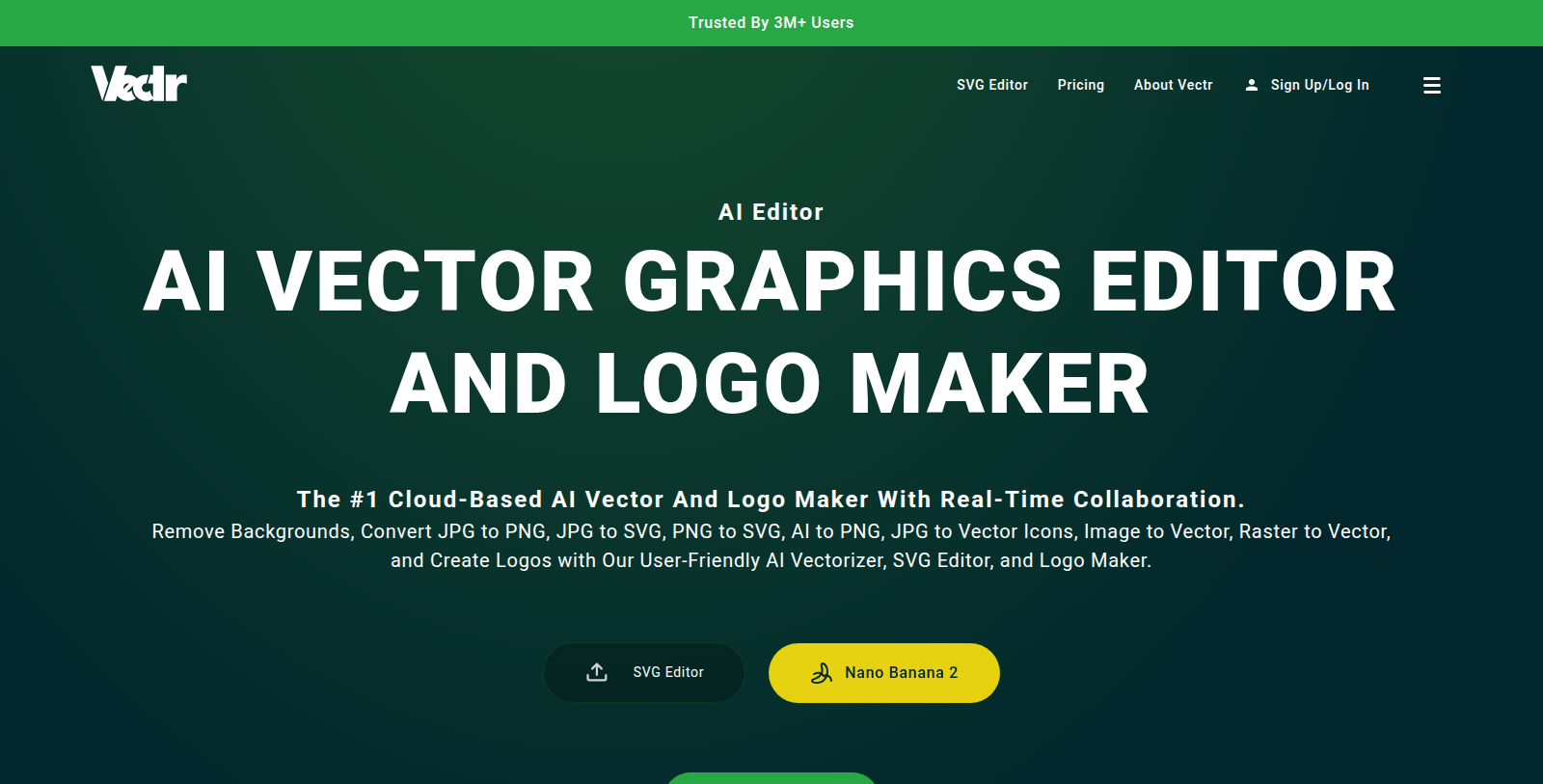
Screenshot of Vectr
What is Vectr?
Vectr is a cloud-based vector editor aimed at both beginners and experienced designers. It combines a traditional SVG editor with AI-powered features.
The site lists an AI logo maker, image to image, background remover, text to SVG, image generator, video generator and image to vector conversion, including JPG or PNG to SVG. Real-time collaboration is part of the editor.
Vectr is used by schools and professionals according to the site and has sign-up and pricing pages. Specific plan prices could not be read because the pricing page needs JavaScript. Because the editor runs in the cloud, designs can be shared and edited with others without installing software, which suits classroom and team use.
Pros & Cons
Pros
- Cloud-based editor, so designs can be shared and edited without installing software.
- Includes AI image to vector conversion for JPG or PNG to SVG.
Cons
Frequently Asked Questions
How much does Vectr cost?
We have no pricing information available now, so please check the Vectr's website.
Does Vectr have a lifetime deal?
According to our latest information, this tool does not seem to have a lifetime deal at the moment, unfortunately.
What AI features does Vectr include?
Vectr combines a traditional SVG editor with AI tools such as a logo maker, image to image conversion, background remover, text to SVG and image generator. The site also lists video generation and image to vector conversion, including JPG or PNG to SVG. These features sit inside the same editor, so you can mix them with manual vector work.
Do I need to install software to use Vectr?
Vectr is a cloud-based vector editor, so you work on designs online rather than installing a desktop program. Because the editor runs in the cloud, designs can be shared and edited with others without extra setup. Check the official site for supported browsers and any system requirements before you begin a project.
Can several people work on one design at the same time?
Yes, real-time collaboration is part of the Vectr editor. Teams can edit the same design together, which suits classroom and professional projects alike. The official website has details on how sharing and permissions are managed, so review those before inviting collaborators.
Who uses Vectr?
The site says schools and professionals use Vectr. The editor is aimed at both beginners and experienced designers, so people with different skill levels can start with it. Its cloud setup also suits classroom groups and design teams who need to collaborate on shared artwork.
How does image to vector conversion work in Vectr?
Vectr includes image to vector conversion, including JPG or PNG to SVG, so you can turn a bitmap into scalable artwork. Results depend on the quality and complexity of the source image, so review the converted vector before using it. The official website has the current details on supported formats.
Notice: This website uses affiliate links to earn commissions from sales. Please read their ToS when signing up somewhere.