













Voicebox

Local voice synthesis studio offering voice cloning and advanced editing tools for professional use.
Github.com
Is this your tool?
Follow for updates & deals
Get alerts for Voicebox discounts, feature releases & pricing changes
Similar Tools

Bland AI
Automate inbound and outbound phone calls using multilingual AI agents for enterprise communication.

Resemble AI
Create lifelike AI-generated voices and detect deepfakes to ensure content authenticity.

Speechify
Convert text into natural-sounding audio across multiple languages and voices.

Emissary
Automates SMS communications for recruiters, enhancing candidate engagement and streamlining recruitment workflows.

Interpreter
AI-powered desktop tool for reading, editing, and analyzing various document formats seamlessly.

Voicebox Media Gallery
What is Voicebox?
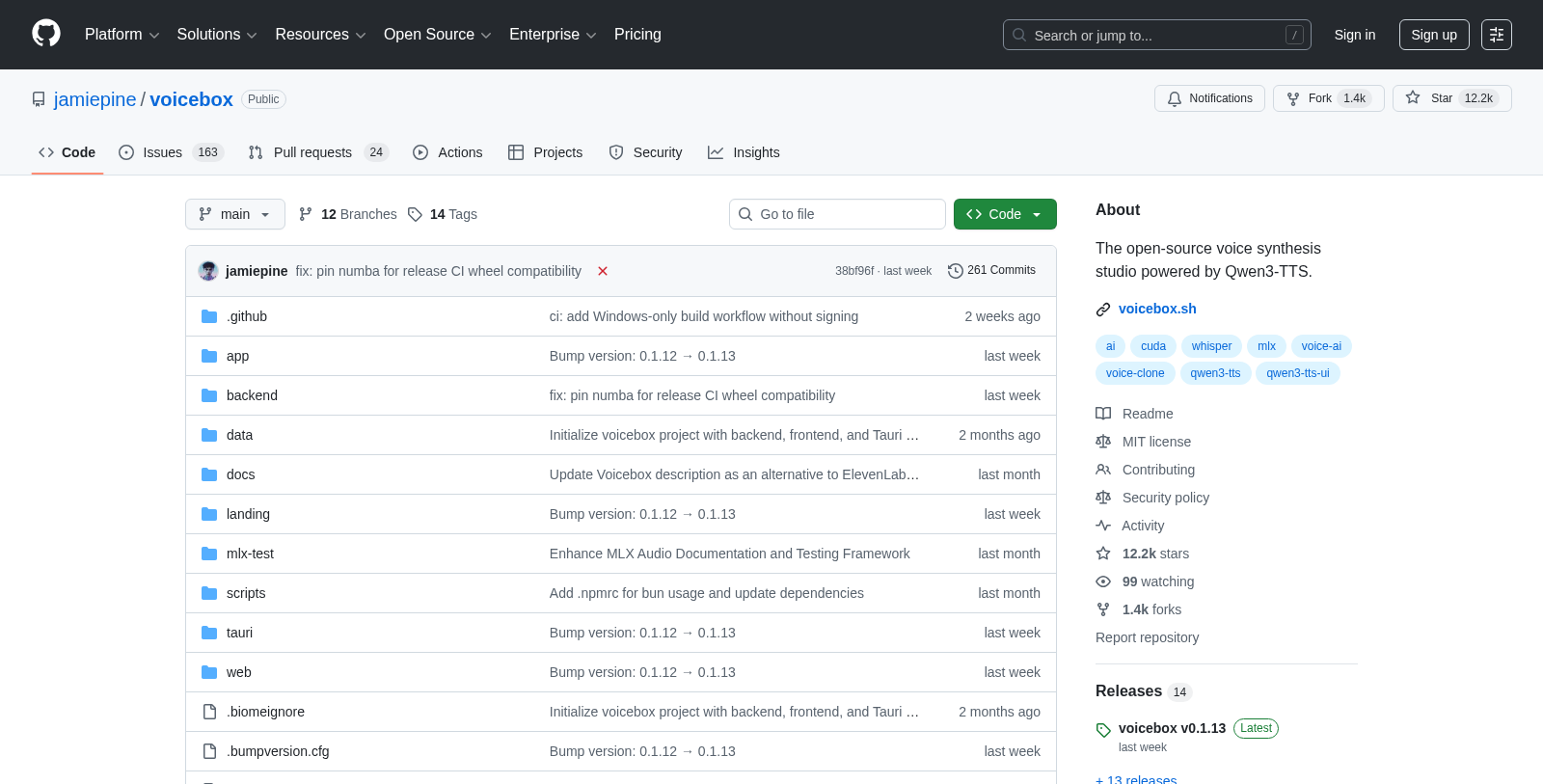
Voicebox is a local-first voice cloning studio designed for professional voice synthesis, featuring DAW-like capabilities for seamless voice generation and editing. As a free and open-source alternative to cloud-based services like ElevenLabs, it allows users to clone voices and generate speech entirely on their own machines, ensuring complete control and privacy over their voice data.
One of the standout features of Voicebox is its commitment to privacy. Unlike cloud solutions that can restrict user accessibility and control through subscriptions, Voicebox enables users to work in a local environment where all models and voice data remain private. This local processing not only enhances security but also optimizes performance, thanks to its native Tauri architecture.
Features of Voicebox
Voicebox is packed with professional tools and features that allow for comprehensive voice cloning and synthesis. The voice cloning capability is powered by the industry-recognized Qwen3-TTS, facilitating instant voice cloning from just a few seconds of audio. This feature supports high fidelity, capturing natural tone, pitch, and emotional nuances of voices. Multi-language support is also available, with English and Chinese currently, with more languages expected soon.
Advanced Editing Tools
Voicebox also includes advanced editing functionalities, such as a multi-track timeline editor for creating complex audio projects. Users can seamlessly trim, mix, and manipulate multiple voice tracks, encouraging creativity and efficient project management. The system supports inline editing, allowing users to split and adjust audio clips directly in the timeline for a more intuitive workflow.
Recording capabilities are integrated into the platform, allowing for in-app recording with real-time waveform visualization. Additionally, system audio capture is supported, empowering users to record any audio playing on their desktop. Automatic transcription features powered by Whisper also enhance productivity by efficiently turning spoken words into text.
API Integration
For developers, Voicebox exposes a comprehensive REST API, facilitating easy integration of voice synthesis capabilities into existing applications or new projects. The API allows automation and programmatic control over voice generation, making Voicebox a versatile choice for developers looking to incorporate voice technology into their solutions.
Deployment Options
Voicebox does not lock users into cloud infrastructure; instead, it offers two deployment options: a local mode where everything runs directly on the machine and a remote mode where users can connect to a GPU server on their network. This flexibility allows users to choose the best setup for their operational needs.
Future Enhancements
Voicebox is committed to growing its capabilities, with exciting features lined up for future releases. These include real-time synthesis for streaming audio generation, enhanced voice effects such as pitch shifts and reverbs, and a more advanced timeline editor with word-level precision editing. Voicebox aspires to be a one-stop solution for voice synthesis, including new voice creation mechanisms and a mobile companion app for easier control on the go.
With its rich feature set, Voicebox aims to transform the way users interact with voice technology, driving innovation in areas such as game dialogue systems, podcast production, accessibility tools, and automated content generation.
Pros & Cons
Pros
- Operates entirely on local machines, ensuring user data privacy and security.
- Features a multi-track timeline editor for advanced audio editing and mixing.
- Supports multiple voice models and languages, enhancing versatility in voice synthesis.
Cons
- Currently lacks Linux builds due to GitHub runner disk space limitations.
Frequently Asked Questions
Voicebox is open source and free to use.
According to our latest information, this tool does not seem to have a lifetime deal at the moment, unfortunately.
Voicebox offers multiple features designed for voice manipulation and synthesis. Key functionalities include high-fidelity voice generation, speech-to-text capabilities, and customizable voice parameters. Users can generate realistic speech outputs for various applications, such as podcasts, audiobooks, and other media content, making it a valuable tool for content creators seeking to enhance their projects with voiceovers.
To get started with Voicebox, first visit the official GitHub repository. Clone the repository to your local machine and follow the installation instructions provided in the documentation. Make sure you have the necessary dependencies installed. Once set up, you can begin experimenting with the provided examples to familiarize yourself with the voice synthesis features.
Voicebox requires a compatible operating system and must meet certain software dependencies for optimal performance. You'll typically need a system with Python installed, along with specific libraries mentioned in the documentation. For the best experience, ensure your environment supports the audio processing functionalities, which may require additional tools or libraries.
Voicebox is designed to be flexible and can be integrated with various software applications, especially those that require voice synthesis or manipulation. For specific integration options, users may refer to the documentation or community discussions on GitHub. It's recommended to explore existing plugins or API connections if you're looking to connect Voicebox with other tools.
While Voicebox is powerful, there are potential limitations to keep in mind. The quality of voice output may vary depending on the input and settings used, and processing time can be significant for higher-fidelity outputs. Additionally, the range of voices available may be limited compared to commercial offerings, so users should evaluate their specific use cases against these factors.
Voicebox users can find support through the GitHub repository, where they can report issues, ask questions, and find community assistance. The project's README file often includes FAQs and troubleshooting tips. Users are encouraged to participate in discussions and contribute to the community for shared learning and problem-solving.
Voicebox primarily focuses on pre-recorded or generated voice outputs rather than real-time voice synthesis. Users looking for real-time applications may need to explore other tools or frameworks that specialize in live processing. Nevertheless, Voicebox can be used creatively in various contexts, even though it was not designed for real-time use.
Voicebox is particularly useful for content creators, educators, and developers. Common use cases include generating voiceovers for videos, creating audiobooks, developing interactive voice applications, and synthesizing voices for accessibility tools. Its versatility lends itself to numerous applications where speech generation enhances user experience or engagement.


