Voicemaker

Online text-to-speech converter with many AI voices, voice cloning and a developer API
Voicemaker.in
Is this your tool?
Follow for updates & deals
Get alerts for Voicemaker discounts, feature releases & pricing changes
Similar Tools

BlipCut Video Translator
AI video translator that dubs and subtitles videos into 140+ languages with voice cloning

Wavel AI
AI video generator with dubbing, voice cloning, subtitles and translation in 40+ languages

FineVoice
Convert text to speech using customizable, realistic voices and advanced emotional tone control.

RecCloud
Online AI toolkit for speech-to-text, subtitles, voice generation and video translation

CloneDub
Automated AI video dubbing that translates videos into 20+ languages while keeping music and voices

Voicemaker Media Gallery
What is Voicemaker?
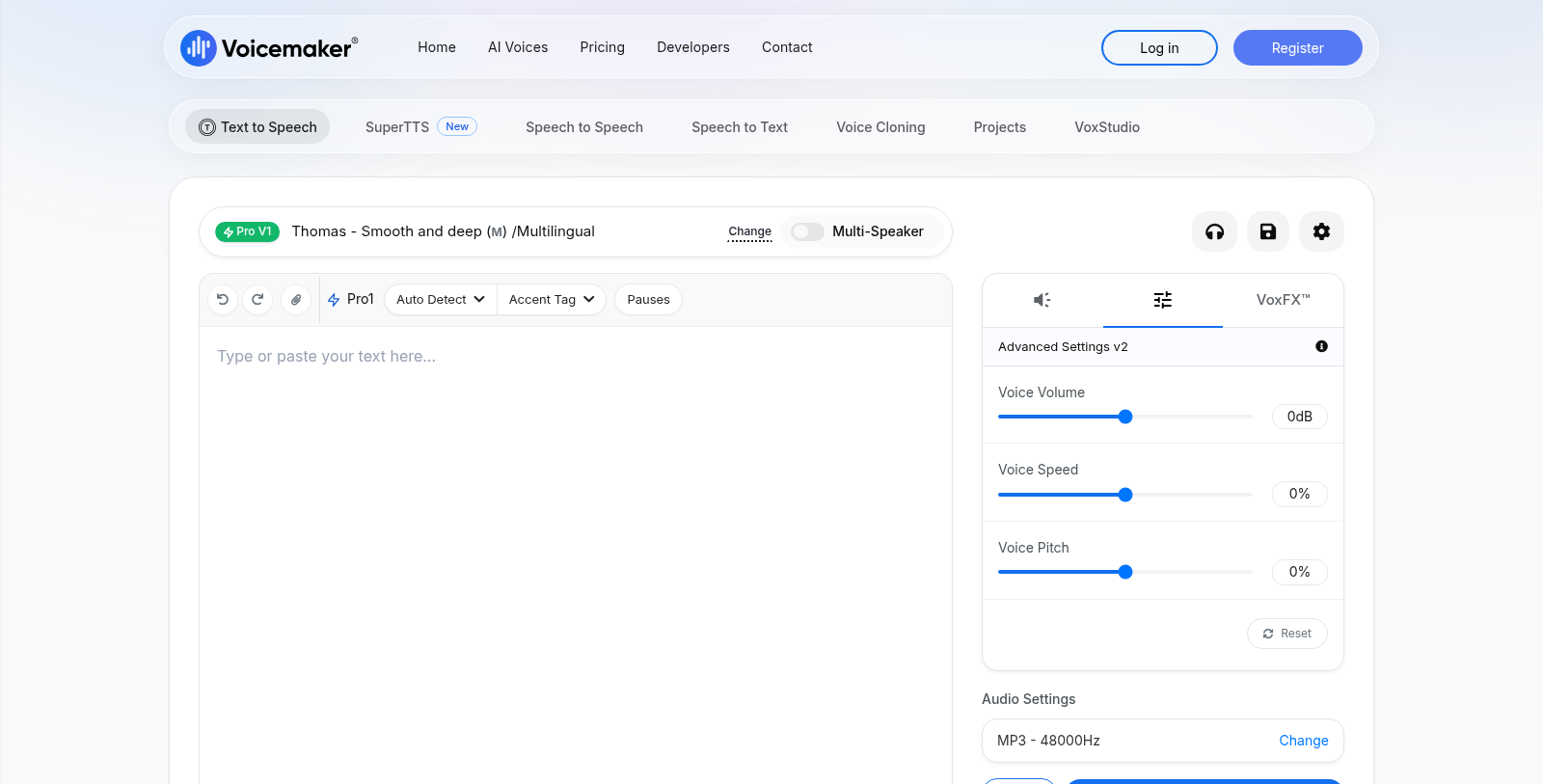
Voicemaker is a web-based text-to-speech converter. Users paste or type text, choose a voice from a library filterable by language, gender, age, accent and category, and generate audio files.
The editor includes settings for pauses, pitch and speed, a pronunciation editor, and optional subtitle generation alongside the audio. Several voice families are offered, from default neural voices to higher-quality Pro voices, plus cloned voices.
Paid plans unlock features such as the pronunciation editor and voice profiles, and a credit-based system covers different tools and voice models. A developer API gives programmatic access to text-to-speech, speech-to-text and speech-to-speech. It suits content creators, publishers, and teams producing narration or voice-overs.
Pros & Cons
Pros
- Offers a large voice library filterable by language, gender, age and accent.
- Includes pause, pitch and speed controls plus a pronunciation editor on paid plans.
- Provides a developer API for text-to-speech, speech-to-text and speech-to-speech.
Cons
- Advanced features such as the pronunciation editor and voice profiles require paid plans.
Frequently Asked Questions
Voicemaker is free to start, with paid plans from 5 to 0 USD per month.
According to our latest information, this tool does not seem to have a lifetime deal at the moment, unfortunately.
Voicemaker offers a library of voices that you can filter by language, gender, age, accent and category. Several voice families are available, from default neural voices to higher-quality Pro voices. Cloned voices are also offered, and voice cloning is part of the paid plans.
Yes. The editor includes settings for pauses, pitch and speed, so you can shape how the narration sounds. A pronunciation editor lets you adjust how specific words are spoken, and it is one of the features unlocked on paid plans. The editor can also generate subtitles alongside the audio file.
Voicemaker suits content creators, publishers, and teams that produce narration or voice-overs. Its web-based converter lets you paste or type text, pick a voice and generate audio files. For developers, a programmatic API covers text-to-speech, speech-to-text and speech-to-speech. It is a useful option for teams that want to build voice features into their own tools.
Subtitle generation is available alongside the audio you create in the editor. The site describes Voicemaker mainly as a text-to-speech converter for narration and voice-overs. For details on which output formats or video workflows are supported, check the official Voicemaker website.