







Audimate

AI-powered
Desktop assistant that watches you do a task once, then writes a playbook and runs it for you
Audimate.aiOpens in new tabIs this your tool? Claim this page
Claim Your Tool Page
Free to claim • Premium features available
- Verified Badge – Show users your tool is legitimate with a verified checkmark that builds instant credibility.
- Edit Your Profile – Update descriptions, screenshots, pricing, and keep your listing accurate and up-to-date.
- Boost Visibility – Get featured placements, priority listing in categories, and promotional badges to stand out.
- Respond to Reviews – Engage with your users by responding to feedback and building trust with potential customers.
Follow for updates & deals
Get alerts for Audimate discounts, feature releases & pricing changes
Similar Tools

Zite
AI builder for custom business apps, databases and automations with unlimited users

Bika.ai
AI organizer that combines agents, automations, databases, dashboards and documents in one workspace

Autohive
No-code AI agents that run recurring jobs on a schedule and deliver the results to you

Retriever AI
AI browser agent for Chrome and cloud that works across websites and brings back finished results

AI-Flow
Open-source visual builder that chains AI models from several providers into automated workflows

MindPal
No-code platform to turn your expertise into AI agents and multi-agent workflows for clients

CrewAI
Multi-agent platform to build, govern and run AI agent workflows, with an open-source framework

BuildShip
Visual builder for AI workflows, AI agents and backend APIs that run on your own Google Cloud
New Tools

Text Generator
OpenAI-compatible API giving access to many AI text, vision and speech models through one endpoint

RambleFix
Turns spoken voice notes into polished emails, notes and summaries on web, iPhone and Mac

QuickCreator
AI content team of agents that researches, writes and optimizes SEO articles in your brand voice

Linfo.ai
Summarizes articles, YouTube videos and documents into takeaways, outlines and mind maps

Brain Pod AI
AI platform for writing, images and chat, now evolving into Charigent with AI characters and workflows

AutoBlogging.Pro
Generates SEO-optimized blog articles with GPT models and publishes them to WordPress automatically

Vsub
Turns a script or voiceover into narrated, illustrated faceless videos using your own style template

VideoToPage
Turns YouTube videos, uploads and recordings into blog posts, articles and social posts

Audimate Media Gallery
Screenshot of Audimate
What is Audimate?
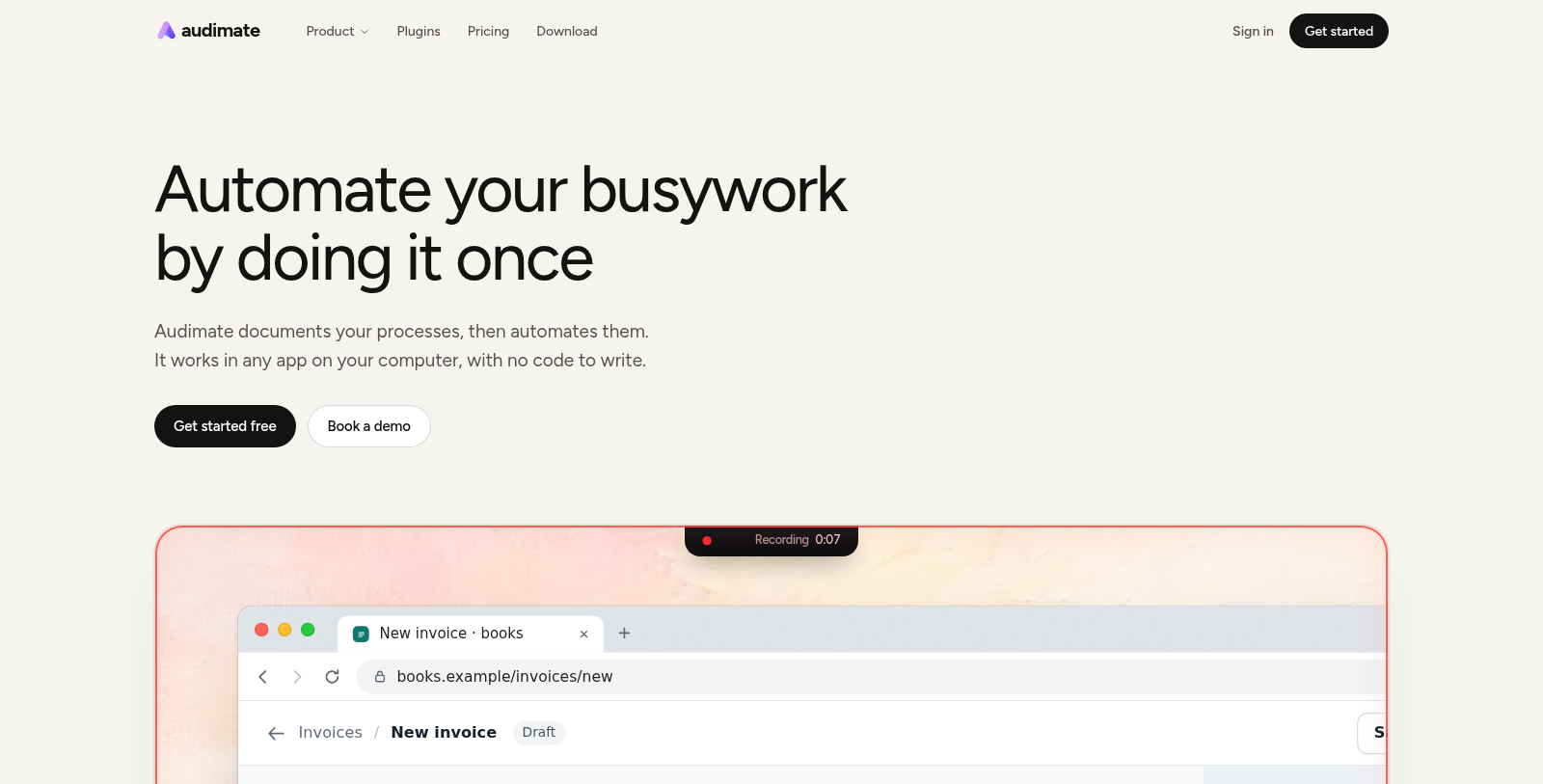
Audimate documents the processes you do on your computer and then automates them. You perform a task once while its assistant, called Arro, watches; Audimate writes the playbook and Arro can run it on demand, on a schedule or when new work arrives.
The product is organized into modes for automating workflows, guiding users with step-by-step help drawn on the screen, shared team playbooks with roles and run history, and creating content such as decks, documents, sheets, images and apps from a prompt. It also lists plugins and a download for Windows and Mac.
A free plan is available for trying Arro and building first workflows. Paid plans are priced per seat and add usage, longer recordings, busier triggers and priority support, and an enterprise plan is arranged with the vendor.
Pros & Cons
Pros
- Records a task once and turns it into a reusable playbook
- Shared team playbooks include roles and run history
- Creates decks, documents, sheets, images and apps from a prompt
Cons
Frequently Asked Questions
How much does Audimate cost?
Audimate is available at no cost.
Does Audimate have a lifetime deal?
According to our latest information, this tool does not seem to have a lifetime deal at the moment, unfortunately.
How does Audimate learn a task I want to automate?
You perform the task once while Audimate's assistant, Arro, watches what you do. Audimate then writes the process down as a playbook. Arro can run that playbook on demand, on a schedule, or when triggers fire, so the work repeats without you starting each run by hand.
Does Audimate work only inside specific apps?
No. Audimate is a desktop app that works in any app on your computer, so the same playbook approach can cover different programs. You do not need to write code to record a process or to run one. Check the official website for current system requirements before installing.
Can Audimate guide someone through a process instead of running it?
One of the product's modes gives step-by-step help drawn on the screen, which suits a person learning a process rather than handing it off entirely. That makes it useful for onboarding someone to a repeatable task before the task is automated.
How do teams share playbooks in Audimate?
Audimate offers shared team playbooks with roles and run history. Roles help define who handles which part of a process, and the run history shows past executions of each playbook. Shared playbooks help a group run the same process the same way. Check the official site for details on team options.
Can Audimate create content as well as automate processes?
From a prompt, Audimate can create decks, documents, sheets, images and apps. The site lists content creation alongside its automation modes, so you can use one tool for routine production and recurring processes. Confirm current capabilities on the official website.
Notice: This website uses affiliate links to earn commissions from sales. Please read their ToS when signing up somewhere.