







BuildShip

AI-powered
Visual builder for AI workflows, AI agents and backend APIs that run on your own Google Cloud
Buildship.comOpens in new tabIs this your tool? Claim this page
Claim Your Tool Page
Free to claim • Premium features available
- Verified Badge – Show users your tool is legitimate with a verified checkmark that builds instant credibility.
- Edit Your Profile – Update descriptions, screenshots, pricing, and keep your listing accurate and up-to-date.
- Boost Visibility – Get featured placements, priority listing in categories, and promotional badges to stand out.
- Respond to Reviews – Engage with your users by responding to feedback and building trust with potential customers.
Follow for updates & deals
Get alerts for BuildShip discounts, feature releases & pricing changes
Similar Tools

Incredible
Create intelligent AI agents to automate repetitive tasks and enhance productivity in professional workflows.

Blotato
Social media API and MCP server to create, schedule and publish posts from AI agents and ChatGPT or Claude

Zite
AI builder for custom business apps, databases and automations with unlimited users

Retriever AI
AI browser agent for Chrome and cloud that works across websites and brings back finished results

Pig
API and chat interface for launching and automating Windows apps with computer-use AI

Bika.ai
AI organizer that combines agents, automations, databases, dashboards and documents in one workspace

Autohive
No-code AI agents that run recurring jobs on a schedule and deliver the results to you

Audimate
Desktop assistant that watches you do a task once, then writes a playbook and runs it for you
New Tools

Text Generator
OpenAI-compatible API giving access to many AI text, vision and speech models through one endpoint

RambleFix
Turns spoken voice notes into polished emails, notes and summaries on web, iPhone and Mac

QuickCreator
AI content team of agents that researches, writes and optimizes SEO articles in your brand voice

Linfo.ai
Summarizes articles, YouTube videos and documents into takeaways, outlines and mind maps

Brain Pod AI
AI platform for writing, images and chat, now evolving into Charigent with AI characters and workflows

AutoBlogging.Pro
Generates SEO-optimized blog articles with GPT models and publishes them to WordPress automatically

Vsub
Turns a script or voiceover into narrated, illustrated faceless videos using your own style template

VideoToPage
Turns YouTube videos, uploads and recordings into blog posts, articles and social posts

BuildShip Media Gallery
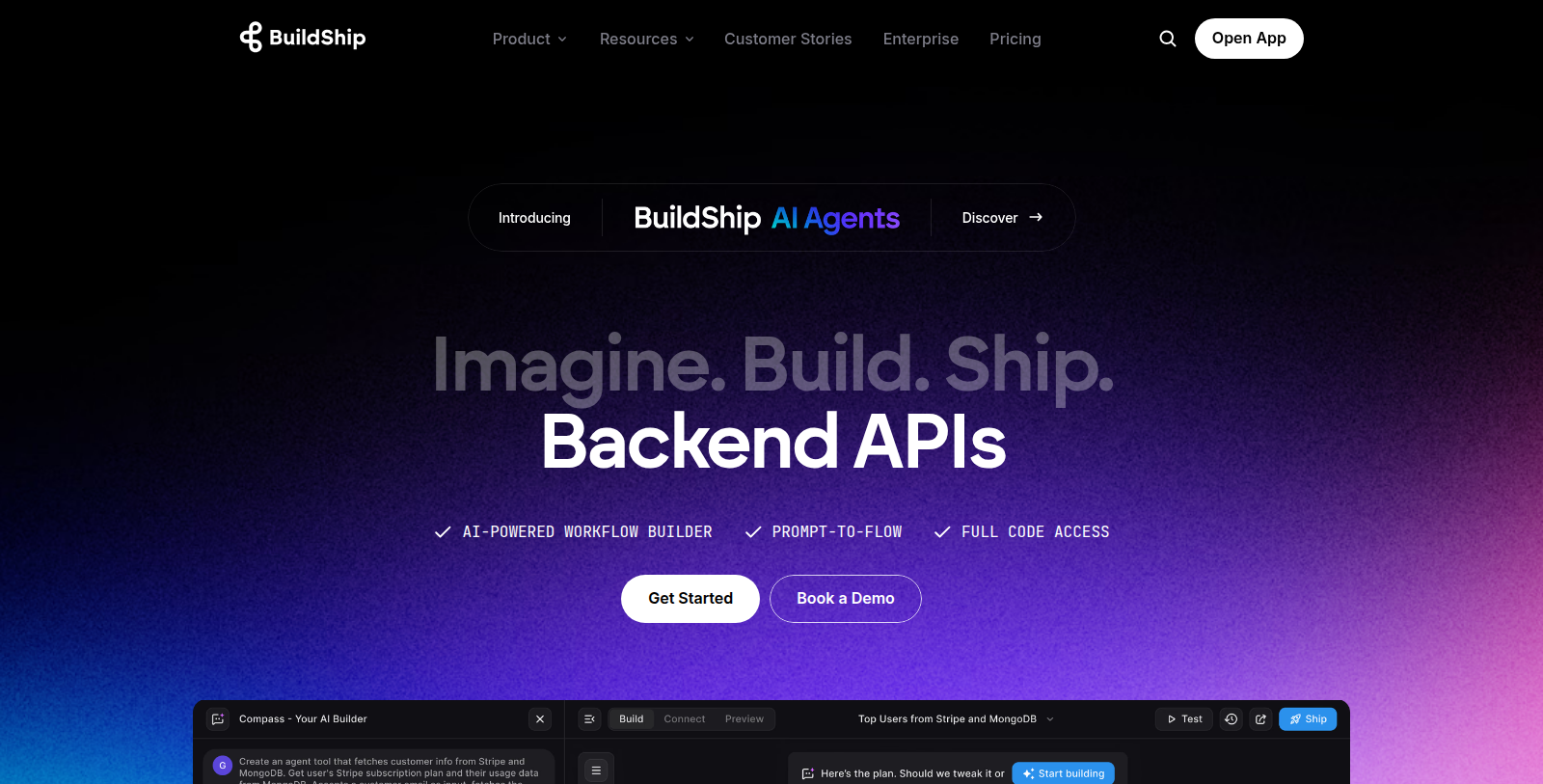
Screenshot of BuildShip
What is BuildShip?
BuildShip is a visual builder for backend workflows, AI agents and APIs. Teams design flows on a canvas, connect AI nodes, and deploy them as backend endpoints, with the option to run on their own Google Cloud.
The site describes Agent Max for building AI agents and Compass, an assistant that helps build, debug and extend workflows. Other listed features include a built-in database, version control with two-way GitHub sync, a Team Library of reusable custom nodes, and monitoring with error alerts.
Plans are credit-based, with Starter, Pro, Business and Enterprise tiers; the paid plans include a free trial. It suits developers and no-code builders who want to ship backends and automations without maintaining the infrastructure themselves.
Pros & Cons
Pros
- Visual canvas for designing backend workflows, AI agents and APIs, with or without code.
- Can deploy on your own Google Cloud infrastructure instead of a vendor-managed setup.
- Two-way GitHub sync and built-in version control for flows.
Cons
Frequently Asked Questions
How much does BuildShip cost?
BuildShip is a paid service. Check their website for pricing.
Does BuildShip have a lifetime deal?
According to our latest information, this tool does not seem to have a lifetime deal at the moment, unfortunately.
How does BuildShip let me build AI agents and workflows?
BuildShip uses a visual canvas where you connect nodes into workflows, then deploy them as backend endpoints. The site describes Agent Max for building AI agents and Compass, an assistant that helps build, debug and extend flows. Teams can connect AI nodes directly on the canvas. The layout makes each step of a flow visible while you build it.
Can BuildShip run on my own Google Cloud account?
Yes, the site says BuildShip can run on your own Google Cloud, which keeps the infrastructure under your control. This option suits teams that already work in Google Cloud and want their backends there. The homepage does not spell out every deployment detail. Review the official documentation for setup steps and requirements before choosing this route.
Does BuildShip support version control and GitHub?
BuildShip includes version control with two-way GitHub sync, according to the product description. Changes made in the visual builder can be tracked and synchronized with a repository. That helps teams review changes and keep flows aligned with the code they already manage. Confirm the exact sync behavior and supported workflows on the official BuildShip website.
What monitoring and reuse features does BuildShip offer?
BuildShip provides monitoring with error alerts, so failing flows can be spotted quickly. A Team Library stores reusable custom nodes that colleagues can share across projects. A built-in database is also listed among its features. Together these help teams maintain backend automations without building every component from scratch.
Who is BuildShip best suited for?
BuildShip suits developers and no-code builders who want to ship backends and automations without managing infrastructure themselves. Teams that need AI agents, APIs and workflows in one environment can use it for those jobs. The product is organized around visual design, so people comfortable with canvas tools will find it approachable. Check the official website to confirm which features fit your project.
Notice: This website uses affiliate links to earn commissions from sales. Please read their ToS when signing up somewhere.