Bigjpg
AI image upscaler that enlarges anime artwork and photos up to 16x with less noise
Bigjpg.com
Is this your tool?
Follow for updates & deals
Get alerts for Bigjpg discounts, feature releases & pricing changes
Similar Tools

Fotor
Edit photos and create images easily with intuitive tools and AI features for beginners and professionals.
Imagen3D
Transform 2D images into detailed 3D models quickly with multiple quality options.
ImageToCartoon
Browser-based converter that turns photos into cartoon, anime and comic-style images
Supawork AI
Generate personalized AI headshots and dynamic videos in seconds with customizable options.

LetsEnhance
Enhance and upscale images effortlessly with AI-driven tools for photographers and businesses.

Bigjpg Media Gallery
What is Bigjpg?
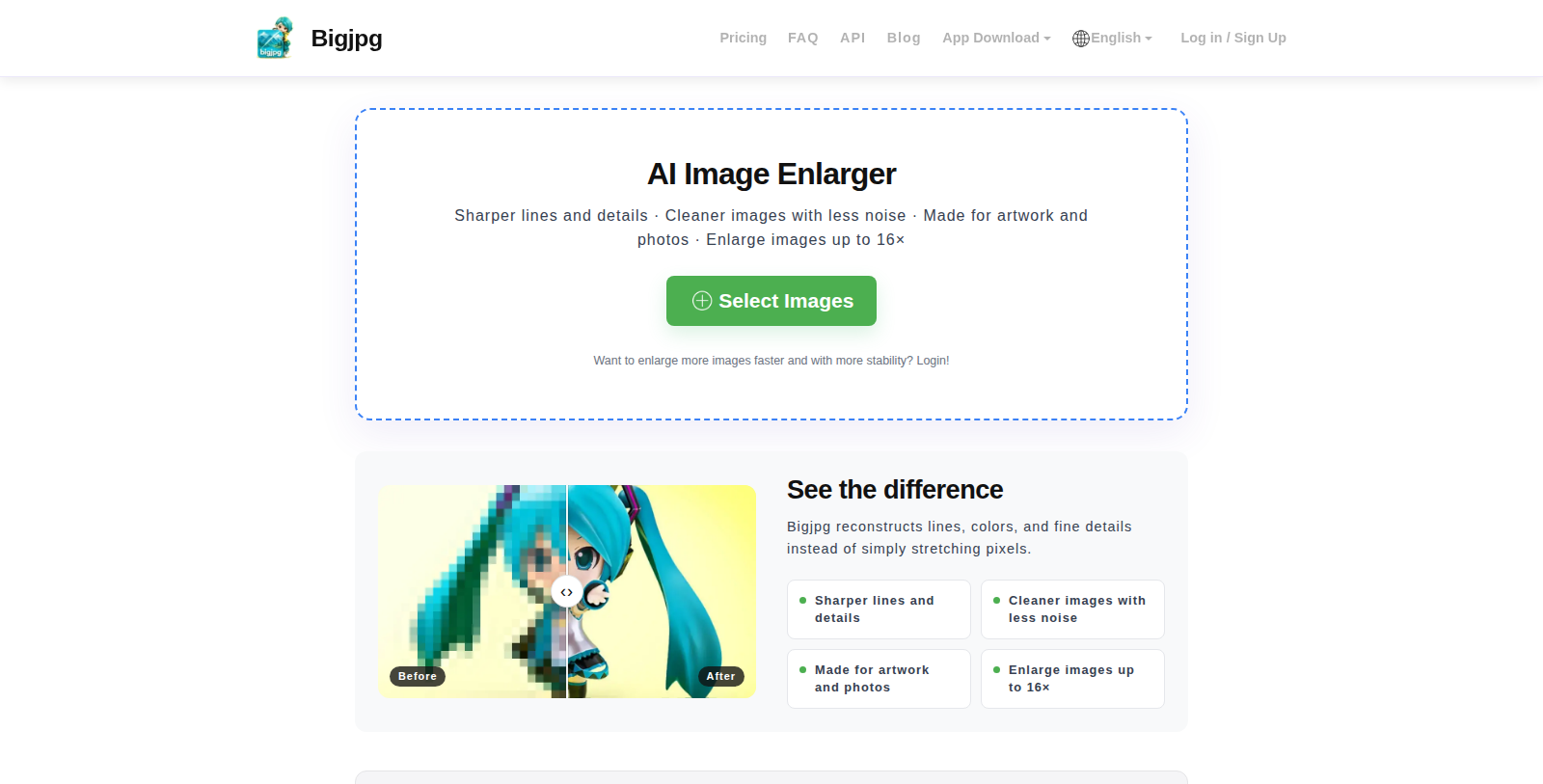
Bigjpg is an online AI image enlarging tool built for anime-style artwork, with support for photos as well. It reconstructs lines, colors and fine details instead of simply stretching pixels, and offers noise reduction levels and several output formats.
The free plan enlarges images up to 4x with a 5MB upload limit and a monthly quota of 20 images on shared servers. Paid plans, priced from $6 to $22 for fixed terms of 2 to 12 months, raise the limit to 50MB, enable 8x and 16x enlargement, faster servers, offline and batch enlarging.
The site also provides Windows, Mac, iOS and Android apps, a Python API tutorial for batch upscaling, a blog, and links to related tools for photo restoration and video enhancement.
Pros & Cons
Pros
- Rebuilds lines, colours and fine details instead of simply stretching pixels.
- Offers Windows, Mac, iOS and Android apps in addition to the web tool.
Cons
- The free tier caps uploads at 5MB and enlargement at 4x.
- Batch enlarging and 8x or 16x enlargement require a paid plan.
Frequently Asked Questions
Translation not found for 'pricing_freemium_with_onetime'
According to our latest information, this tool does not seem to have a lifetime deal at the moment, unfortunately.
Bigjpg uses deep convolutional neural networks to upscale artwork and photos. Instead of simply stretching pixels, it reconstructs lines, colours and fine details. You can also choose noise reduction levels and pick from several output formats to suit the source image.
Bigjpg is built for anime-style artwork, but it also supports photos. It works as an online tool, so you can enlarge images in the browser. For offline use, the site offers Windows, Mac, iOS and Android apps. Check the official website to confirm which option suits your source file.
The free tier enlarges images up to 4x with a 5MB upload limit and a monthly quota of 20 images on shared servers. Paid plans raise the limit to 50MB and add 8x and 16x enlargement, faster servers, and offline and batch enlarging. Check the official website for current limits before uploading large files.
Batch enlarging is listed as a paid-plan feature. The site also publishes a Python API tutorial for batch upscaling, which shows how to automate the work with code. Check the official website for the current batch options before planning a large job.