







BoltAI

AI-powered
Native Mac AI app to use ChatGPT, Claude, Gemini and local models from one workspace
Boltai.comOpens in new tabIs this your tool? Claim this page
Claim Your Tool Page
Free to claim • Premium features available
- Verified Badge – Show users your tool is legitimate with a verified checkmark that builds instant credibility.
- Edit Your Profile – Update descriptions, screenshots, pricing, and keep your listing accurate and up-to-date.
- Boost Visibility – Get featured placements, priority listing in categories, and promotional badges to stand out.
- Respond to Reviews – Engage with your users by responding to feedback and building trust with potential customers.
Follow for updates & deals
Get alerts for BoltAI discounts, feature releases & pricing changes
Similar Tools

Text Generator
OpenAI-compatible API giving access to many AI text, vision and speech models through one endpoint

Brain Pod AI
AI platform for writing, images and chat, now evolving into Charigent with AI characters and workflows

SellMeThisPen
AI sales coaching platform with role-play practice, a 1:1 voice coach and a real-time call assistant

Toby
AI mock interviewer that runs a video-call style practice interview and gives a scored debrief

Myreader
AI reading assistant to ask questions across uploaded books, papers and documents with page references

ZeroTwo
AI agent that plans a goal, works across your files, apps and the web, and returns finished work

Toki
AI executive assistant that handles emails, scheduling, bookings and important matters for you

Tabbit
AI-native desktop browser with page chat, agent task automation, custom skills and tab organization
New Tools

RambleFix
Turns spoken voice notes into polished emails, notes and summaries on web, iPhone and Mac

QuickCreator
AI content team of agents that researches, writes and optimizes SEO articles in your brand voice

Linfo.ai
Summarizes articles, YouTube videos and documents into takeaways, outlines and mind maps

AutoBlogging.Pro
Generates SEO-optimized blog articles with GPT models and publishes them to WordPress automatically

Vsub
Turns a script or voiceover into narrated, illustrated faceless videos using your own style template

VideoToPage
Turns YouTube videos, uploads and recordings into blog posts, articles and social posts

BoltAI Media Gallery
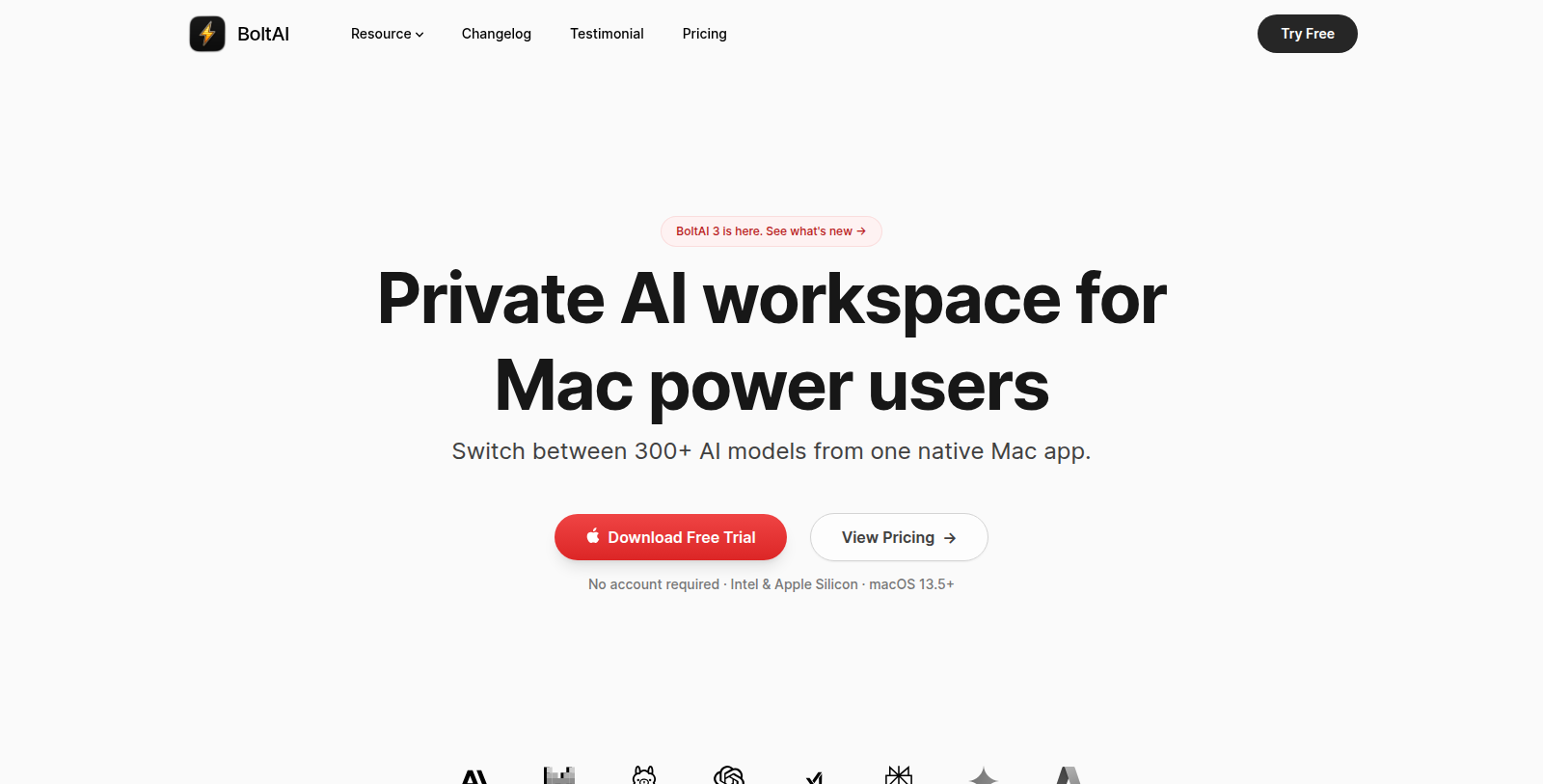
Screenshot of BoltAI
What is BoltAI?
BoltAI is a native macOS AI app built with SwiftUI and AppKit, aimed at Mac power users. It connects to providers such as OpenAI, Anthropic, Google Gemini, Mistral, Azure, Bedrock and local models, and the site says 300+ models can be switched between.
The site lists projects, multi-chat threads with forking, reusable agents, vision-enabled analysis of PDFs and screenshots, adjustable generation parameters, code execution, MCP tools and attached documents.
BoltAI is sold as a one-time purchase with a perpetual license and one year of updates (Pro and Pro+ tiers), and a free trial without an account is available.
Intel and Apple Silicon Macs are supported on macOS 13.5 or later, according to the site.
Pros & Cons
Pros
- Brings 300+ models from several providers into one native Mac workspace.
- Supports MCP tools, code execution and vision analysis of PDFs and screenshots.
- Runs on Intel and Apple Silicon Macs with macOS 13.5 or later.
Cons
Frequently Asked Questions
How much does BoltAI cost?
BoltAI is a paid service. Check their website for pricing.
Does BoltAI have a lifetime deal?
According to our latest information, this tool does not seem to have a lifetime deal at the moment, unfortunately.
Which AI providers can BoltAI connect to?
BoltAI connects to providers such as OpenAI, Anthropic, Google Gemini, Mistral, Azure and Bedrock. Local models are supported as well. The site says you can switch between 300+ models. The official BoltAI website has the current list of supported providers.
How does BoltAI help organize my AI work?
BoltAI supports projects, multi-chat threads with forking and reusable agents. Attached documents can be analyzed, including PDFs and screenshots through its vision features. Generation parameters can be adjusted, so you control how responses are produced. Reusable agents let you set up a task once and return to it later.
Does BoltAI support MCP tools and code execution?
Yes, according to the site. BoltAI includes MCP tools and code execution, and you can attach documents to a conversation. These features suit technical users who want more than a basic chat window. Setup details are best confirmed on the official website.
Which Macs can run BoltAI?
BoltAI runs on Intel and Apple Silicon Macs with macOS 13.5 or later, based on the site. It is a native macOS app built with SwiftUI and AppKit. If you use an older system, check the official BoltAI website to confirm compatibility.
Who is BoltAI aimed at?
BoltAI targets Mac power users who want several AI models in a single workspace. Because it is native to macOS, it fits people who prefer a desktop app over a browser tab. Users who mix cloud providers with local models may find it especially useful.
Notice: This website uses affiliate links to earn commissions from sales. Please read their ToS when signing up somewhere.