







Plazmapunk

AI-powered
Generates music videos from an uploaded track with AI, with a scene editor for directing clips
Plazmapunk.comOpens in new tabIs this your tool? Claim this page
Claim Your Tool Page
Free to claim • Premium features available
- Verified Badge – Show users your tool is legitimate with a verified checkmark that builds instant credibility.
- Edit Your Profile – Update descriptions, screenshots, pricing, and keep your listing accurate and up-to-date.
- Boost Visibility – Get featured placements, priority listing in categories, and promotional badges to stand out.
- Respond to Reviews – Engage with your users by responding to feedback and building trust with potential customers.
Follow for updates & deals
Get alerts for Plazmapunk discounts, feature releases & pricing changes
Similar Tools

Neural Frames
Audio-reactive AI music video generator with a frame-level timeline editor

Artlist
Access a vast library of royalty-free music, sound effects, and video assets for your projects.

Vsub
Turns a script or voiceover into narrated, illustrated faceless videos using your own style template

Videotok
Generates faceless videos, product images, UGC and video ads from a topic, script, link or audio file

Videco
AI content studio and video hosting workspace that repurposes video into clips, copy and landing pages

Storyboarder.ai
Creates storyboards, shot lists and animatics from an uploaded script with AI-generated images

QuickMagic
Converts video or text prompts into editable 3D motion capture data for animation workflows

Prodia
Inference API for generative video and image models, billed at published per-job prices
New Tools

Text Generator
OpenAI-compatible API giving access to many AI text, vision and speech models through one endpoint

RambleFix
Turns spoken voice notes into polished emails, notes and summaries on web, iPhone and Mac

QuickCreator
AI content team of agents that researches, writes and optimizes SEO articles in your brand voice

Linfo.ai
Summarizes articles, YouTube videos and documents into takeaways, outlines and mind maps

Brain Pod AI
AI platform for writing, images and chat, now evolving into Charigent with AI characters and workflows

AutoBlogging.Pro
Generates SEO-optimized blog articles with GPT models and publishes them to WordPress automatically

VideoToPage
Turns YouTube videos, uploads and recordings into blog posts, articles and social posts

Plazmapunk Media Gallery
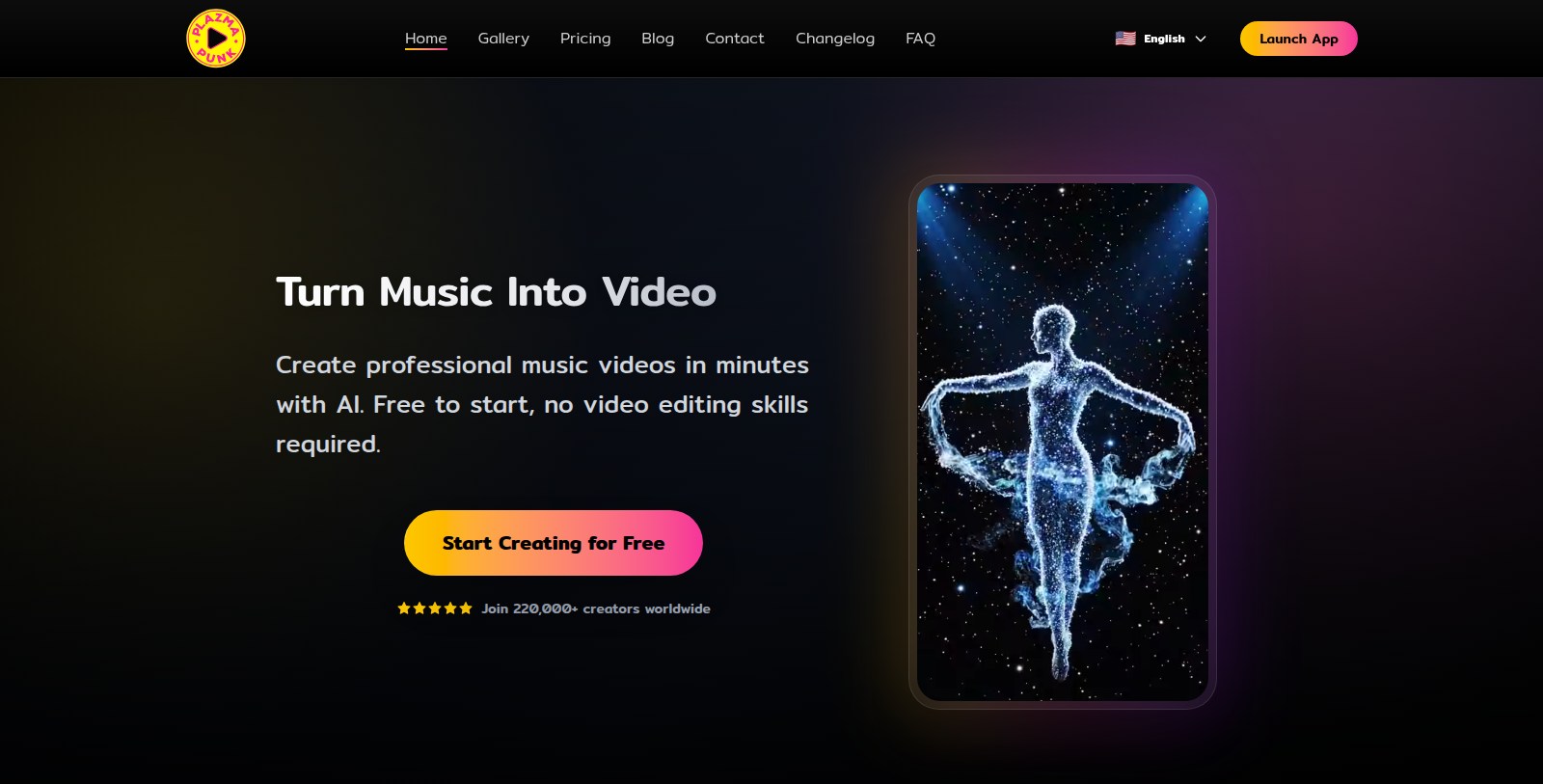
Screenshot of Plazmapunk
What is Plazmapunk?
Plazmapunk turns music into video. Musicians upload a track, choose a visual style and the service generates a music video without any editing skills required.
A Scene Editor lets users build the story visually: choose between different AI models, generate up to 50 clips per song, drag scenes into any order and use starting images for a continuous narrative.
There is a free plan with 200 credits to start. Paid plans (Punk, Professional and Producer) add monthly credits, all aspect ratios, Full HD upscaling without watermarks and, on Punk, a commercial license. The site says it is used by over 220,000 creators. The site also links a gallery of community creations, a blog, a changelog and an FAQ.
Pros & Cons
Pros
- Generates a music video synced to an uploaded track without editing skills
- Scene Editor allows up to 50 clips per song and reordering of scenes
Cons
- The commercial license is named for the Punk plan on the site, so check others before publishing
Frequently Asked Questions
How much does Plazmapunk cost?
Plazmapunk is available at no cost.
Does Plazmapunk have a lifetime deal?
According to our latest information, this tool does not seem to have a lifetime deal at the moment, unfortunately.
How do I make a music video with Plazmapunk?
Upload a track, choose a visual style and the service generates a music video synced to the music. No editing skills are required. The Scene Editor then lets you refine the result by arranging and directing individual clips, so you can shape the video after the first generation.
What does the Scene Editor let me control?
The Scene Editor lets you choose between different AI models, generate up to 50 clips per song, drag scenes into any order and use starting images for a continuous narrative. These controls help you build a story visually rather than accepting a single automatic cut.
Is the community gallery useful for finding ideas?
The site links a gallery of community creations, along with a blog, a changelog and an FAQ. The gallery shows what other creators have made with the tool, which can help when you are choosing a visual style. Treat entries as examples rather than guarantees of what your own video will look like.
Can I use the videos commercially?
The site says the Punk plan includes a commercial license, and that higher plans add monthly credits, all aspect ratios and Full HD upscaling without watermarks. For commercial use, check the official site for the exact license terms of the plan you choose, since the listing does not cover them in detail.
Notice: This website uses affiliate links to earn commissions from sales. Please read their ToS when signing up somewhere.